
Settings o aplikacji "Locksite"
1. Create the neighborhood "Locksight" (if necessary)
After installing the "Locksight" application, its neighborhood is automatically created in the "Site" application. However, in some cases it may be necessary to create the neighborhood manually (for example, when adding a new domain to Web-systems.pro). If required, go to the "Site" application. From the left menu, select "Structure", then click the "New rule" link.
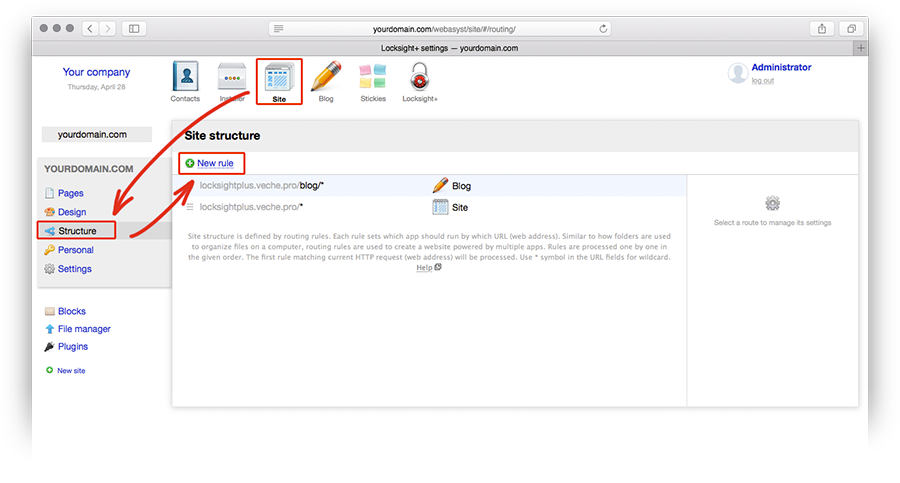
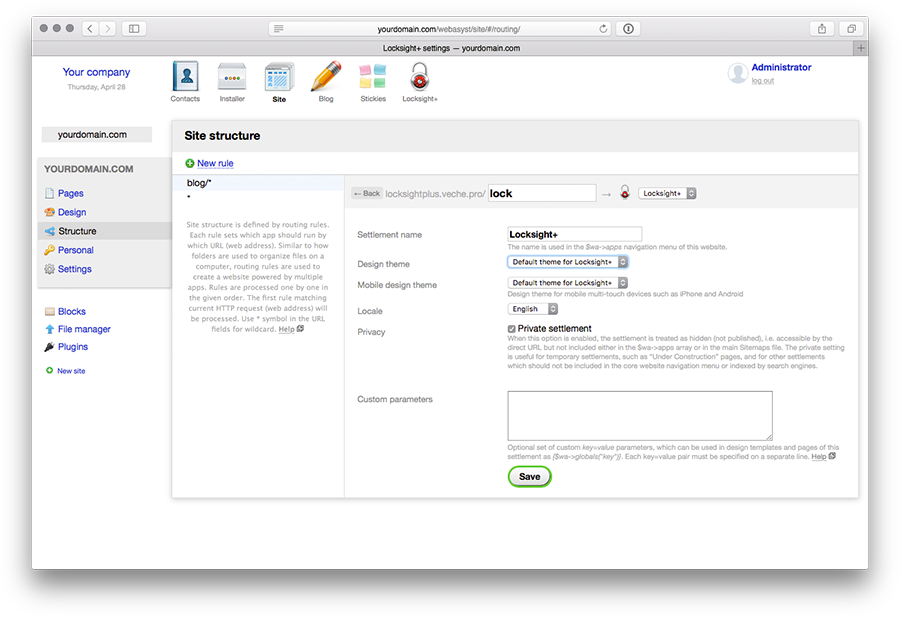
In the form that appears on the right, select "Locksight" from the dropdown list, and in the text input field on the left, complete your site address with the neighborhood name. For example, enter "lock".
Fill in the remaining fields as follows:
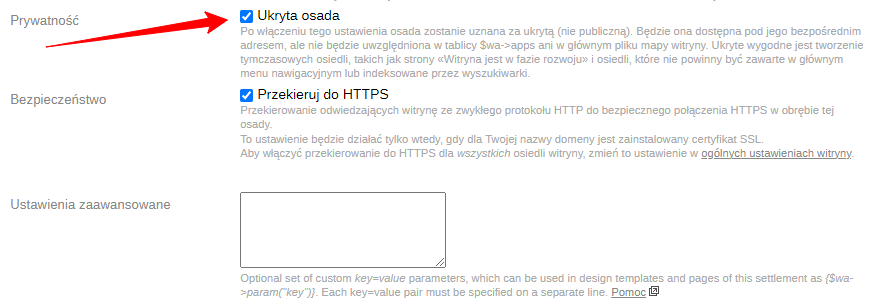
Save the changes. An example of the resulting rule is shown below.
2. Setting "Locksight" options
Go to the "Locksight" application. Set the "Site is closed" slider to "Yes". If needed, change the message that will be displayed on the screen and save the changes.
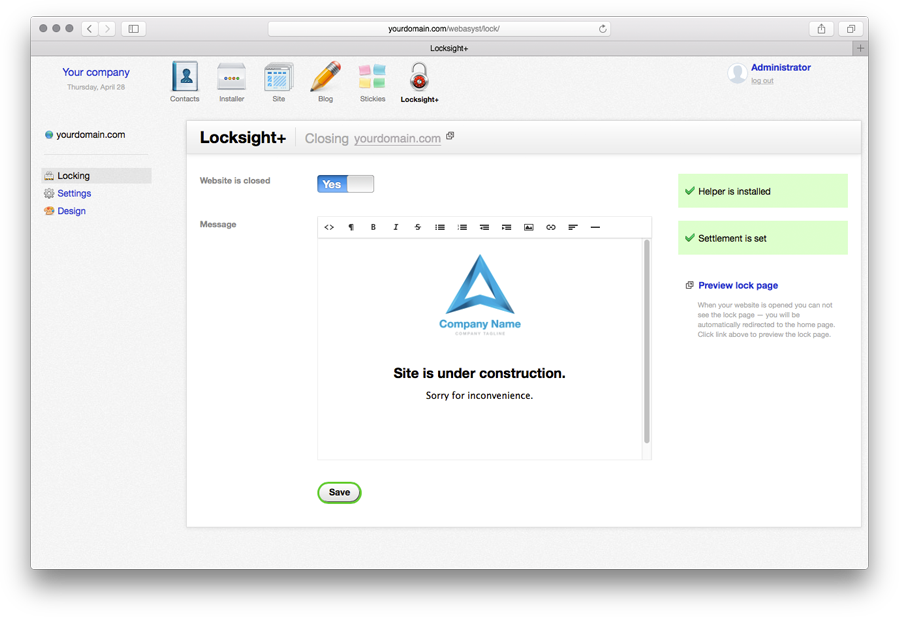
In the application, you can also change the "Locksight" application theme and set advanced site closure options. To do this, use the appropriate sidebar menu items.
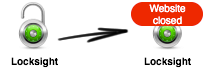
Within a minute, the application icon will notify you that the site is in closed mode (the delay in icon update is due to Web-systems.pro system limitations).
3. Adding helper to templates
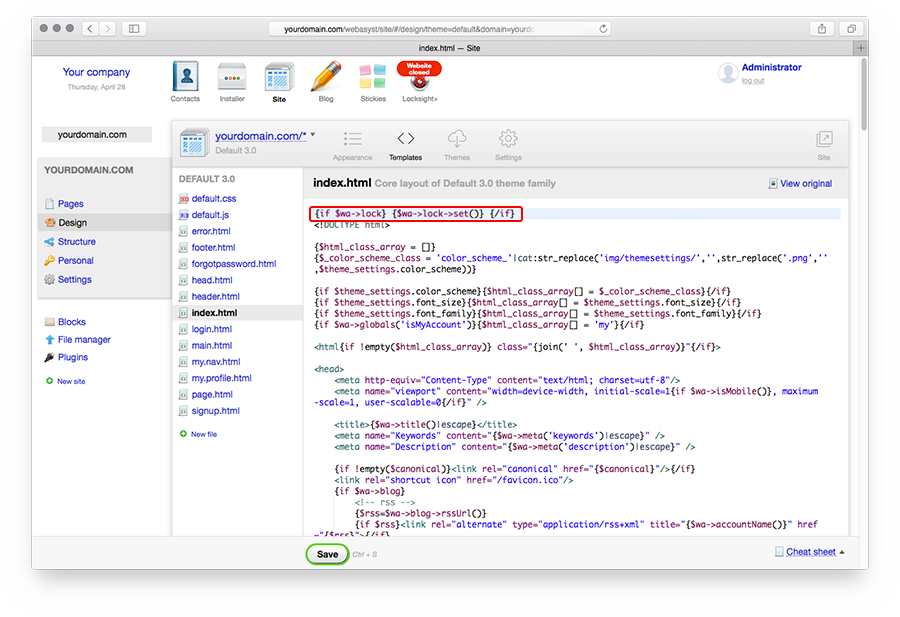
All that remains is to add the "Locksight" helper to the templates of applications installed in the >Web Systems Pro< framework. To do this, in each used application you need to go to project editing, select the index.html file, and add the following line at the beginning of the page:
{if $wa->locksight}{$wa->locksight->set()}{/if}
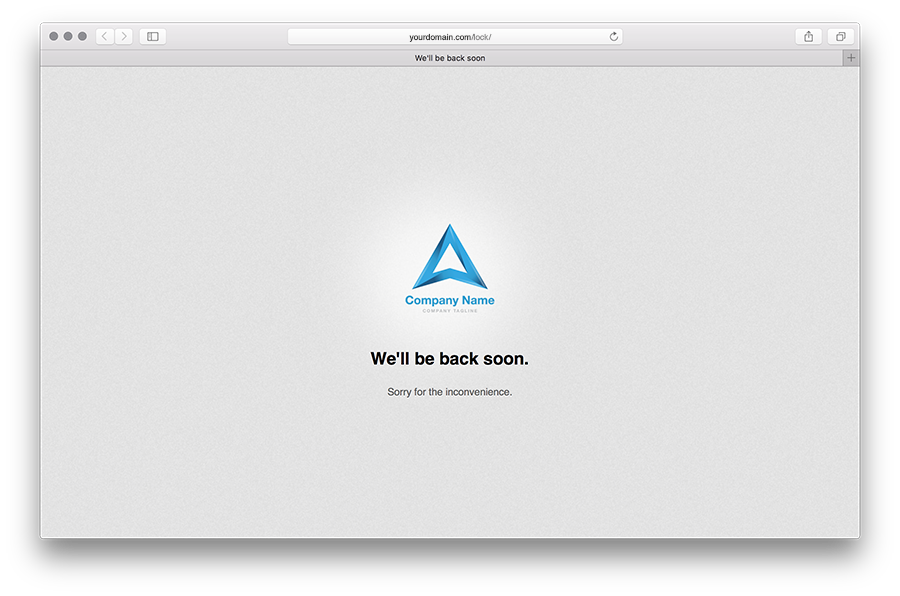
This completes the application configuration. Now, if you access your site from another computer or browser, you will see the intermediate page.
To open the site, simply go to the "Locksight" application, set the switch to "No", and save the changes.
Automatic settings verification
Application has a built-in system for checking application billing settings and the presence of the helper in the template. When opening the application, validation results are displayed in the right column.
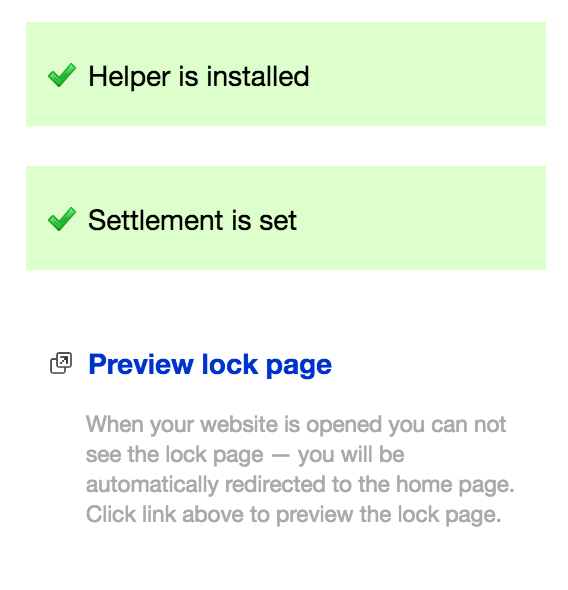
Note that if you have multiple domains, verification results are shown for the selected domain.
If you see the message "Cannot verify helper", it means your hosting does not support the functions required for automatic verification. All other features of the "Locksight" application remain fully available.