

Guide o wtyczce "Google Customer Reviews"
Required actions in Google Merchant Center
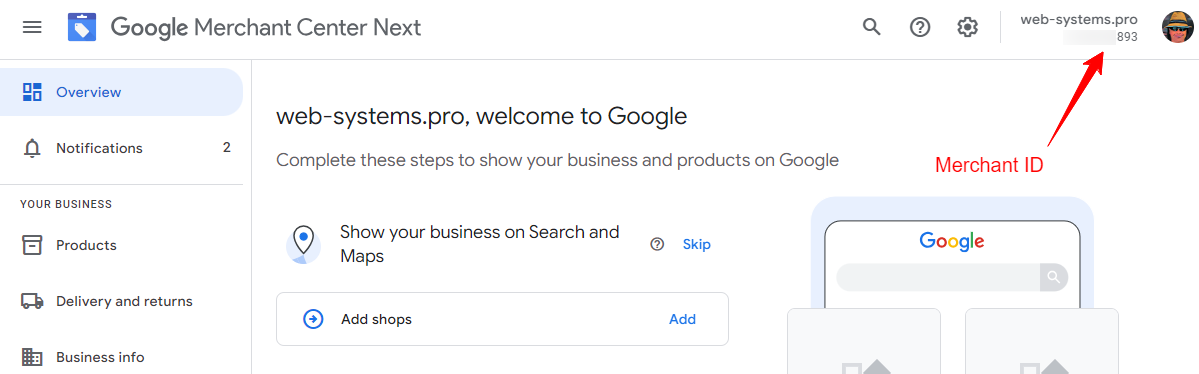
To display the banner button on your website, you need to do more than just enter your Merchant ID:
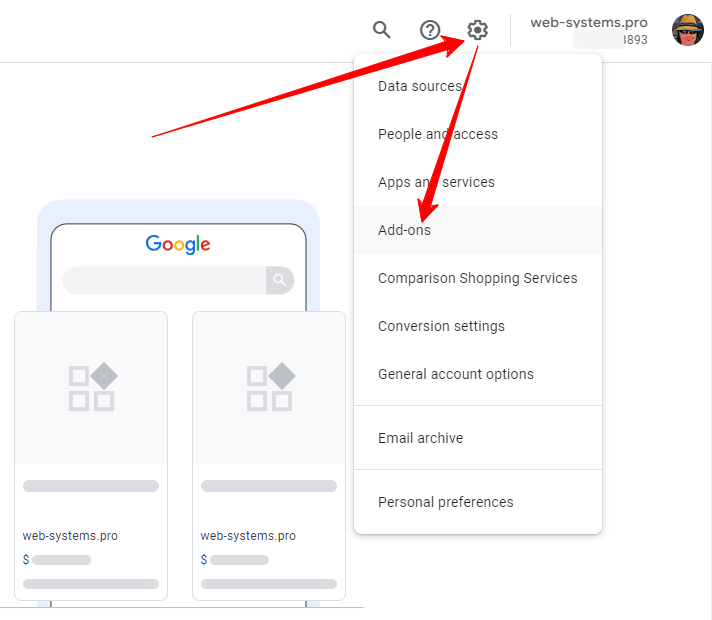
You must also activate reviews on your Google Merchant Center account. To do this, go to the "Add-ons" section, as shown in the screenshot below:
Locate and check the "Google Customer Reviews" section, and if it is not yet active, enable it:
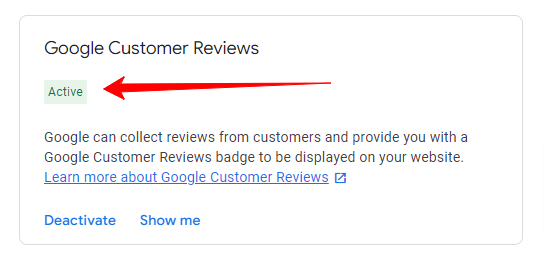
Done!