
Extended menu - app for advanced menu management


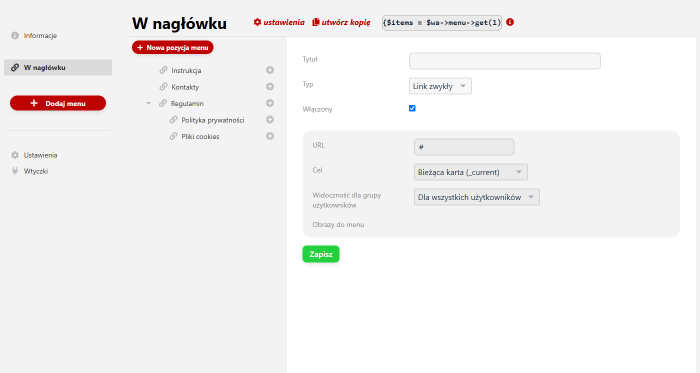
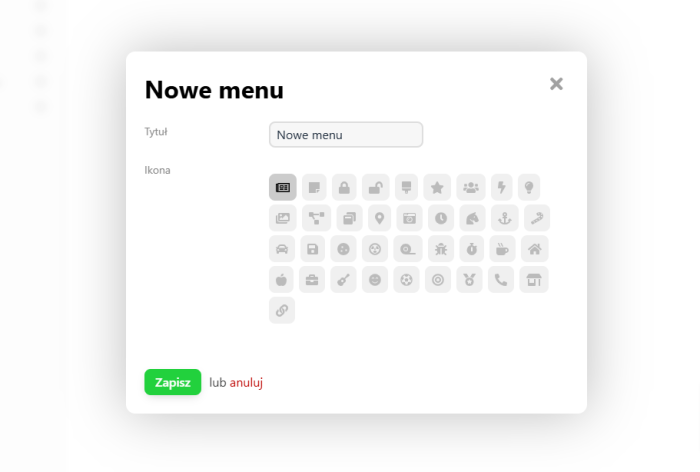
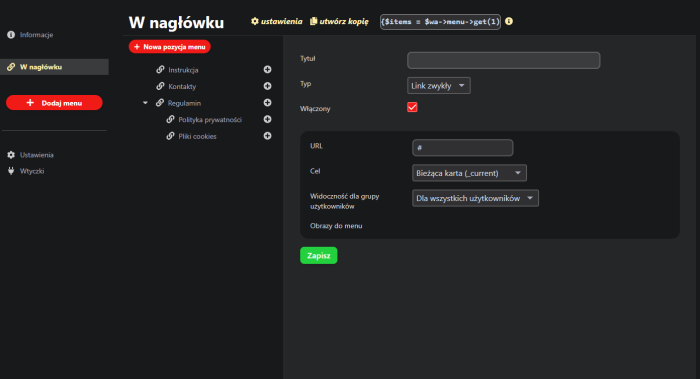
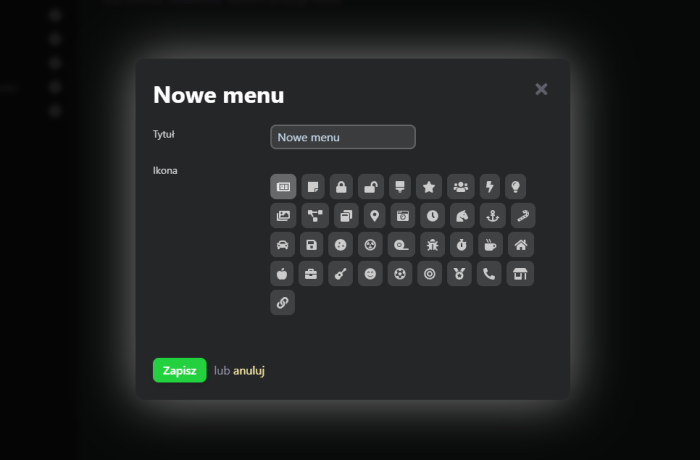
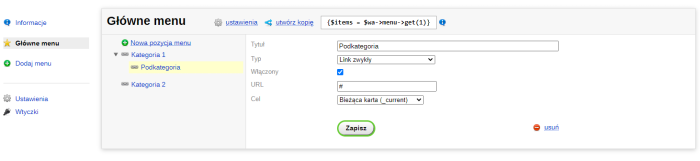


With the "Extended menu" application, you can create and customize various menus for the frontend of your website.
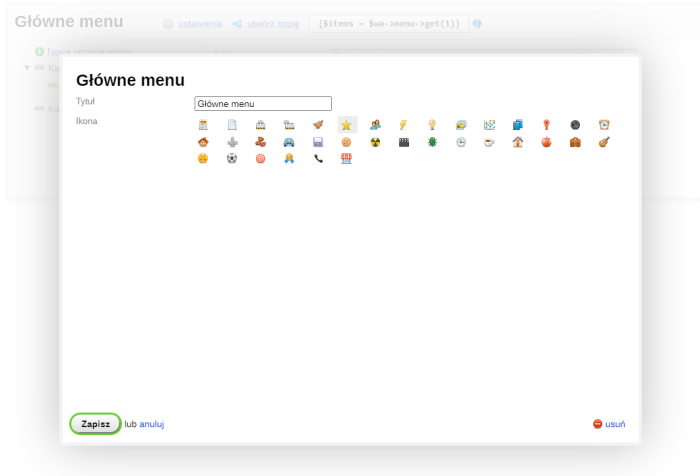
You can set up the structure of a new menu using a simple visual editor. Automatic generation of links to individual sections of the site (e.g., store categories) is available through installed plugins.
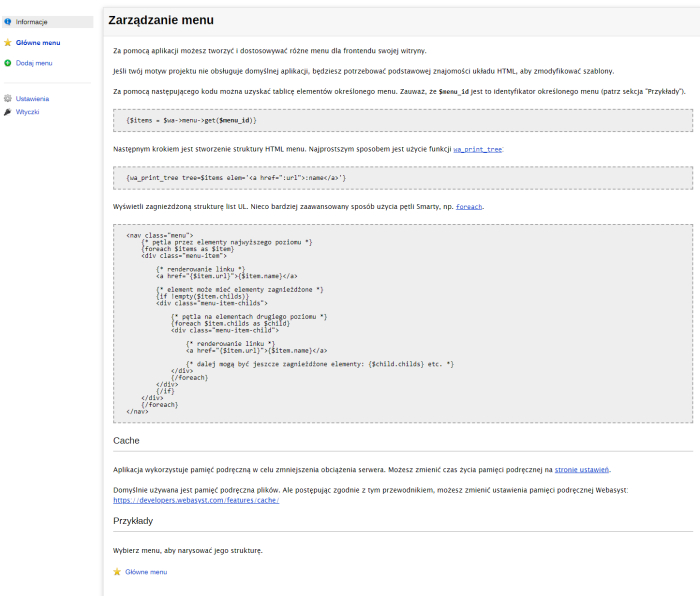
After creating the structure, you can test it in the Information section.
Installing the menu on a page
If website theme does not support the default application, you will need basic knowledge of HTML layout to modify the templates.
You can retrieve the array of items for a specific menu using the following code. Note that $menu_id is the ID of the specific menu.
{$items = $wa->menu->get($menu_id)}
The next step is creating the HTML structure of the menu. The simplest way is to use the wa_print_tree function, which will display a nested UL list structure:
{wa_print_tree tree=$items elem=':name'}
A slightly more advanced method is using Smarty loops such as .
<nav class="menu">
{* loop through top-level items *}
{foreach $items as $item}
<div class="menu-item">
{* rendering the link *}
<a href="{$item.url}">{$item.name}</a>
{* item may have nested elements *}
{if !empty($item.childs)}
<div class="menu-item-childs">
{* loop through second-level items *}
{foreach $item.childs as $child}
<div class="menu-item-child">
{* rendering the link *}
<a href="{$item.url}">{$item.name}</a>
{* further nested elements are possible: {$child.childs} etc. *}
</div>
{/foreach}
</div>
{/if}
</div>
{/foreach}
</nav>
Caching.
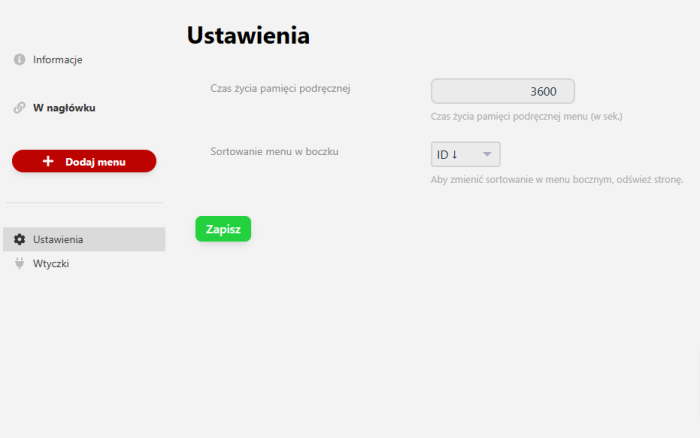
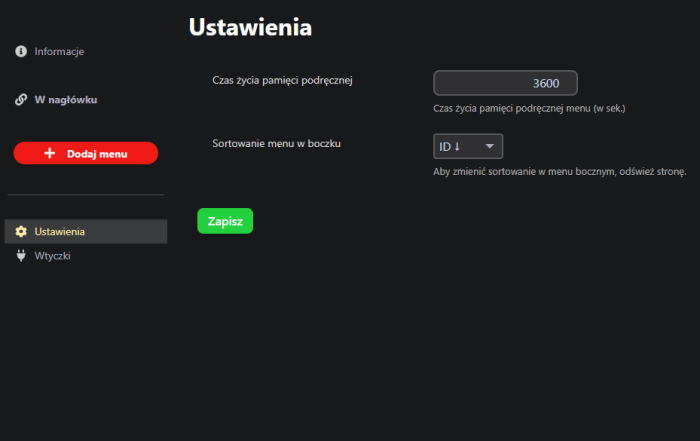
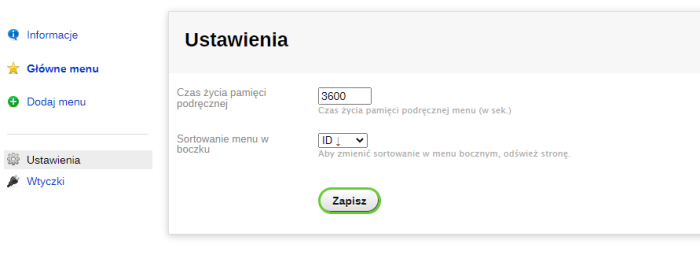
Application uses caching to reduce server load. You can change the cache lifetime on the settings page.
File-based caching is used by default.
Target parameter.
For each menu item, you can specify a target - for example, to open in a new tab. Note that for this to work, integration with the theme is required. If your theme does not support this option, you need to add code of the following form when displaying the link:
{if $link.target}target="{$link.target}"{/if}
Example:
{if count($pages)}
{foreach $pages as $p}
<div class="footer-menu__item">
<a class="footer-menu__link" href="{$p.url}" {if $p.target}target="{$p.target}"{/if}>{$p.name}</a>
</div>
{/foreach}
{/if}
| Technical specifications | |
Localization settings | English, Polish, Russian |
Installed in the cloud | No |
UI backend support | 2.0 |
Software type | Application |
Free | No |
| Developer and application version | |
Developer | Welldi |
License | Web Systems Pro |
Version | 2026.05.16.1.wsp |
Update | 06/19/2026 |