Documentation "Multilang"
How to configure the Multilang app?
To start working with the app, you need to add locations that will be used in the translation functionality. To do so, go to the corresponding section in the app settings.
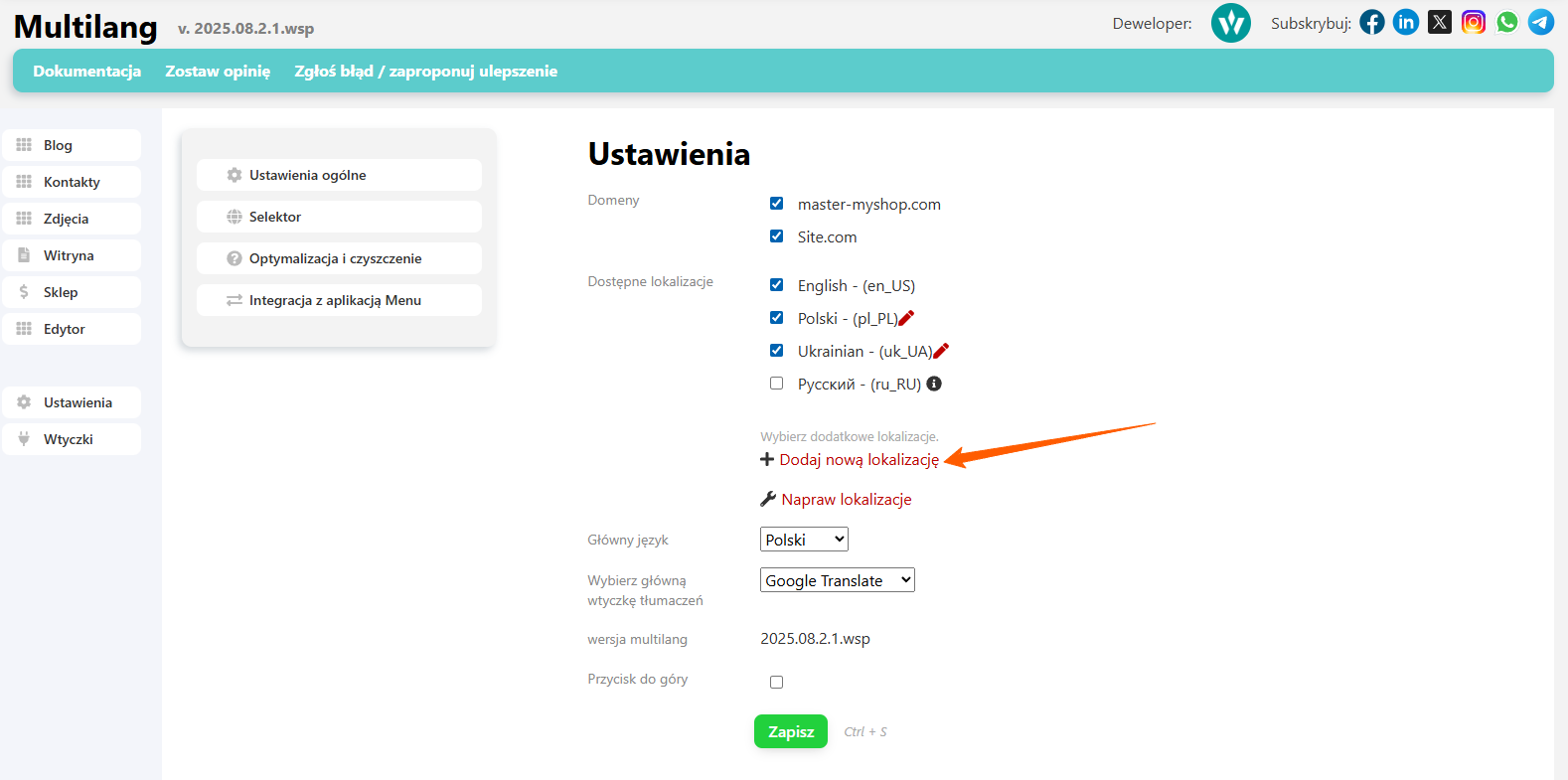
Add the required location with the parameters you're interested in and click the "Save" button.
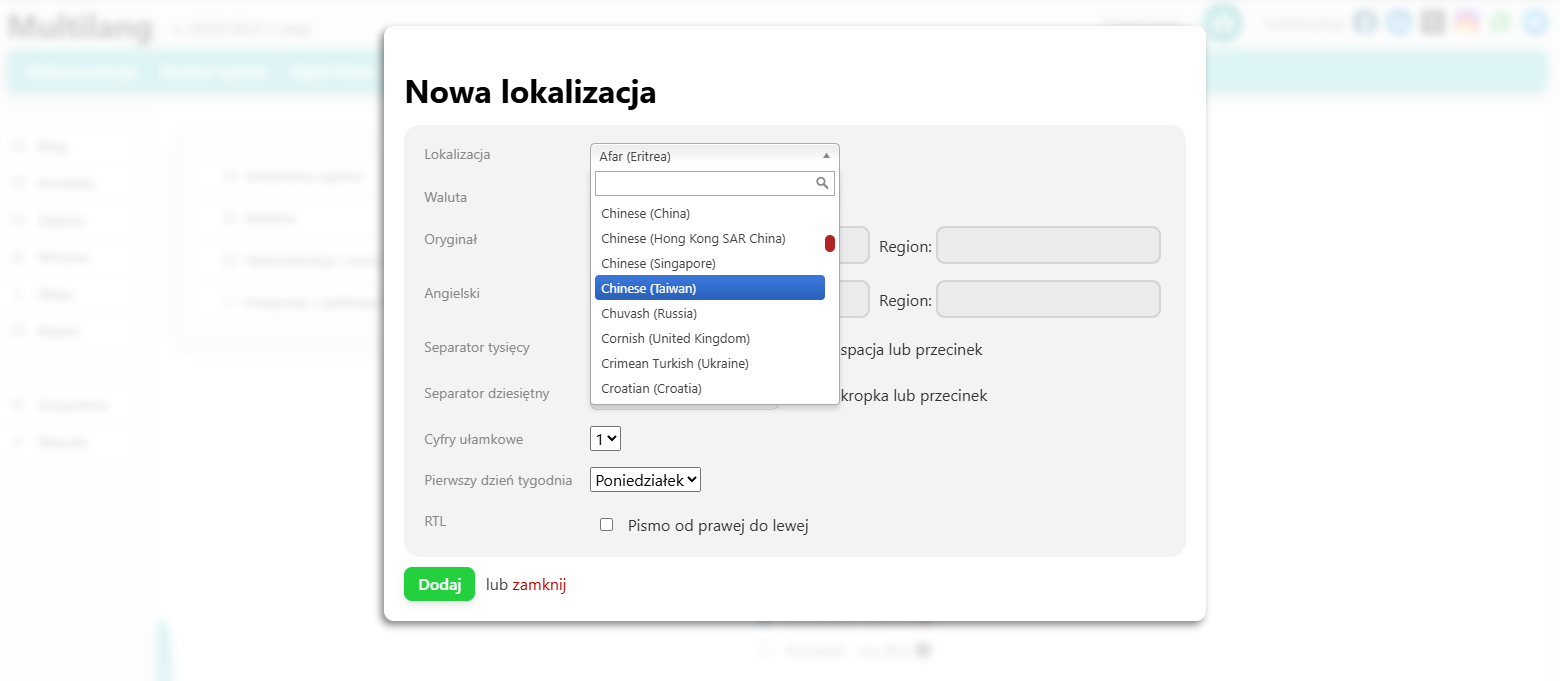
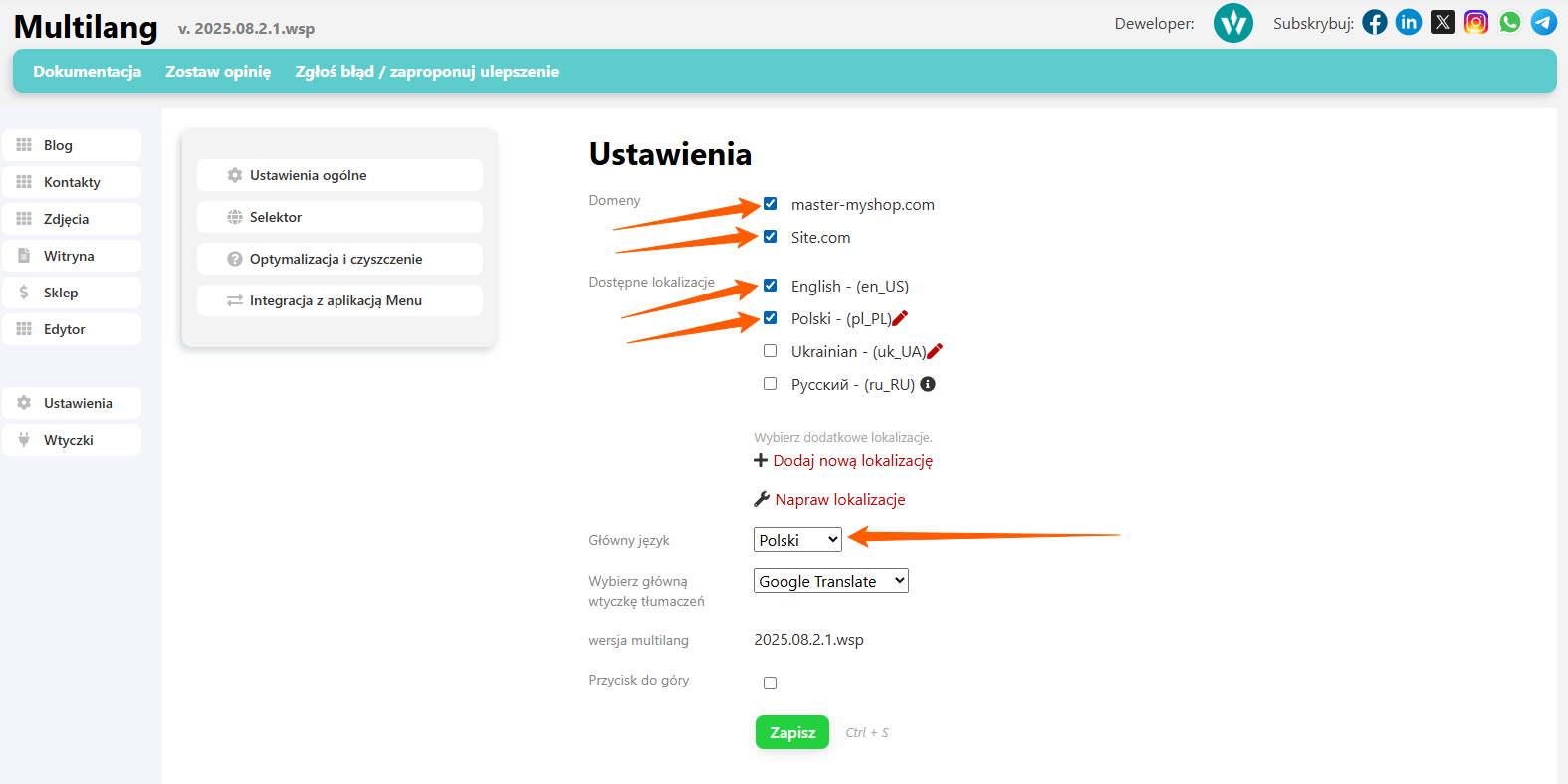
The final step on this page is to select the domains and locations that Multilang will use to handle translations.
The next essential step for the app to function properly is creating new storefronts with appropriate language locations.
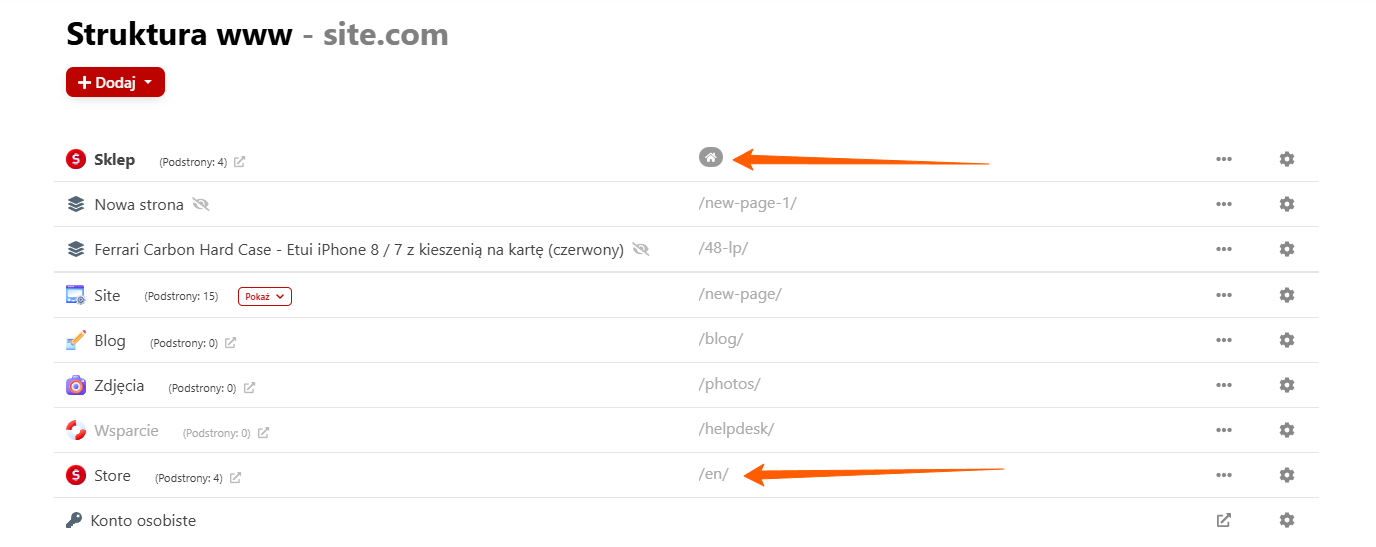
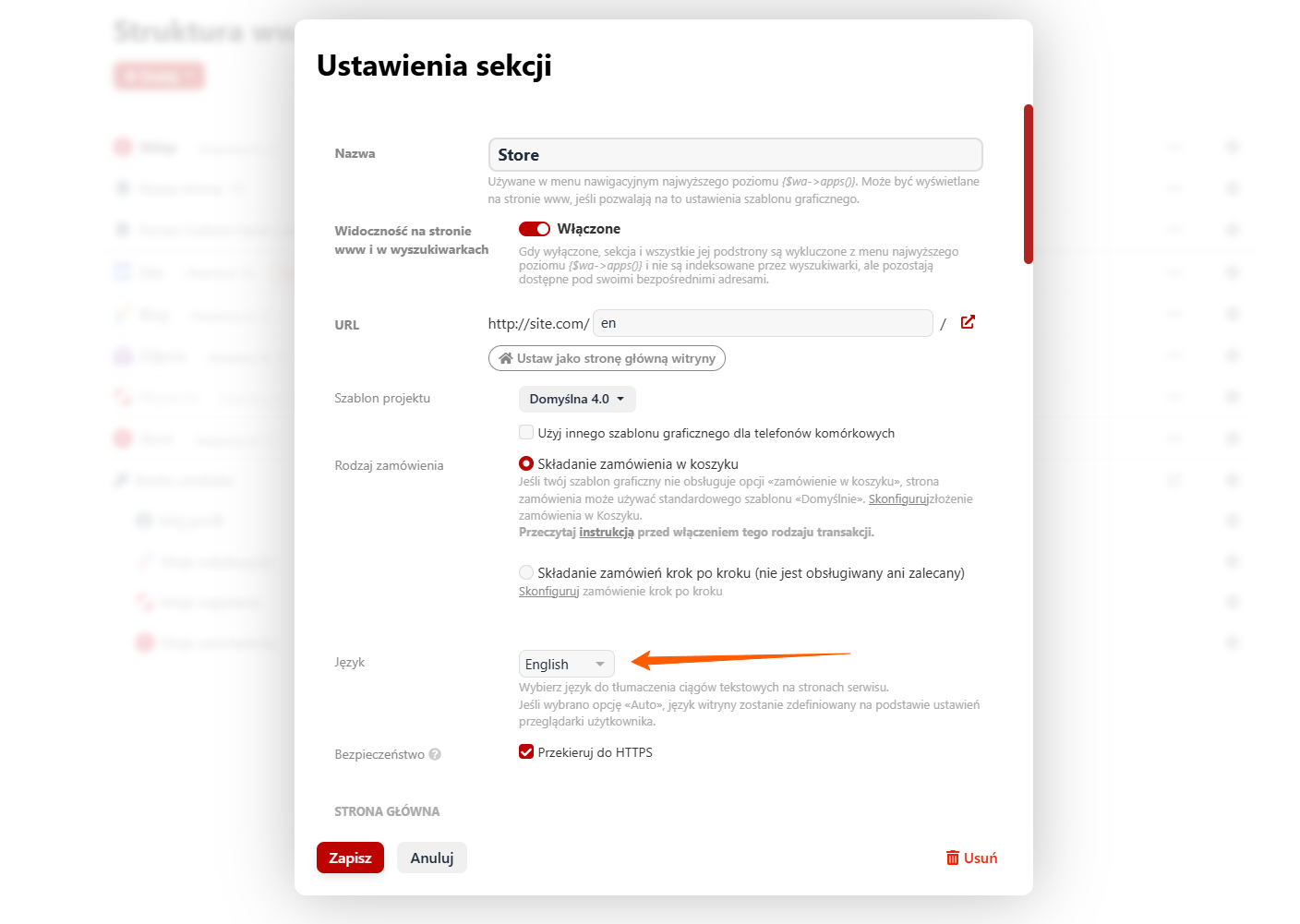
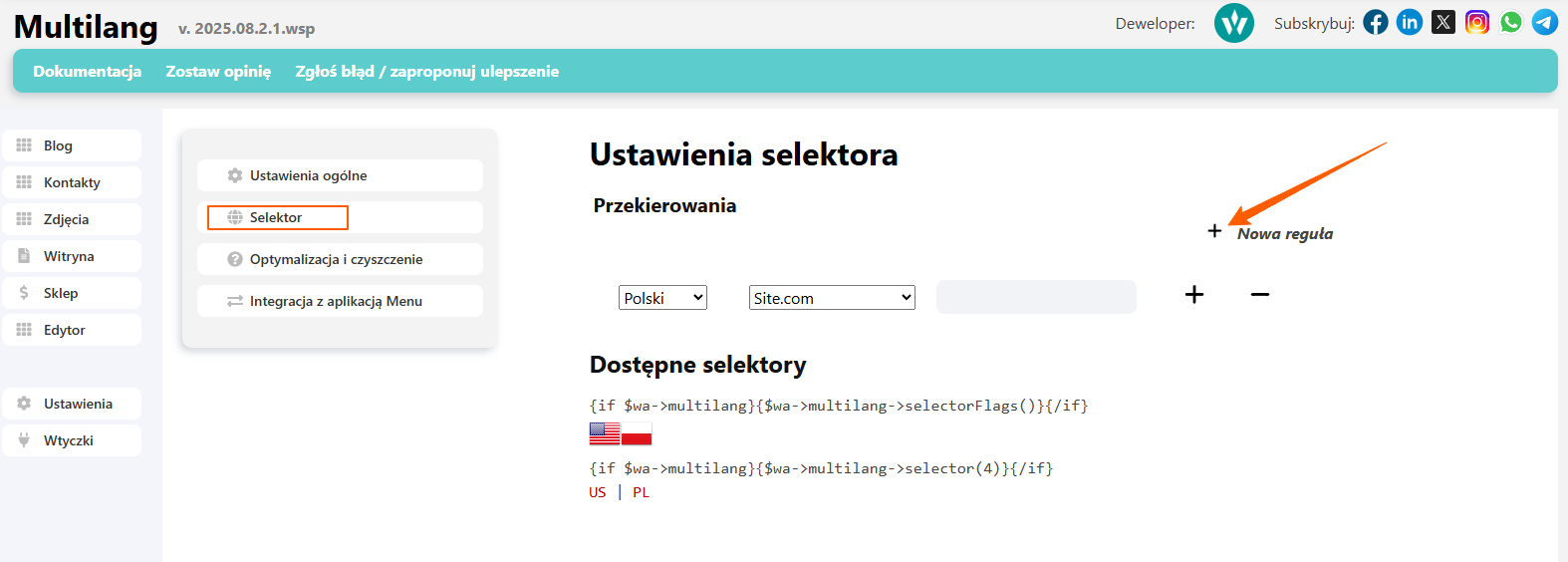
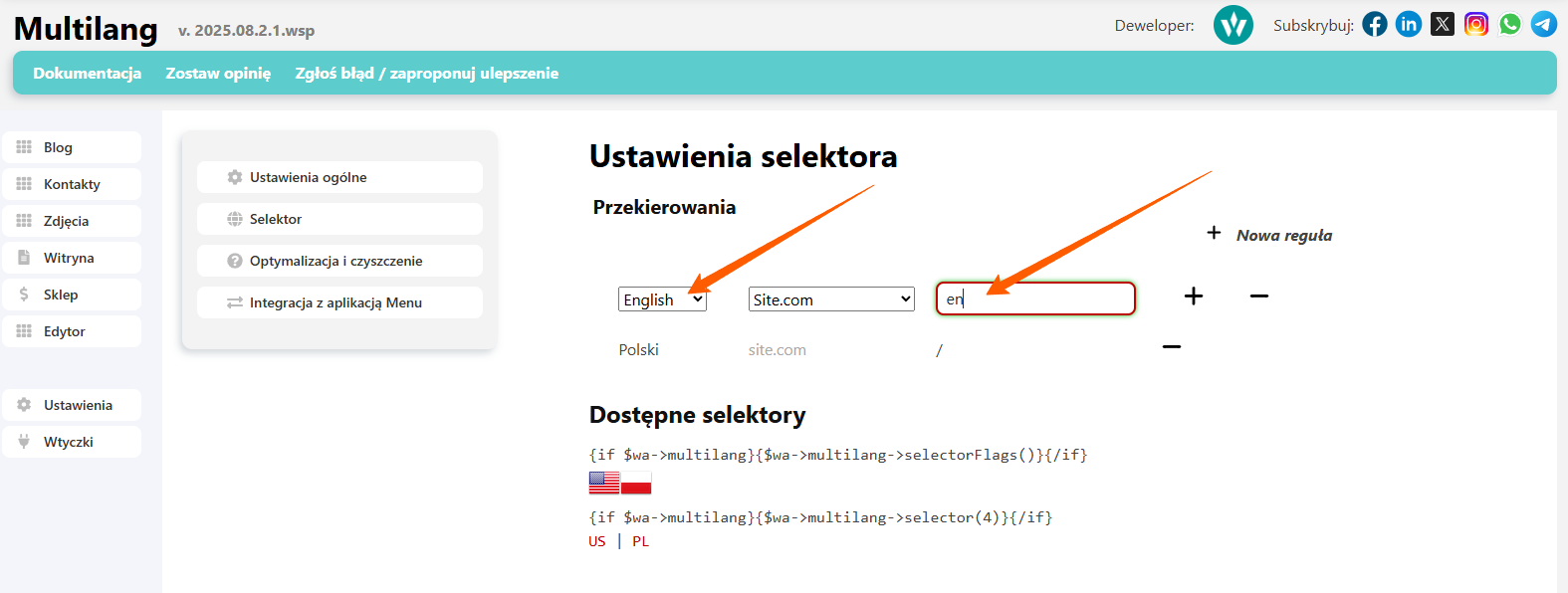
After creating the storefronts, return to the Multilang app and configure the selectors. Selectors can be added anywhere in the theme to allow convenient switching between storefronts. Pay special attention to selector locations-they must correspond to the languages configured in the created storefronts.