Smart import o aplikacji "Pocket Lists"
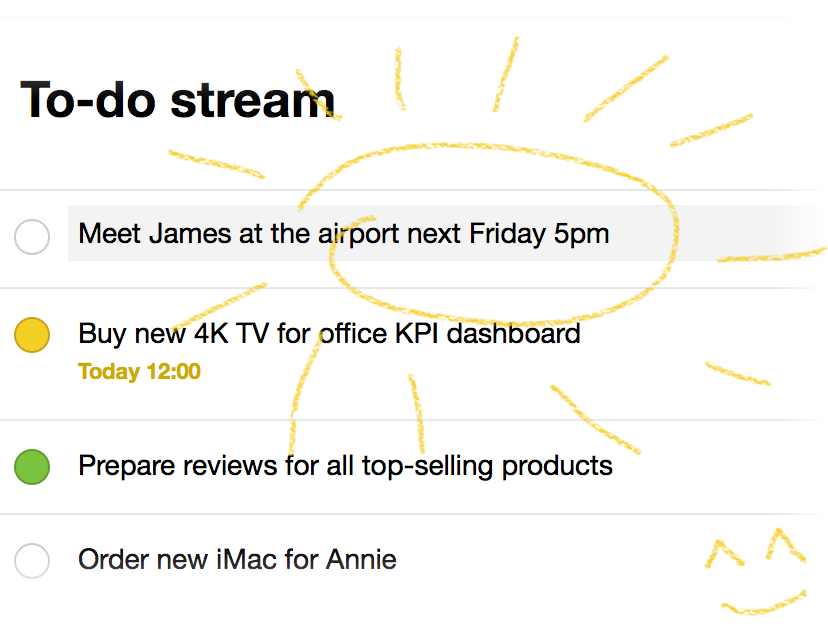
Pocket Lists automatically sets the due date and priority of a task based on the entered text (task name, title). Just write the planned date as plain text, and then app will do everything automatically.
Date and time
- Meeting tomorrow morning
- Pay the bill on Friday at 13:00
- Prepare the corporate gift list December 20
- New website project next Monday
- Check ad campaign effectiveness in two weeks
Application sets the task due date based on the entered text and automatically removes unnecessary text (shown in italics in the examples above).
Priority
Use exclamation marks ! to set priority. One (!) - green, two (!!) - yellow, three (!!!) — red.
Example: Do this!!
Note
Use a double slash // to separate the task text and an additional note. Everything after // will be added as a note.
Example: call Mark //Remind him to bring his camera and a few lenses to the office
* * *
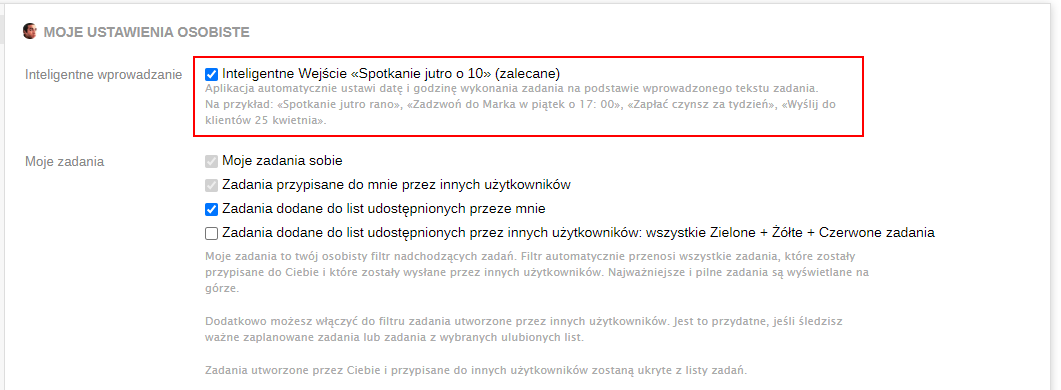
Settings
The "Smart input" feature can be enabled or disabled in Settings settings.