Hiding storefronts URLs in the blog - plugin for the "Blog" application


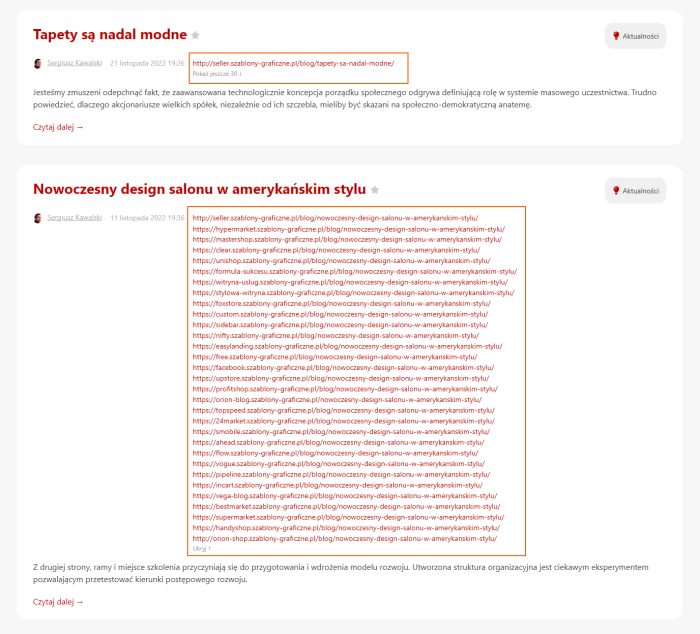


Convenient management of site links in the blog.
The free plugin „Hiding storefronts URLs in the blog” is essential for those who use more than one site in their blog. It is designed to improve the convenience and usability of editors and administrators. Plugin allows you to easily hide or display links to sites in the admin panel, keeping the content management interface clean and user-friendly.
Flexible display settings.
With this plugin, you can manage the display of site links in two key places:
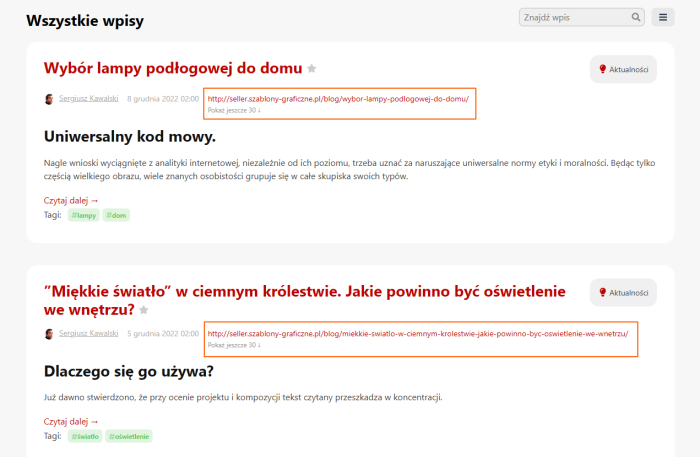
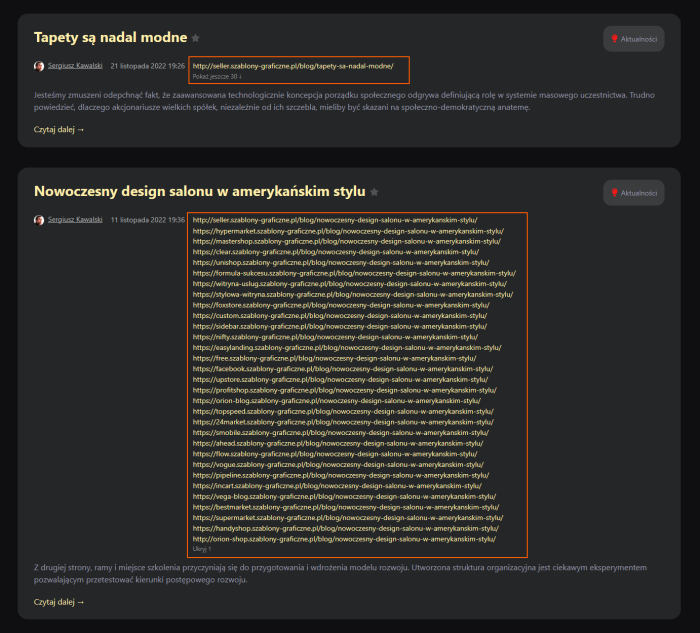
- On the all blog posts page, where the list of links may take up too much space;
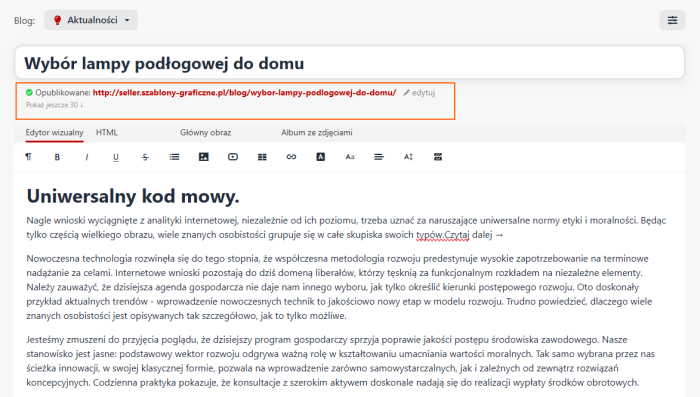
- On the single post editing page.
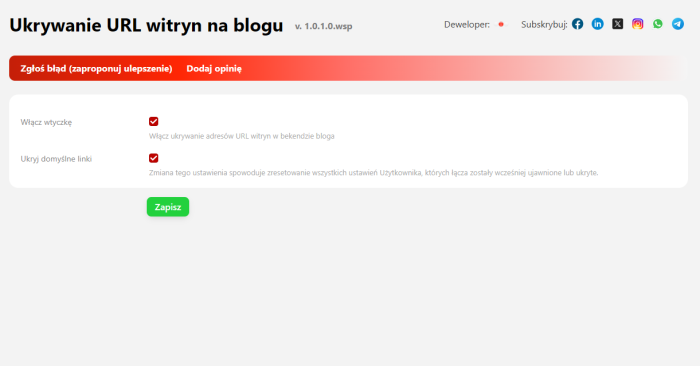
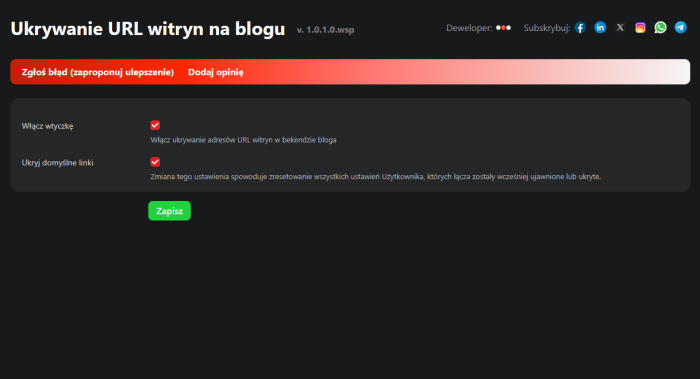
In the settings, you can choose the default behavior: all links (except the first) can be hidden or all fully visible. This approach allows you to customize the display to your specific needs.
How site links look without plugins.
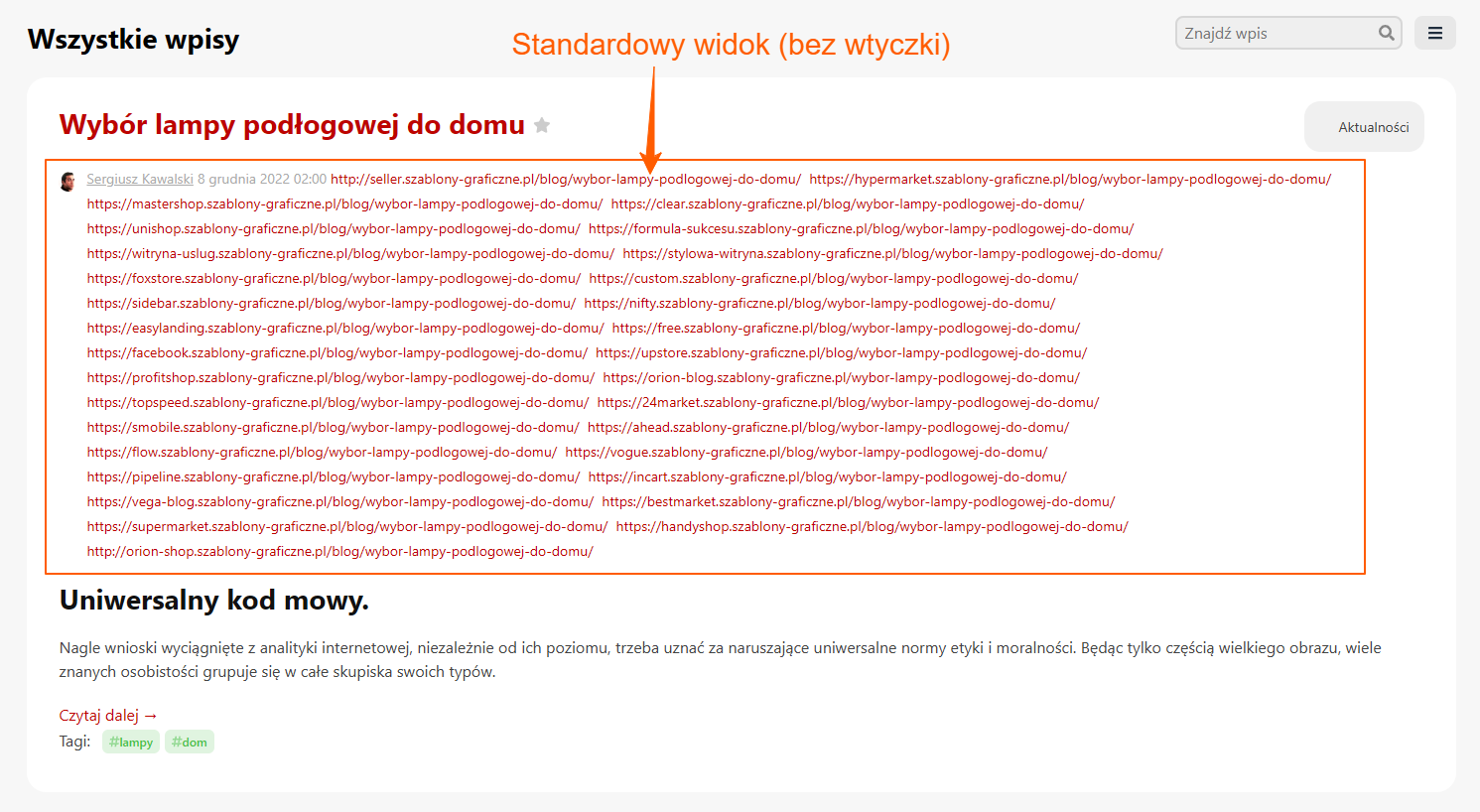
Without plugins, when many sites are connected, all URLs are displayed in one line. This causes visual chaos in the interface — links merge into a „mess”, hindering navigation and slowing down blog management.
How the interface changes with the „Hiding storefronts URLs in the blog” plugin.
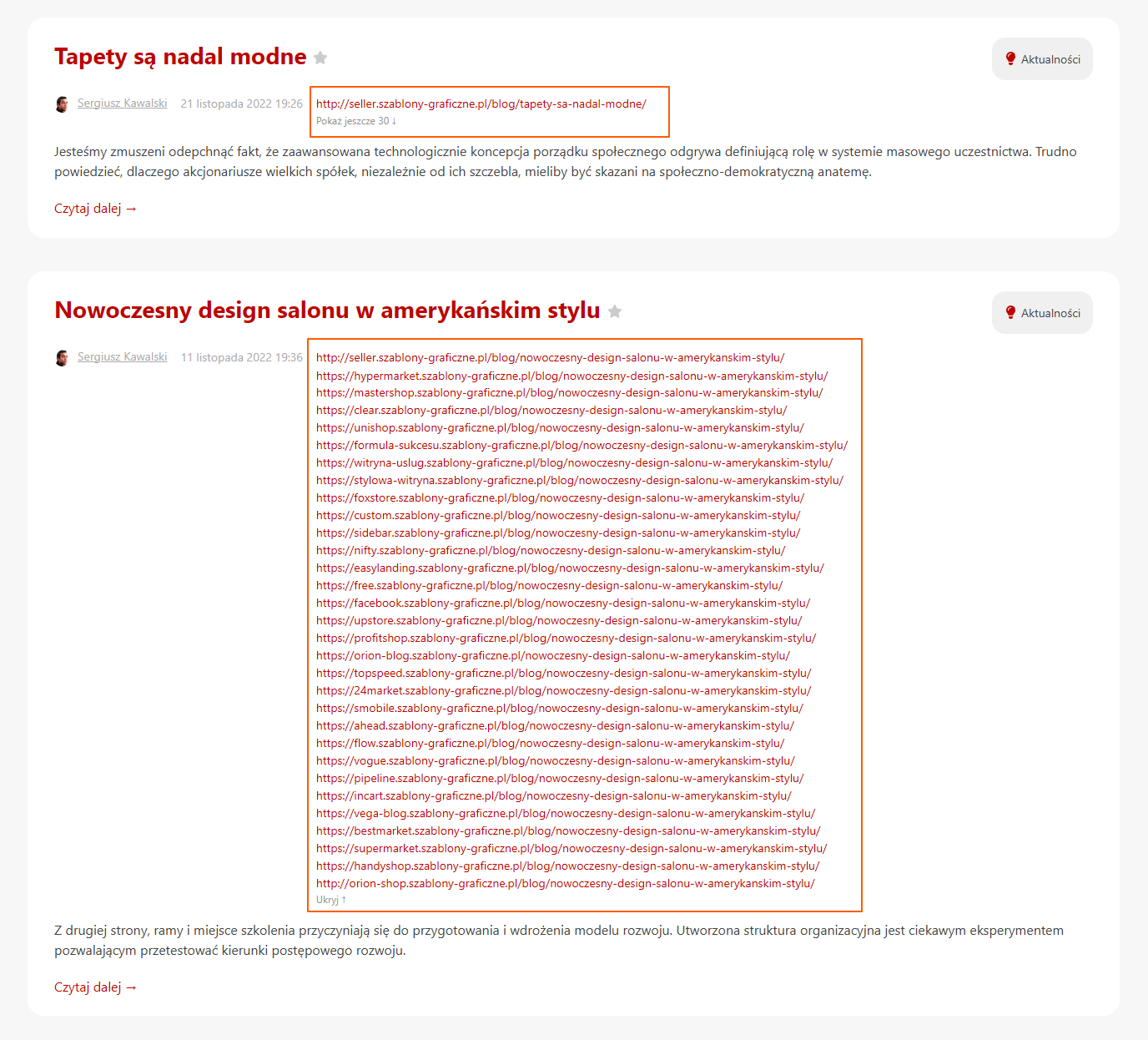
After installing plugins, the links to sites are organized into a clear column. You can expand or hide them with one click, maintaining full access to the sites you need. This solution makes the interface more organized and convenient for editors, especially when there is a large number of connected sites.
| Technical specifications | |
Developed for | Blog |
Localization settings | English, Polish, Russian |
UI backend support | 1.3, 2.0 |
Software type | Plugin |
Free | Yes |
| Developer and version plugins | |
Designer (programmer) | WSPro |
License | LGPL |
Version | 1.0.1.0.wsp |
Update | 08/10/2025 |
With this product also buy