Backend customization UI 2.0 - plugin for the "Site" app





Helpdesk only in the new UI 2.0 interface
The Plugin "Backend customization UI 2.0" works exclusively in the new UI 2.0 interface of the Site app and supports both light and dark versions of the backend. This tool allows you to customize the interface and speed up work in the site's administrative area.
What is the "Backend customization UI 2.0" plugin for?
The "Backend customization UI 2.0" Plugin transforms the standard Web Systems Pro interface into a convenient working environment. Instead of unnecessary clicks - a familiar sidebar menu in the "Site" app, instant orientation within sections, clear page headings, and a consistent workflow across all apps.
No clutter on screen, no interface "flickering" - everything appears smoothly and in the right order.
Main features of the plugins.
1. Sidebar navigation menu for the "Site" app with logic like in UI 1.3 and visual design matching all major apps, including Shopy-Script:
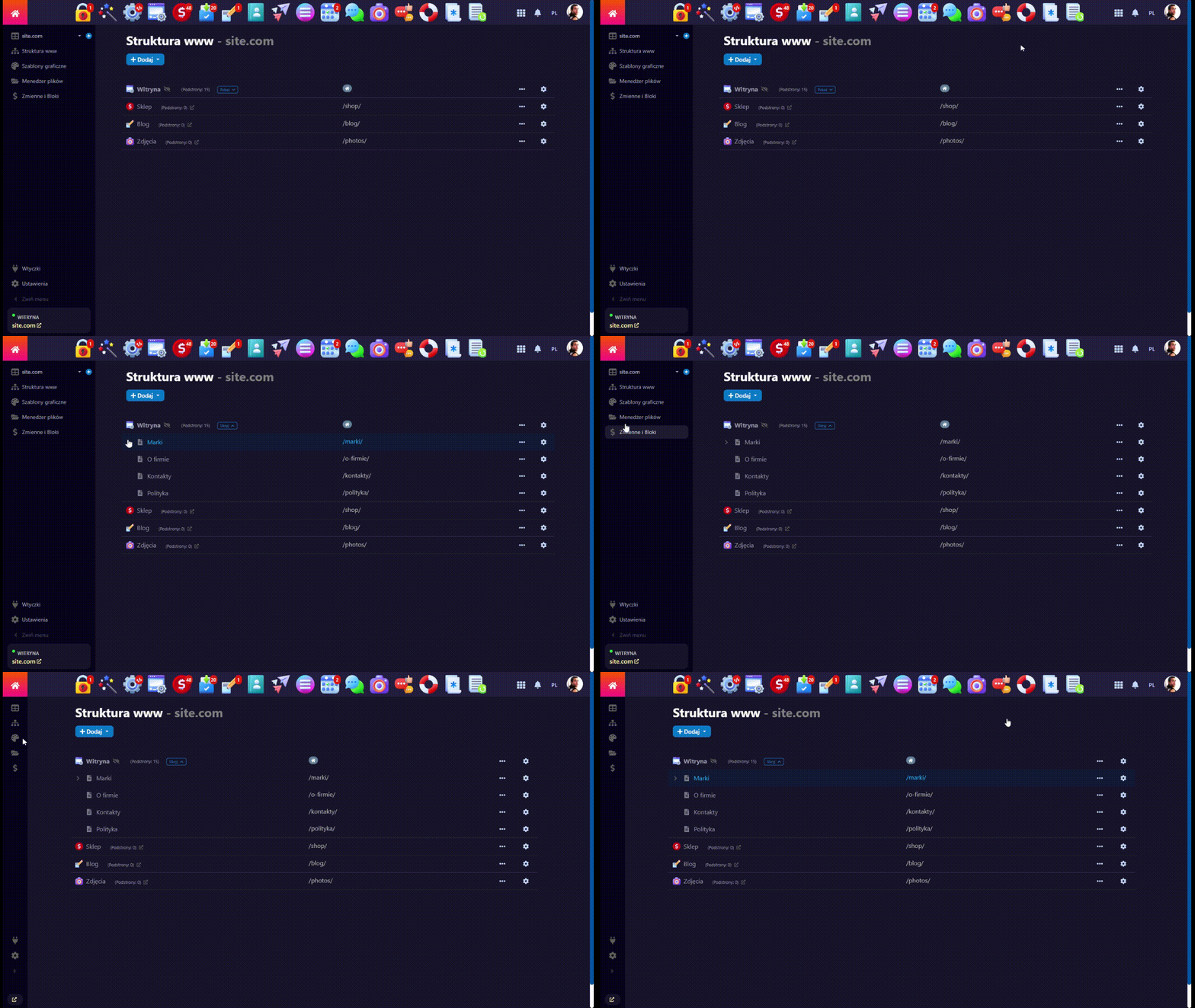
- Three display modes: pinned, compact, or on hover.
- Convenient access to all sections: Website Map (Page Structure), Themes, File Manager, Variables/Blocs, Plugins, Settings.
- Smooth operation without annoying "jumps" in the "Variables/Blocs" section.
- "Extra sidebar" for plugins of the "Site" app - installed plugins always at hand in the left-side menu, just like in Shopy-Script.
- Section page headers for the "Site" app - automatically inserted H1 section titles, and for key pages (Page Structure, Themes, Settings) the domain name is added, making it easy to identify which site you are working on.
- Quick domain switching via AJAX with a single click in the sidebar, as in UI 1.3 of the Site app.
- Quick creation of a new page - a "+" button in the sidebar next to the list of all domains.
2. Instant backend interface language switch in the main navigation menu:
Switch the interface language in any app with one click - no need to go to the "Team" profile (Contacts, CRM).
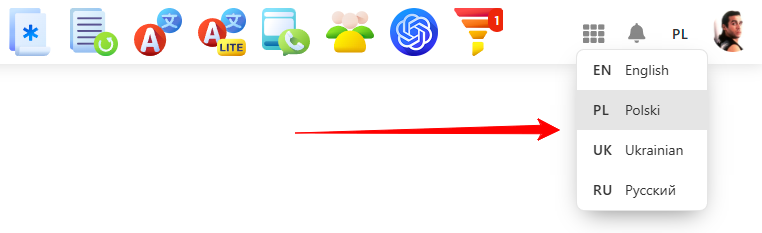
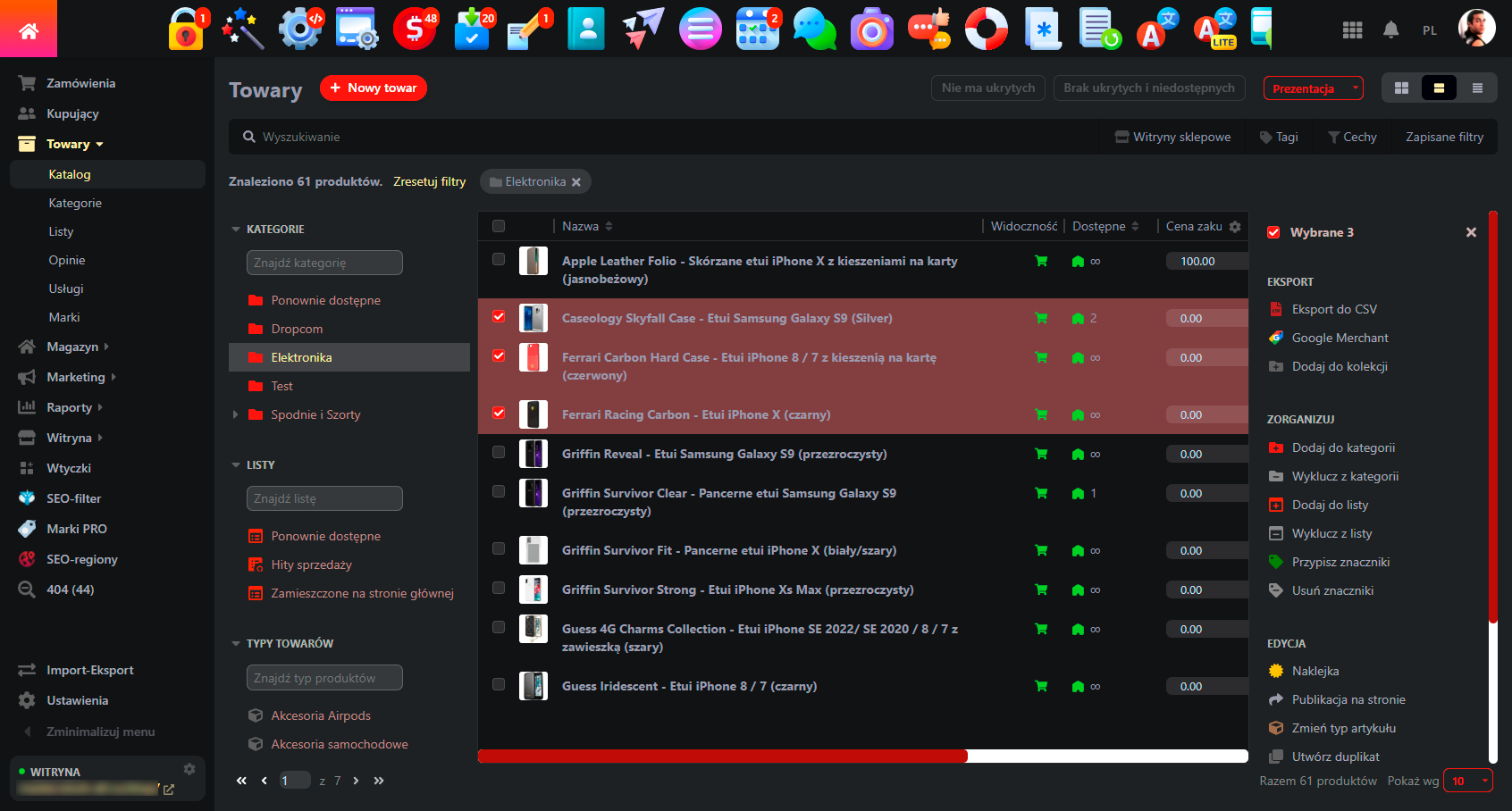
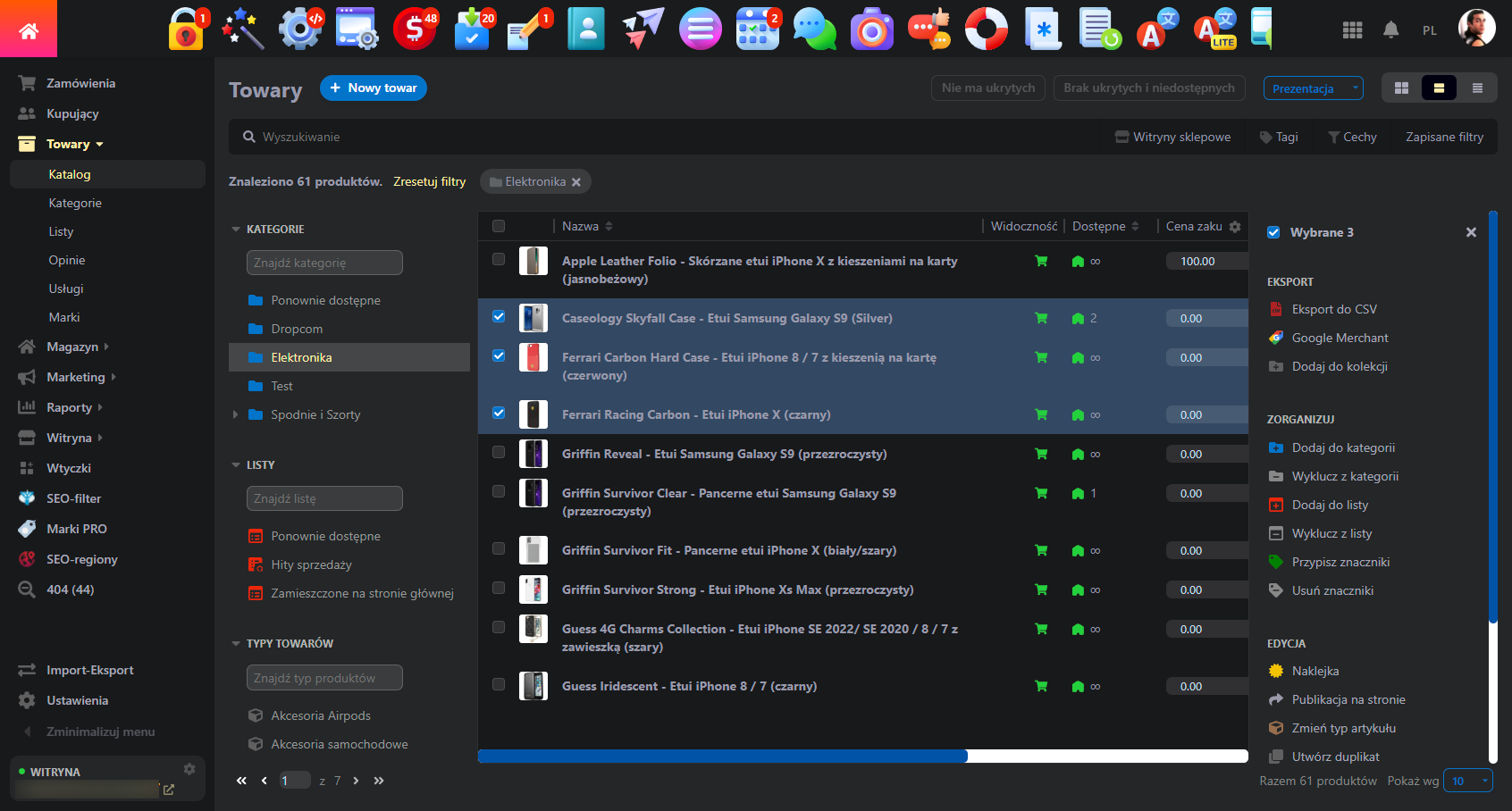
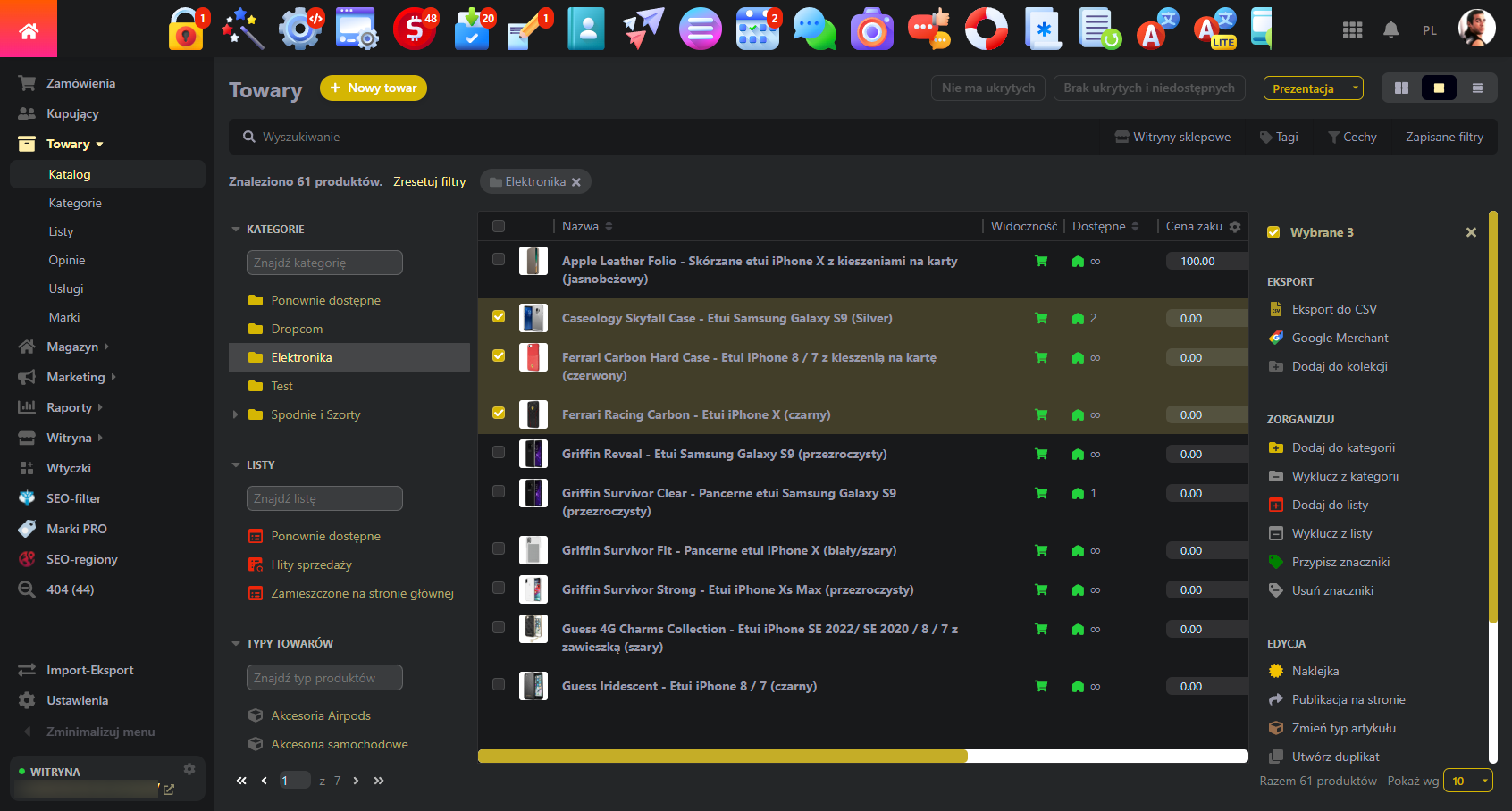
3. Color schemes and backend customization:
- 11 dark themes: from muted to high-contrast:
- 5 accent colors for the light theme:
- Support for custom CSS styles to preserve individual adjustments after updates of the Web Systems Pro framework and other applications.
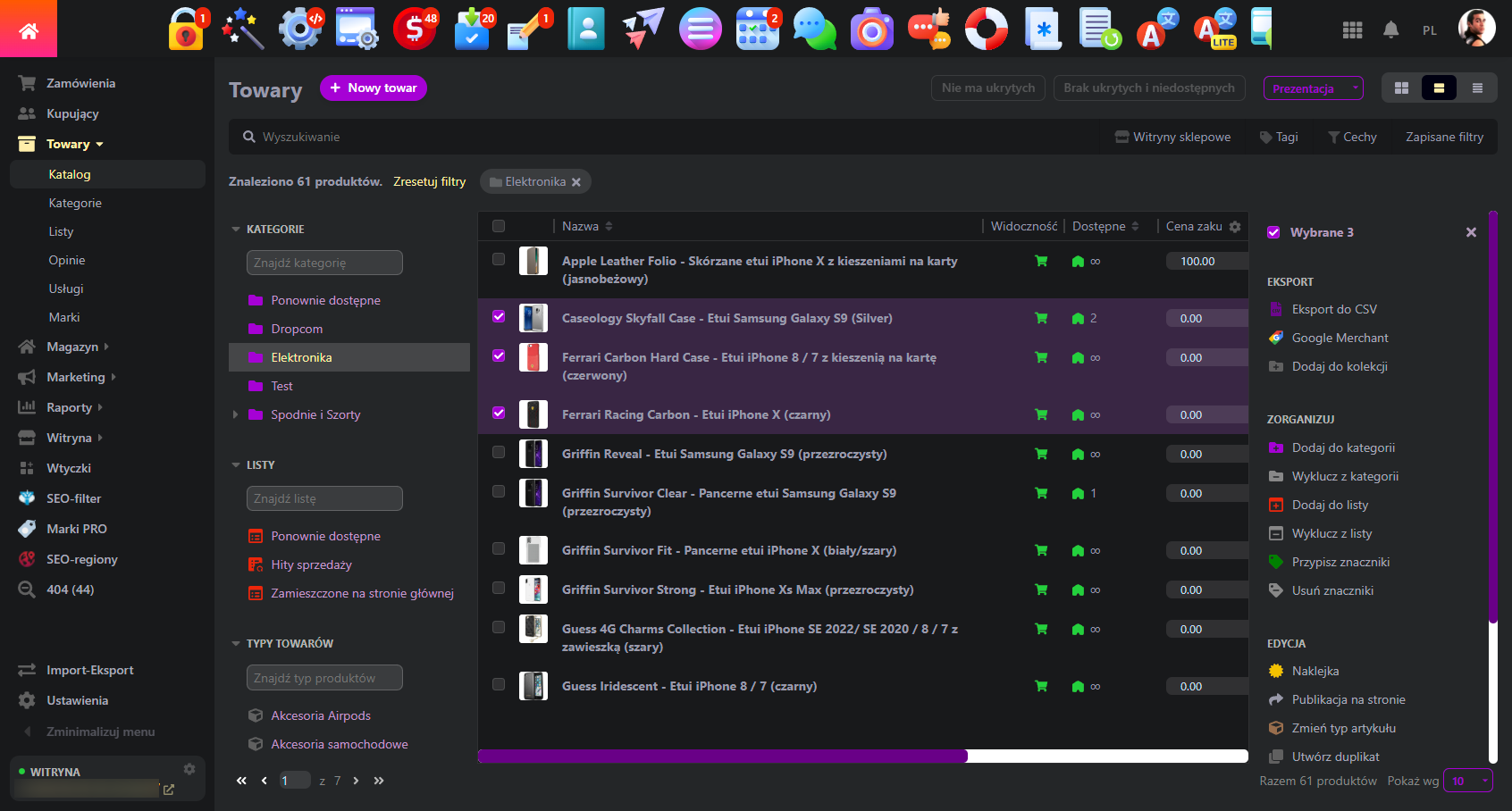
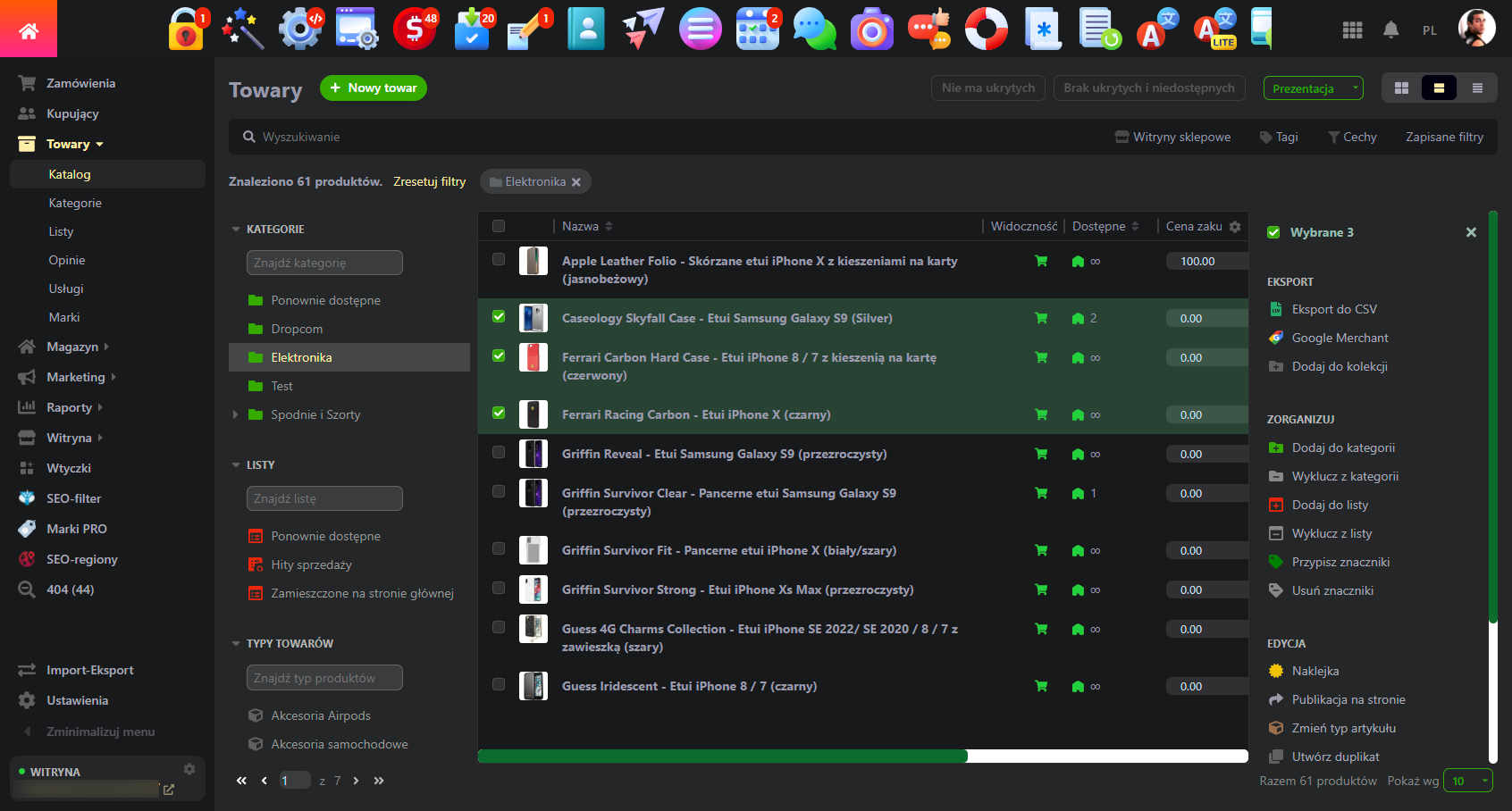
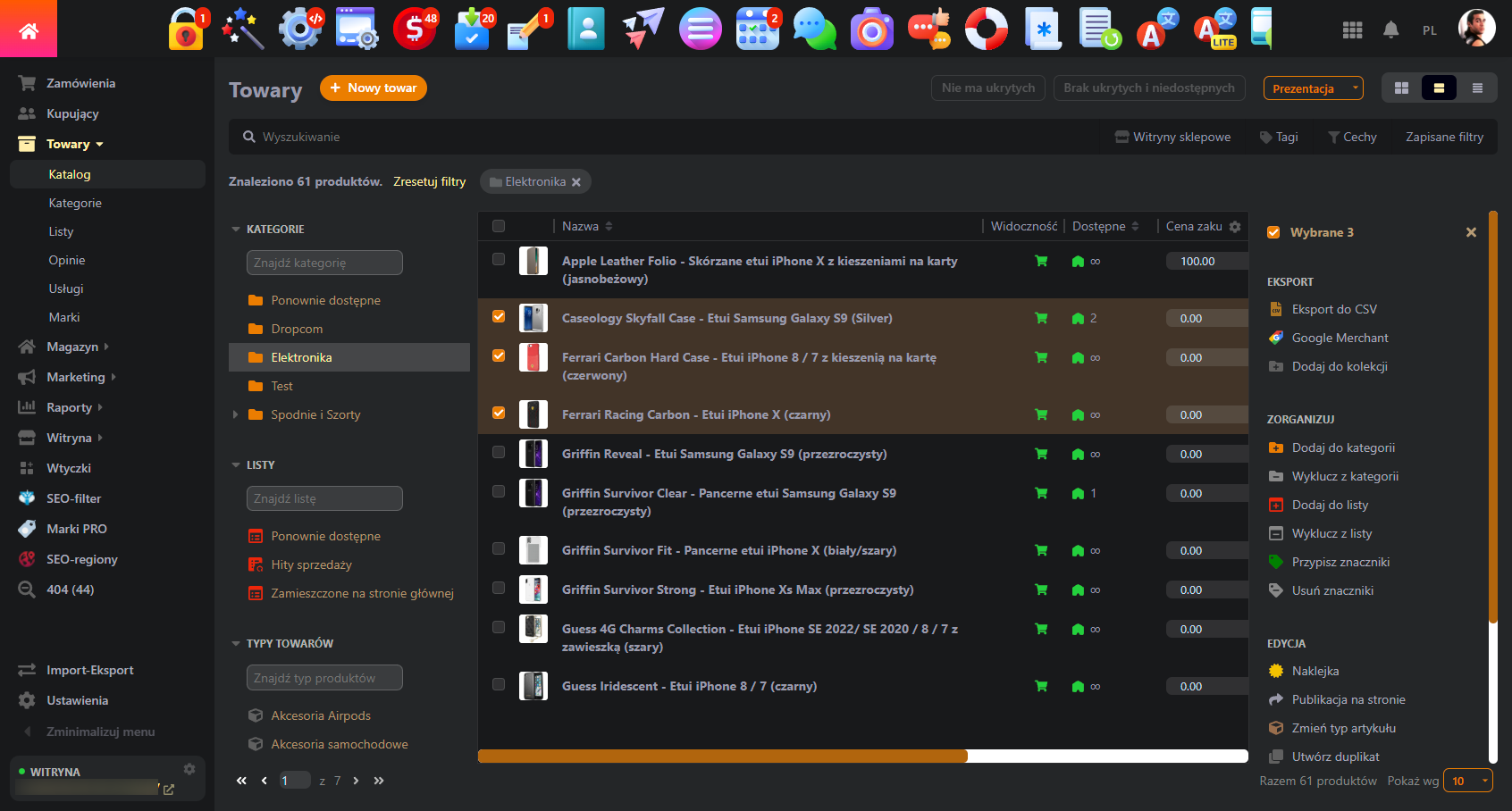
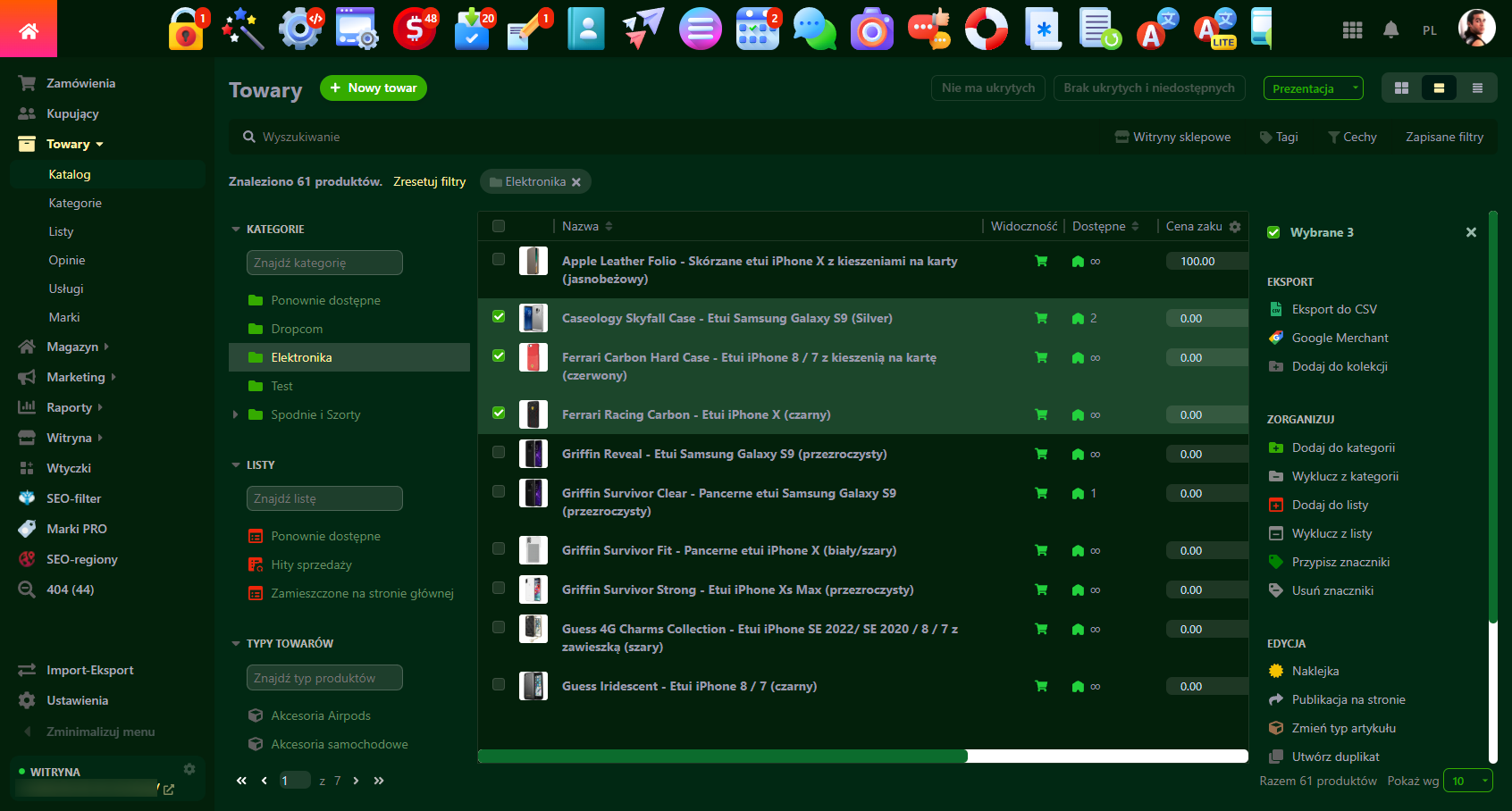
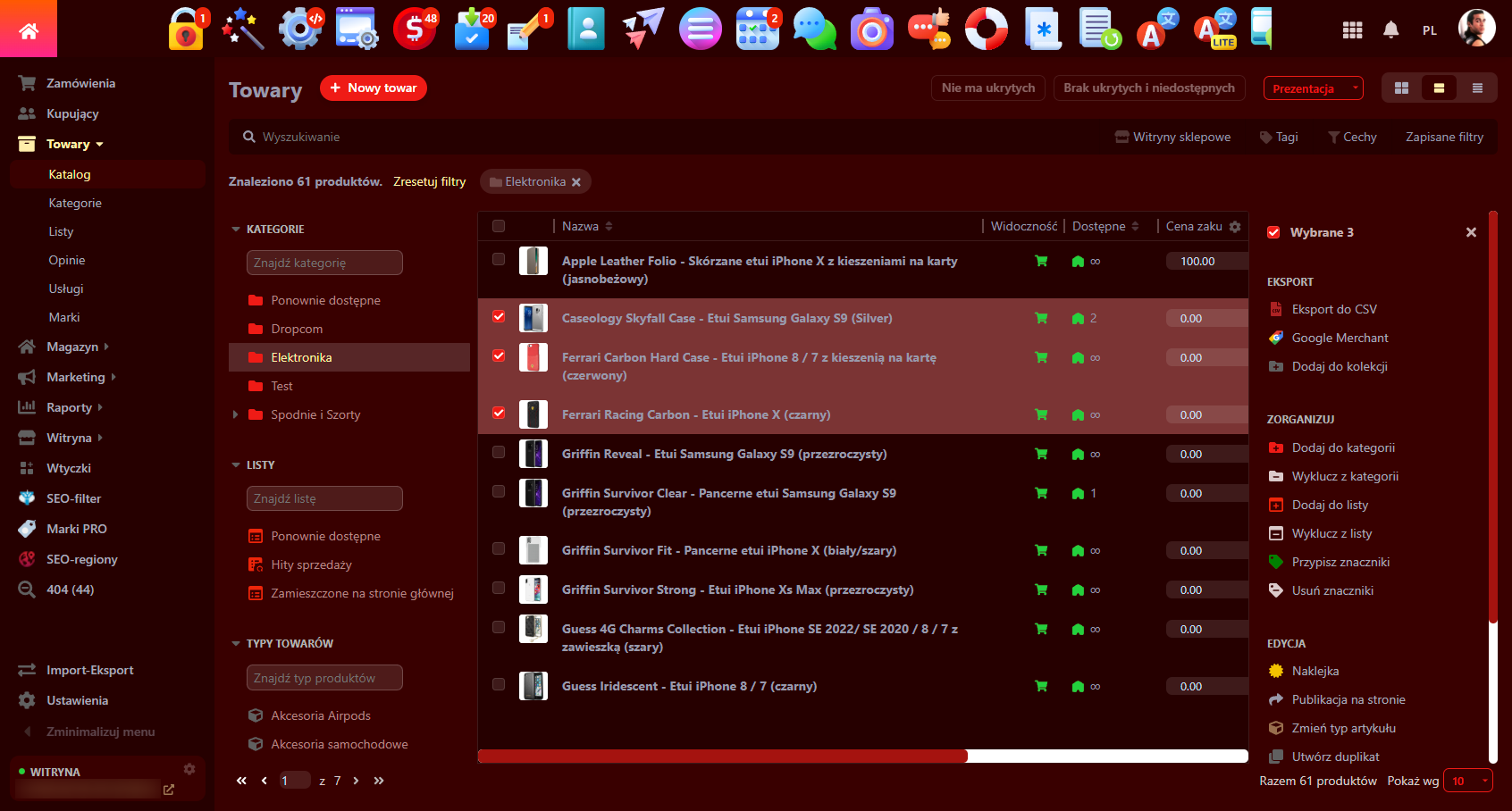
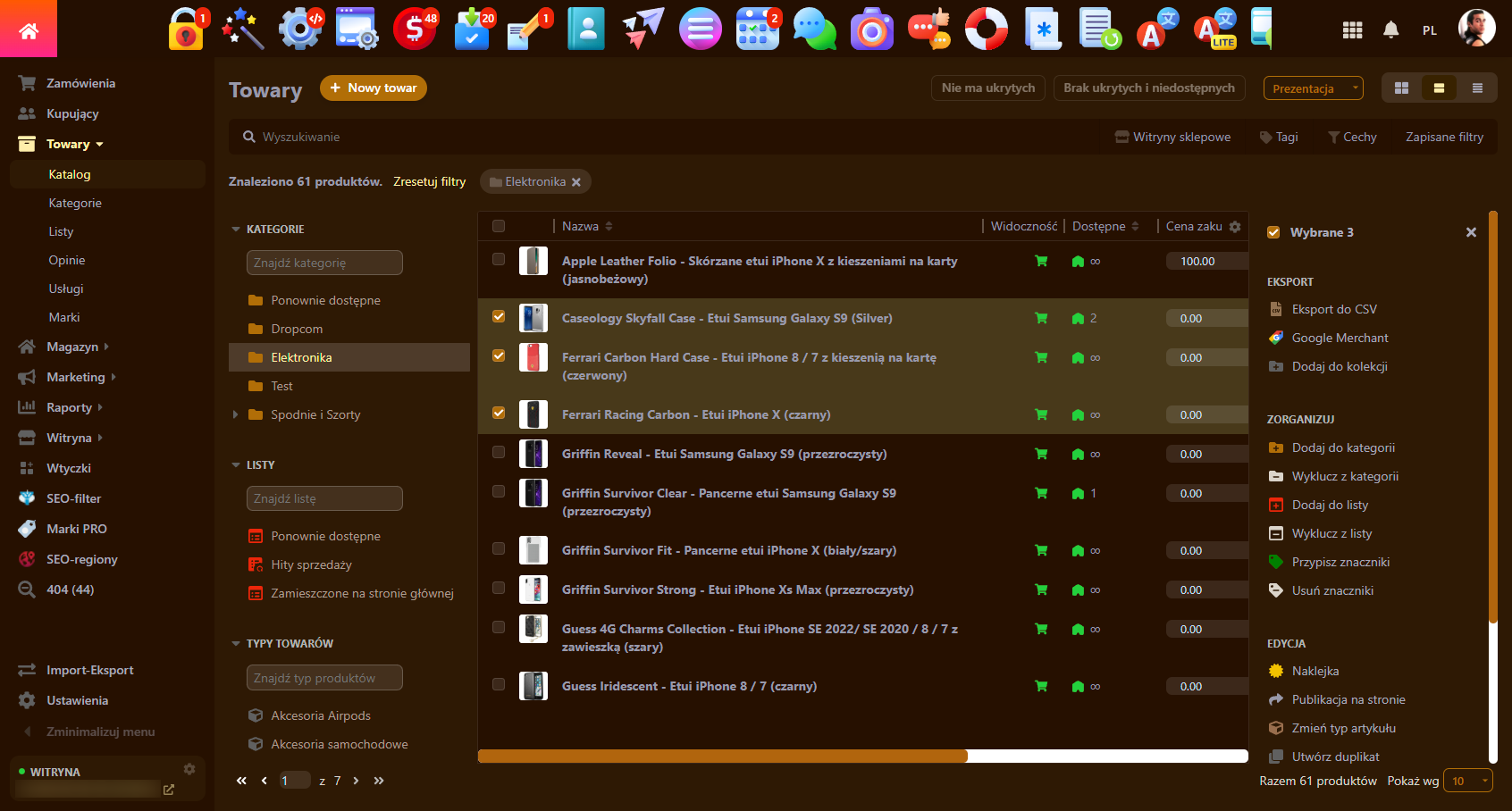
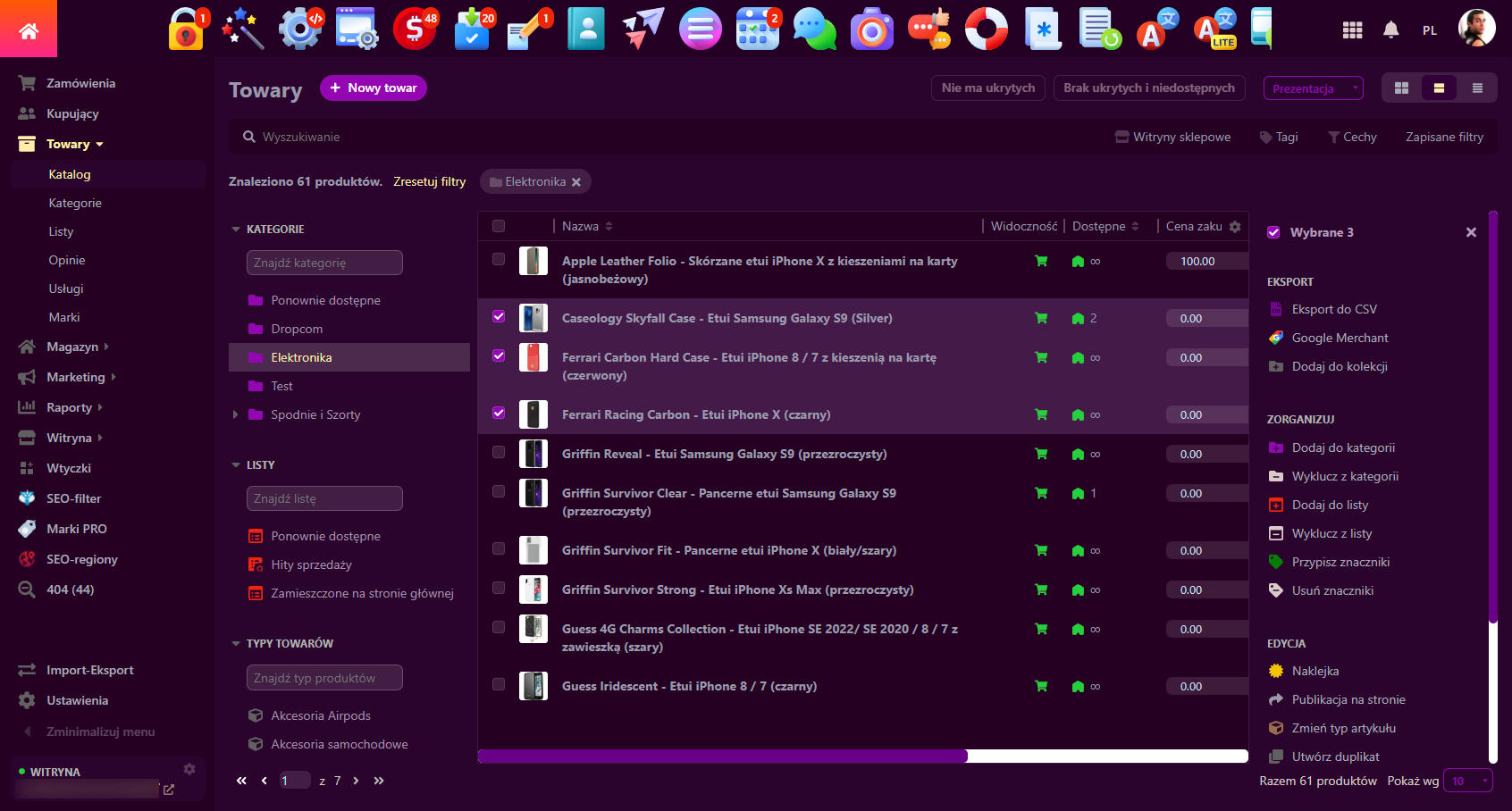
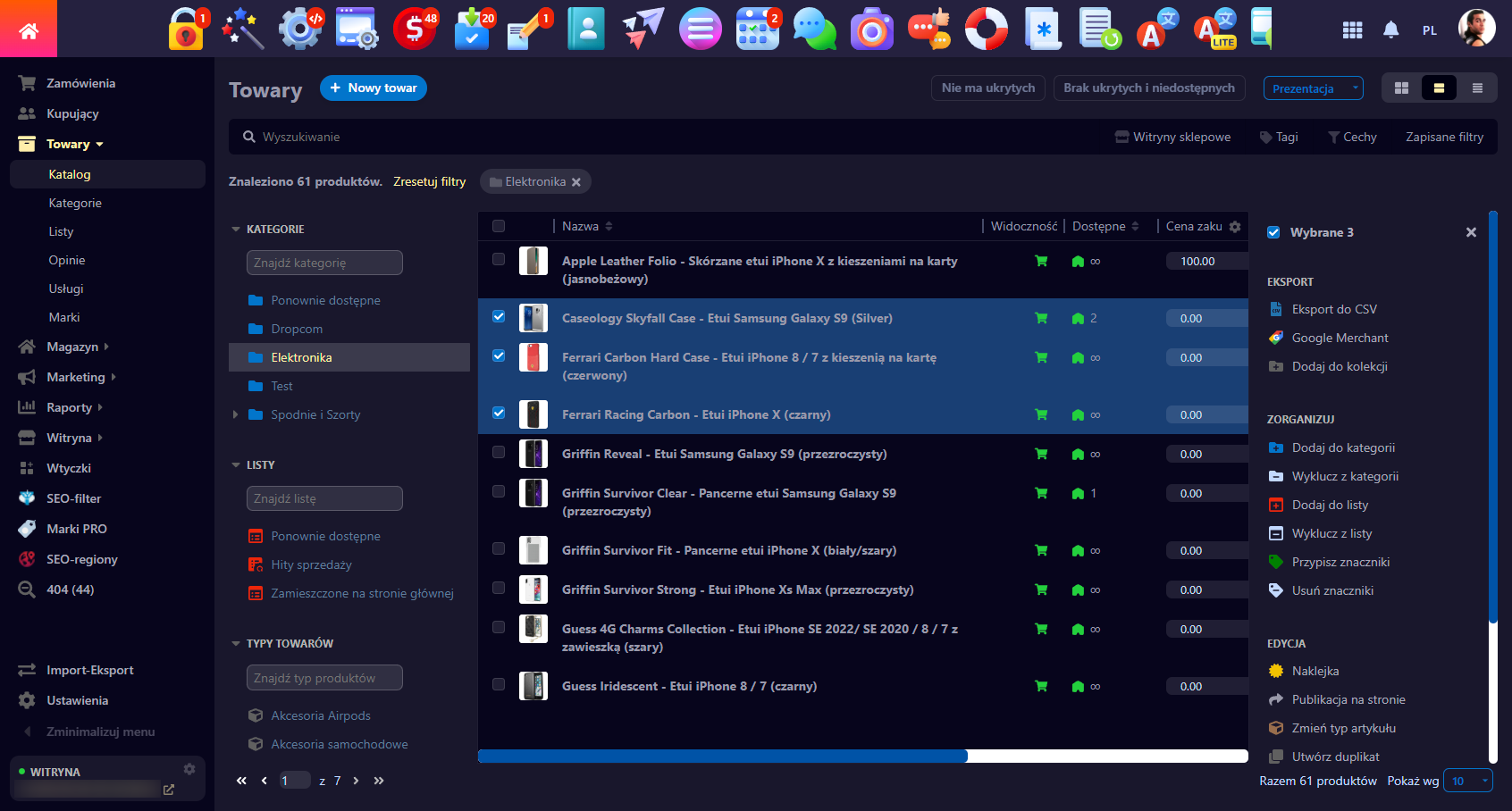
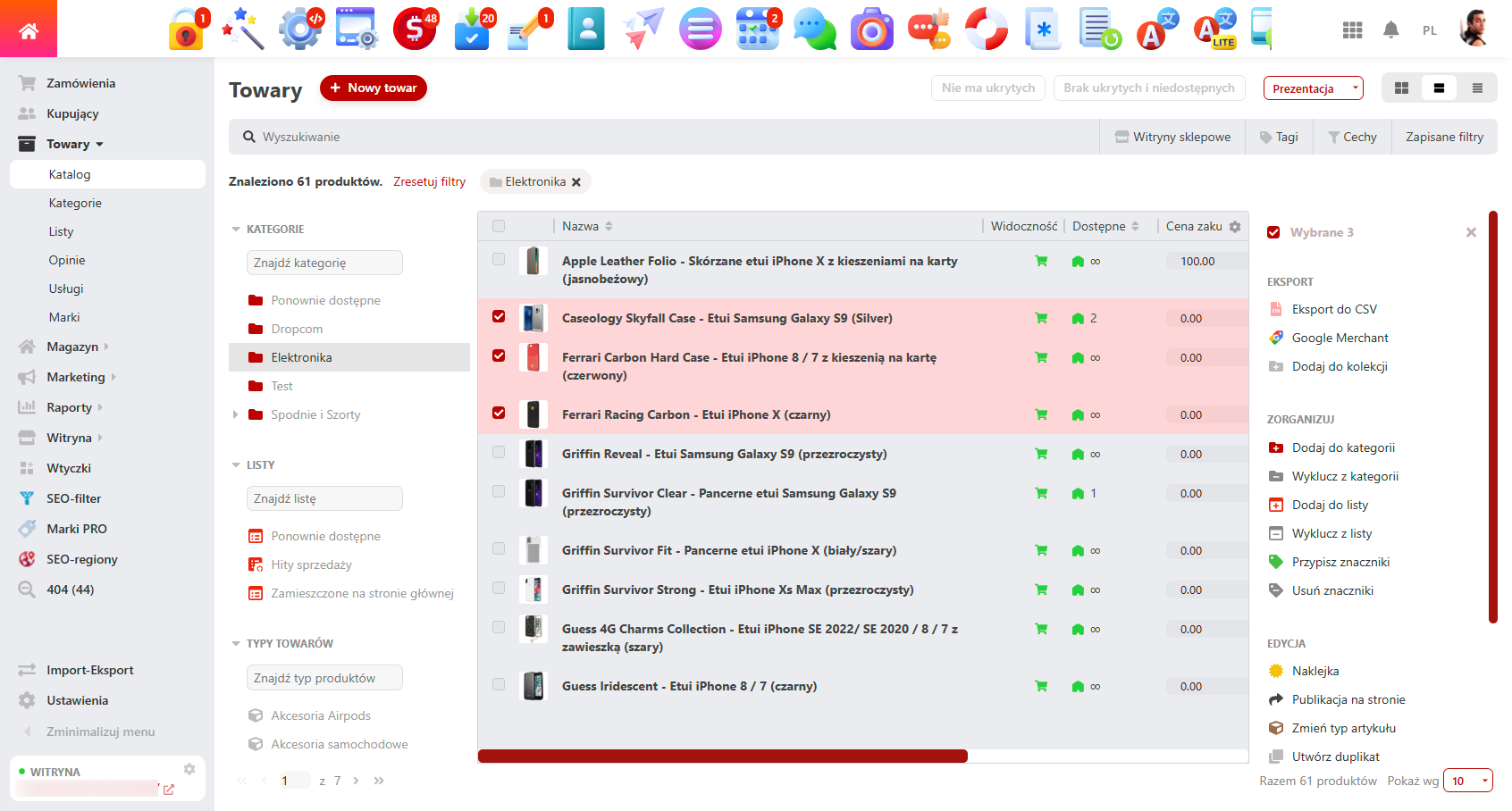
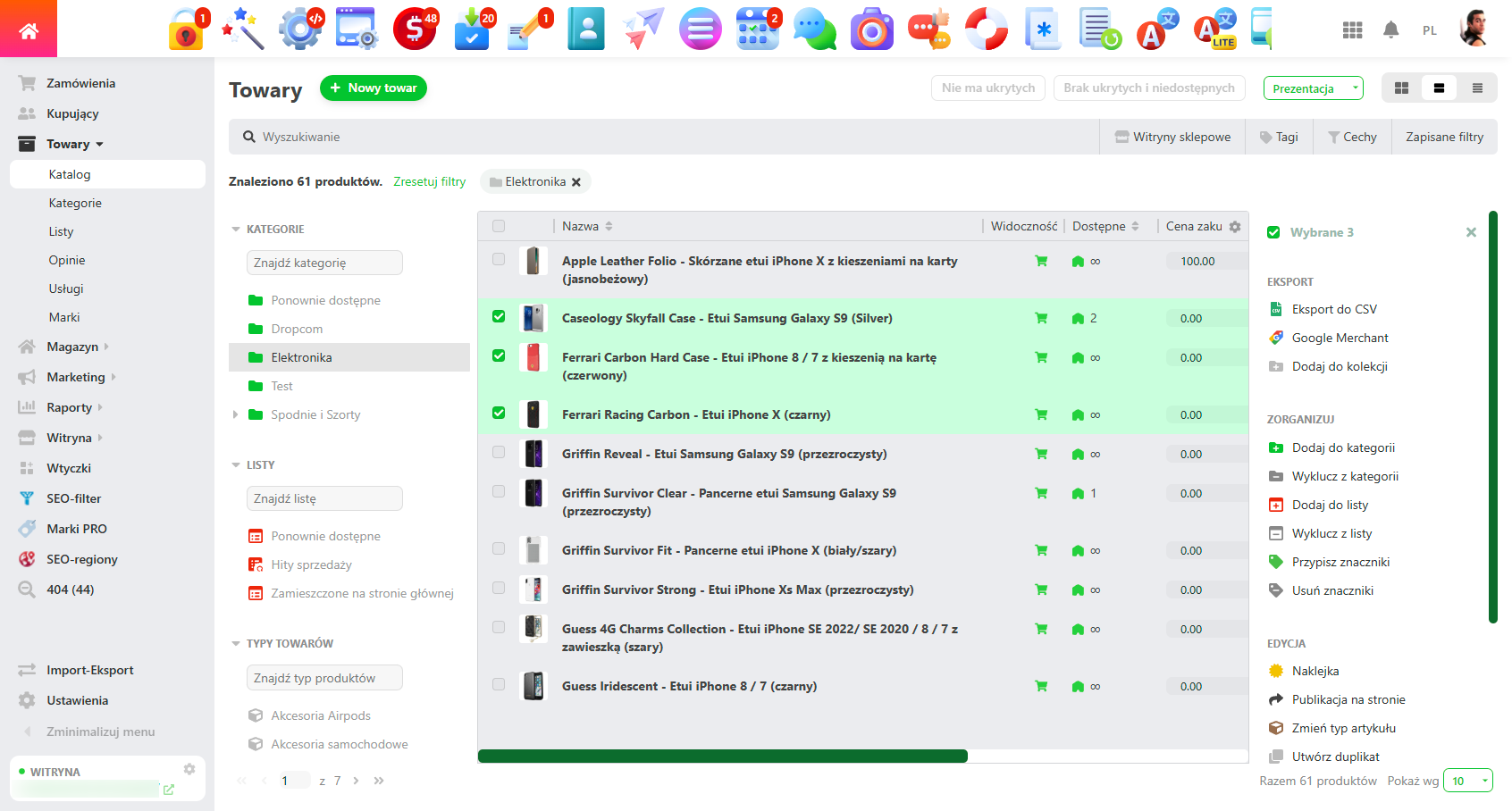
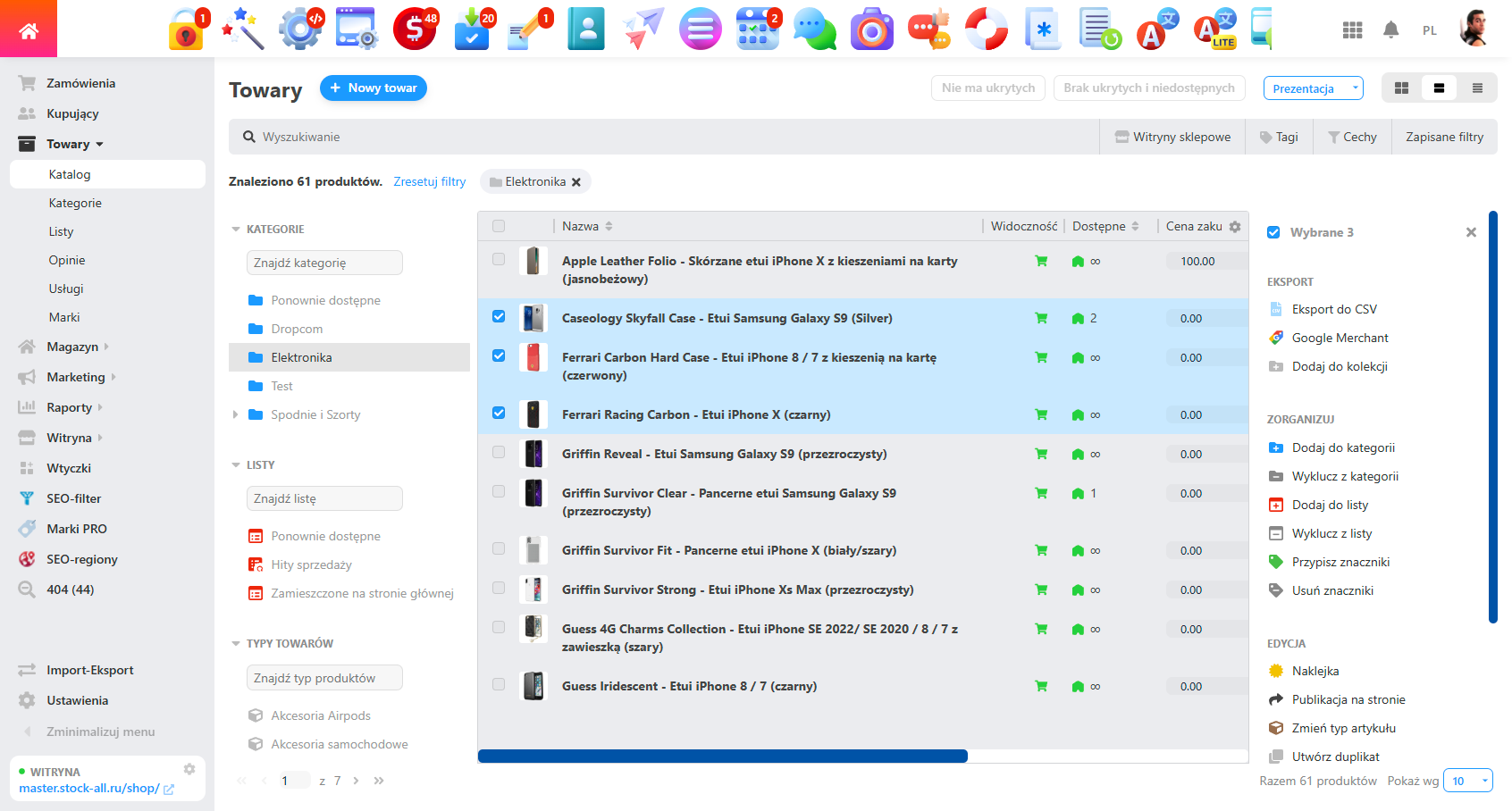
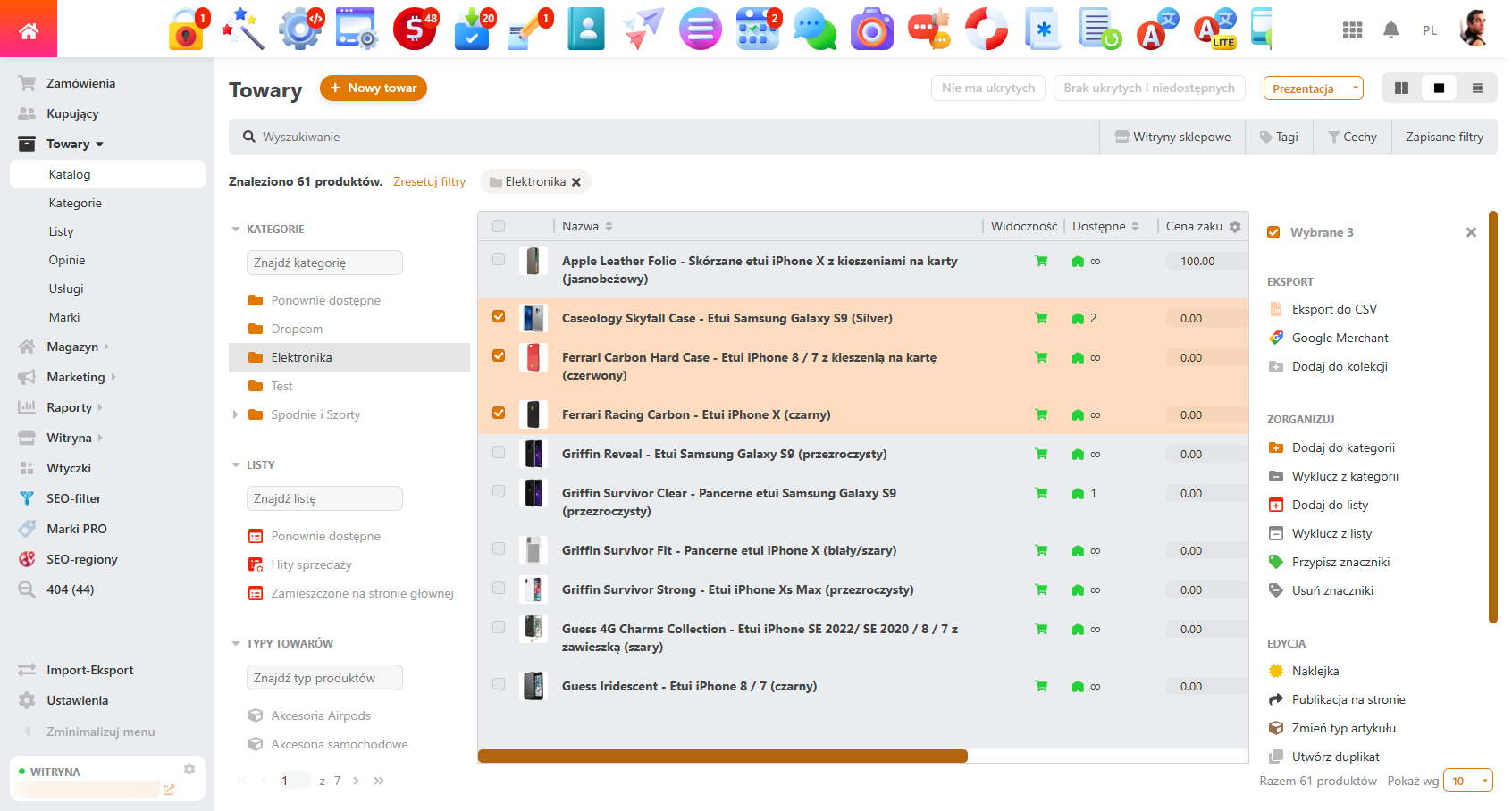
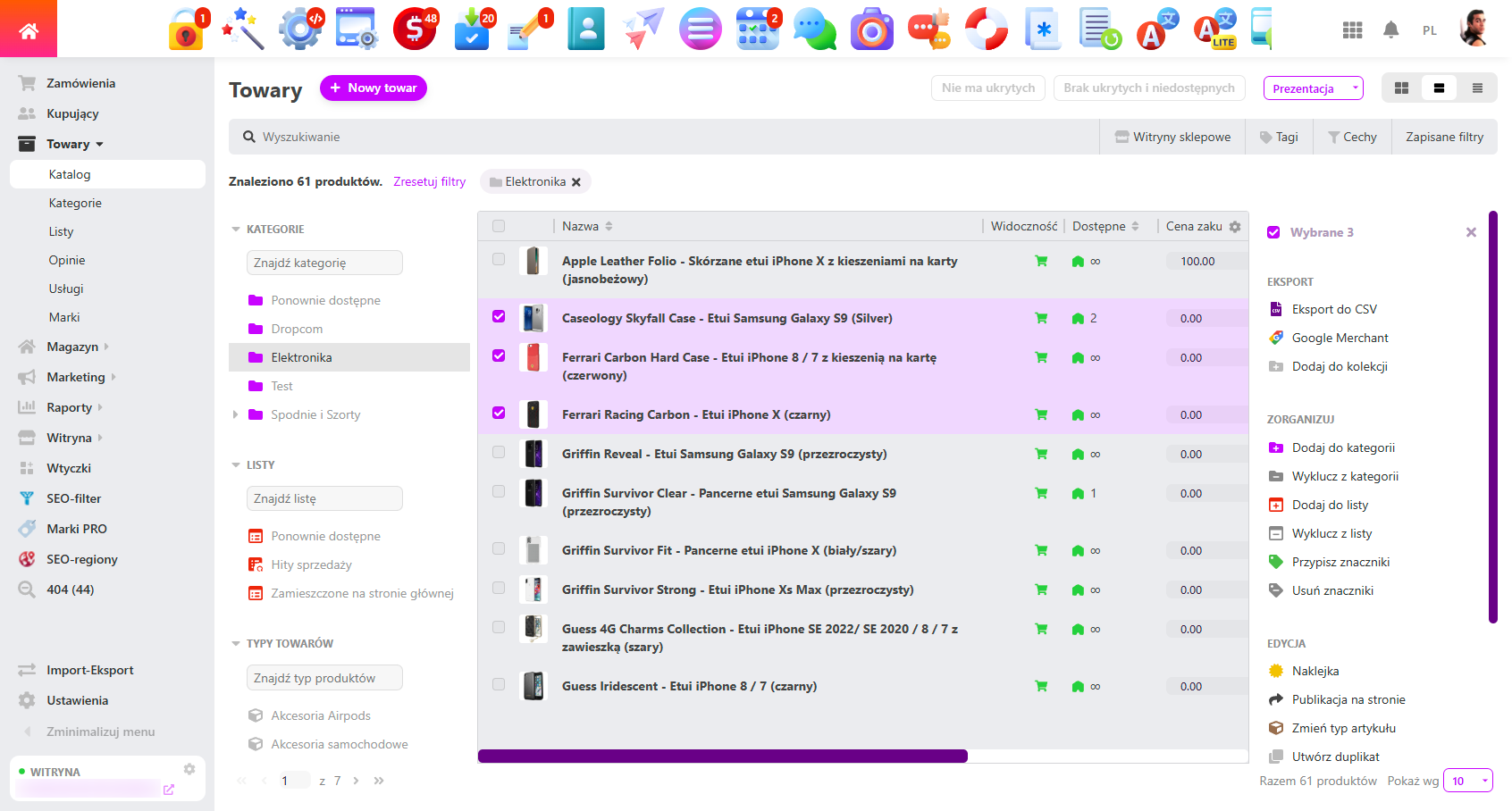
4. Flexible settings for the "Site" app.
- Enable sidebar menu, set content width (Full content, Modal window "Variables").
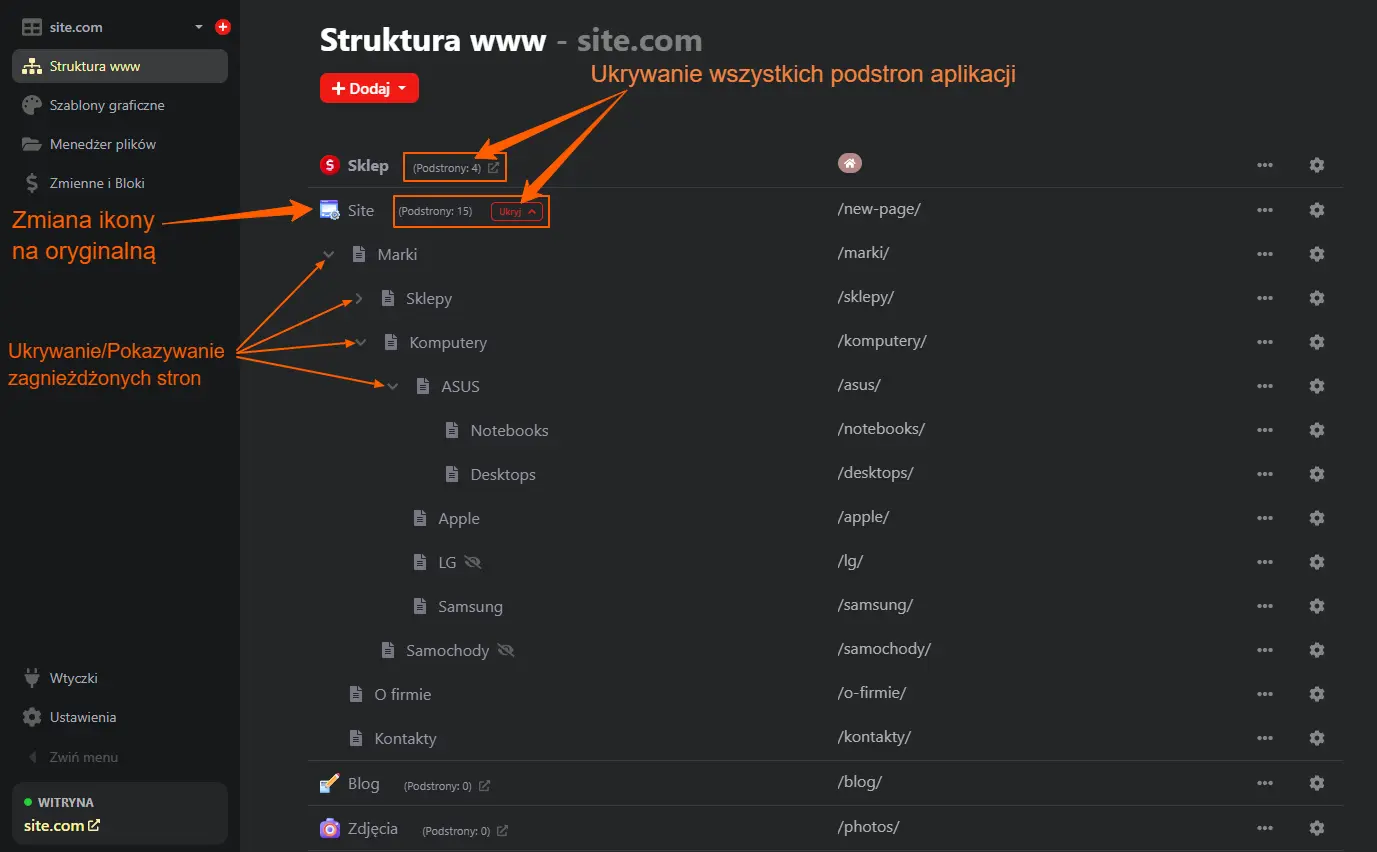
- Possibility to replace the "Site" app icon with the original one in the "Website Map" section (Page structure) and on the subpage editing page.
- Lazy loading of table rows in the website structure section in the "Website Map" section - with a large number of rows, the site structure page will load faster.
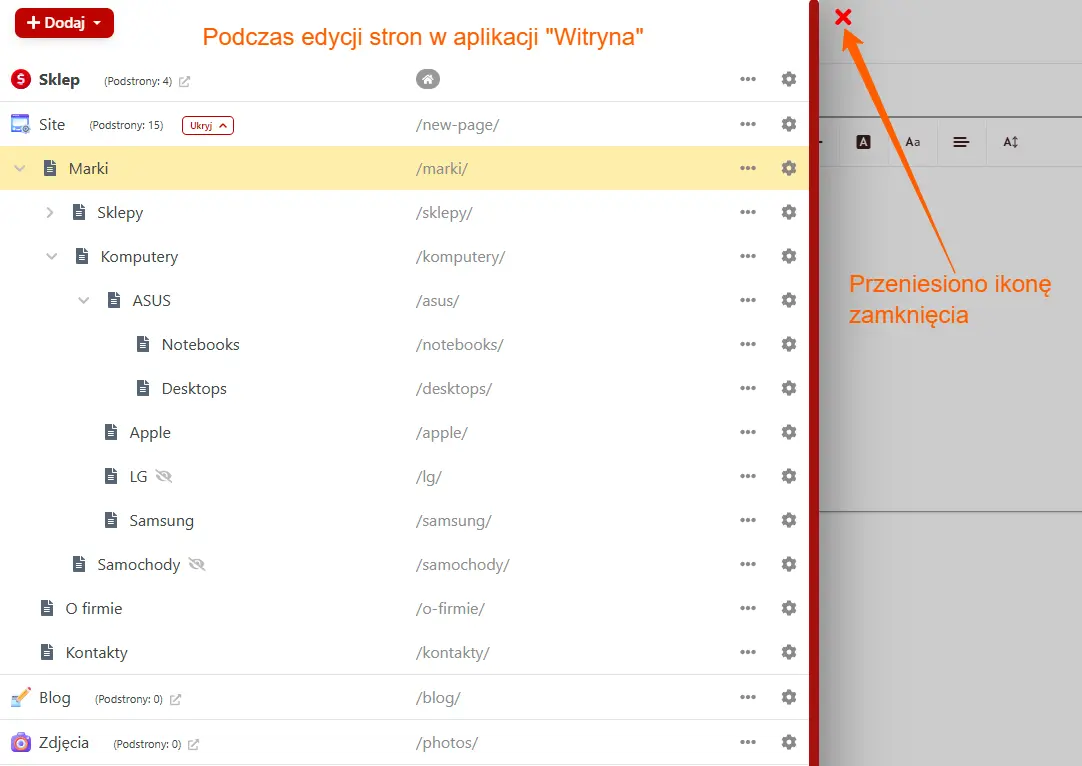
- Toggle button to fully hide or show all existing pages of the "Site" app in the "Website Map" section (Page structure) and on the editing page.
- Fully functional "accordion" for hiding/showing child pages of the "Site" app in the "Website Map" section (Page structure), on the standard page editing page and on the block page editor.
- Hiding pages of all apps except pages of the "Site" app in the "Website Map" section (Page structure) and on the editing page, with display of the number of subpages and links to their editing in apps with the "Site" section.
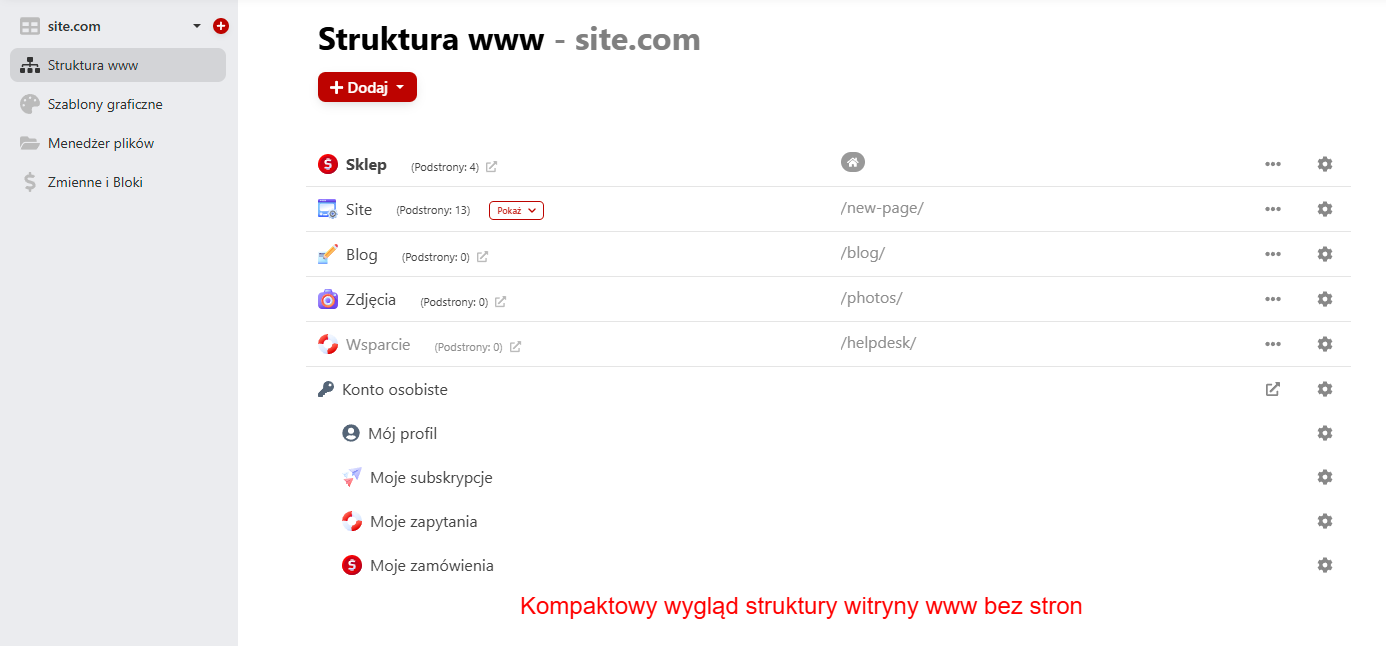
5. Flexible settings for other apps.
- Shopy-Script: Content width setting (Product subpage editing, Marketing promotions, Modal window "Variables", "Settings" section).
- Blog: Content width setting (All posts and their editing).
- Team: Content width setting (section "All users", section "Groups").
- Hub: Content width setting ("All themes", "Replies", "Authors", "Filters", "Hubs" and "Settings").
- Mailer: Content width setting ("New newsletter", "Templates", "Unsubscribe", and "Drafts").
- Logs: Content width setting (Entire content).
- Settings (app): Content width setting (General Settings, Email Settings, Suppliers news SMS, PUSH notifications, Settings maps, Settings Captcha, Contact fields, Countries and regions, Backend login, Personal data, Database).
- Installer: Content width setting ("Installed" section).
Benefits of the "Backend customization UI 2.0" plugins
- Fast workflow without unnecessary clicks in the "Site" app - compact menu and logical headers speed up daily tasks.
- Managing multiple websites - domain selection allows instant switching between projects.
- Visual comfort - dark themes reduce eye strain, and smooth animations prevent discomfort.
- Consistent interface style and logic - the same logic applies across all apps, increasing focus and reducing distracting elements.
The "Backend customization UI 2.0" Plugin makes the Web Systems Pro interface maximally convenient and predictable. It removes unnecessary actions and helps focus on work, transforming the standard backend UI 2.0 into a native, user-friendly tool.
| Technical specifications | |
Developed for | Site |
Localization settings | English, Polish, Russian |
UI backend support | 2.0 |
Software type | Plugin |
Free | No |
| Developer and version plugins | |
Designer (programmer) | WSPro |
License | Web Systems Pro |
Version | 1.4.9.wsp |
Update | 10/01/2026 |