Flexible color adjustment - plugin for Shopy-Script application


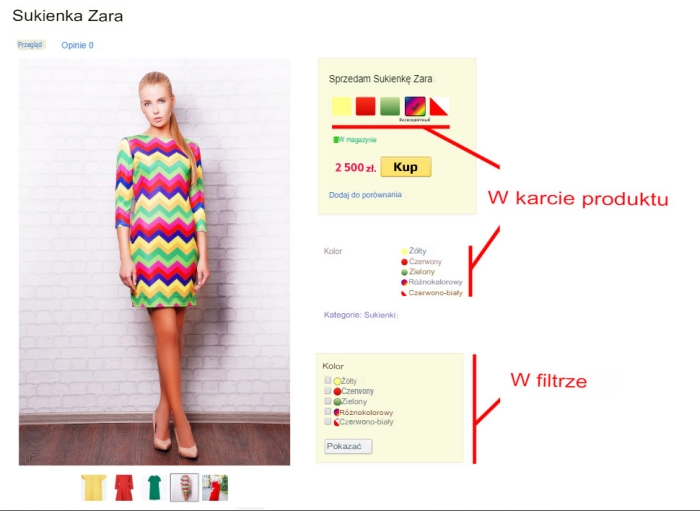
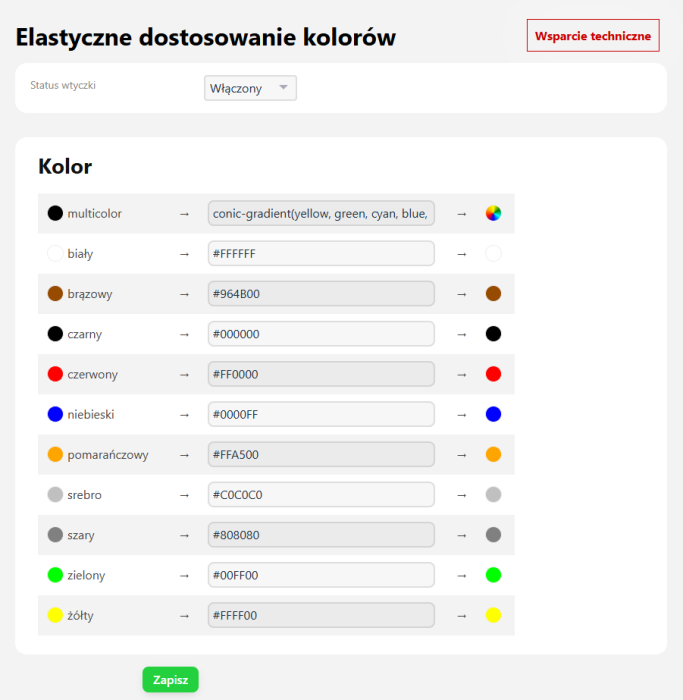
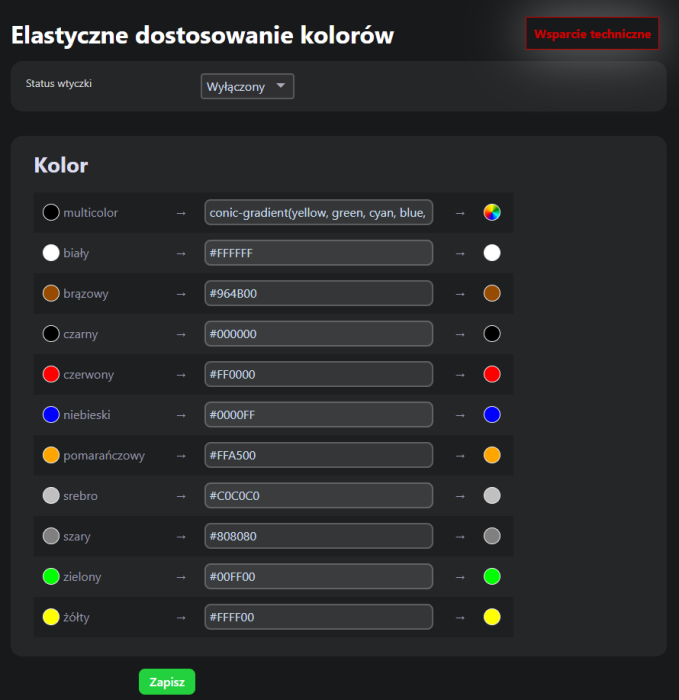
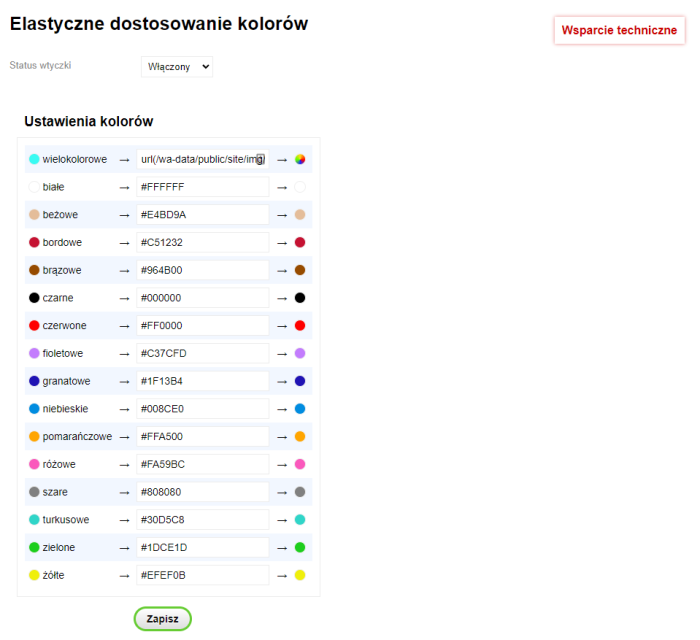


Plugin "Flexible color adjustment" allows you to set custom values for the basic feature "Color".
How does plugin "Flexible color adjustment" work?
Thanks to this plugin, you can very precisely specify the product color, whether it is a color combination or a gradient. Just set the CSS color, gradient, or image link, and this value will appear on the product page and in the filter.
In this version, plugin only accepts the CSS code with the required value for the "Color" feature. You can specify any code with basic knowledge of CSS or generate it using third-party web resources and other similar software.
For example:
- cssmatic.com
- colorzilla.com
- And similar ones...
Note! The code must be inserted without "background" and "background-image". Only the value.
Examples:
linear-gradient(to right top, #051937, #004d7a, #008793, #00bf72, #a8eb12)
or for multicolor: conic-gradient(yellow, green, cyan, blue, red, orange, yellow)
Benefits of using plugins.
Greater flexibility in product presentation.
Thanks to the ability to precisely specify colors, store users can better visualize products and their variants. This is particularly useful in industries such as fashion, furniture, or interior decoration.
Improved product filtering.
Plugin allows displaying custom color values in search filters, which improves the user experience and increases the chances of conversion. Customers can find a product in their preferred color faster.
Simple operation without advanced programming knowledge.
You do not need to be a CSS expert to use this feature. Just copy the ready-made code from available tools and paste it into the appropriate field. Thanks to the "Flexible color adjustment" plugin, your products will look more attractive, and customers will gain easier access to their preferred color variants.
| Technical specifications | |
Developed for | Shopy-Script |
Localization settings | English, Polish, Russian |
UI backend support | 1.3, 2.0 |
Software type | Plugin |
Free | No |
| Developer and version plugins | |
Designer (programmer) | vGoncharov |
License | Web Systems Pro |
Version | 0.9.4.3.wsp |
Update | 03/23/2025 |