

Guide o wtyczce "SEO-optimization"
Configuration guide for plugins "SEO-optimization"
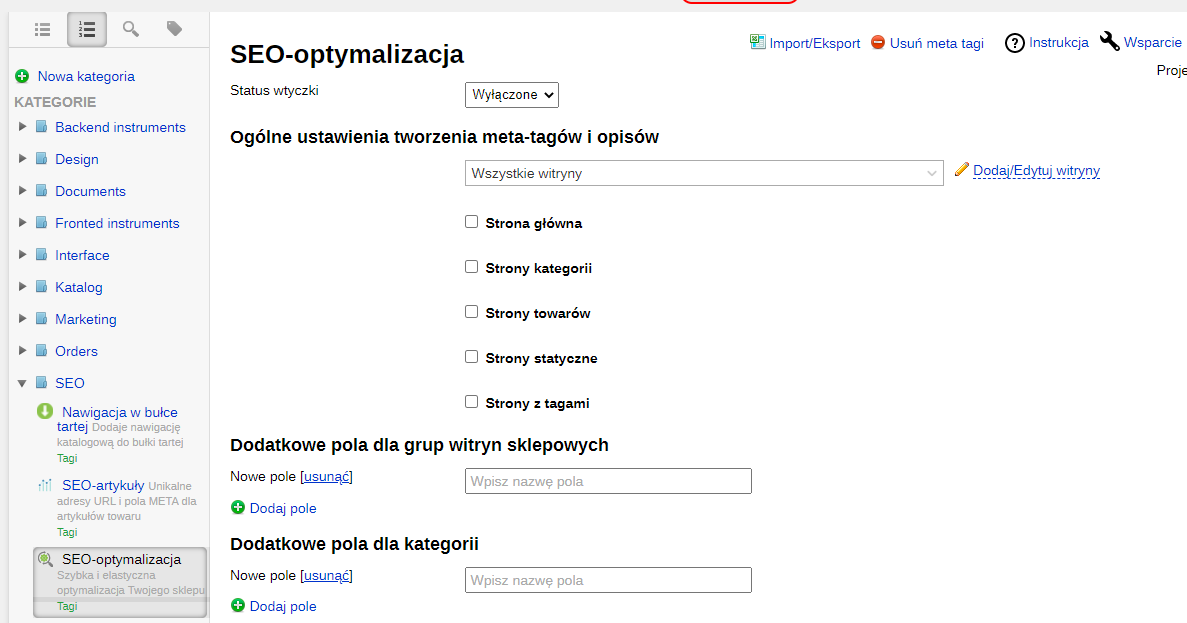
Basic plugins settings are located at: Shop -> Plugins -> SEO-optimization
(https://mysite.com/wsp-admin/shop/?action=plugins#/seo).
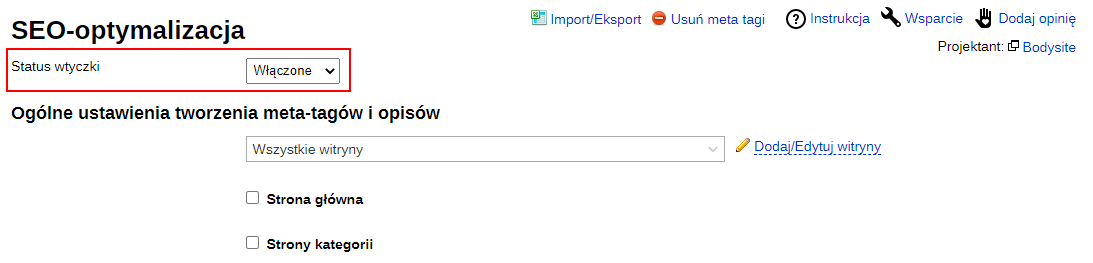
1. Enable the plugin.
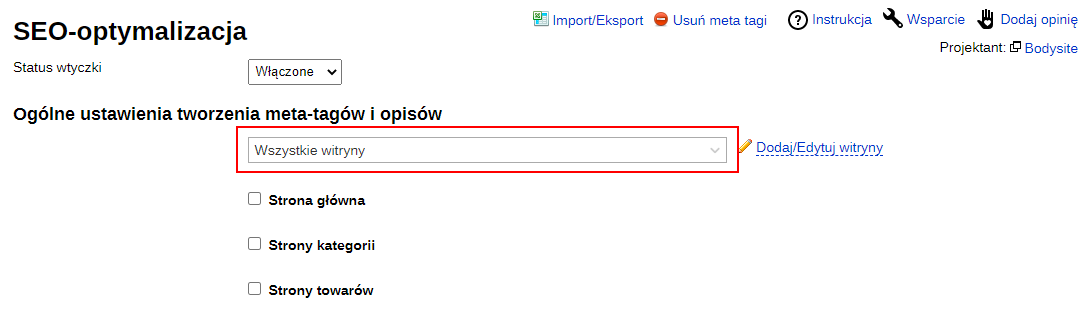
2. Select the website for which you want to define optimization rules. If there is only one website or the rules are the same for all store websites, leave the option "All websites" selected.
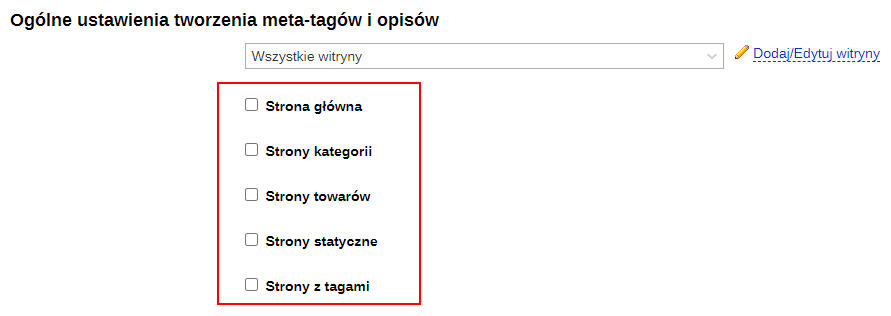
3. Select the blocks for which you want to save optimization settings. After selecting a field, a form will open for filling in.
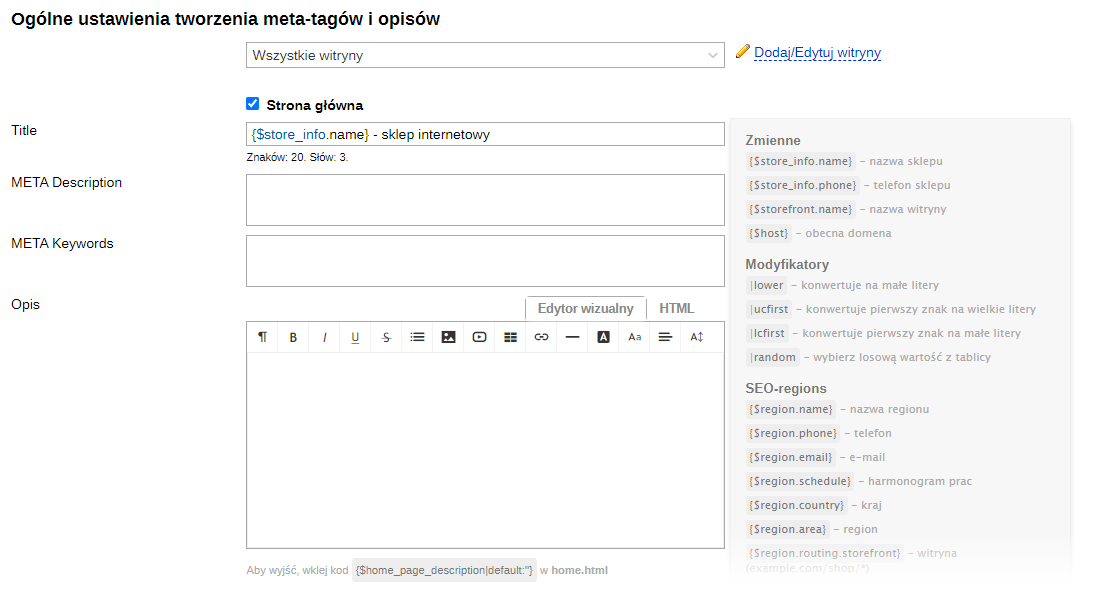
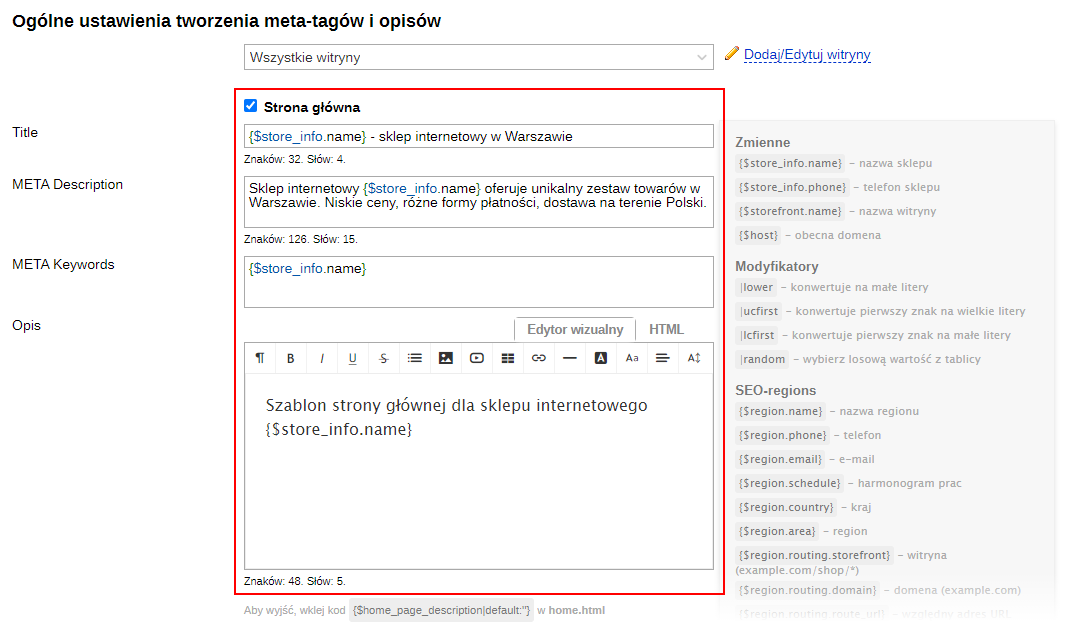
4. Save optimization rules using variables in the opened form (examples are described below).
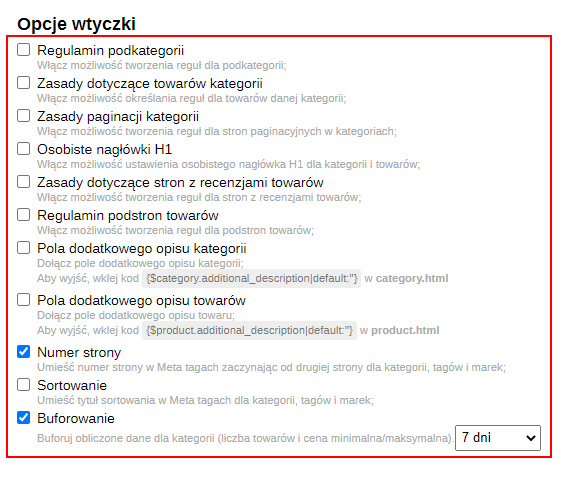
5. Select desired options of the plugins.
6. Save changes.
A variable is a value that can take different values during the change process. Using variables simplifies the website optimization process. Variables in the "SEO-optimization" plugin must be inserted with curly braces.
Using variables: example of setting a title template for the website's homepage.
The line "{$store_info.name} - online store with home goods in Warsaw (tel. {$store_info.phone})"

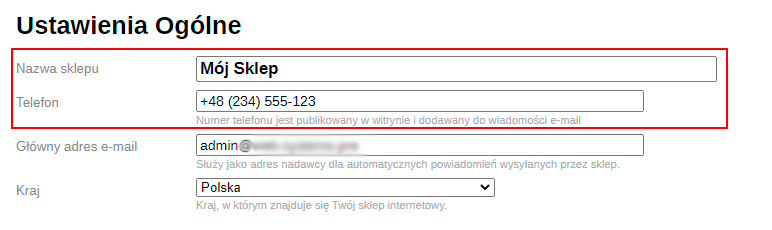
Will be transformed into "My Shop – online store with home goods in Warsaw (tel. +48 (234) 555-123)"…

...because the following data were entered in the online store settings https://mysite.com/wsp-admin/shop/?action=settings (Shop -> Settings -> Settings General):
Follow this principle to fill in the remaining fields for other pages using variables.