Image for page (shop) - plugin for Shopy-Script applications




What is the plugin "Image for page (shop)"?
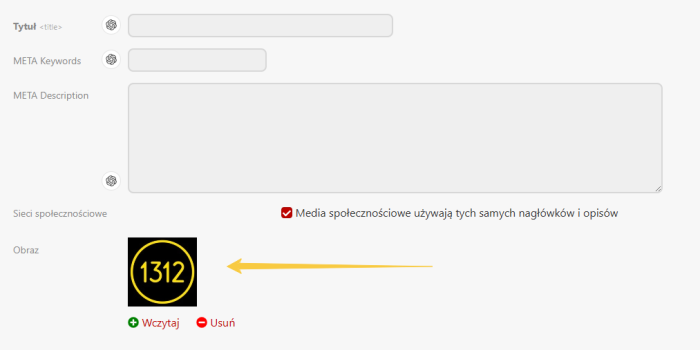
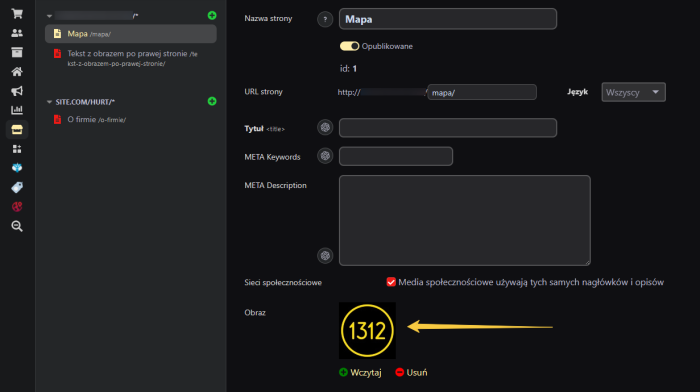
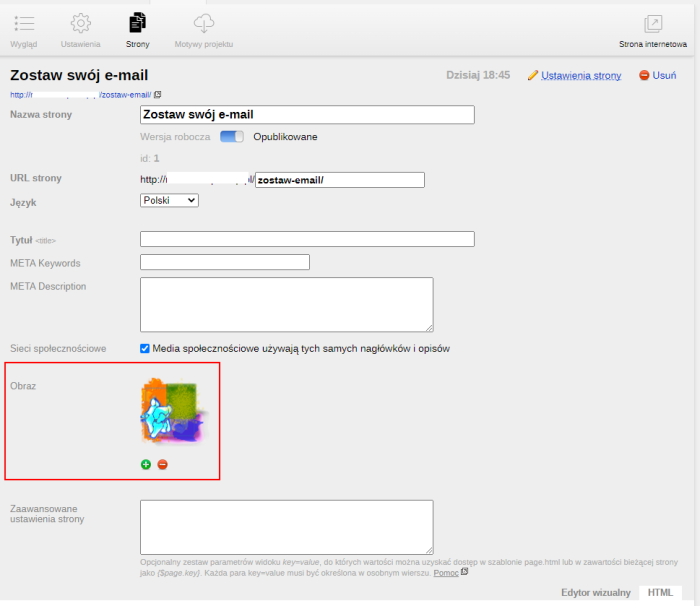
The Plugin "Image for page (shop)" allows adding a preview image for shop pages.
Inserting images is available only for existing pages (you cannot insert an image for a new, unsaved page). The image insertion tool is accessible via the page settings.
Configuration and usage instructions for plugins.
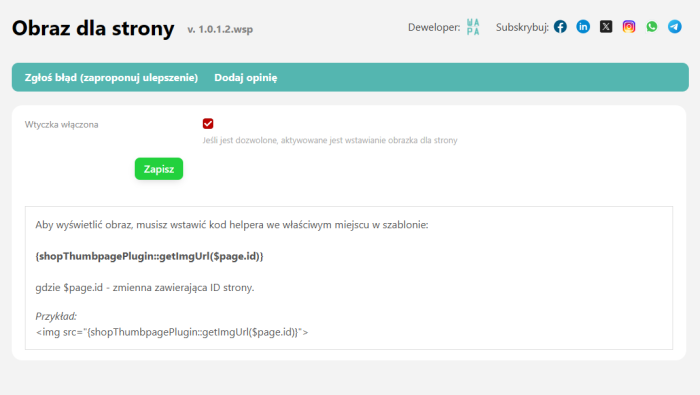
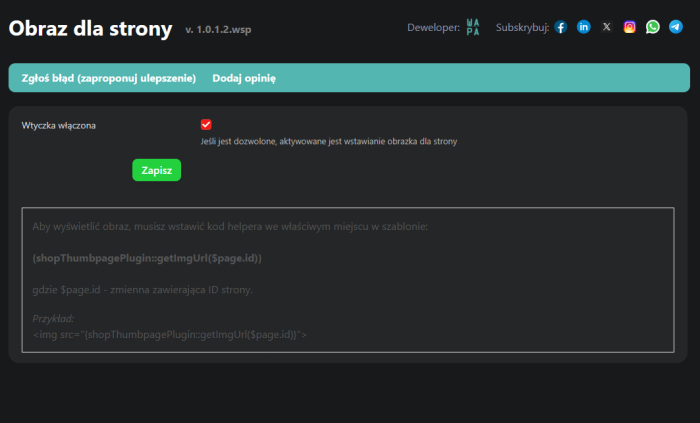
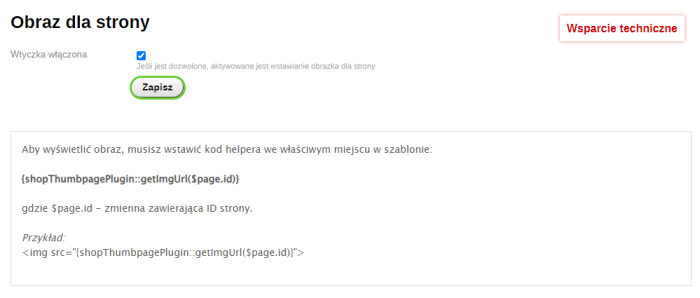
To start using it, you need to enable the plugin in its settings.
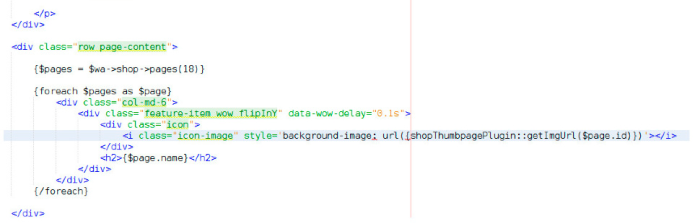
To display the image, you must insert the helper code in the correct place within the theme:
{shopThumbpagePlugin::getImgUrl($page.id)}
where $page.id - a variable containing the page ID.
Example:
<img src="{shopThumbpagePlugin::getImgUrl($page.id)}">
Technical requirements and additional services.
The Plugin "Image for page (shop)" is a practical tool that visually highlights shop pages by adding dedicated preview images. Thanks to simple implementation using a helper, users can quickly customize page appearance based on the unique page ID. Installation requires basic knowledge of the Web Systems Pro framework and Smarty template editing. In case of integration difficulties, the technical support team offers paid assistance tailored to your theme.
| Technical specifications | |
Developed for | Shopy-Script |
Localization settings | English, Polish, Russian |
UI backend support | 1.3, 2.0 |
Software type | Plugin |
Free | Yes |
| Developer and version plugins | |
Designer (programmer) | WA-PA |
License | LGPL |
Version | 1.0.1.2.wsp |
Update | 07/14/2025 |
With this product also buy