Monitoring plugins and design themes performance - plugin for the Shopy-Script app




The Plugin “Monitoring plugins and design themes performance” allows you to measure the execution time of PHP code on a page and display the resulting information on the page in a convenient format - only for a selected user based on their ID.
This is a convenient tool for both developers and advanced users. It makes it easier to locate suboptimal code fragments in a design theme and/or in frontend code within plugin. Thanks to the plugin, you can find the cause of page “freezes” much more easily and quickly.
A brief overview of the “Monitoring plugins and design themes performance” plugin.
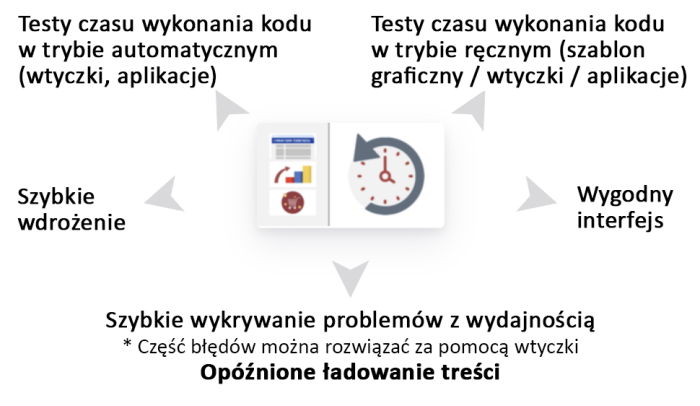
Quick implementation
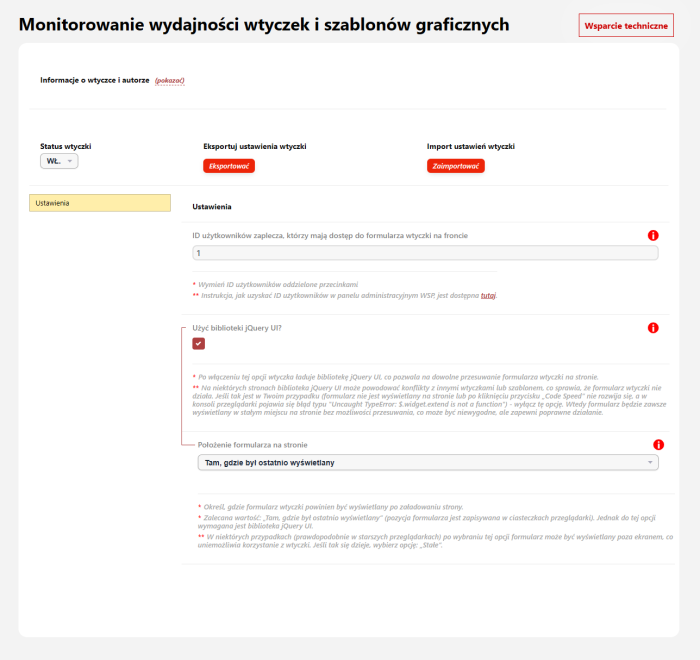
Setting up the plugins takes only a few minutes: simply enable it, specify the IDs of admin panel users who should have access to the plugins form, and add just one line of code to the index.html file. That is all! The Plugin is ready to detect problematic areas on your site.
Ability to measure any code fragment in a theme, plugin, or application
The plugins method, which measures code execution time, can be called any number of times by changing only one parameter - the “Stopwatch ID”. You can measure the execution time of Smarty code (e.g. in a design theme) and PHP code (e.g. in a plugin or application). “CodeSpeed” will generate the appropriate code and automatically copy it to the clipboard.
Sophisticated code execution time measurement algorithm
Simply add the same code twice to a theme or plugin/application, “surrounding” the code section you are interested in with it. However, if you make a mistake (calling the method only once or three times), the plugin will detect and flag the error instead of displaying inaccurate data.
Ability to measure plugin code execution time
On every page of the site, in any application (Site, Blog, Store, etc.), you will see which plugins execute their code on a given page and how long that code takes to run.
Convenient interface
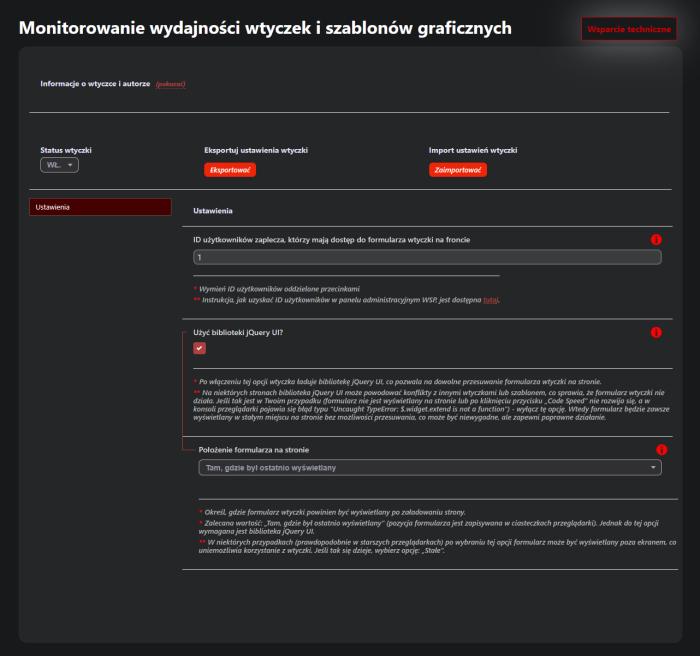
The block with code execution time information is displayed on the front end only to selected users (specified in the plugins settings). You can move the block around the page; change its appearance; collapse it, change its color and opacity; remove unnecessary sections, etc.
Compatibility
Plugin works correctly on both the old and the new Web Systems Pro interface
- Tested on UI 1.3, UI 2.0
Plugin works correctly on all versions of the framework and Shopy-Script
- Tested on 7.0, 7.5, 8.22, 9.4, 10.2, 11+
Plugin works correctly with all design themes
- Tested on: „Hypermarket”, „Ahead”, „Balance”, „Default”, „Free”, „InCart”, „InSale”, „Mastershop”, „Megashop 2.0”, „Megashop 3.0”, „Mobisite 3.0”, „Seller”, „Supreme”, „TopShop”, „Unishop”.
- There will be no issues with other themes, including custom ones, because the functionality of plugins does not depend on the theme structure.
Plugin works correctly with other instances of plugin
- No conflicts were found with other instances of plugin, including those from third-party developers.
Plugin works correctly on all versions of PHP
- Tested on 7.0, 7.4, 8.0, 8.3
Performance
Plugin does not slow down page loading in the frontend (the part of the site visible to the user)
Plugin does not slow down page loading in the backend (the site administration panel)
Plugin does not place an excessive load on the server and database
Main advantages of plugins "Monitoring plugins and design themes performance".
Multisite and additional plugins settings New!
It is like multisite, only much more feature-rich. You can dynamically override plugins settings for each individual store, user category, user device type, URL page, etc. (How does it work?)
Unique plugins settings import module.
Plugin has a built-in module for exporting and importing settings. You can transfer plugins settings from one project to another or set the recommended settings from the documentation with just a few clicks!
Detailed documentation and guidelines on the settings page.
Plugin has been refined down to the smallest details not only in terms of functionality, but also in terms of ease of configuration and testing. We do our utmost to ensure that each of our plugins can be configured by anyone, even the most inexperienced user, while experienced users can spend as little time as possible on it.
| Technical specifications | |
Developed for | Shopy-Script |
Localization settings | English, Polish, Russian |
UI backend support | 1.3, 2.0 |
Software type | Plugin |
Free | No |
| Developer and version plugins | |
Designer (programmer) | Chikurov SEO |
License | Web Systems Pro |
Version | 3.0.3.1.wsp |
Update | 05/13/2025 |