Products collections - plugin for Shopy-Script application





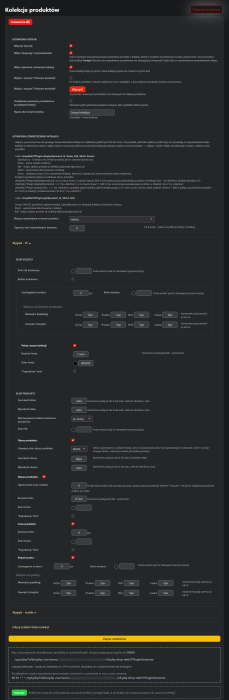


How to group products using the plugins „Products collections”?
Customers choose goods „here and now”.
Where there is a suitable product, the buyer wants to see its equivalent in a different color/size/completeness.
It is important to keep the buyer and offer them the same product, but in a different color, size, directly on the product page.
- When goods are similar in all parameters except color.
- When goods are similar in shape, but sizes differ (there are custom modifications).
- When a product has many analogs (for example, different suppliers with different prices).
- When you simply do not want to use product SKUs, but want a simple and clear block to select the same product but a different variation (color, size, etc.).
And the standard CrossSelling functionality is not enough....
Use this plugins „Products collections”.
Examples of implementing the plugins „Products collections”:
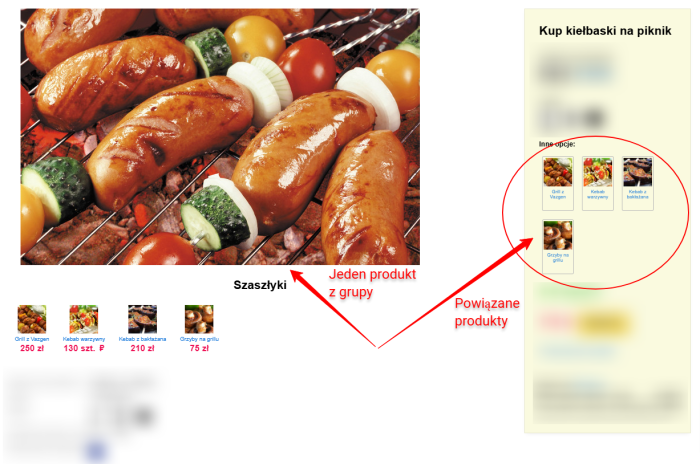
EXAMPLE 1. Displaying a block of products that differ only in color. Customers can conveniently choose from color variants:
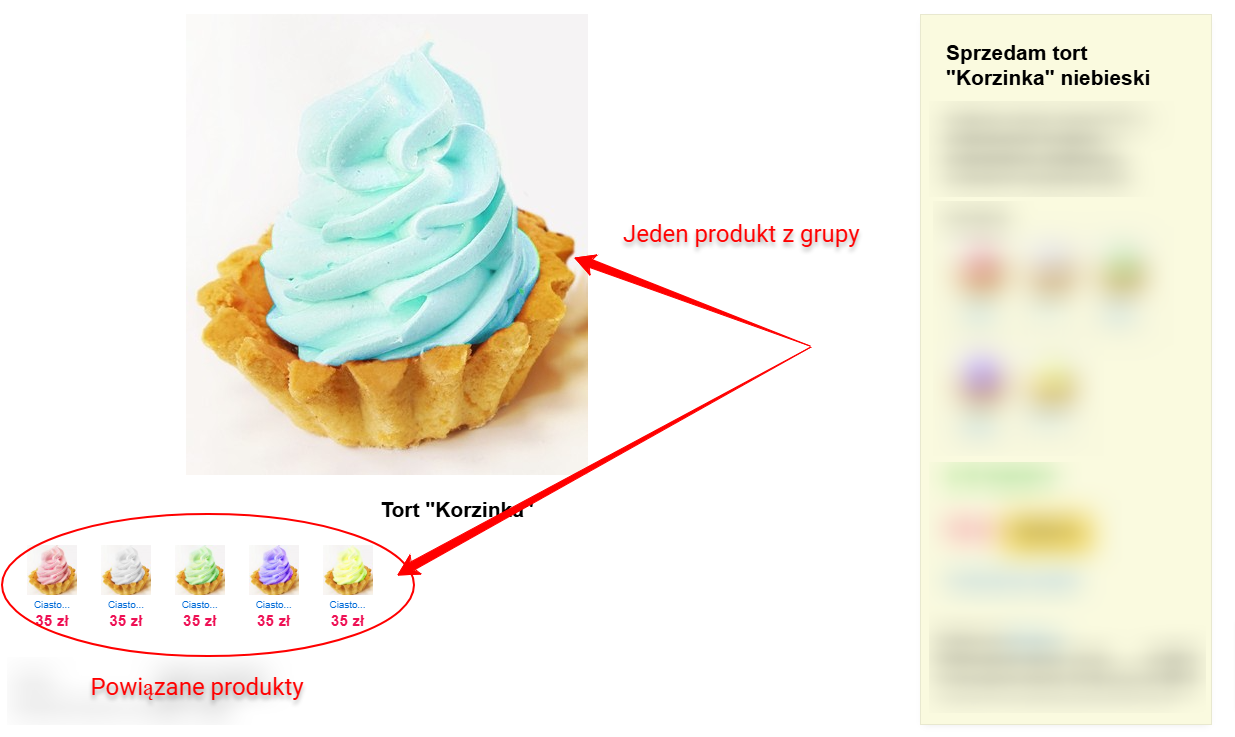
EXAMPLE 2. A collection of products that are similar by an implicit property (and this property is not present in features):
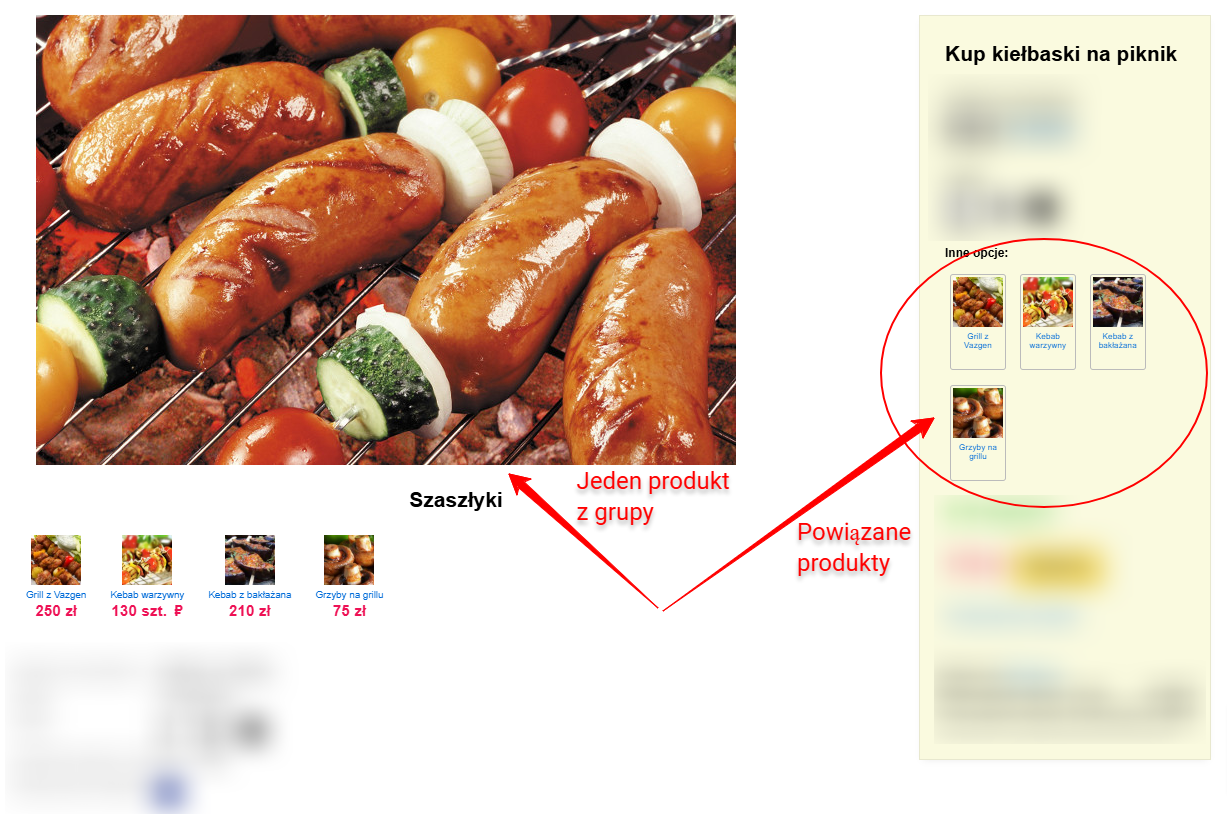
Where can the block of similar products be displayed?
The block with a list of similar products can be placed on the product page, catalog page, or any information page using a helper.
- Display in a separate block on any page.
- Display product variations in a separate tab on the product page.
- Display a group of analogs below the description or main image.
- Display in the CrossSelling/UpSelling block before or after the main product list.
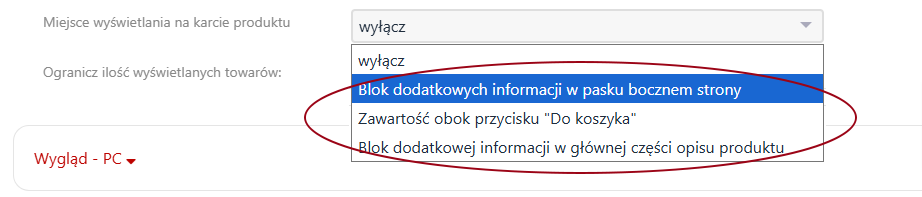
Plugin „Products collections” has three preset display locations on the product page.
Examples of implementation on the product page:
EXAMPLE 1. A collection of similar products in the sidebar of the page:
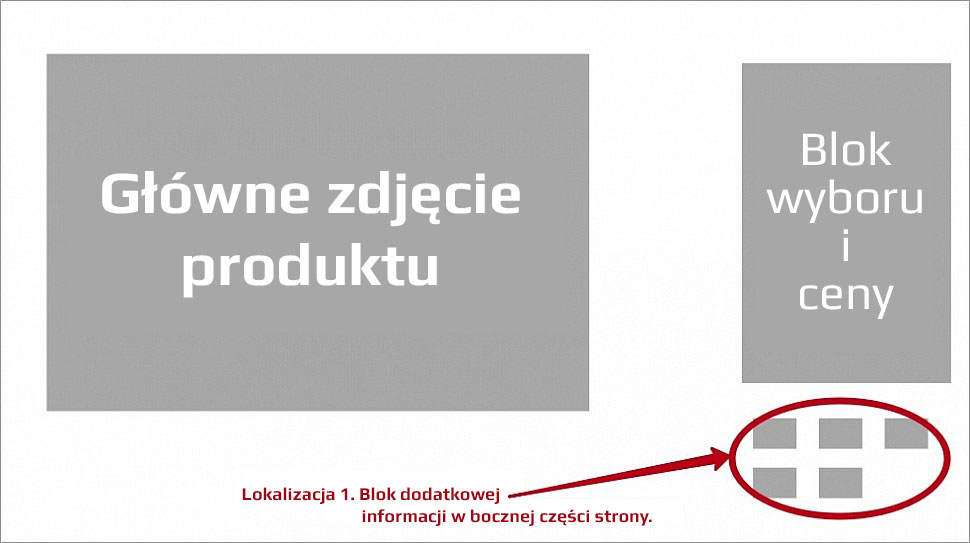
EXAMPLE 2. A collection of similar products below the „Buy” button:

EXAMPLE 3. A collection of similar products in the main part of the product description (below the main image):
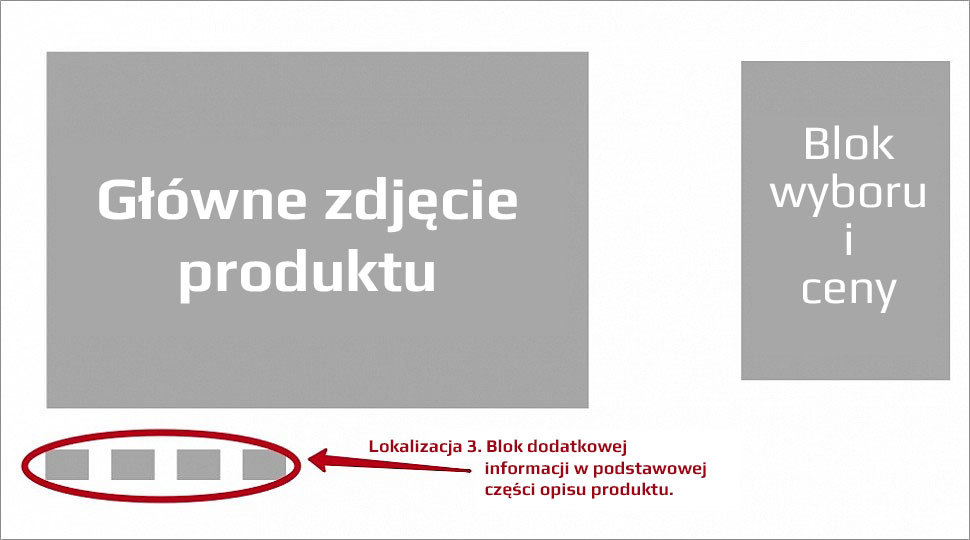
These three display locations can be configured in the admin panel on the plugins page and work "out of the box" (without the need to modify the website themes).
Why use the plugins "Products collections"?
Plugin makes managing similar products more precise and convenient than the standard recommended products functionality.
If for some reason the "select items" option for managing product variants does not suit you, try creating product groups using this plugins.
Additionally, using collections on product pages automatically creates internal linking between product pages.
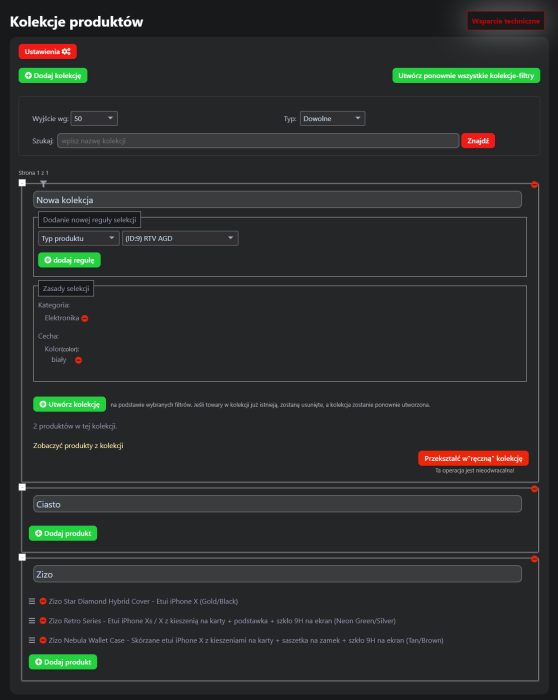
- Two types of collections: manual and automatic.
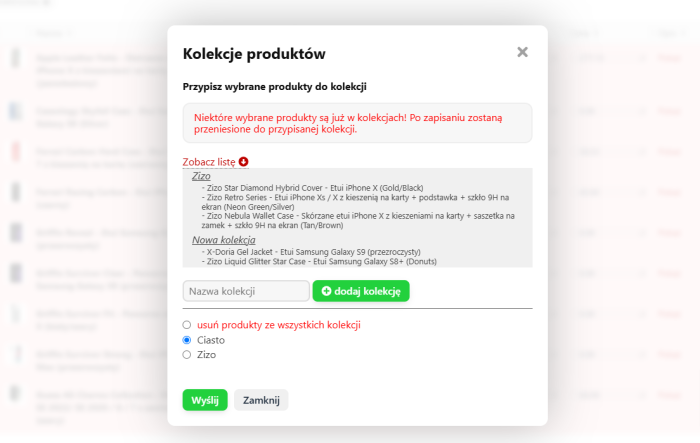
- Manual addition of products to collections - for precise product matching.
- Automatic addition of products to collections by product types/categories (including dynamic)/features.
- Automatic collections can be converted into manual ones.
- Products from collections are included in the site search.
- Sorting products in manual collections using simple drag and drop.
- Simple product search (like in the store admin panel) when adding products to a manual collection.
- Grouping similar products in a collection is done only once - later the collection works for all related products.
- Extended options for visual customization of the standard collection block theme separately for PC and mobile devices.
- Collection block theme editor.
Examples from the demo version:
EXAMPLE 1. The plugins interface is very simple - only two buttons: "Settings" and "Add collection".
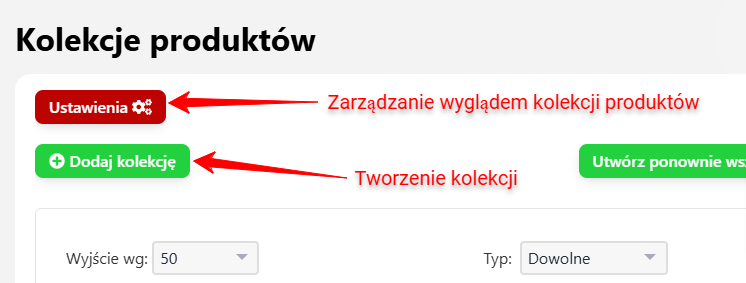
EXAMPLE 2. In the "Settings" section, you can add product collections to the site search:
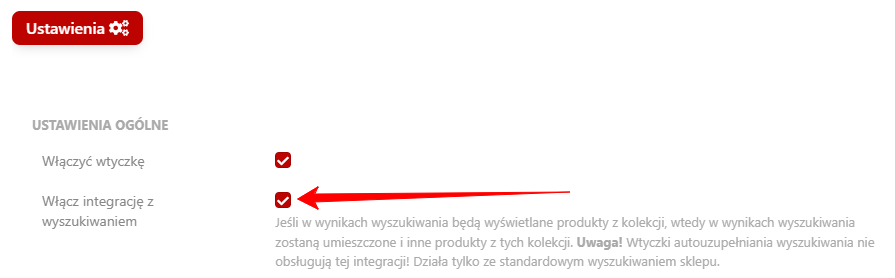
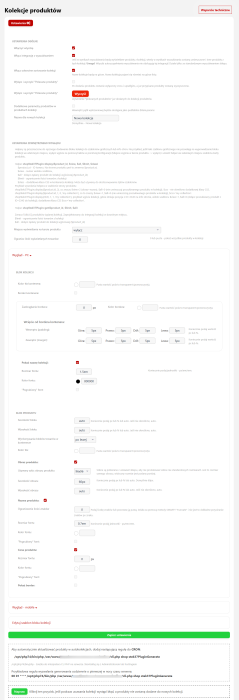
In the settings, you can select the display location of the similar products block:
You can also customize the display theme there to perfectly match your design:
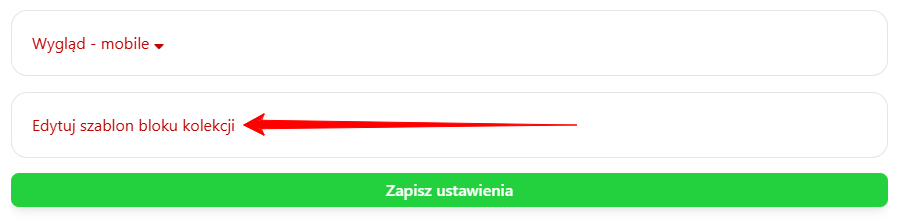
By default, plugin is configured for the simplest display method: a full list of the entire collection of similar products. With the display options, you can easily enable/disable the display of product images, names, and prices, as well as set sizes, borders, and colors. You can also create your own visualization themes.
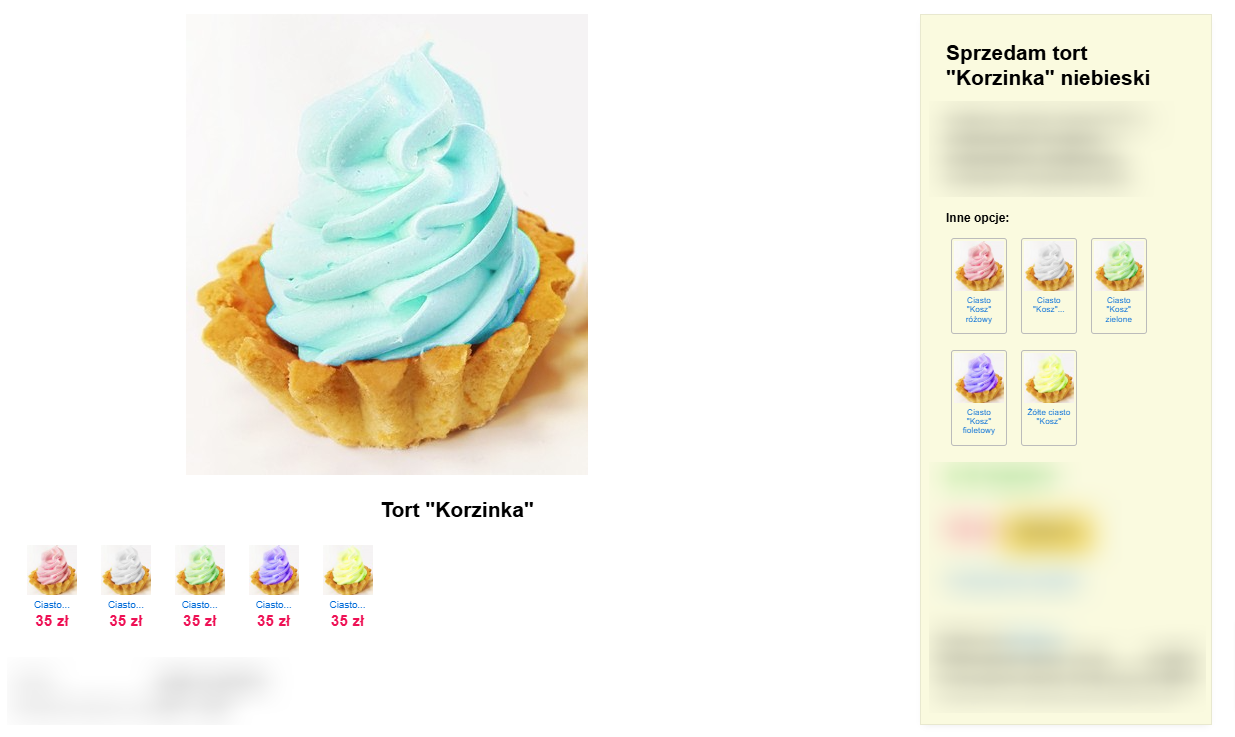
Here, in the right part of the product card, instead of a "selection" of items, a product collection is used. The helper {shopStek37Plugin::display($product.id, 3, null, 0, 'like-feature')} was added to the product.cart.html theme directly after the item selection block.
How to install the "Products collections" plugin?
Plugin "Products collections" works immediately after installation via "Installera".
However, if major design changes are needed, contact your developer.
- For a full image gallery with scrolling ("carousel").
- For displaying a block of similar products anywhere in the store.
- For creating landing pages (pages with a specific design) featuring product collections.
Invite your developer to collaborate.
Questions about refinement:
QUESTION 1. You want to use collections in cross-selling:
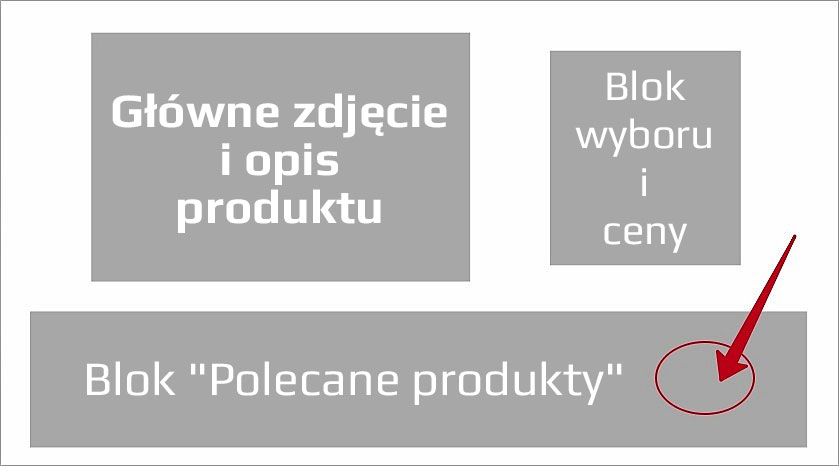
This is a fairly simple modification; here is the instructions.
QUESTION 2. You want to create a landing page for your collection:
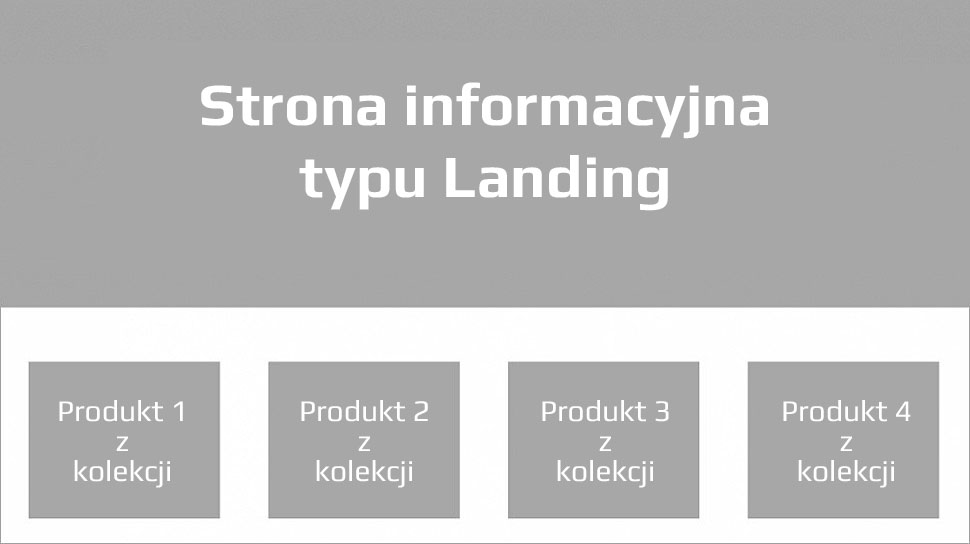
To do this, (1) use the helper on an information page and (2) customize theme number 2 plugins to your design.
QUESTION 3. You want to do something else:
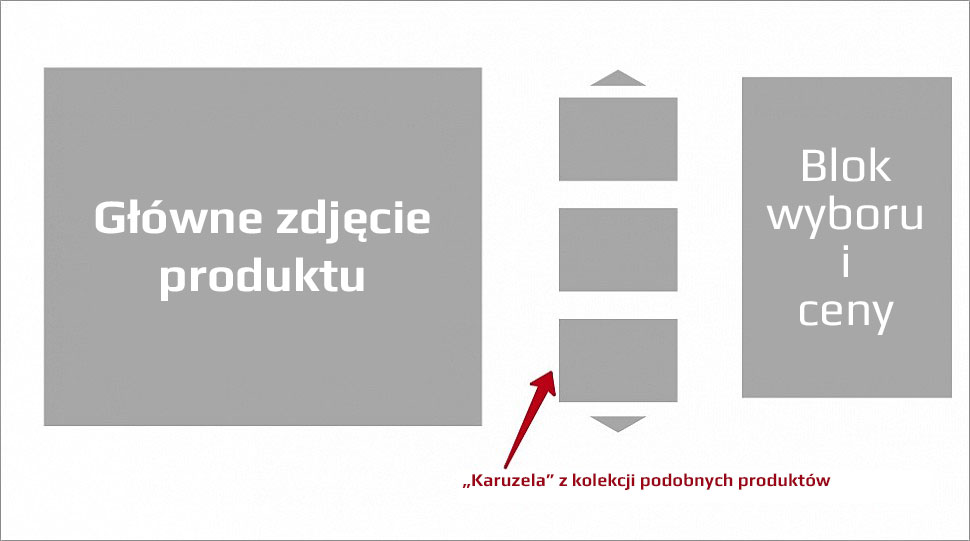
Such a modification requires changes to the design themes. A developer is needed.
QUESTION 4. You want to add a product to two collections, but it does not work:
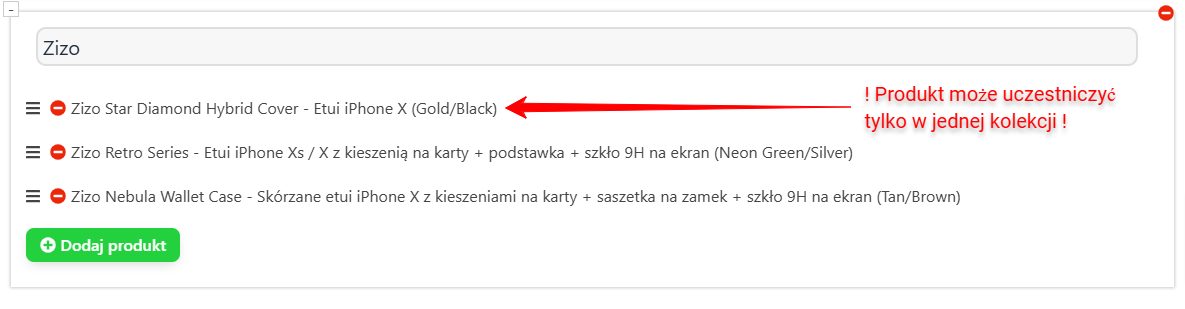
A product can only be assigned to one collection. Why?
If a product is placed in two groups, they may overlap with each other, which would introduce chaos in products and collections.
| Technical specifications | |
Developed for | Shopy-Script |
Localization settings | English, Polish, Russian |
UI backend support | 1.3, 2.0 |
Software type | Plugin |
Free | No |
| Developer and version plugins | |
Designer (programmer) | STEK |
License | Web Systems Pro |
Version | 3.0.1.1.wsp |
Update | 12/27/2024 |
With this product also buy