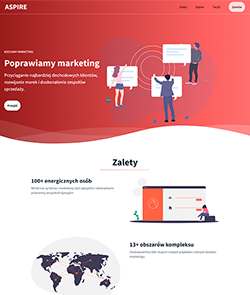
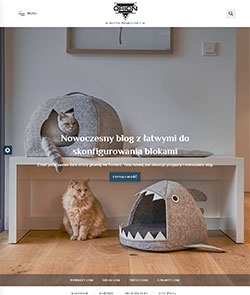
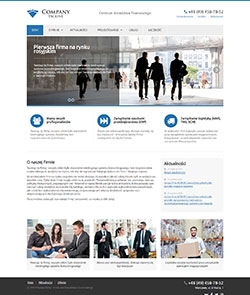
FoxStore - ready theme

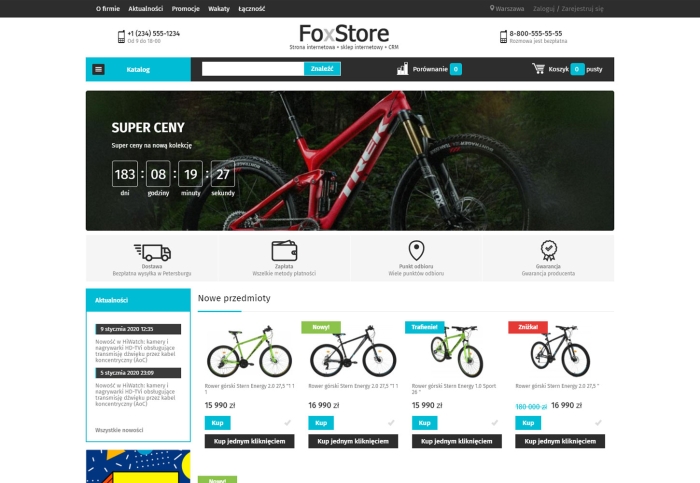


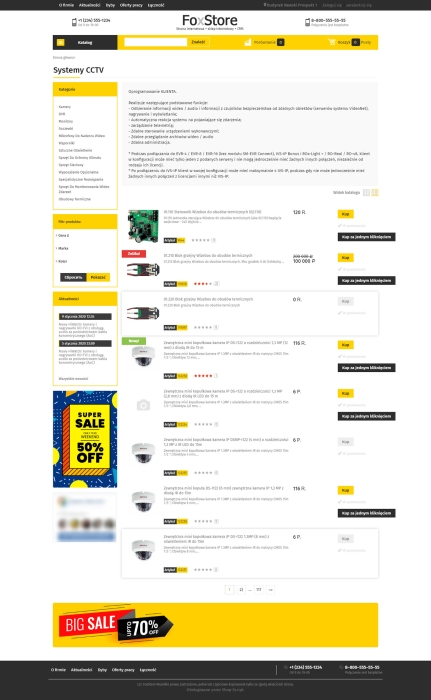


FoxStore universal theme design for an online store.
Three homepage options.
1. Open menu with left block.
2. Full-width banner with the left block removed.
3. Full-width banner and left block.
Many header options.
8 ready-made color schemes and the option to customize the color yourself.
Manual color adjustment.
Advertising banner with a clock.
The theme also includes:
Features:
1. Quick product preview.
2. Live search.
3. Tabs on the product page.
4. AJAX product filter.
5. Buy in 1 click.
And much more...
Settings basics:
1. Background color and basic color scheme (4 colors available), with the option to set colors manually.
2. Option to set banners instead of the background on the right and left sides.
3. Configurable benefits block (delivery payment, etc.)
Site header:
1. Logo with the option to add a caption below it.
2. Configuration of the main and additional phone numbers with captions.
3. Contact address and working hours.
Left block:
1. Display of the news block.
2. Placement of a banner link.
3. Social network widgets.
Footer:
1. Unit for placing counters.
2. Age restriction block.
3. Intellectual property information.
4. Advertising banner before the footer.
5. Subscription block.
6. We accept payments.
7. Social media links.
Homepage:
1. Slider settings.
2. Slider height.
3. Slider width.
4. Product lists (New arrivals, bestsellers, promotions).
5. About the company section.
6. Latest reviews block.
Settings "Store":
1. Show the "Buy" and "Compare" buttons in product lists on the homepage.
2. Product comparison in other product lists.
3. Default product list view.
4. Show tags in the field on the right.
5. Display the product category description.
6. Show neighboring categories in the category selection menu.
| Technical specifications | |
Theme type | Online stores |
Developed for | Blog, Shopy-Script, Site |
Localization settings | English, Polish, Russian |
Frontend localization | English, Polish, Russian |
Business category | Car, Electronics and household appliances, Furniture and interiors, Clothing and footwear, Children's products, Sport and tourism |
Settings colors | multicolored, white, black, red, purple, navy blue, blue, orange, pink, green, yellow |
Unit fractions | No |
Desktop theme | Yes |
Mobile theme | Yes |
Software type | Website theme |
Free | Yes |
| Developer and version theme | |
Designer (programmer) | BrandFox |
License | LGPL |
Version | 1.0052.1.wsp |
Update | 07/09/2022 |