

Guide o szablonie graficznym "Hypermarket"
Website theme "Hypermarket": how to start using.
The website themes family "Hypermarket" is designed for use in online stores created with the Shopy-Script application. Also supported are applications "Site", "Blog", "Photos", "Hub", "Helpdesk", "Mailer", which are used as auxiliary — for creating additional sections on the online store website and in the buyer's personal account.
"Hypermarket" is best suited for online stores with a large product range.
Using on different devices
Themes from the "Hypermarket" family are optimized for desktop computers and tablets. For buyers using smartphones, it is recommended to install another theme "Mobile" and select it in the billing settings of the application in the "Structure" section of the "Site" application.
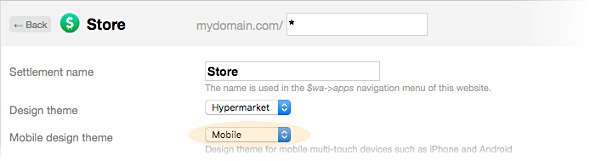
Theme settings.
Each application in the Hypermarket theme has a settings page. At the beginning, it contains the settings list for the "Site" application, since its theme is primary for the entire family.
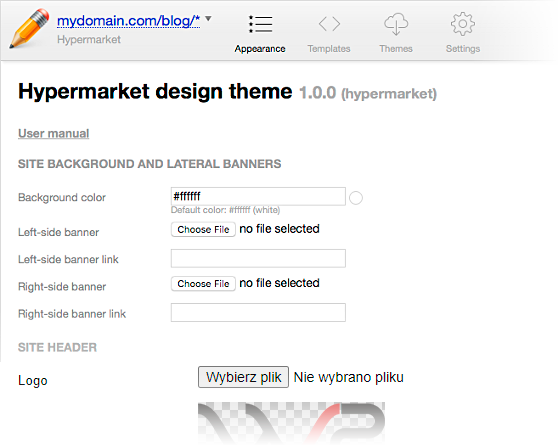
After this general set, at the bottom of the settings page, individual application settings are available in the theme editor of each of these applications.
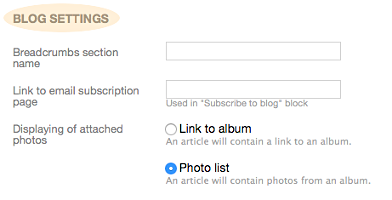
Example for "Blog"
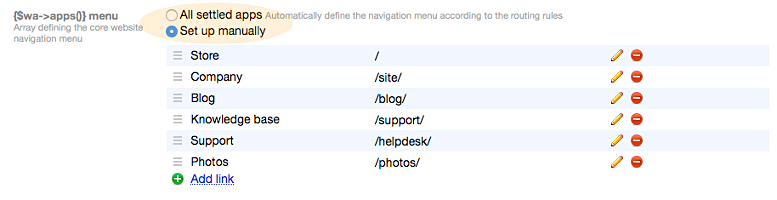
Setting up the main menu.
Configure the website's main menu in the section "Settings → {'$wа->аррs()'} menu" of the "Site" application:
- select the "All applications" option to automatically create the main menu based on application routes in the Structure section, or
- select the "Customize" option to manually create the main menu with any links, addresses, and names.
Configuring authorization and personal account.
To display the online store and allow registration and login to the personal account, enable authorization in the "Personal account" section of the "Site" application.
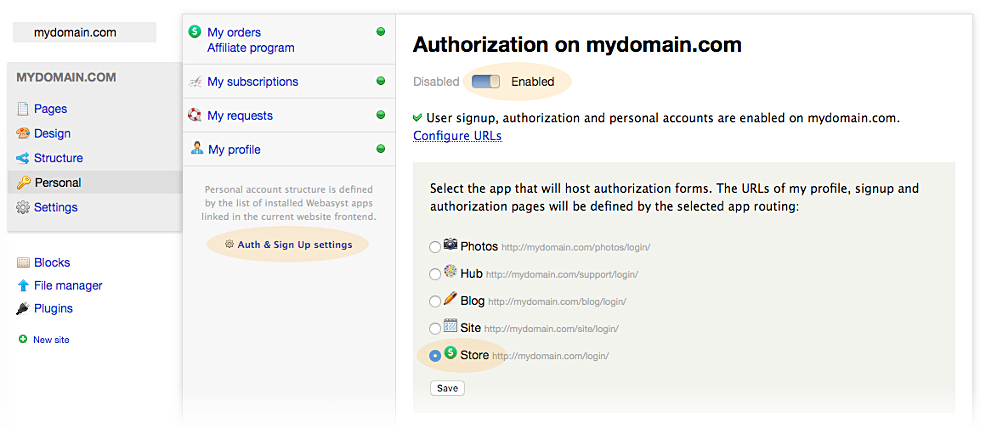
Logsly speaking, theme is built around the "Shop" application website, so it is most convenient to select the Shopy-Script application as the one responsible for visitor authorization and registration, in the section "Personal account → authorization settings".
Structure of graphic themes.
The main files of the "Hypermarket" family - the index.html template and base CSS styles - are stored in the graphic theme of the "Site" application and are used by templates of other applications.