
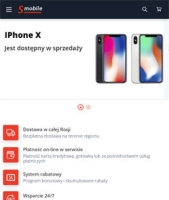
Configuration o szablonie graficznym "Smobile"
1. Displaying images in newss.
- To display an image in newss, it is necessary to register the img=path to the image in the blog post parameters.
2. Settings plugins.
- Helpdesk for the plugins "Buy in 1 click (lite)". Set up and enable, for buttons save classes: product - button-one
3. Displaying icons and banners in categories without plugins.
- To display an image on the main page and subcategory, you need to enter img=path to the image in the category parameters.
- To display a banner in a category, it is necessary to register the banner=path to the image in the category parameters.
4. Do not allow displaying categories in the menu.
- In the category, set the parameter hide=1