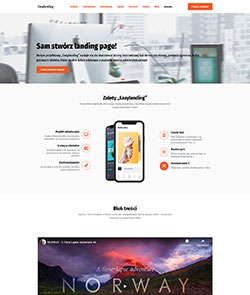
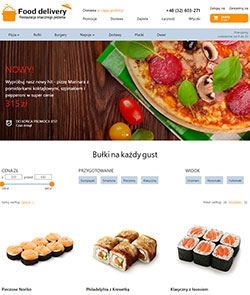
Vogue - theme for an online store



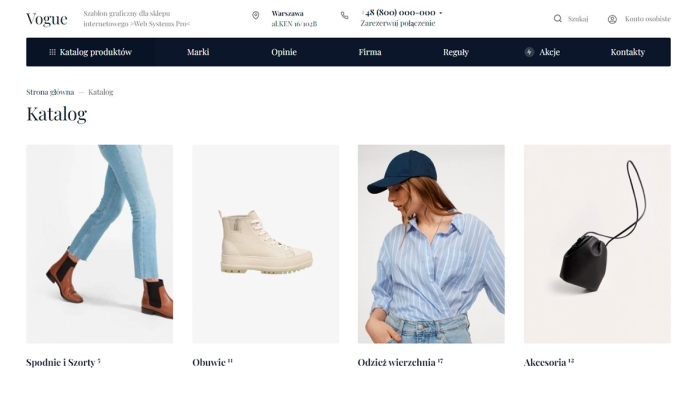
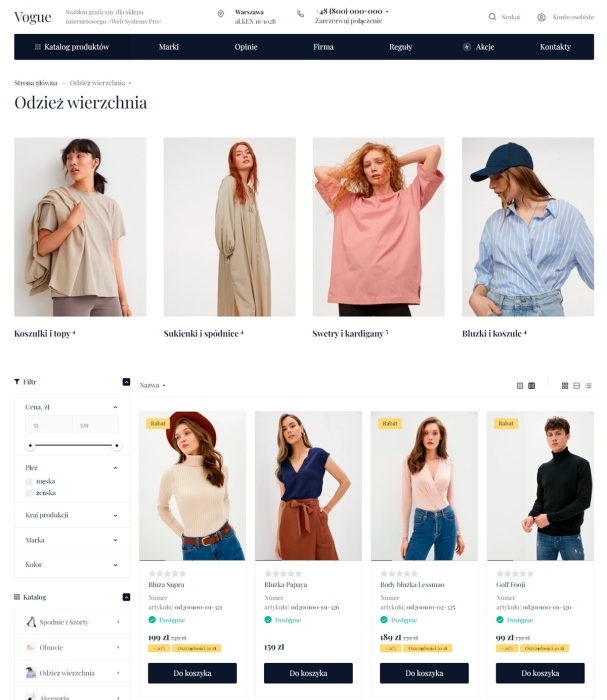
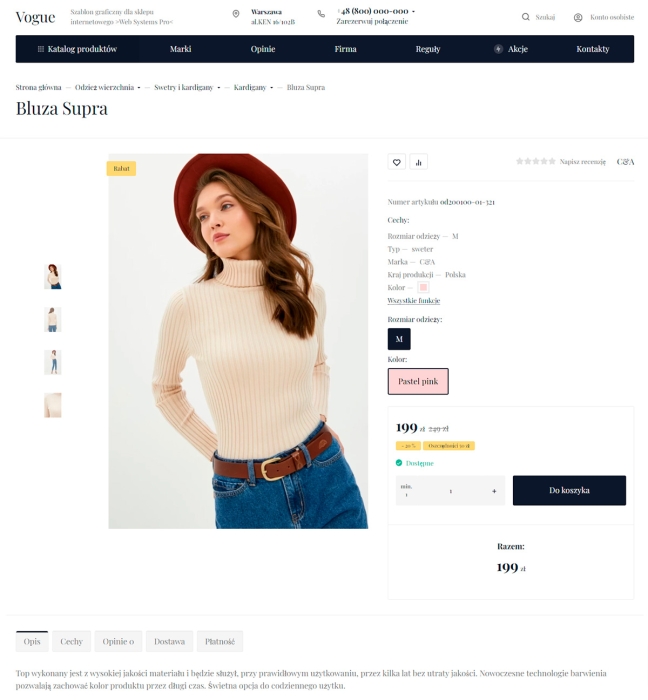


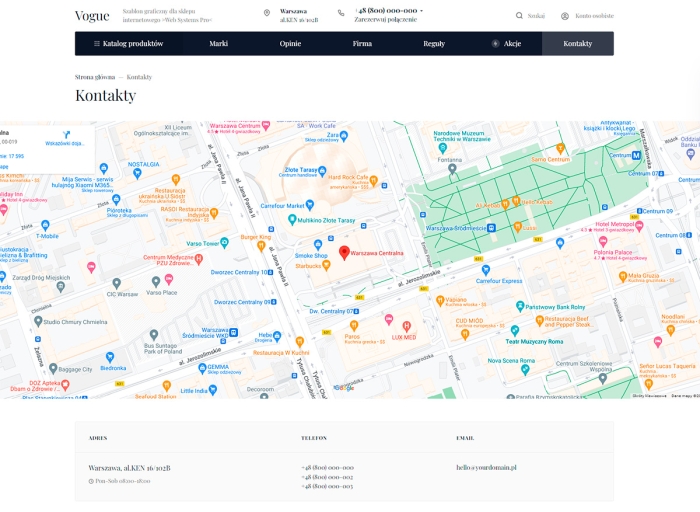
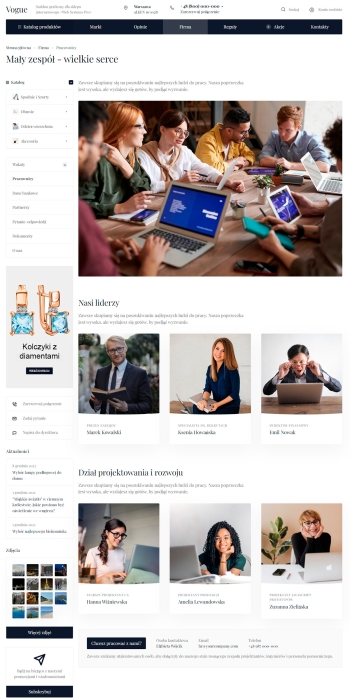


Vogue theme with homepage builder and settings editor from the site!
No longer do you need to configure the site in the admin panel for a long time. Change the look of your online store directly from the public area. Change the design of elements and sections, play with blocks: you can swap them, enable and disable them. Completely change the appearance of the page with one click!
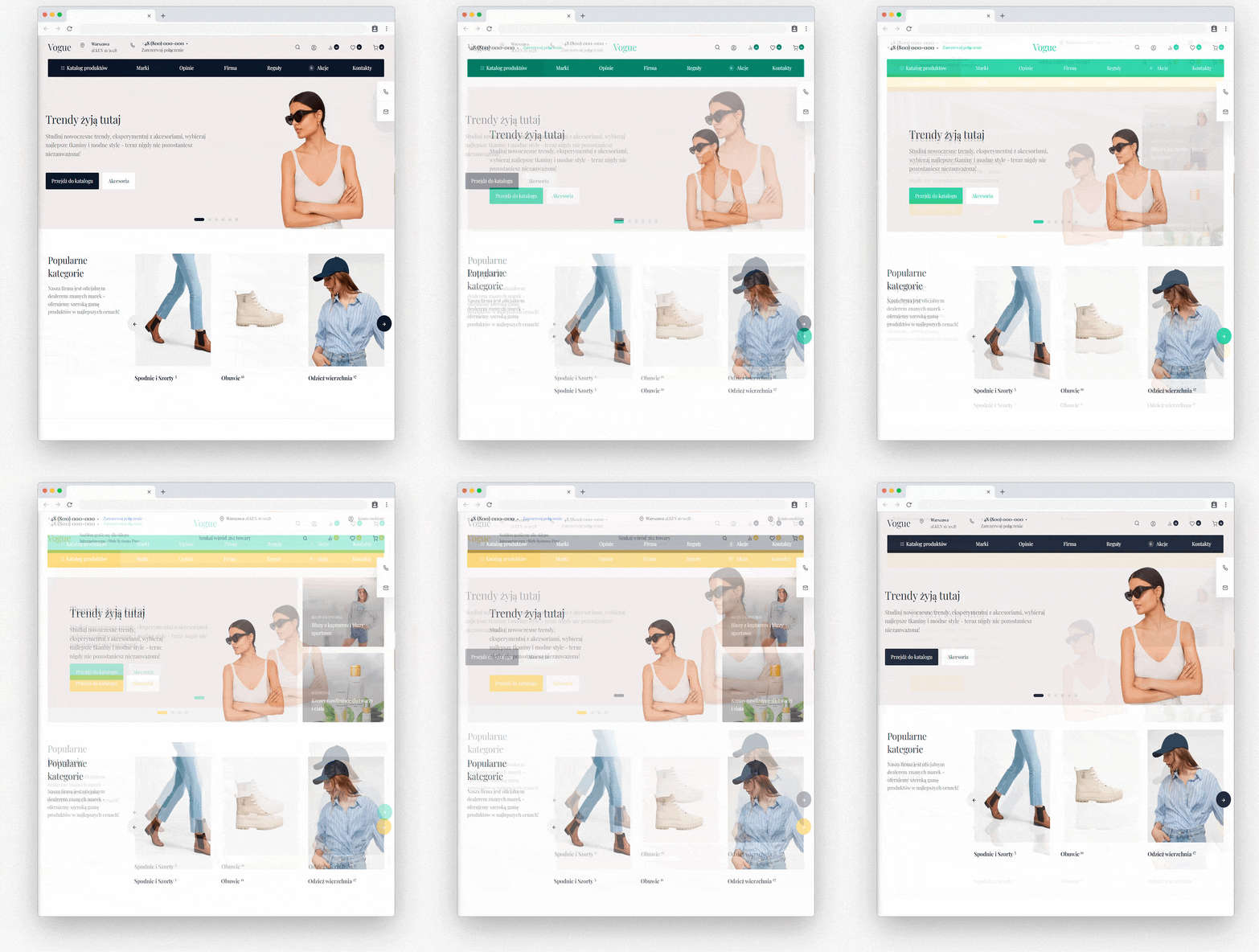
Intuitive homepage builder.
Use ready-made blocks, change their display options in an intuitive interface. You can create a unique online store with your own hands.
24 blocks with many display options in each of them are hundreds of variations of the homepage. Change the display order of blocks and disable unnecessary ones with one click.
Vogue settings editor.
Edit all theme settings directly from the store site. Change the site color, change the order and disable sidebar widgets, change images in blocks, display the product card.
After installing our free application, you will be able to use the preview: Change blocks, select the display you like best, and only then save the changes for all users.
Create your own pages or use built-in ones.
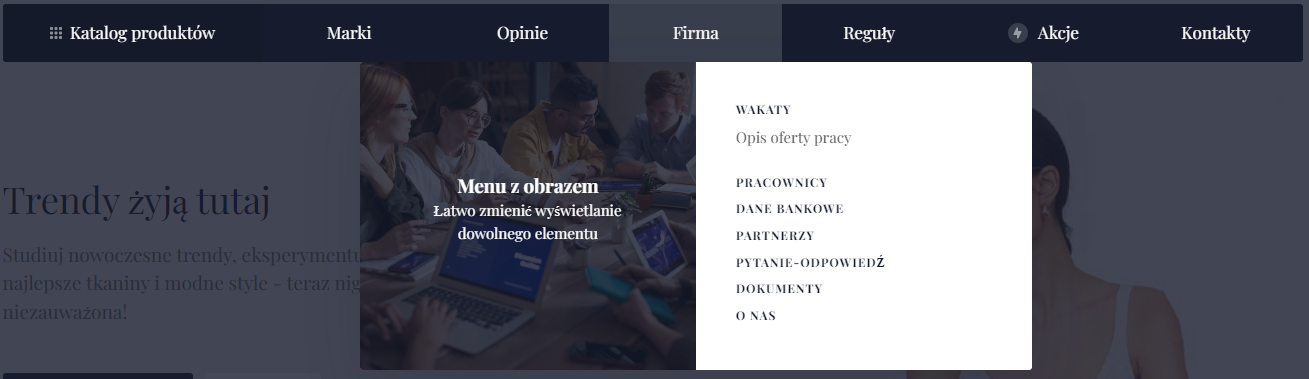
You can create any number of landing pages from ready-made blocks. Simply replace their content with your own. We view pages in sections: Contact, About us, Job openings, Employees and others. Use them and do not waste time on layout.
Adaptability.
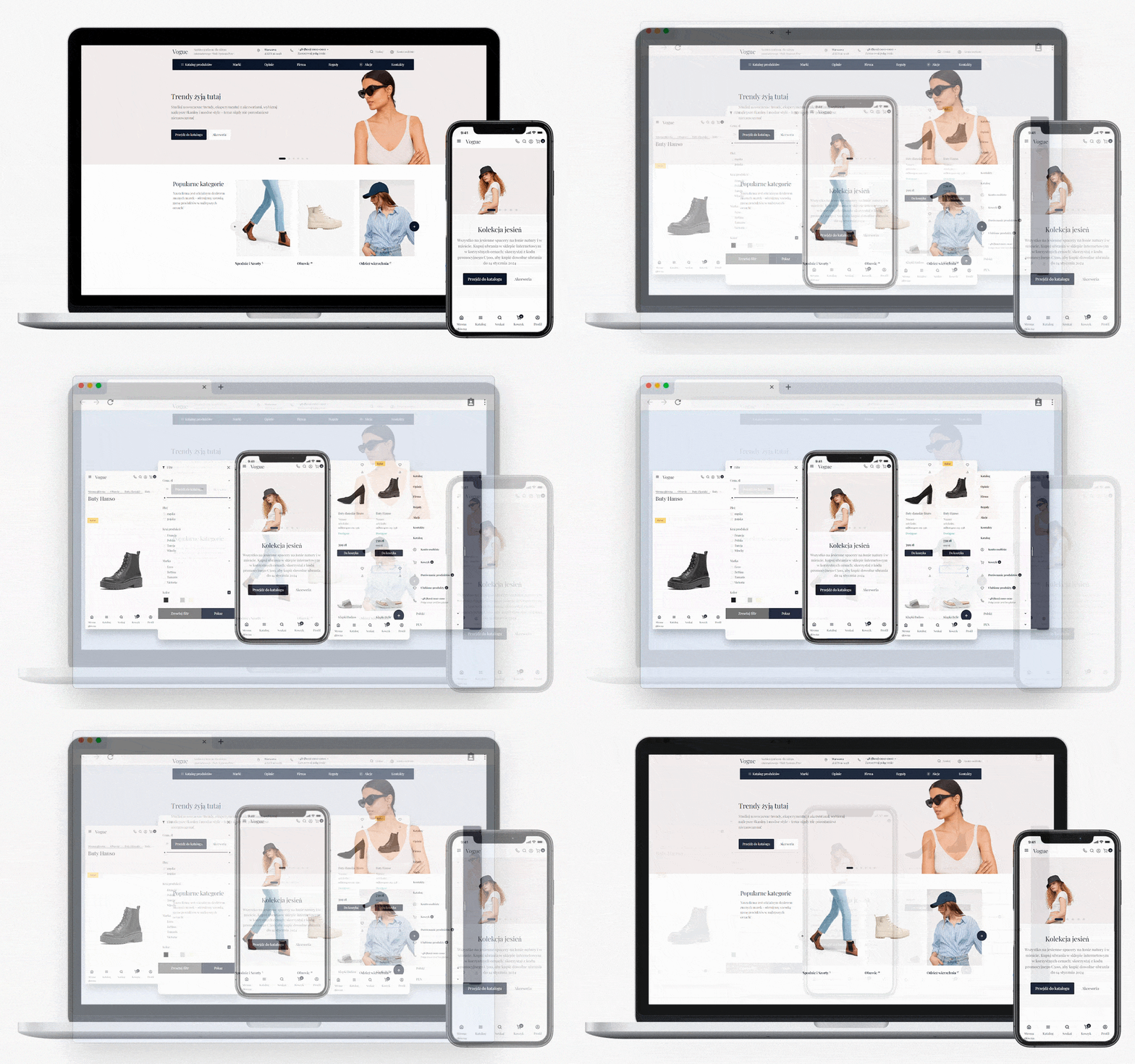
All units are already optimized for different devices. After adding pages from our blocks, your site will automatically look good on smartphones, tablets and computers. We worked on each block so that creating a responsive site is elementary.
SEO optimization and Schema.org micro markup
We paid special attention to micro markup in the template. On all pages of the site there is micro markup http://schema.org/Organization - this is information about the company from the design theme settings.
On the category page, micro markup http://schema.org/AggregateOffer has been added to display the price range and number of products in search.
Breadcrumb micro markup http://schema.org/BreadcrumbList and product micro markup http://schema.org/Product have been developed.
Loading speed and PageSpeed Insights.
The design theme implements lazy loading of images and loading scripts only on demand, which made it possible to get good results in the PageSpeed Insights ranking and real site loading speed.
It is worth noting that the design theme has been tested with only one plugin enabled - WEBP Images.
Support for all WA applications.
Sometimes online store owners have to face the lack of support for the design theme of all WA applications. But not in this one!
The "Vogue" design theme supports applications: Site, Shop, Blog, Photo, Hub, Helpdesk, Mailing!
Integrated applications and plugins.
You do not need to manually embed plugin and app helpers into the design theme, customize styles, and so on. Applications and plugins are not included in the price of the design theme and are purchased separately.
- Applications: Feedback form
- Applications: Reviews
- Applications: Feedback form
- Applications: Reviews
- Plugin: SEO-optimization
- Plugin: SEO filters
- Plugin: Brands PRO
- Plugin: Shipping and payment information
- Plugin: Buy with one click
- Plugin: Automatic city detection and selection
- Plugin: Images for category
- Plugin: Images for the blog
Site header.
The site header is presented in 30 versions with different element layouts. You will surely find one that suits your site.

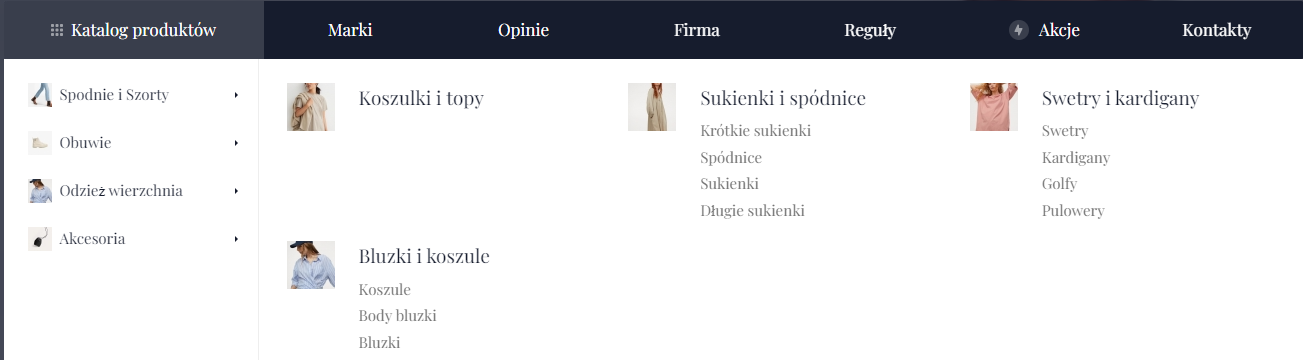
Expandable catalog.
The product card has 5 display options for showing product information in tabs or a list. Menu items can have images added using plugins Image for categories, Icons from the set included in the design theme, or text badges.

Detailed phone menu.
The design theme allows adding 3 phone numbers and their descriptions. When hovering over the main phone number in the site header, a drop-down menu with two other phone numbers appears.

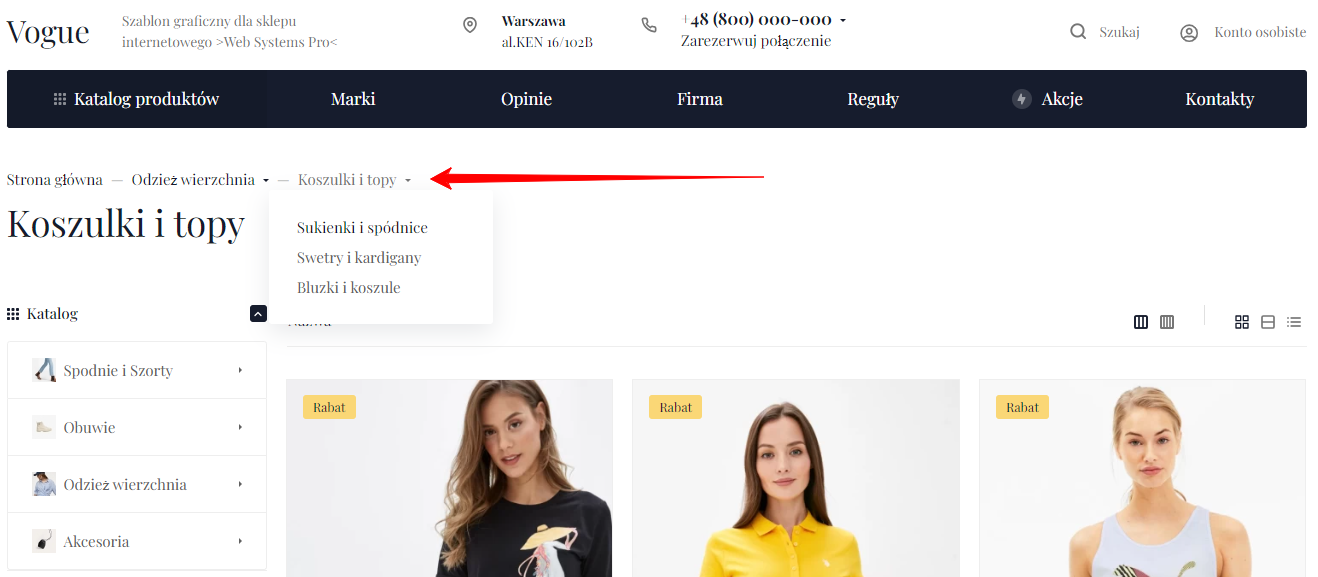
Breadcrumbs.
Expandable breadcrumbs allow users to quickly navigate to neighboring categories.
Product catalog.
The design theme allows you to create an output page for product categories in several display variants. Navigation to this page occurs by clicking the "Catalog" button in the main menu.
The same category display options are available on the homepage and category pages for subcategories.
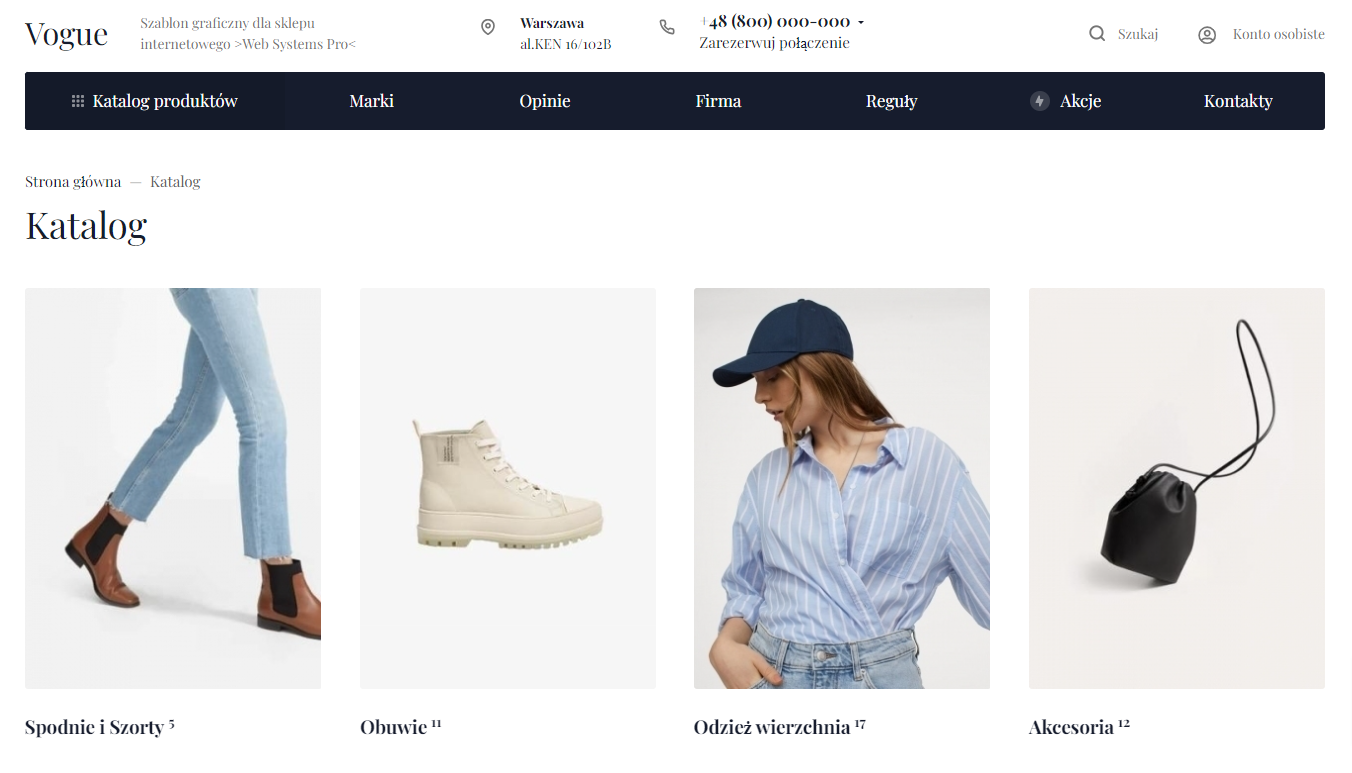
Product category.
In the product category you can change the location of sidebar widgets, enable/disable product sorting and change their name, customize the data displayed on product cards and much more.
Product display.
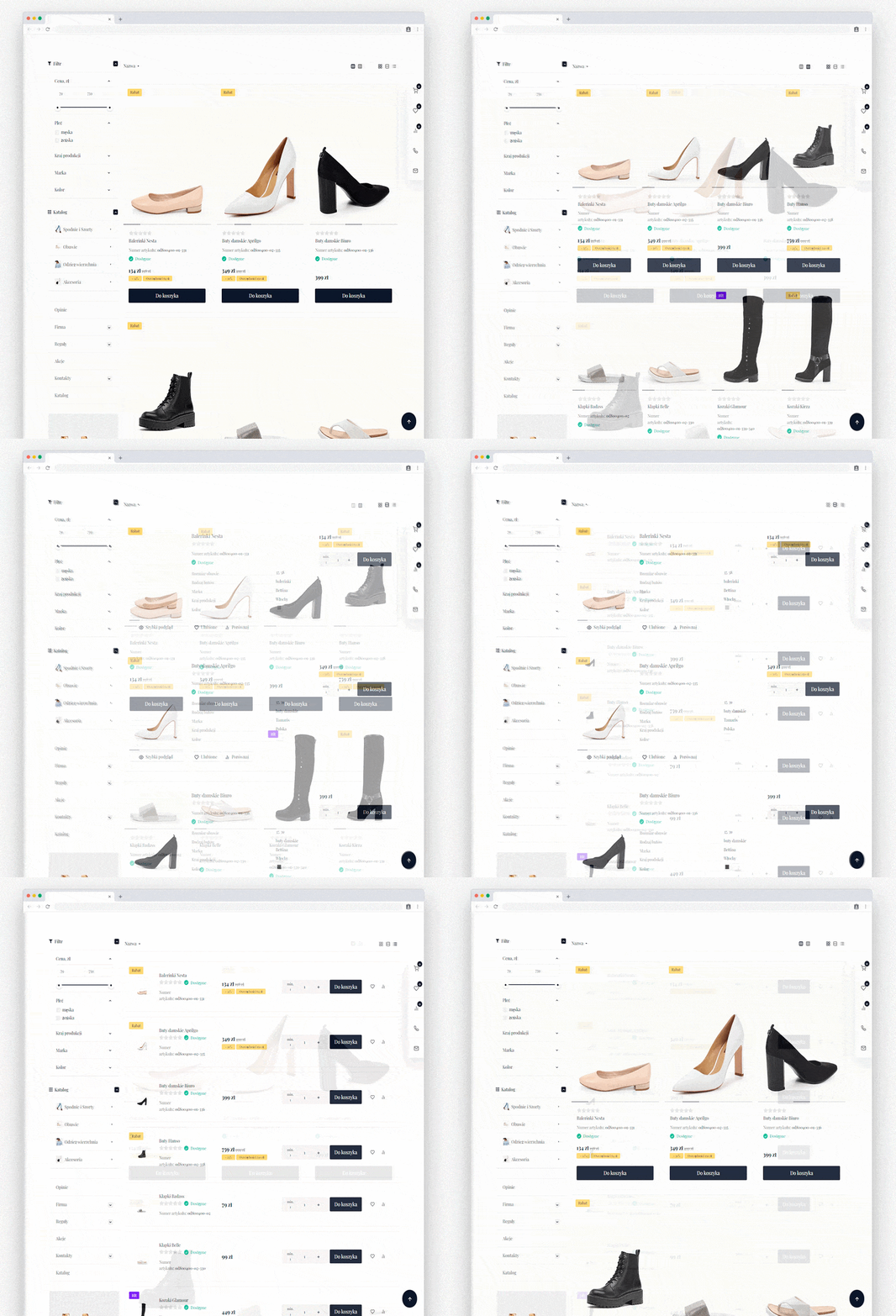
In the design theme it is possible to use several product display options: Tile with 4 or 3 products per row, List and Table. Additionally you can choose a large image size for the Tile option, which is an ideal solution for online clothing stores.
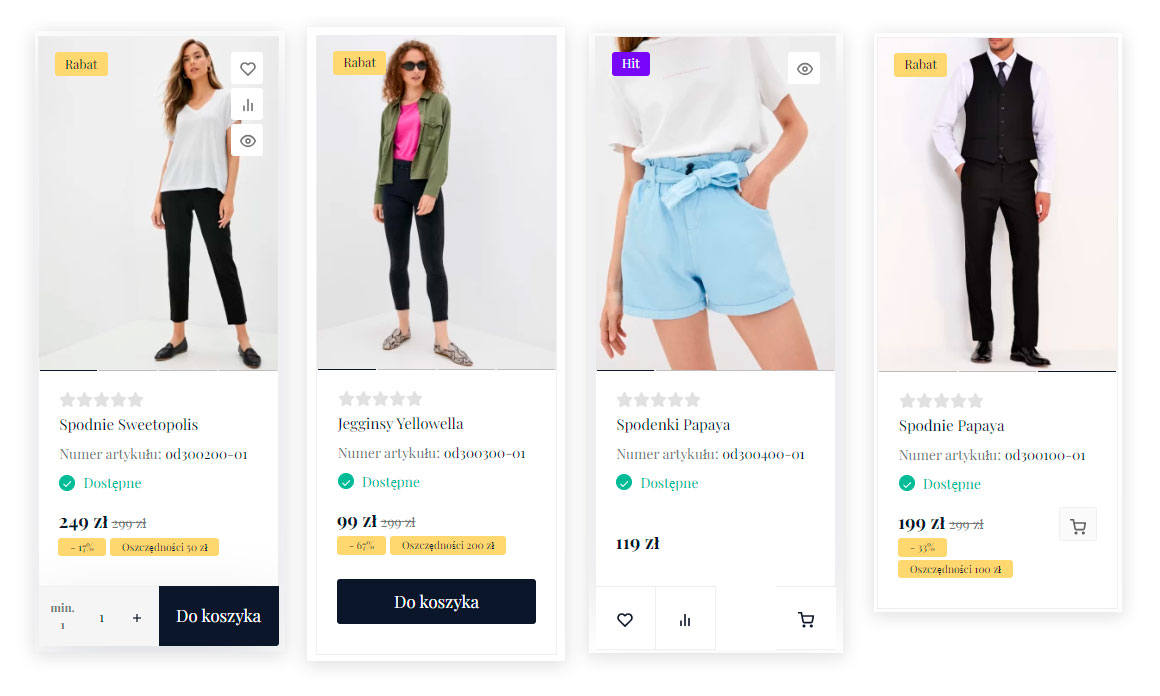
Product cards.
In version 1.0.0 there are 4 options for displaying add to cart buttons for products for the card option.
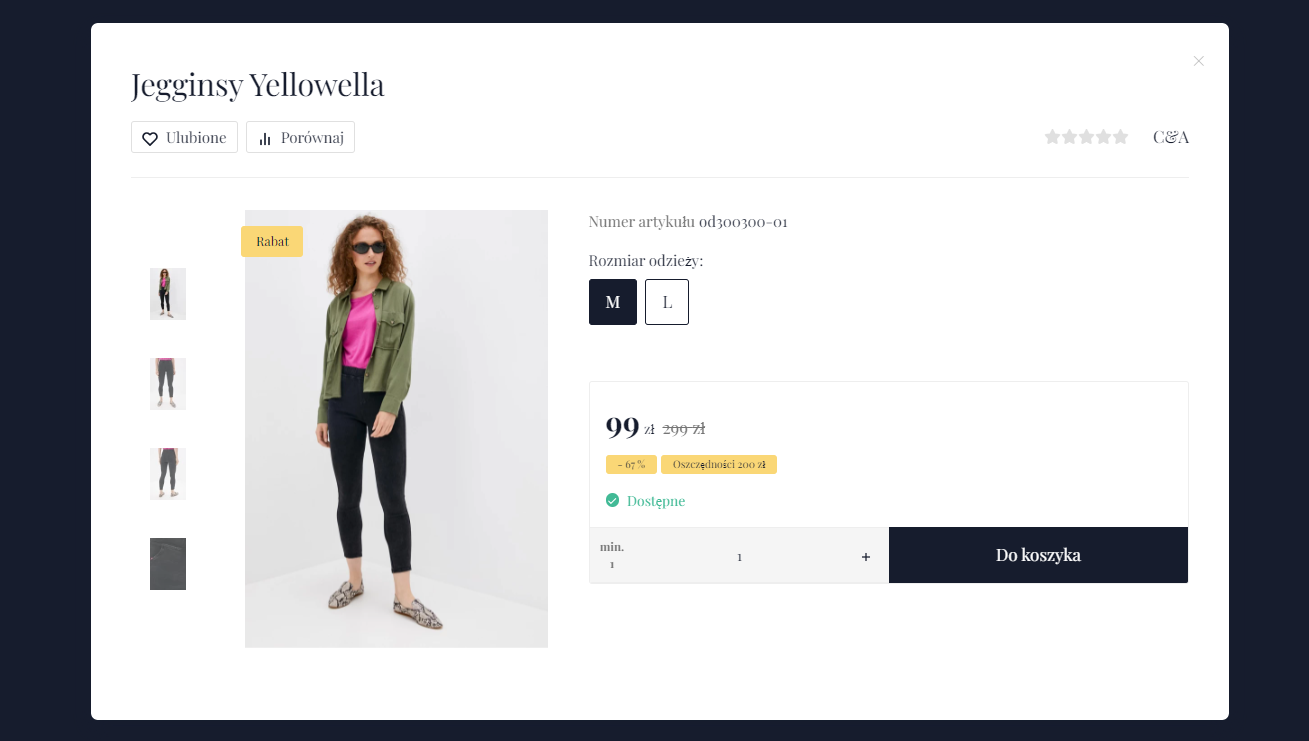
Product preview window.
Photo slider, displaying product videos, changing articles and the quantity of products added to the cart - all this is available in the preview window. By default it is activated after clicking the preview button or adding a product with multiple articles to the cart.
By the way, the latter can be disabled in the design theme Settings, and the product will immediately go to the cart with the default article!
Notification about adding a product to the cart.
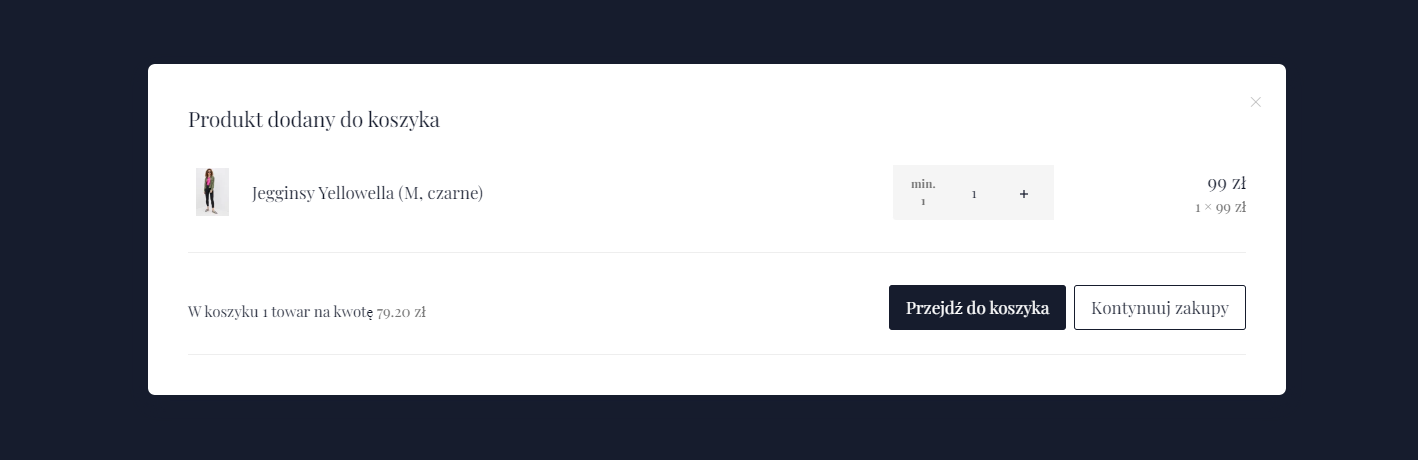
After adding a product to the cart a modal window is displayed where you can change the quantity of the added product, the quantity and total of products in the Cart are shown. And if related products are added to the product, they will also be displayed in the modal window!
Product page.
The product card has 5 display options and outputs product information in tabs or on a list. Flexible tab settings allow changing their names, disabling and selecting the tab that is open by default, combining the features and description tab.
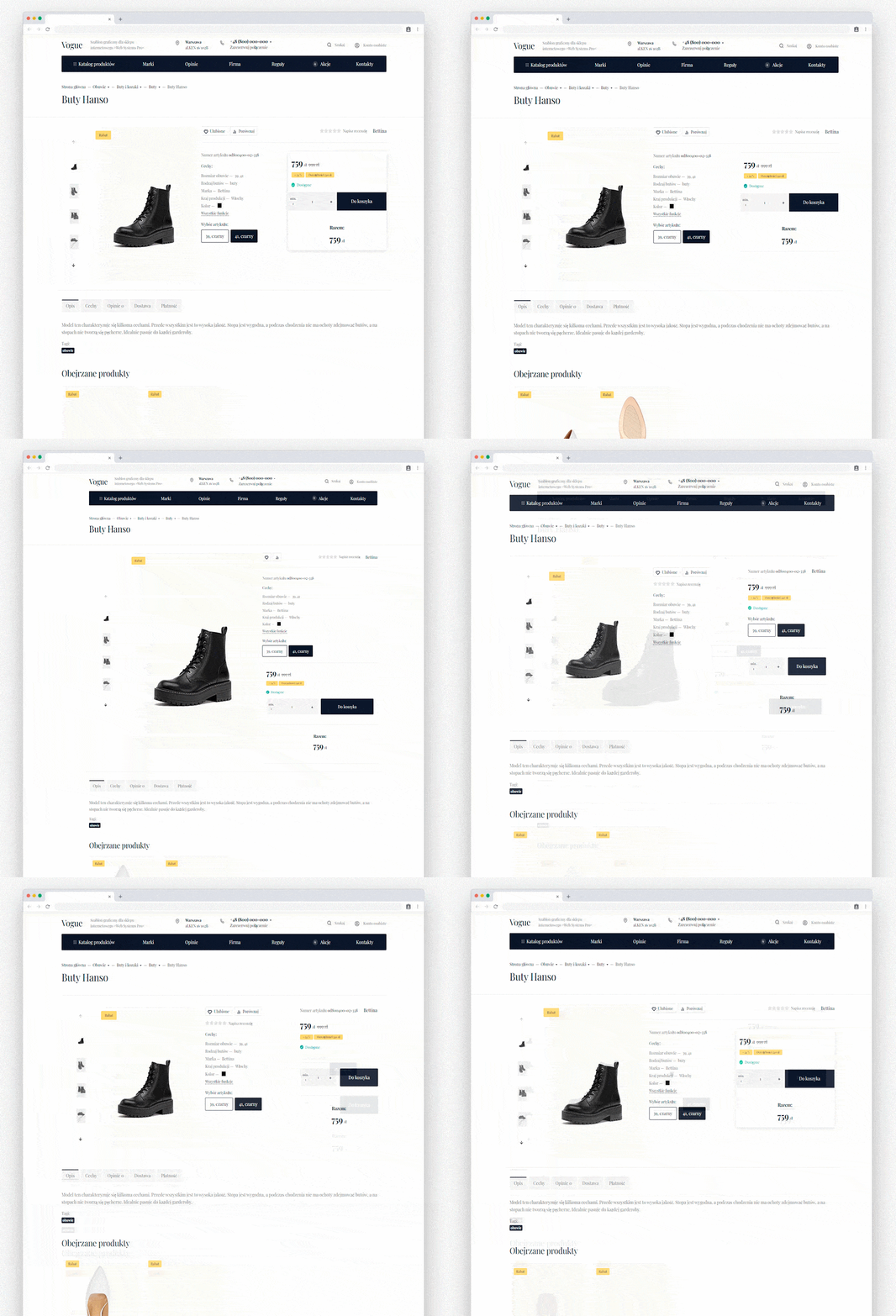
Custom tabs.
Create common tabs for all products without plugins. For example you can create tabs with shipping and payment information.
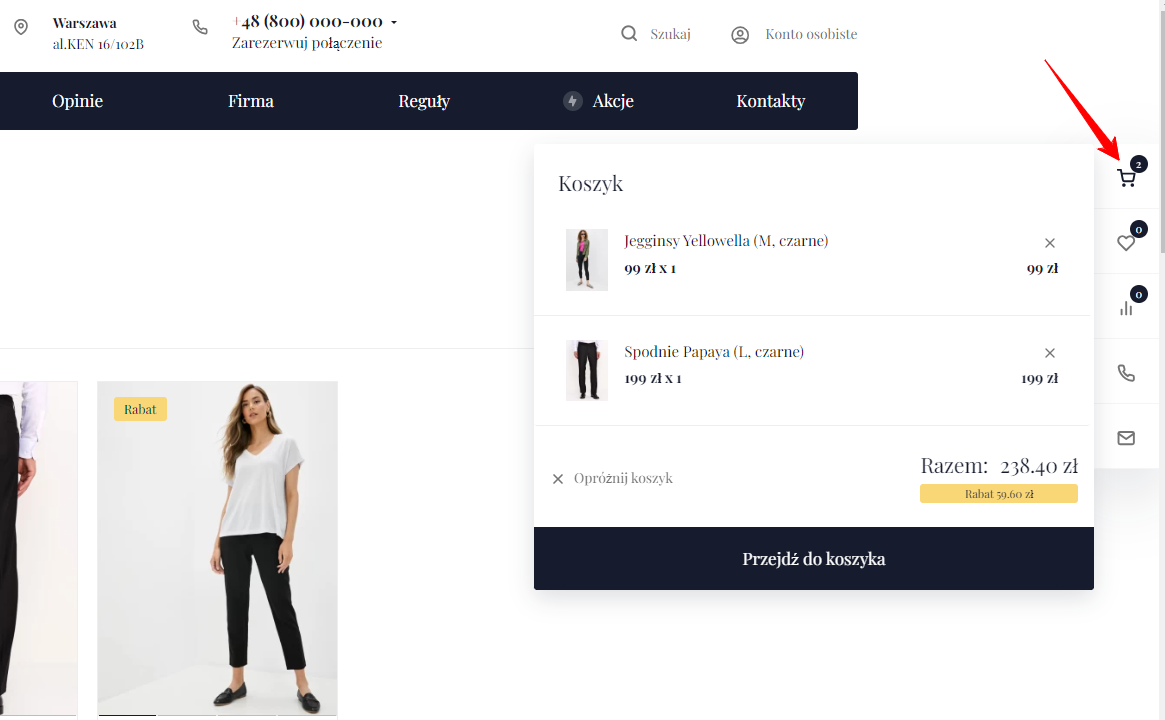
Pop-up cart.
See which products have been added to the cart, check the final order price, remove one product or all at once with the help of the pop-up cart.
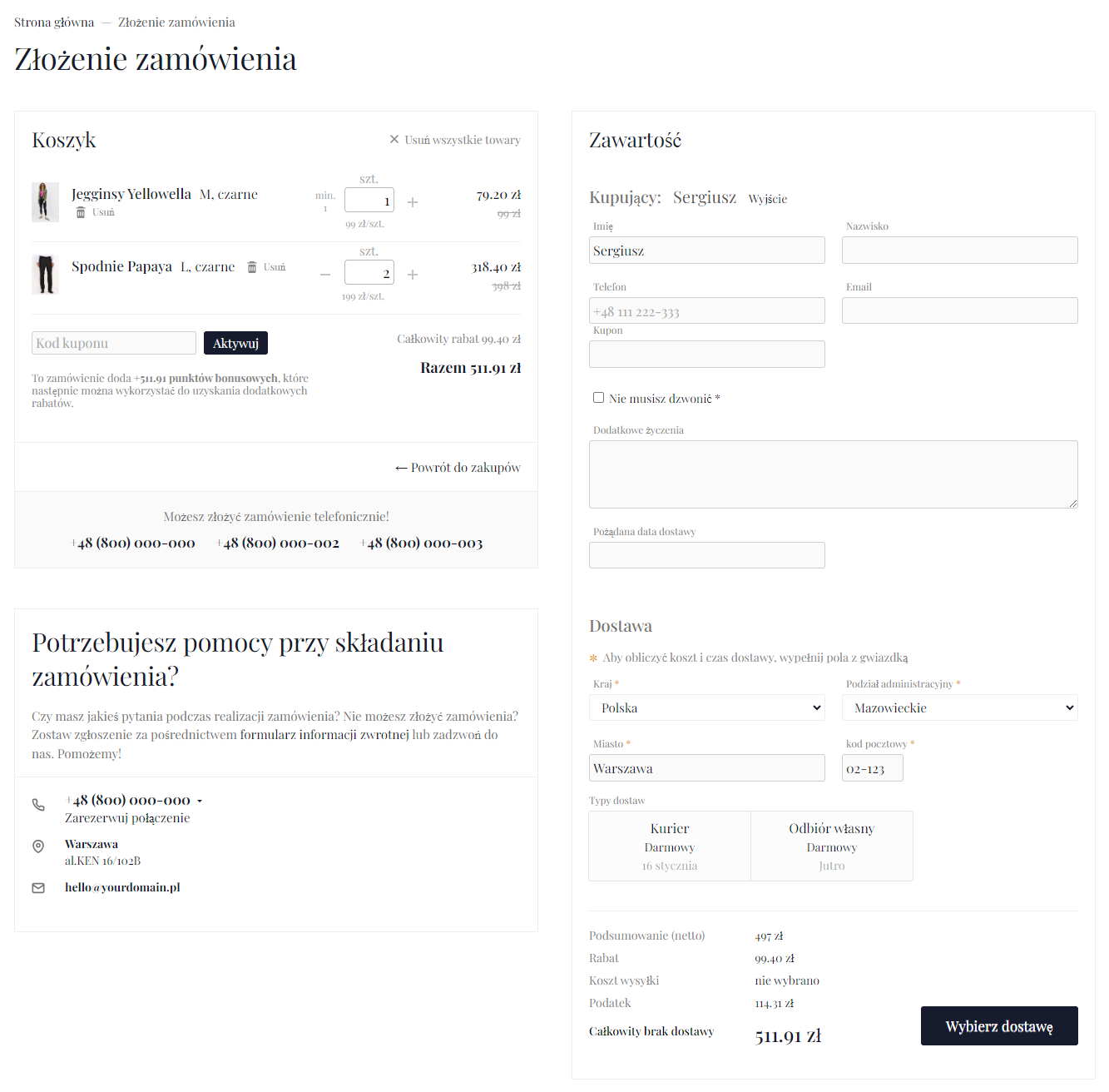
Checkout.
The design theme supports one-page checkout and step-by-step checkout.
Authorization in a modal window.
The design theme allows displaying user authorization in a popup window. Two options are available - vertical and horizontal modal windows.
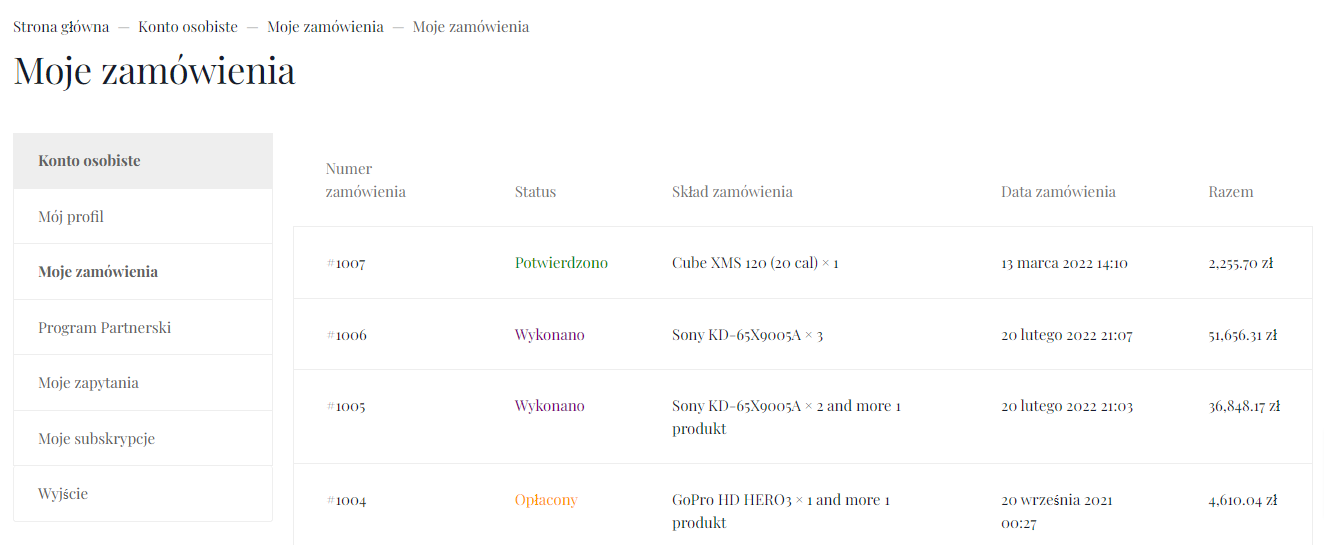
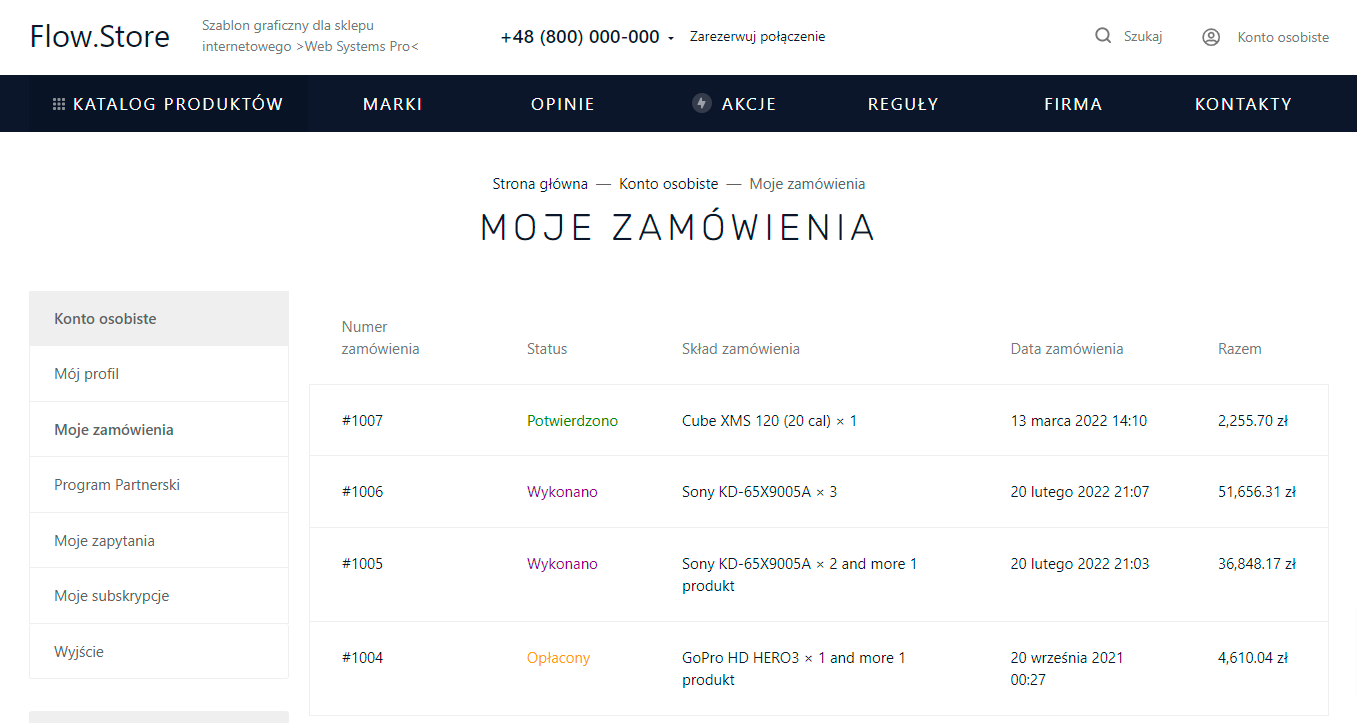
Personal account.
The clean design of the personal account pages will help the user not to get lost and quickly find the necessary information.
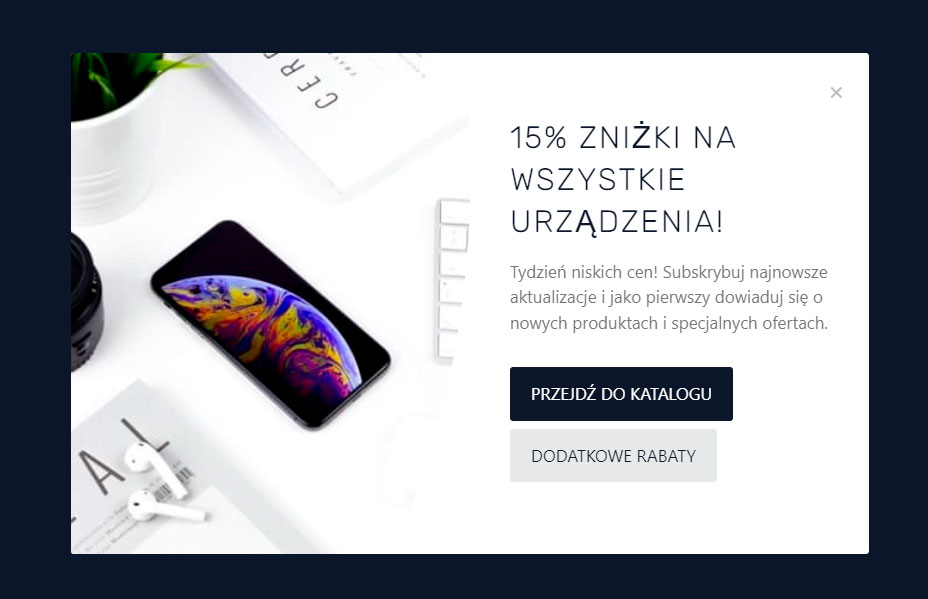
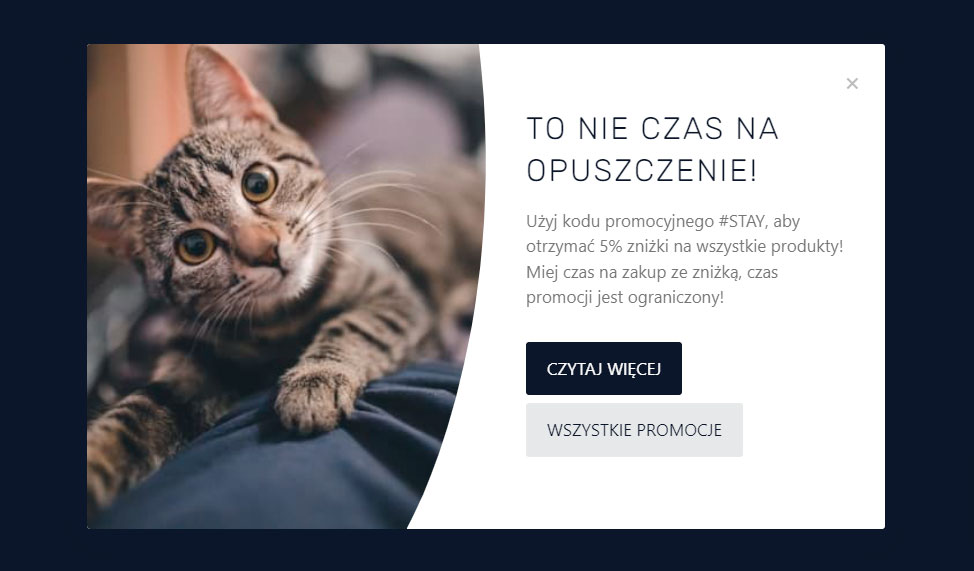
Promotional modal windows.
Two types of modal windows for promotions are available. The first one opens after "N" seconds the user spends on the page. The second one opens if the user moves the mouse off the screen. All this can be flexibly adjusted in the design theme.
Cookie notice.
Displaying the cookie notice is very easy and quick in the design theme Settingss.

| Technical specifications | |
Theme type | Online stores, Blogs and forums |
Developed for | Blog, Hub, Mailer, Shopy-Script, Site, Helpdesk, Photos |
Localization settings | English, Polish, Russian |
Frontend localization | English, French, Spanish, German, Polish, Russian, Italian |
Business category | Jewelry, Clothing and footwear, Gifts and flowers, Children's products, Universal, Health and beauty |
Settings colors | multicolored, white, burgundy, black, red, purple, navy blue, blue, orange, pink, gray, turquoise, green, yellow |
Unit fractions | No |
Desktop theme | Yes |
Mobile theme | Yes |
Software type | Website theme |
Free | No |
| Developer and version theme | |
Designer (programmer) | Easyweb |
License | Web Systems Pro |
Version | 2026.0.0.1.wsp |
Update | 04/11/2026 |