Yourshop - ready theme
Clear sales of unique goods!
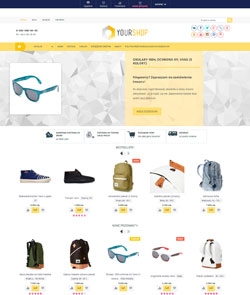
Yourshop

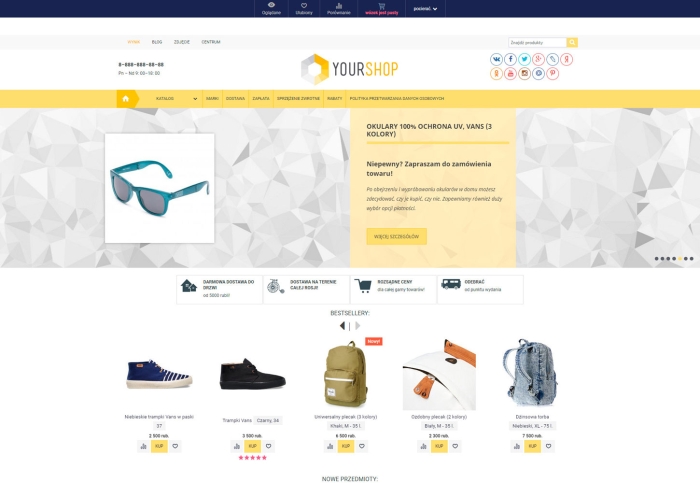
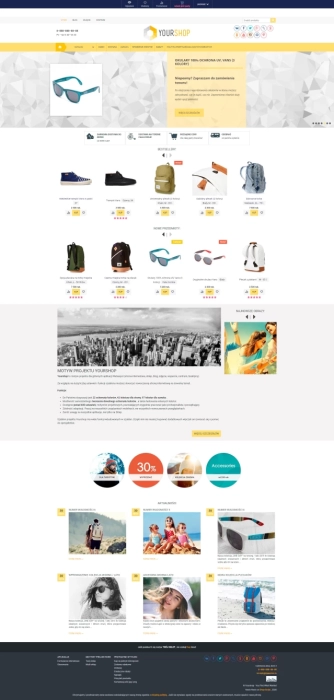
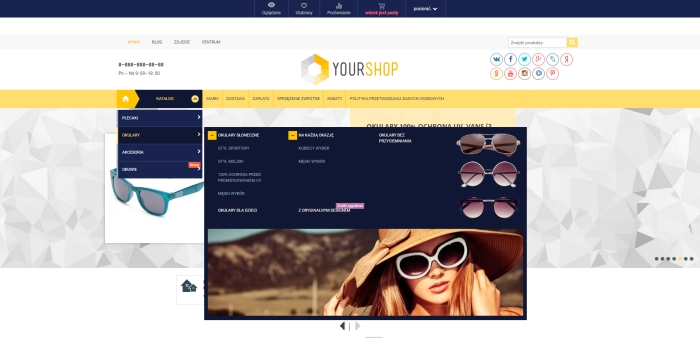
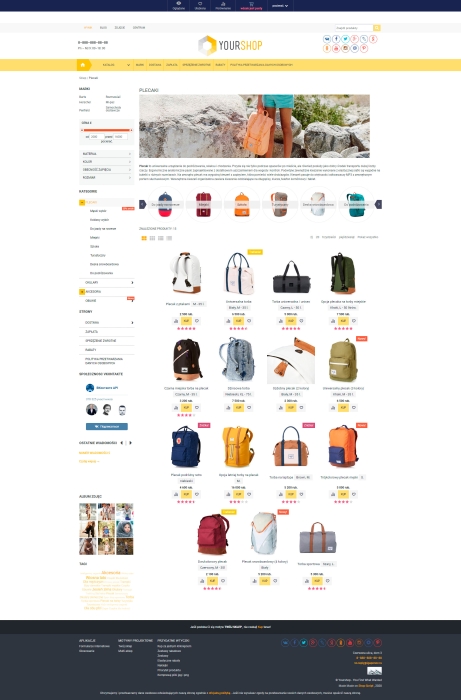
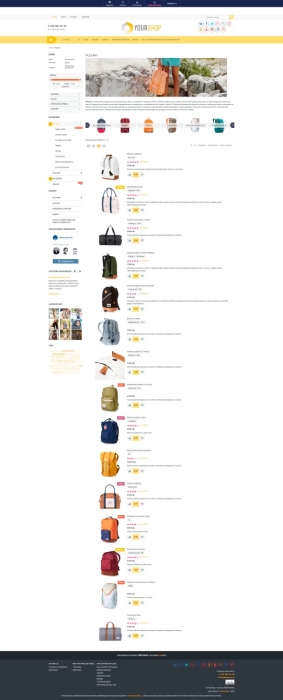


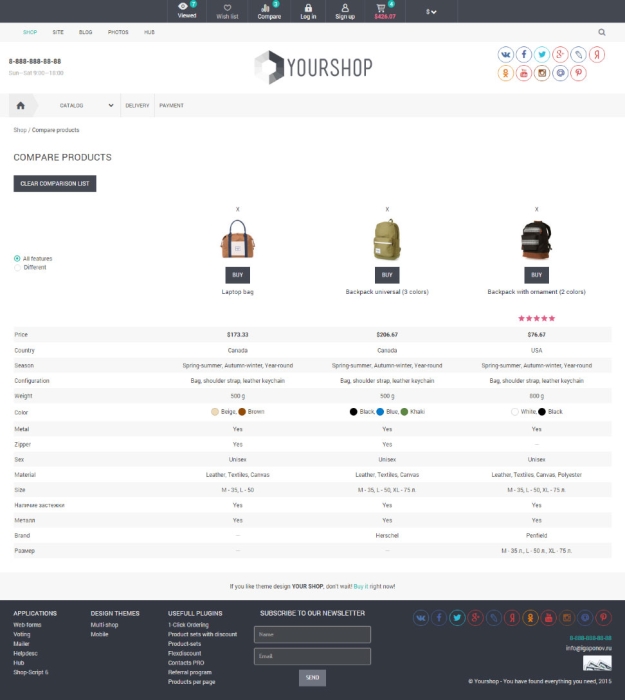

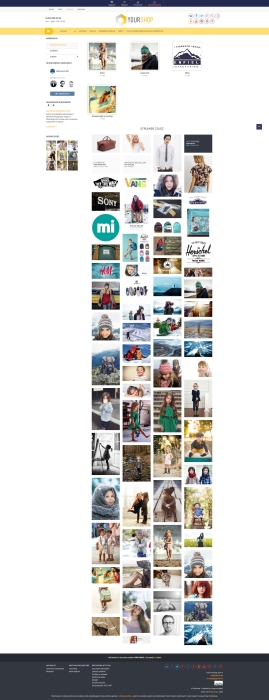
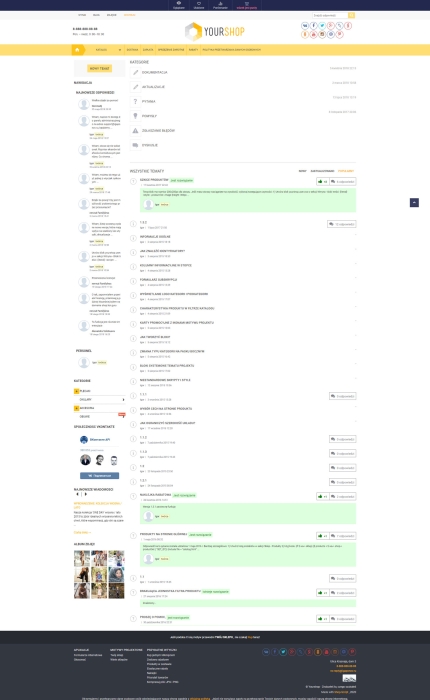


Yourshop - a design theme for the main applications (Site, Shop, Blog, Photo, Helpdesk, Hub, Mailer).
Thanks to the large number of settings and theme options, you can create a modern website of absolutely any style.
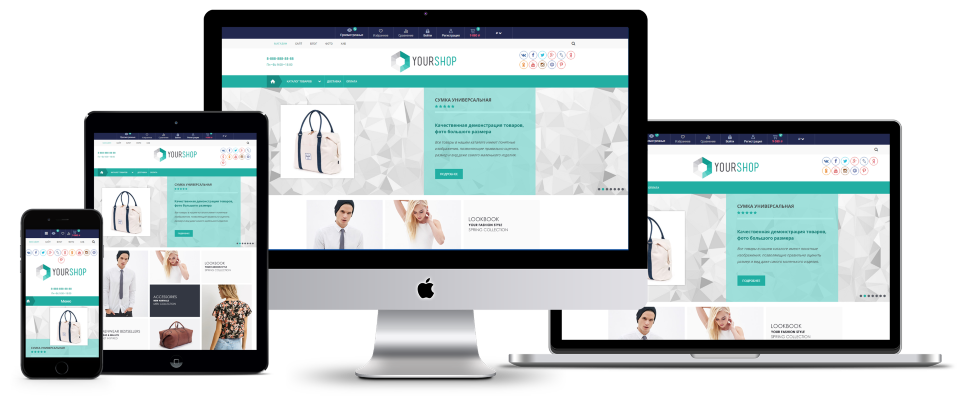
Features:
- At your disposal are 23 color schemes, 42 textures for the website, 97 textures for the slider.
- The ability to create any color scheme yourself, as well as upload your own textures.
- 18 display types for the website header.
- There are more than 600 settings available for the design theme, which makes it convenient for both professionals and beginners to work.
- A convenient admin panel with navigation.
- Adaptability. Works on all mobile devices, in all modern browsers.
- Attention is paid to all applications, not just Shopy-Script.
The Yourshop design theme has many features built into the theme.
Thanks to them, you do not need to buy additional plugins or ask professionals for help.
- Quick product view - to get more information about a product in a pop-up window from catalog pages, sliders and product lists. This does not navigate to the product page itself.
- Page navigation - the ability to use and customize page navigation instead of lazy loading products. The functionality fully corresponds to the "Number of items per page" plugin.
- Minimum order amount - the ability to set a minimum order amount and a minimum quantity of items to order.
- Category logo - the ability to save logos for categories.
The design theme allows 4 ways to save and display logos for categories:
- built-in (free);
- 3 popular plugins from the store for working with category logos; - Pop-up window - the ability to display any information in a pop-up window that appears on the first visit to the website, as well as configure its operation.
- Displaying SKUs and photos from the catalog - when hovering over a product, the buyer will see images of the available SKUs.
- Search bar autocomplete - you no longer need plugins.
- Hiding unavailable SKUs - the ability to hide unavailable SKUs on the product page. This will make it easier for the buyer to navigate through many SKUs.
- "Up" button - scrolls the page to the very top when the button is clicked.
- Sliders - 3 types of sliders are available:
- product slider;
- large product slider
- image slider.
Sliders are managed from the design theme settings. - Facebook and VK widgets - a comments widget and a community page widget.
- The ability to display a sidebar on the product page and the store homepage.
- Change the position of the sidebar: left, right.
- 3 types of product image zoom:
- magnifier;
- pop-up window;
- magnifier + popup. - Manage displayed products and products saved to Favorites.
- Thumbnails of favorite and viewed products.
- Floating (drop-down) cart.
- Manage almost all color elements.
- 4 types of category display.
- Displaying products in the catalog:
- tile;
- small tiles;
- list;
- short list. - Product pages are represented by cards.
- Ability to change the layout of product specifications.
- Ability to display filters as dropdown lists.
- Ability to display subscription forms in the site footer and in a pop-up window. You need the "Mailer" app.
- Built-in design and settings for the "Buy in 1 click" and "Flexible discounts" plugins. Additional settings for the "plugins" "Product-sets" have been introduced.
- Integration with plugins "Shipping and payment filter", "Stickies", "Promotions"
- Detailed documentation and free support.
This list describes only a part of the theme's capabilities.
| Technical specifications | |
Theme type | Online stores |
Developed for | Blog, Hub, Mailer, Shopy-Script, Site, Helpdesk, Photos |
Localization settings | Russian |
Frontend localization | English |
Business category | Electronics and household appliances, Clothing and footwear, Gifts and flowers, Children's products, Sport and tourism, Health and beauty |
Settings colors | turquoise |
Unit fractions | No |
Desktop theme | Yes |
Mobile theme | Yes |
Software type | Website theme |
Free | No |
| Developer and version theme | |
Designer (programmer) | iGaponov |
License | Web Systems Pro |
Version | 2.2.1 |
Update | 01/28/2021 |
Loading...
Loading...
Loading...
Loading...