Digital keys - plugin for Shopy-Script applications



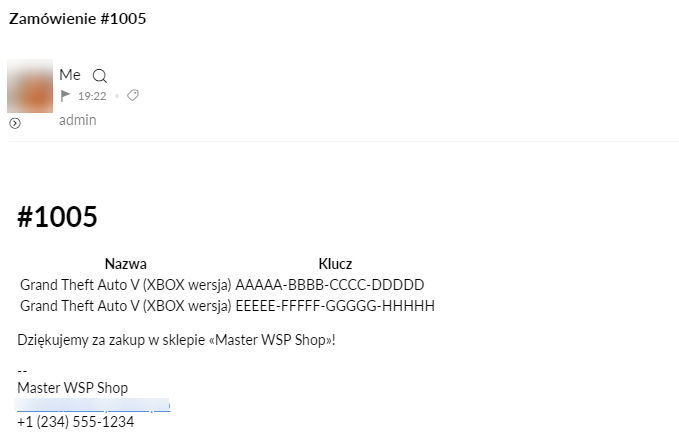


Plugin "Digital keys" allows you to organize the sale of various licenses, product activation codes, PIN codes, secret card codes, and other intangible goods. Plugin "Digital keys" can be useful if you sell software, games, or licenses.
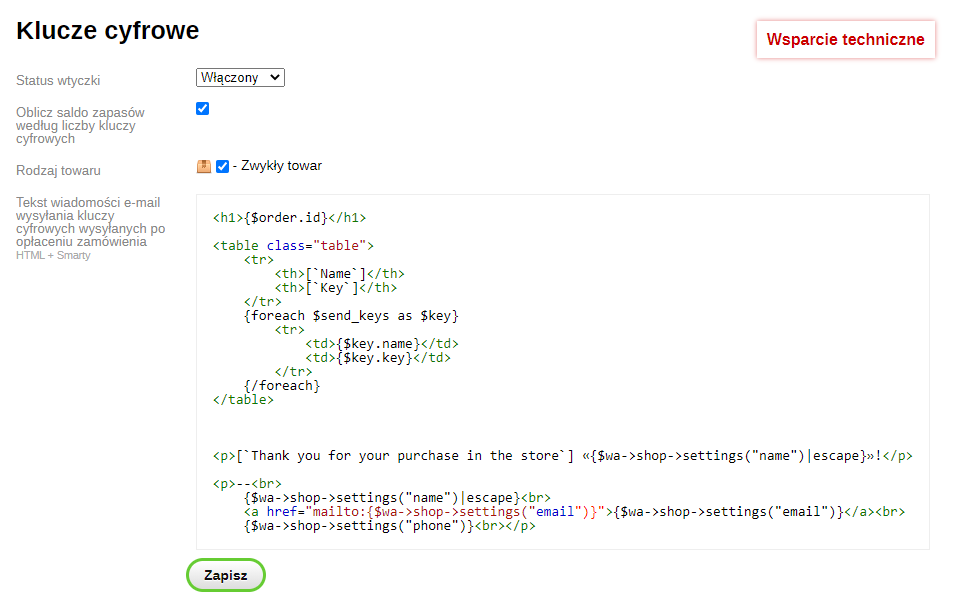
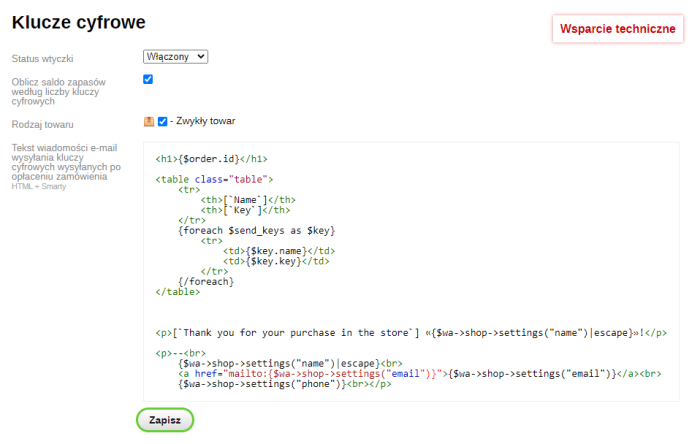
Settings plugins define the product types for which the plugins "Digital keys" functionality is used. You can also edit the text of the news email sent after payment for the product is made.
If the "Calculate stock balance based on the number of digital keys" option is enabled, plugin will update the balance for each of the items, setting the value equal to the number of digital keys.
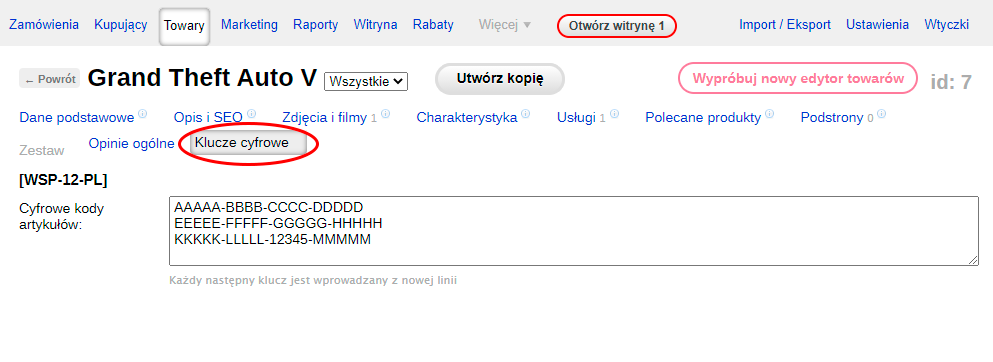
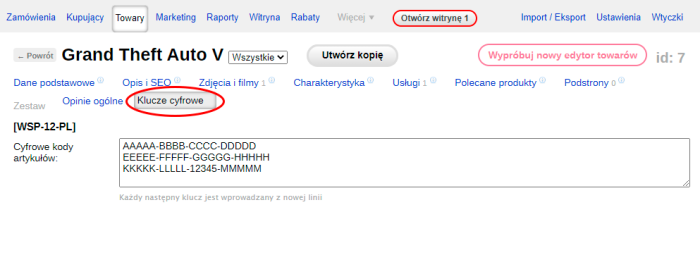
Adding digital keys is available only for product types that have been marked in the plugins settings. For these types, an additional "Digital keys" tab appears on the product page in the admin panel. On this tab, you can add new keys to the product or delete existing ones. If the "Calculate stock balance based on the number of digital keys" option is enabled in the plugins settings, the stock quantity in the warehouse will be recalculated after each change to the list of digital keys. If your store has multiple warehouses, the balances will be updated for the first warehouse, while the remaining warehouses will be set to 0.
Product purchase process and placing an order
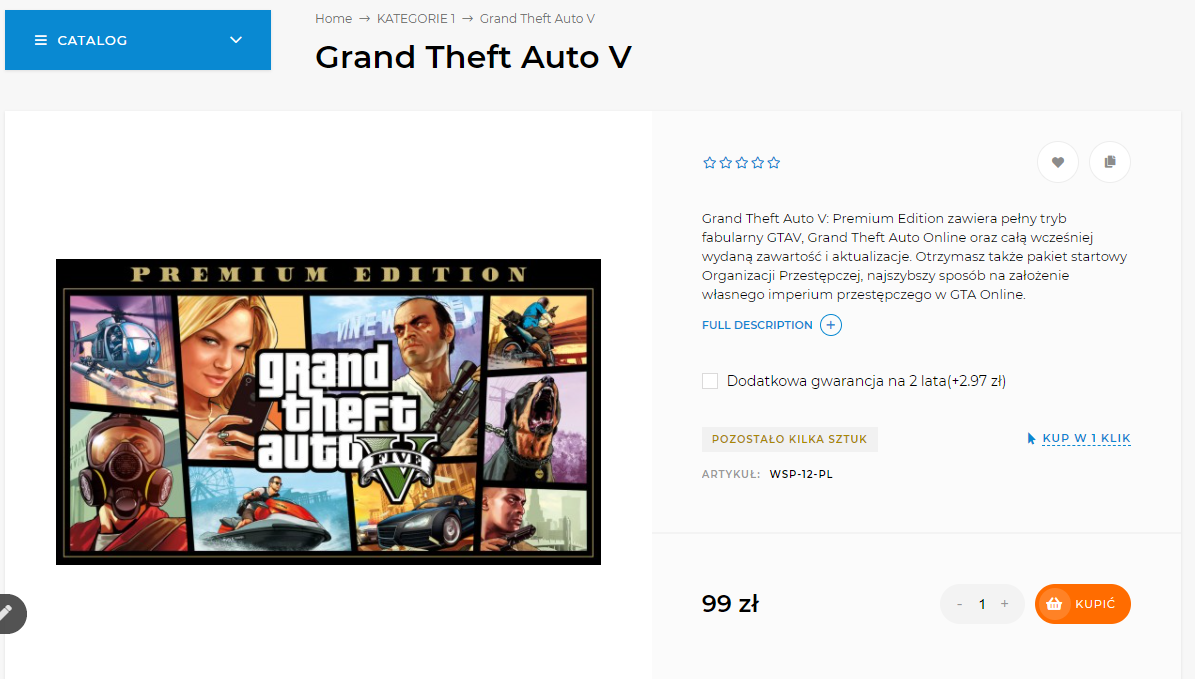
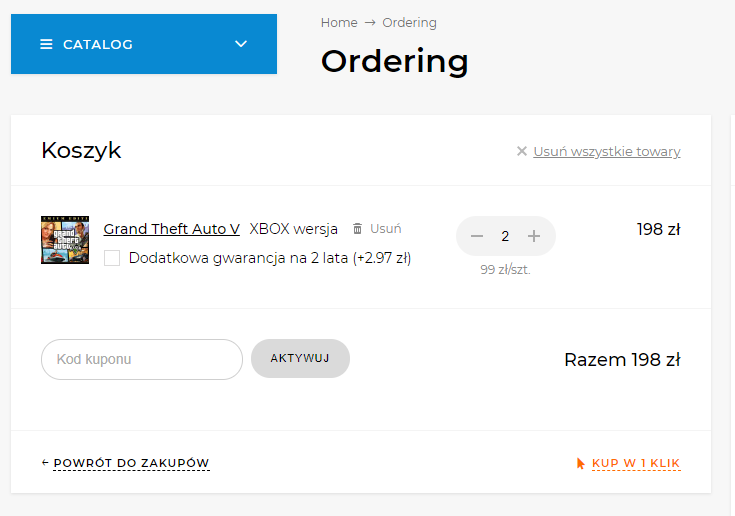
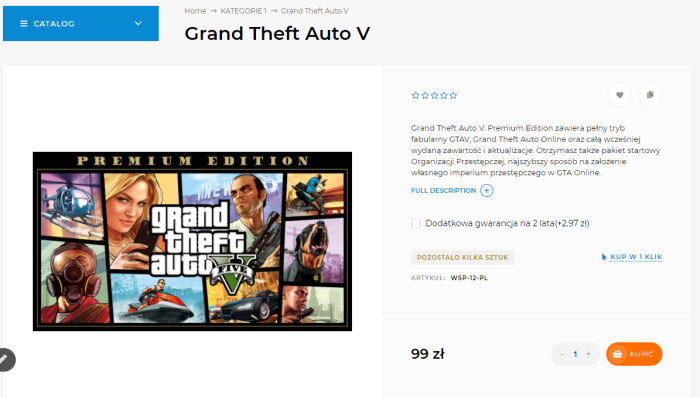
The purchase process is no different from the standard one. Customers adds the desired product to the carta and proceeds to checkout.
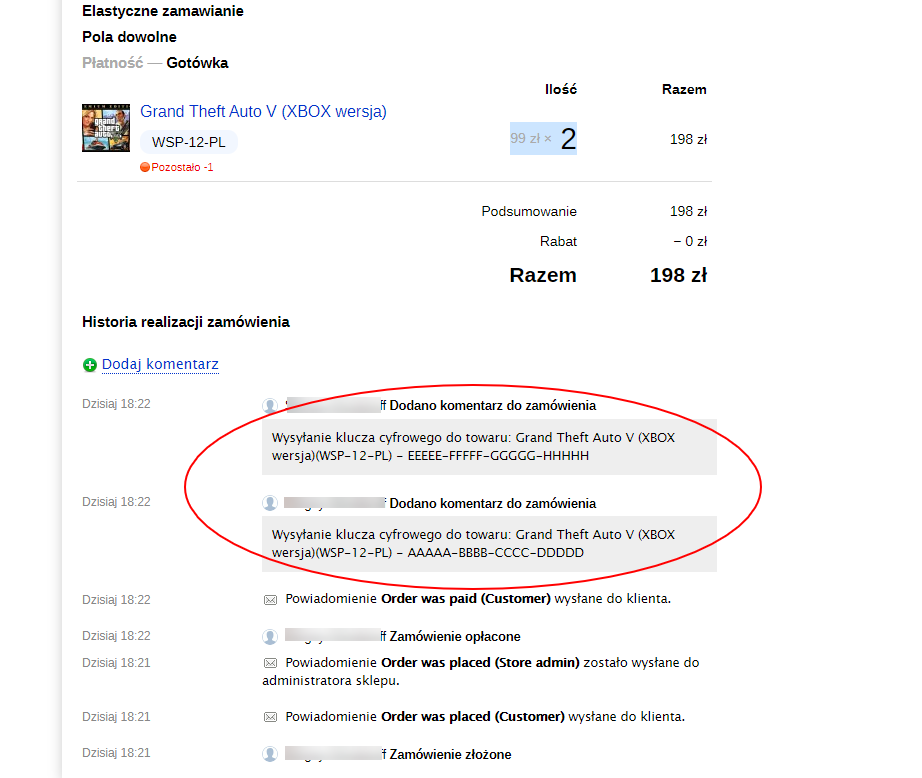
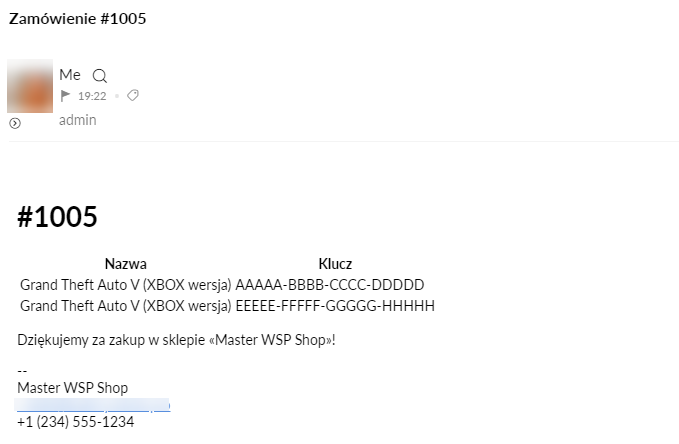
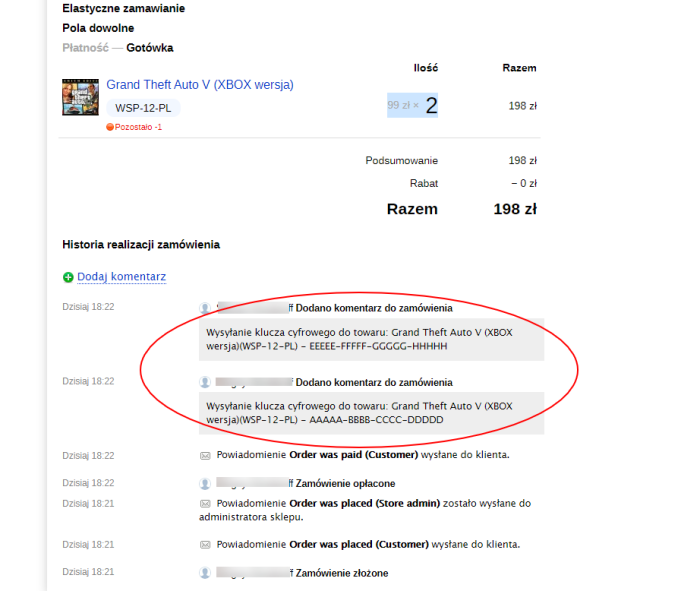
After successfully placing the order, Customers must pay for the item. Plugin reacts to the change of the order status to "Paid". Once the order moves to the "Paid" status, the buyer is sent an email (the text can be edited in the plugins settings) with a list of the purchased digital keys. The keys sent to the buyer are considered used and are removed from the system. A comment with the list of sent keys is added to the order; this can be useful for resending in case an error occurs.
If the list of keys runs out (all have been purchased), the product may become unavailable for purchase (standard store settings), or if your store allows selling products that are not in stock, in this case, keys will not be sent.
| Technical specifications | |
Developed for | Shopy-Script |
Localization settings | English, Polish, Russian |
UI backend support | 1.3 |
Software type | Plugin |
Free | No |
| Developer and version plugins | |
Designer (programmer) | WA-plugins |
License | Web Systems Pro |
Version | 1.1.0.1.wsp |
Update | 10/31/2021 |