Dropbox - plugin for the "Files" app


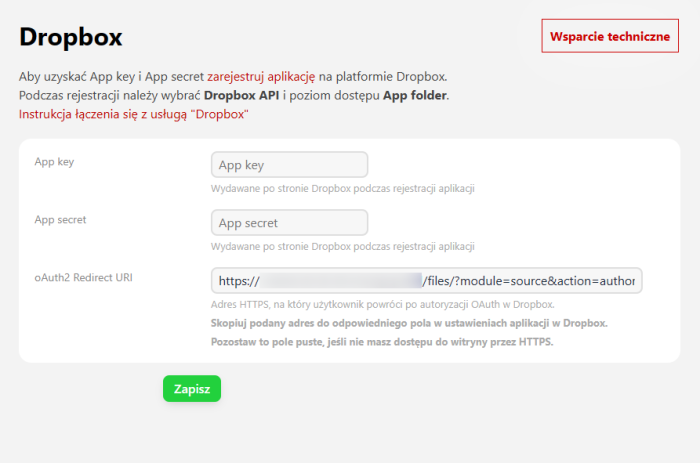
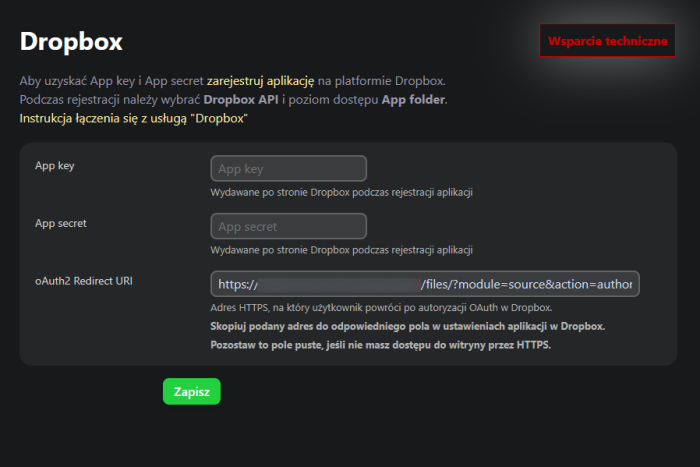


Dropbox integration with the "Files" app.
Thanks to the Dropbox integration module with the "Files" app, you can easily synchronize and manage your documents. Whether you work independently or in a team, this functionality allows you to quickly upload and edit files directly in the app.
Secure data storage and management
Dropbox provides a high level of security for stored files. Plugin enables precise definition of access to resources, allowing for effective data management in the company. You can choose full access to the account or limit it to a single folder, ensuring greater control over documents.
Team collaboration without additional costs
You do not need to invest in expensive Dropbox Business plans to give employees access to a shared file repository. Thanks to this integration, you can flexibly manage user access by defining their permissions in the "Files" app.
How to configure access to Dropbox?
To start using plugins, simply log in to your Dropbox account and authorize the "Files" app. The configuration process is intuitive and takes only a few minutes. Detailed instructions for configuring the connection with Dropbox.
Selecting the access level.
During configuration, you can choose one of two access modes in the Web Systems Pro system:
- Full access – the user can view, edit, and delete all files on the Dropbox account.
- Access to a selected folder – restricting access to one specific folder, which increases the security of stored documents.
Benefits of integrating Dropbox with the "Files" app.
Automatic file synchronization.
Thanks to automatic synchronization, you do not have to manually transfer files between devices. Any change made in the "Files" app will be automatically saved in Dropbox.
Working with files offline.
Plugin allows you to work with files even when you do not have internet access. Changes will be synchronized upon reconnection.
Intuitive operation.
The integration is designed so that users can easily manage their files in one place, without the need to switch between different apps.
Take advantage of the possibilities offered by plugin Dropbox in the "Files" app and streamline document management in your company!
| Technical specifications | |
Developed for | Files |
Localization settings | English, Polish, Russian |
UI backend support | 1.3, 2.0 |
Software type | Plugin |
Free | Yes |
| Developer and version plugins | |
Designer (programmer) | WA |
License | LGPL |
Version | 1.1.0.54.4.wsp |
Update | 03/29/2025 |