Feedback form - app for collecting customer submissions


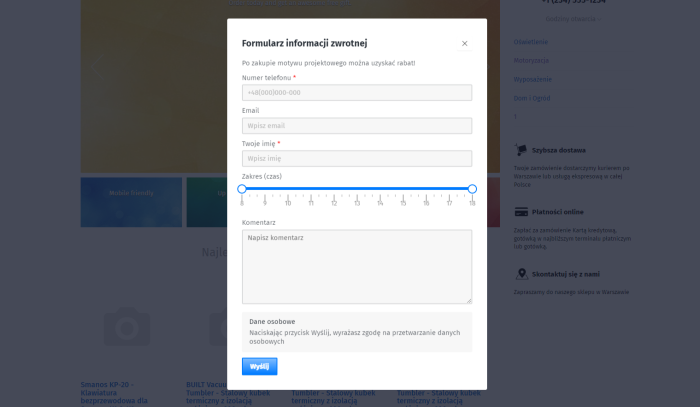
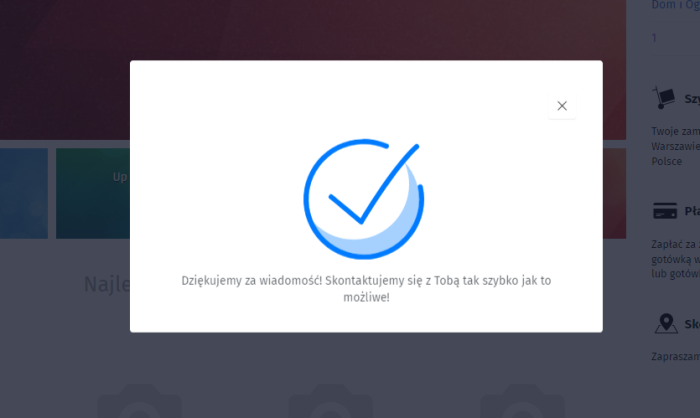
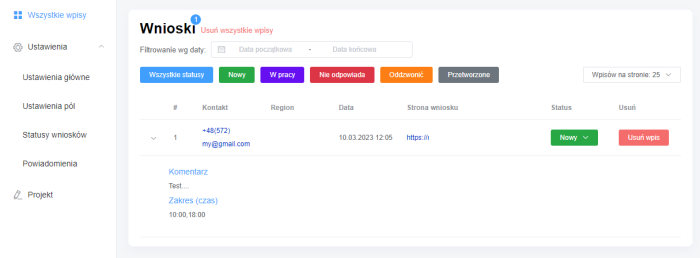
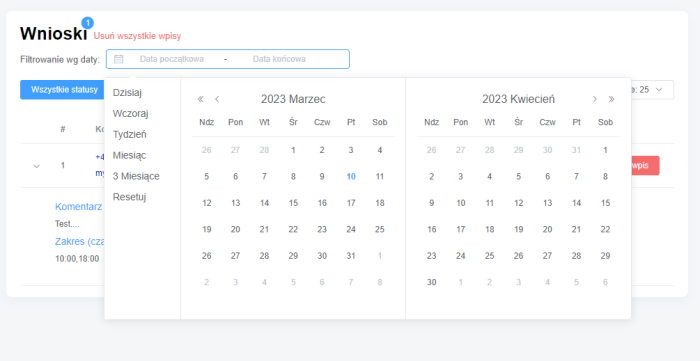


Flexible form with SMS and Email notifications
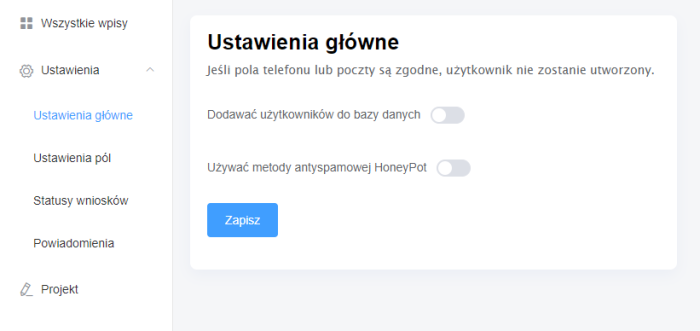
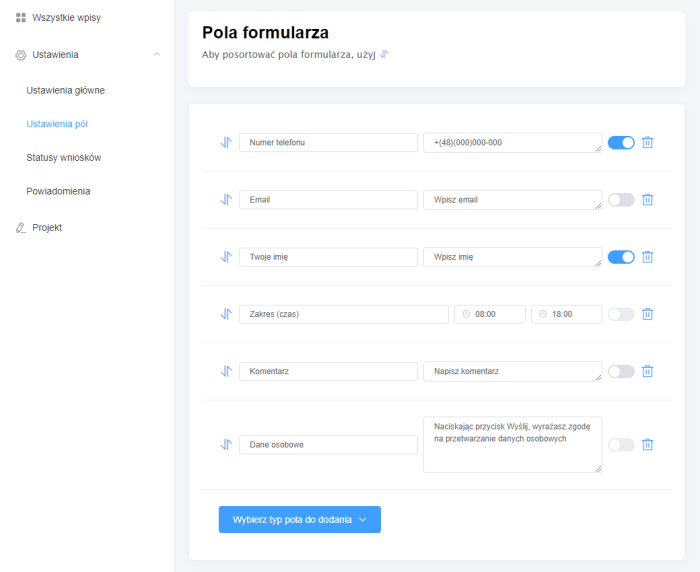
Application allows creating a flexible feedback form on all website pages, modifying form fields, displaying a floating button, sending email and SMS notifications.
Features of the Feedback form app
Flexible form
Possibility to create fields of different types, make them required, set field labels and placeholders
Customization
Change primary color, button texts, success message notification, etc.
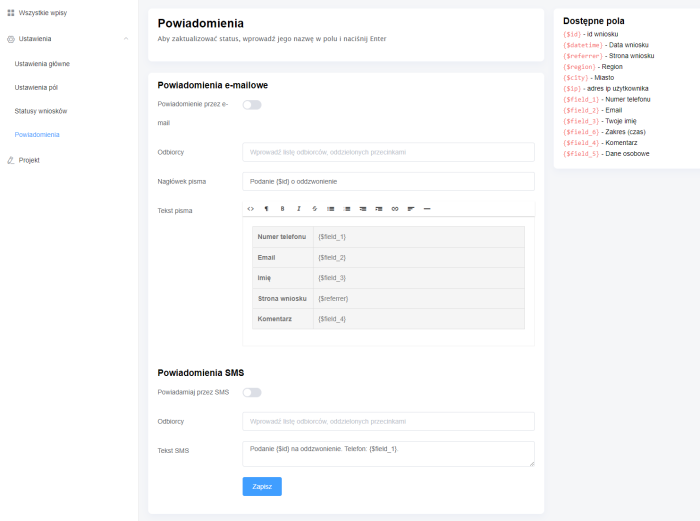
SMS and email notifications
SMS notification plugins support. It is possible to send notifications to multiple phone numbers and email addresses

Floating button
Display a floating button for opening the form on all website pages
Geolocation detection
Determine user geolocation based on their IP address
Yandex.Metrica and Google.Analytics
Easy addition of goals through theme settings for opening the form, submission, and error sending
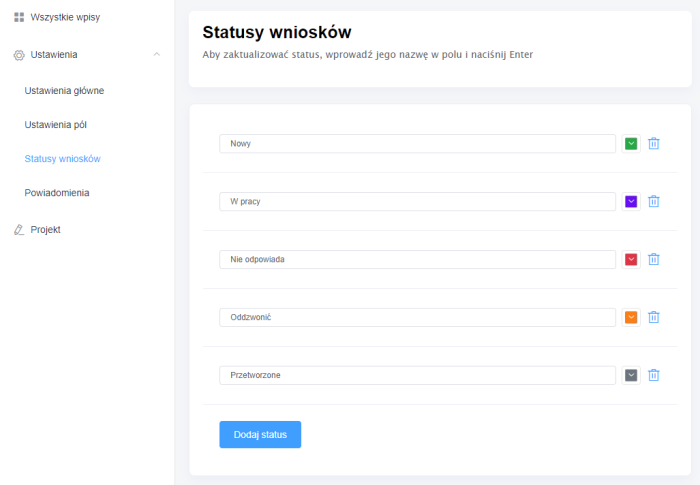
Application Management
Possibility to filter applications in admin panel by date, period, status
Helpdesk and updates
Free app updates, standard website theme, support under agreement
You can add captcha >Web Systems Pro< or Google Recaptcha in the application. The displayed captcha depends on framework settings.
Displaying the form on all pages
Add the helper to the index.html file of your project theme, before </body>.
<span class="pun">{</span><span class="pln">$wa</span><span class="pun">-></span><span class="pln">easyfeedback</span><span class="pun">-></span><span class="pln">dialog</span><span class="pun">()}</span>
You can add the class easyfeedback-modal-toggler to any element on the website or use the link #easyfeedback-modal for the a element so that clicking it opens the dialog window.
Displaying the form in any location
Add the helper to the appropriate place in the template or on the site page.
<span class="pun">{</span><span class="pln">$wa</span><span class="pun">-></span><span class="pln">easyfeedback</span><span class="pun">-></span><span class="pln">show</span><span class="pun">()}</span>
Configuring Google.Adwords and Yandex.Metrics goals
Goals are set in the application "Feedback form -> Project -> Appearance".
| Technical specifications | |
Localization settings | English, Polish, Russian |
Installed in the cloud | No |
UI backend support | 1.3 |
Software type | Application |
Free | No |
| Developer and application version | |
Designer (programmer) | Easyweb |
License | Web Systems Pro |
Version | 2.0.3.2.wsp |
Update | 12/07/2023 |