Theme management - app for real-time visualization of changes




Visualizing website project changes in real time
Experiment with design settings without fear of breaking the appearance of your live website or online store.
Features of the Theme management app
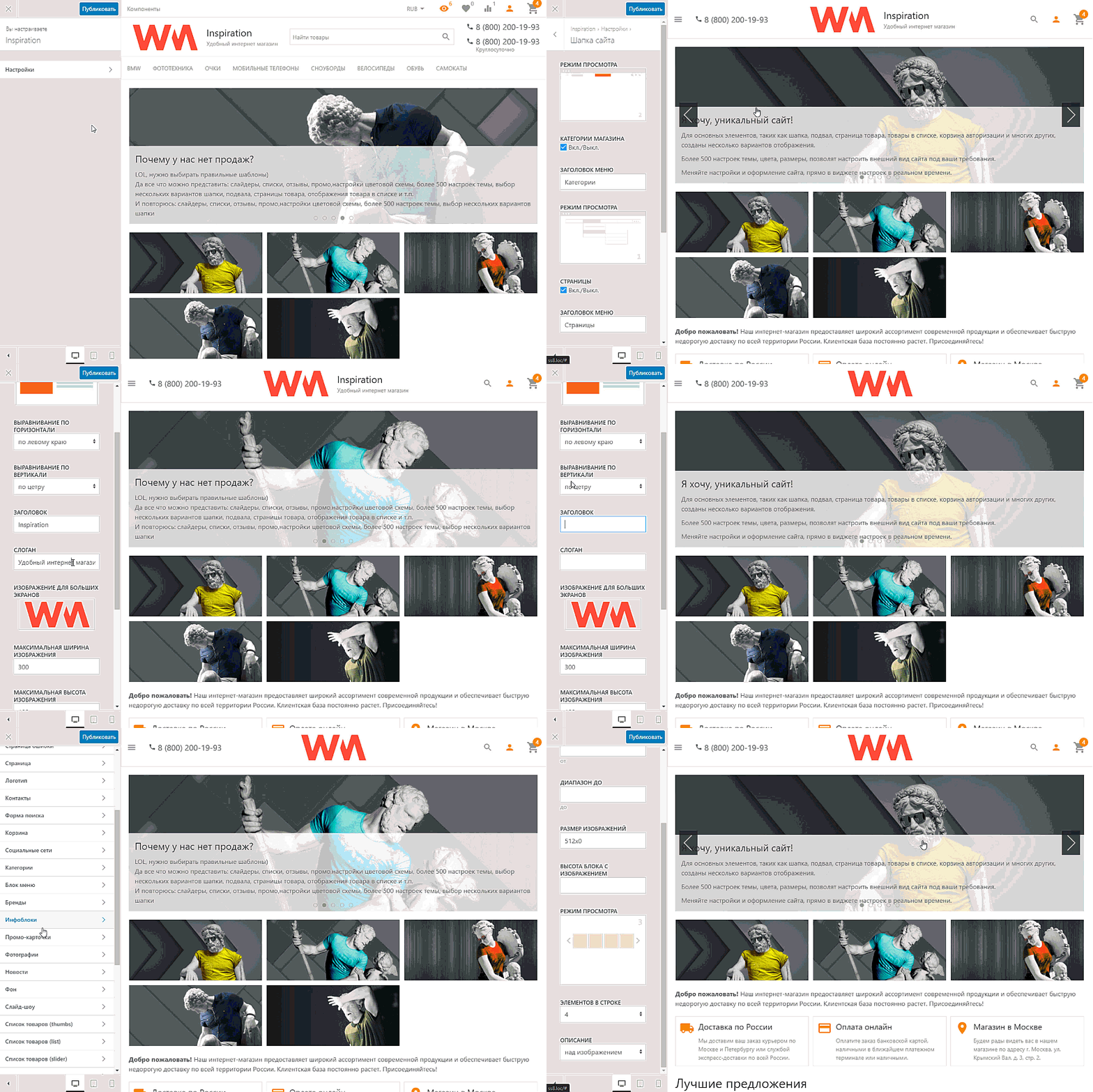
Application "Theme management" allows you to make changes to the design theme while displaying the results in real time.
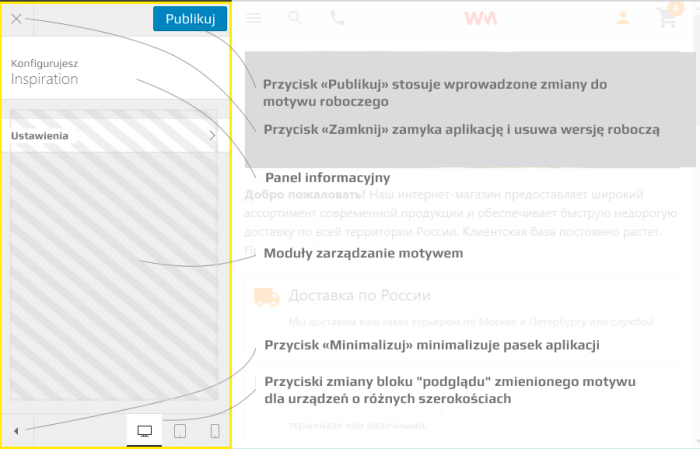
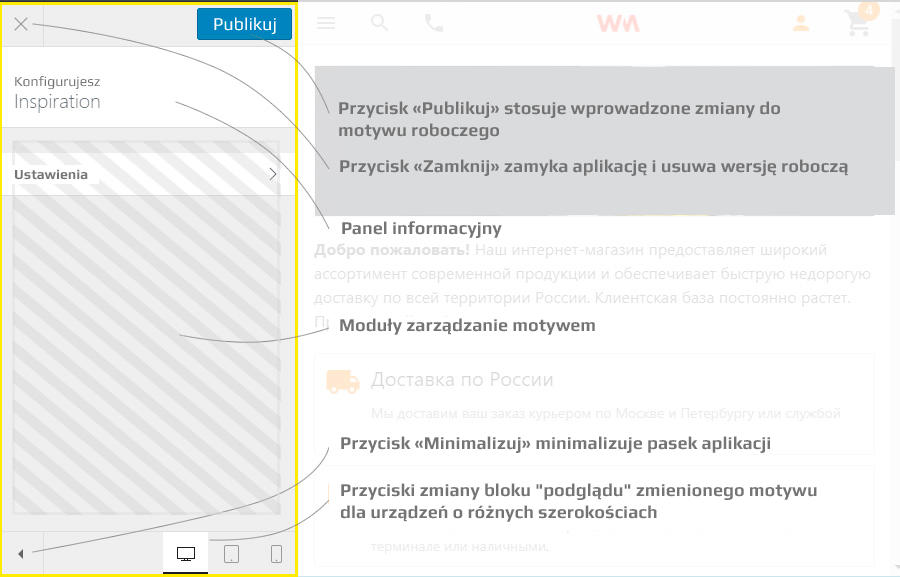
The app page contains two blocks. The first includes app controls and modules for managing themes. The second displays a preview of the modified design theme. Modules for managing themes are provided by the plugins of the app and must be installed separately.
Application works with a copy of the current theme. This way, you can experiment with settings without risking damage to your working theme. At any moment, you can undo changes or apply the result.
* app works with any design theme.
To get started
1. Insert into the index.html file before the tag </body> :
* index.html is located at - app "Site" -> "Design" tab -> "Templates" section
<em>{if $wa->customizer}{$wa->customizer->customizer()}{/if}</em>
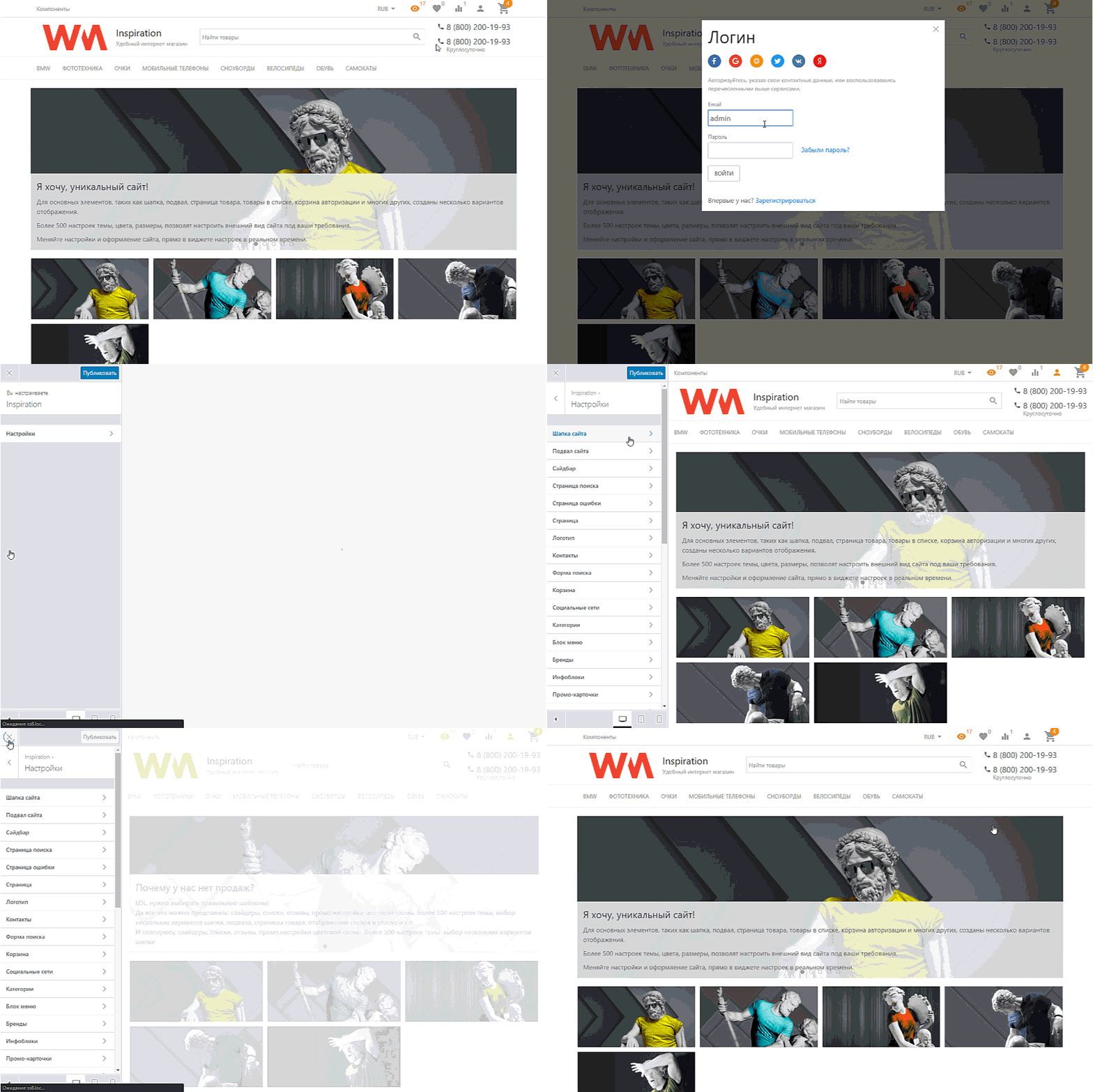
2. Go to the "Manage Theme" app in your store backend and install the required plugin in the "Plugins" section.
3. By default, app only works for users with "administrator" status. To remove this restriction-making the app accessible to users who have administrator access-you can adjust this in the app settings. However, do so only when unauthorized persons cannot access the site (e.g., test site, demo version, etc.).
4. As mentioned in point 2, for app to function on the frontend (user-facing part for internet visitors), user authorization is required.
| Technical specifications | |
Localization settings | English, Polish, Russian |
Installed in the cloud | No |
UI backend support | 1.3 |
Software type | Application |
Free | Yes |
| Developer and application version | |
Designer (programmer) | WM-site |
License | LGPL |
Version | 1.2.0.4.wsp |
Update | 12/07/2023 |