Product features in lists - plugin for Shopy-Script application
Articles, blog posts, tags - in categories!
Product features in lists

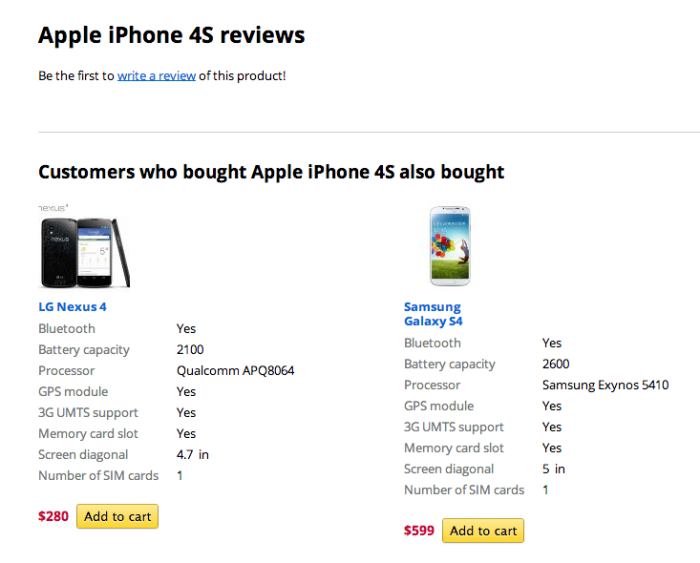
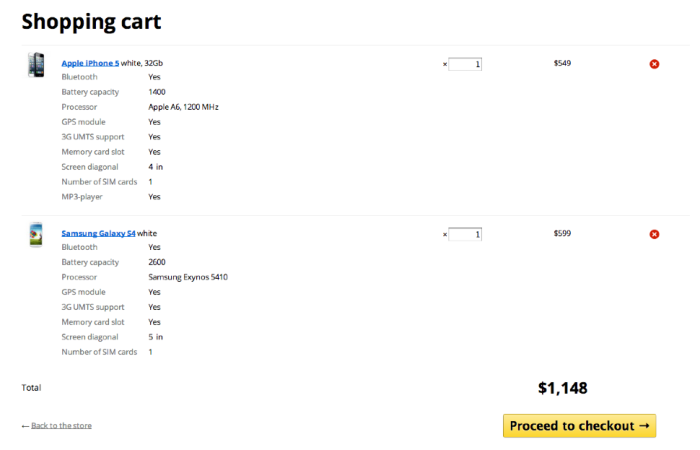
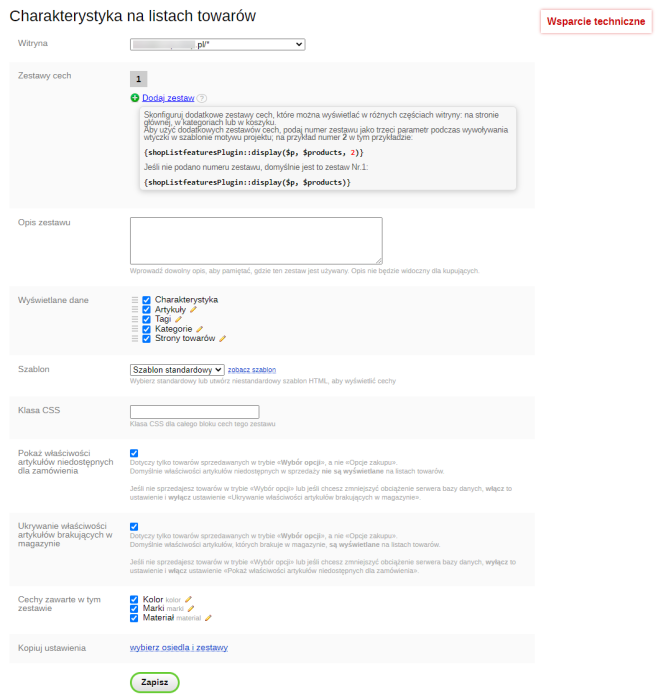
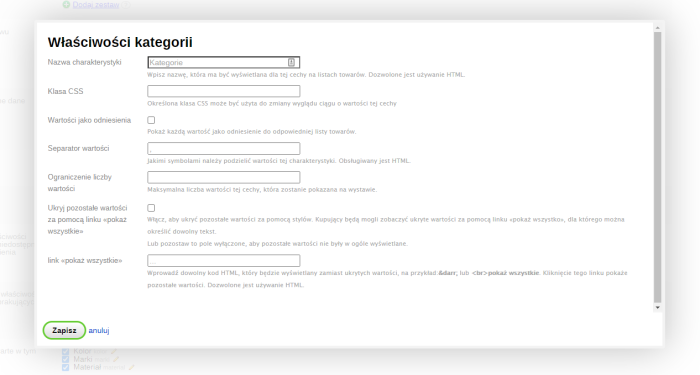
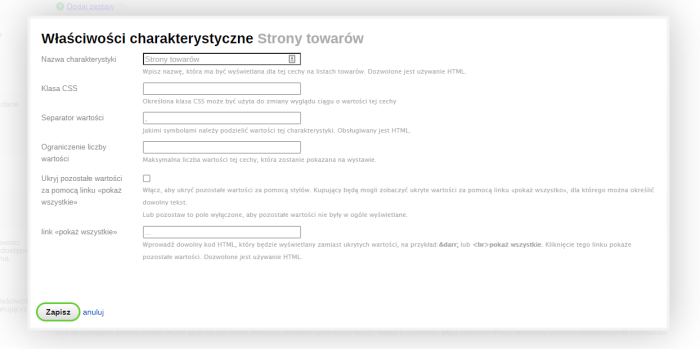
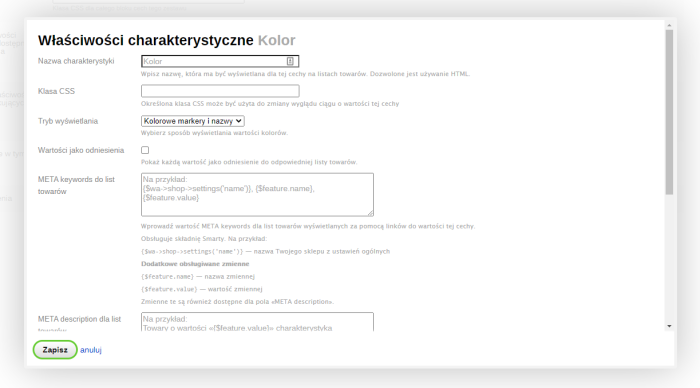


Show all desired features to customers immediately in lists (categories), without forcing them to open individual product pages!
Plugin "Product features in lists" helps display information about product features (as well as articles, tags, categories, subpages) in the following sections of the site:
- in categories
- in search results
- on static and dynamic lists
- on the carta page
- on featured product lists
All the features you need
- All types of features are displayed in product lists:
- Text
- Yes/No switch
- Color
- Weight
- Length
- Value
- Range
- Dimensions
- Date
- Select one value from a list
- Select multiple values from a list
as well as additional useful product properties
- Article
- Tags (can be displayed as links)
- Category names (can be configured to display as links)
- Links to product subpages - Feature values with the formats "select one value from a list" and "select multiple values from a list" can be displayed as links pointing to product lists with the same values. The sorting order when displaying such products can be customized.
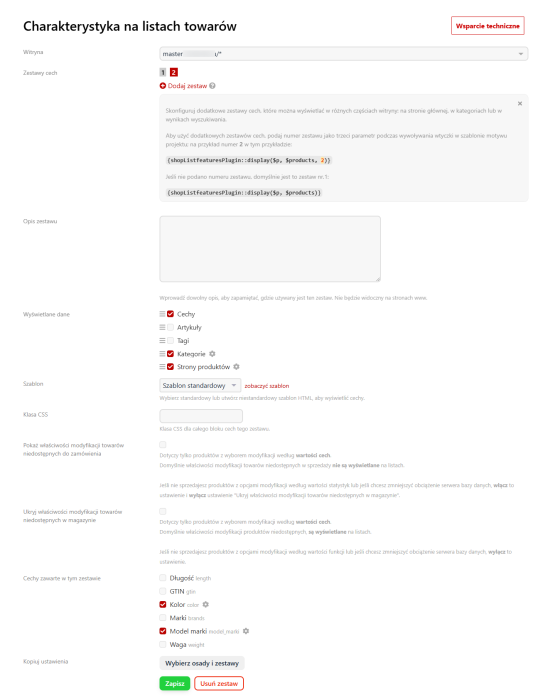
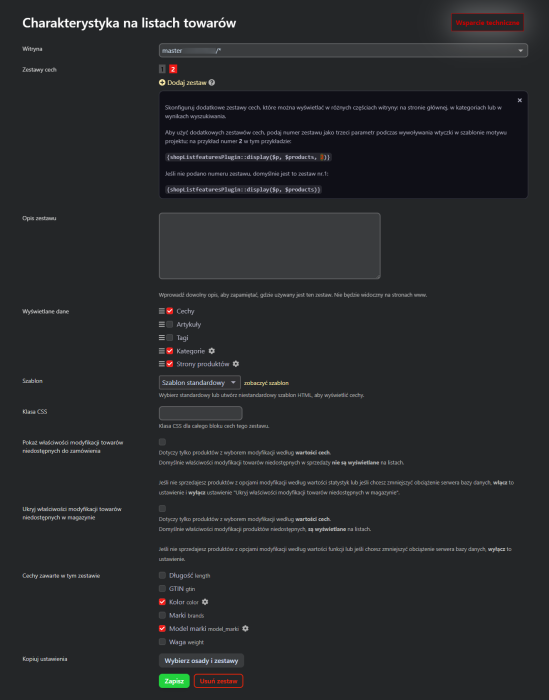
- For each storefront, you can select only the required set of features to be displayed in product lists.
- Different sets of features can be displayed in different parts of the store website: on the homepage, in categories, and in lists.
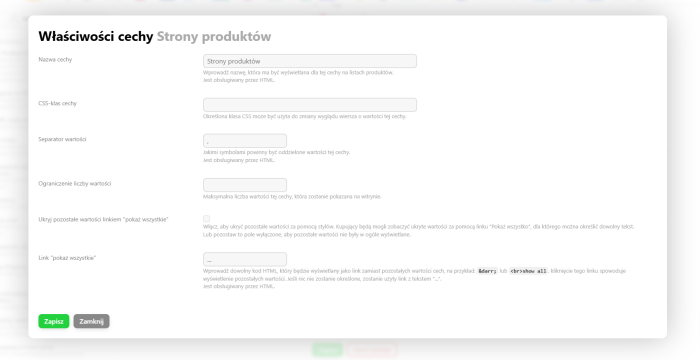
- For each feature, you can limit the number of displayed values and, if necessary, add a "show all" link.
- You can display different features in different product categories.
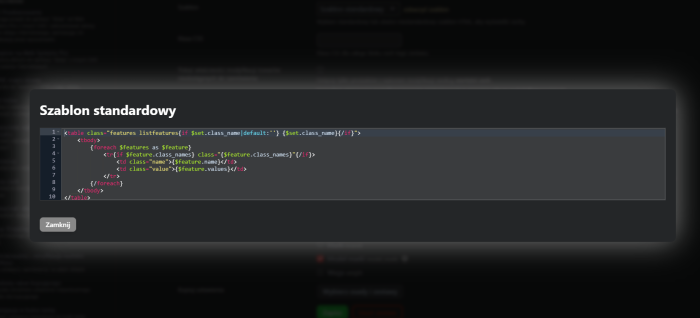
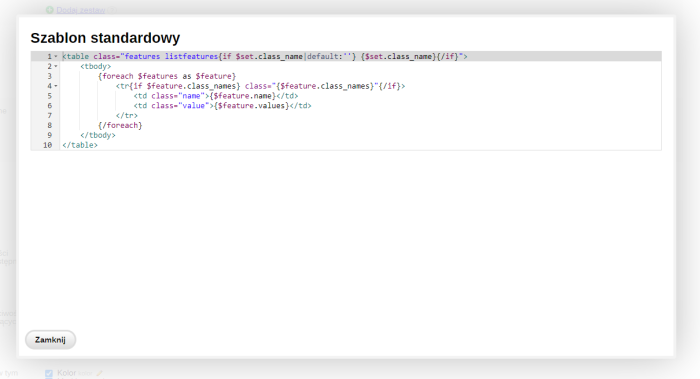
- The feature display theme can be modified using HTML and Smarty.
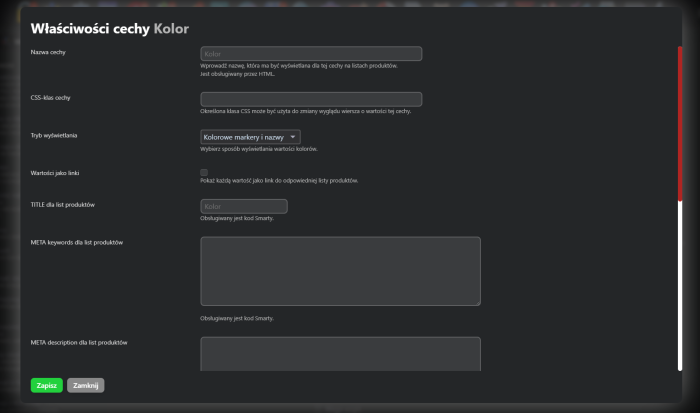
- For features of the "Color" type, you can display color swatches together with color names, or only color swatches, or only color names.
| Technical specifications | |
Developed for | Shopy-Script |
Localization settings | English, Polish, Russian |
UI backend support | 1.3, 2.0 |
Software type | Plugin |
Free | No |
| Developer and version plugins | |
Designer (programmer) | Rat |
License | Web Systems Pro |
Version | 2.5.0.1.wsp |
Update | 04/28/2025 |
Loading...
Loading...
Loading...
Loading...
With this product also buy


-
-

Will help quickly eliminate any products from the list