

Guide o wtyczce "Fast index"
Fast Index plugins Configuration Instructions
Why do I need plugins?
In a typical scenario, it may take search engines from several days to several weeks to discover that content has changed, as search engines do not frequently index every URL. With the IndexNow / Google Indexing API engine, search engines are immediately notified of "changed URLs," helping them prioritize crawling these URLs and thereby reducing organic content crawling to discover new content.
How does plugin work?
Plugin analyzes sitemap.xml to check whether new pages appear or old pages are being removed. When a new page appears, it is filtered and sent for reindexing to Yandex via the Index Now feature and to Google via the Indexing API.
The regular checking of changes in the sitemap and sending updates to search engines is done by running CRON commands.
First Steps
Settings plugins are available in "Shop - Plugins - Fast Index".
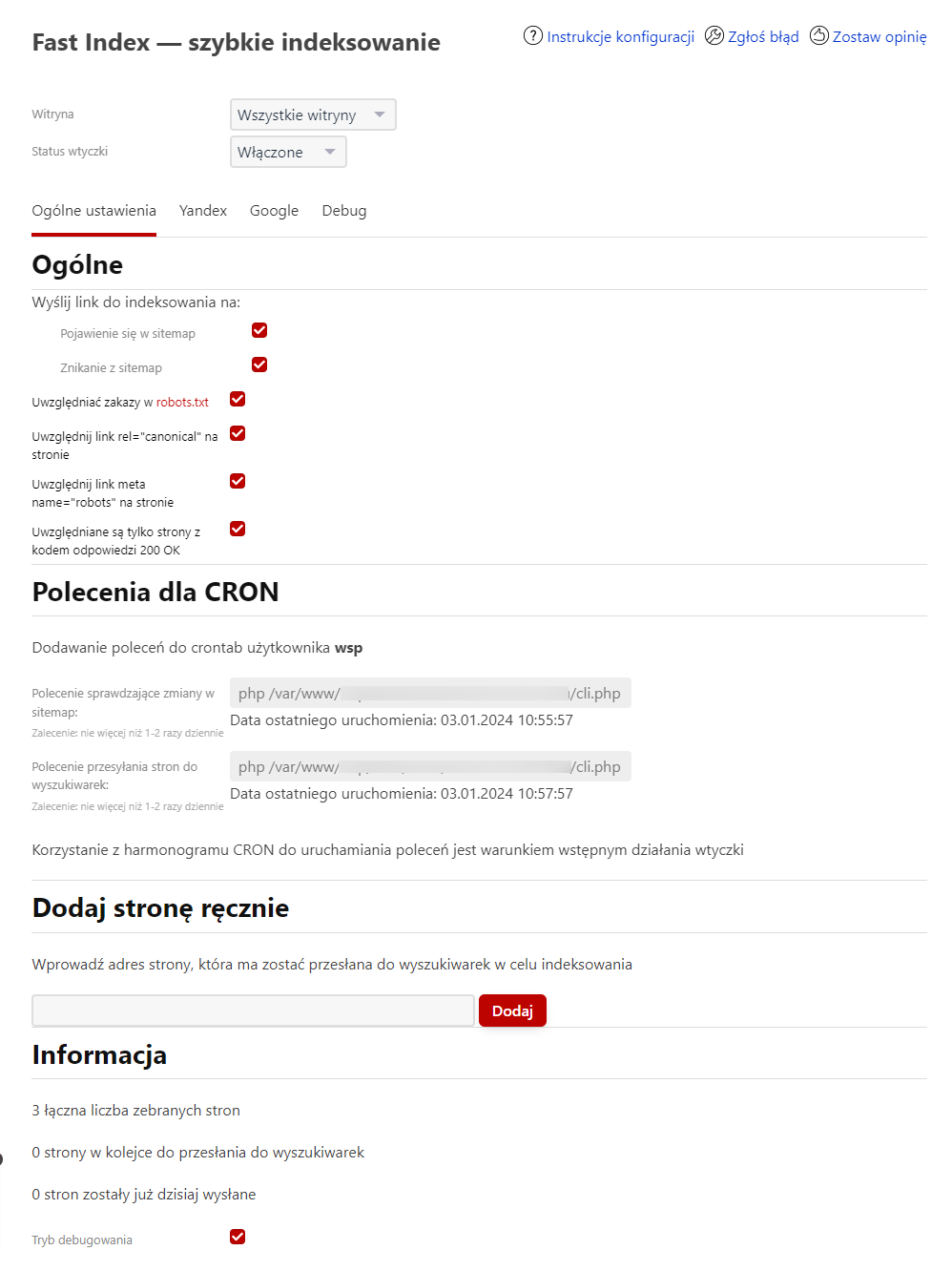
In the "Site" section, you can select for which site settings should be applied, or for all sites simultaneously. Right below, you can disable the plugin for the store's website.
Tab "General Settings"
General
Update option selection
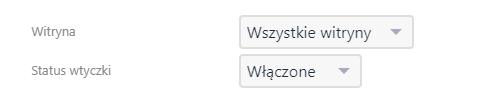
Select when a link should be considered changed-either when it first appears in the sitemap, or when it disappears from the sitemap (for example, to remove it from the index faster).
Respect robots.txt directives
If a page is blocked from indexing in the robots.txt file, plugin will respect this and will not send it to search engines.
More information about using the robots.txt file on your website can be found here.
Respect rel="canonical" link on page
Each updated page will be checked for the presence of a rel=canonical <link> tag. If it indicates that the canonical page is located at another URL, the page will not be sent.
More about canonical URLs can be read here.
Respect meta name="robots" tag on page
Each updated page will be checked for the presence of a meta tag with name="robots". If it contains "noindex", the page will not be sent.
More about this tag can be read here.
Only pages with HTTP response code 200 OK are included
Each updated page will be checked for a valid HTTP response-200 OK. Otherwise, the page will not be sent.
More about response codes can be read here.
CRON Commands
The plugin should regularly run two processes:
- analyze sitemap for changes
- send pages to search engines
Both processes are triggered by a CRON schedule. This section contains the command texts that should be added to a specific user's CRON schedule.
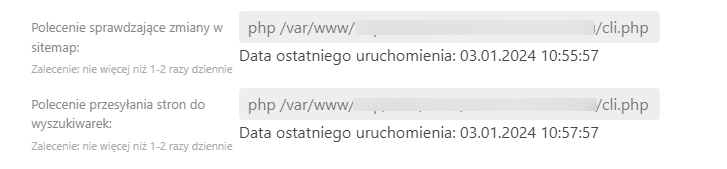
Set the execution frequency no more than 1-2 times per day. It is recommended to schedule the fastindexSend command to search engines at least 2 hours after the fastindexParse command.
Using a CRON schedule to run commands is a prerequisite for the proper operation of plugins.
Manually adding a page to send queue
You can manually add a page to the "queue" so that it will be sent to search engines when CRON runs, even if it was not automatically detected.

Information
Technical information about the number of pages found on the site, the number of pages in the queue, and the number of pages already sent today.
Debug Mode
Functionality for testing and debugging plugins.
When the "Debug Mode" checkbox is enabled, many actions will be logged into log files, which can be viewed using the "Logs" application.
An additional tab appears where you can check the status of any URL:
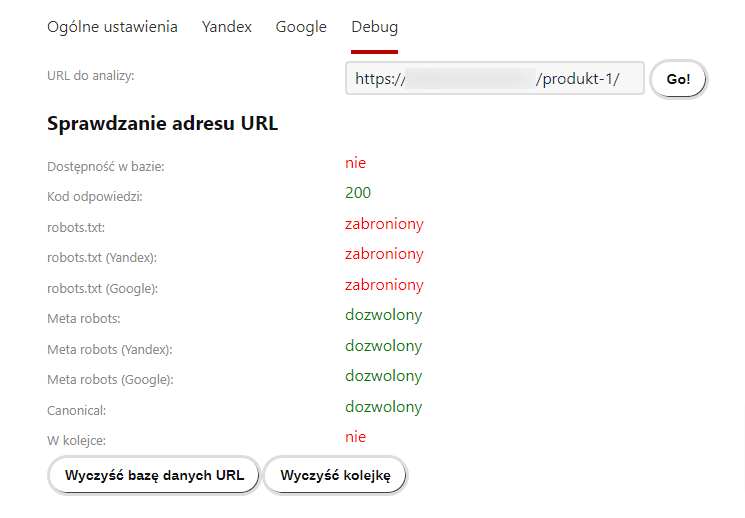
Buttons:
- Clear URL database - removes the entire database of detected URLs on the site. It will be rebuilt during the next change analysis runs.
- Clear queue - clears the queue of pages to be sent to search engines.
Google Tab
You can enable or disable sending pages to Google:
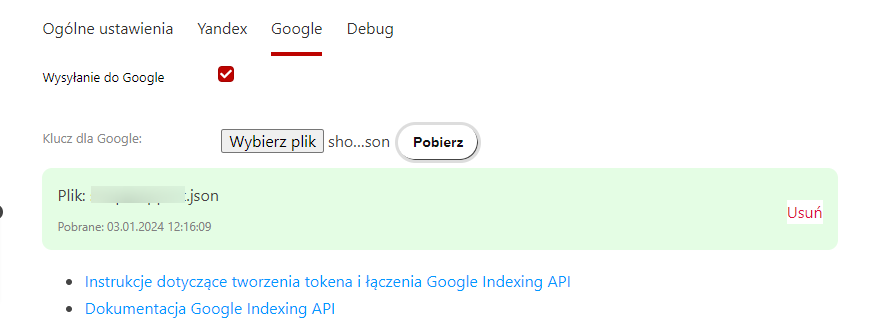
A JSON key file is required for sending. Instructions for creating a key.
Documentation for Google Indexing API
Yandex Tab
To send pages to Yandex, plugin automatically generates and stores a key file. No action is required.
The only setting is enabling or disabling sending to Yandex:
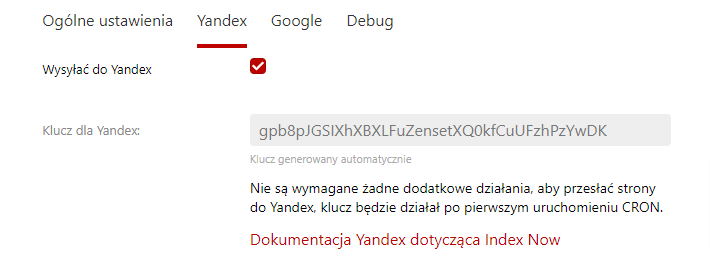
Unfortunately, the result of sending can only be verified in the plugins logs. Upon successful reception, Yandex responds with
"success":true
Yandex.Webmaster's "Page Update" service is a separate functionality unrelated to Index Now, and pages sent via plugins are not included in it.
Yandex's Index Now documentation.