Documentation by configuration for plugins "SEO-filter"
1. General settings of plugins
Settings plugins are located in 2 places:
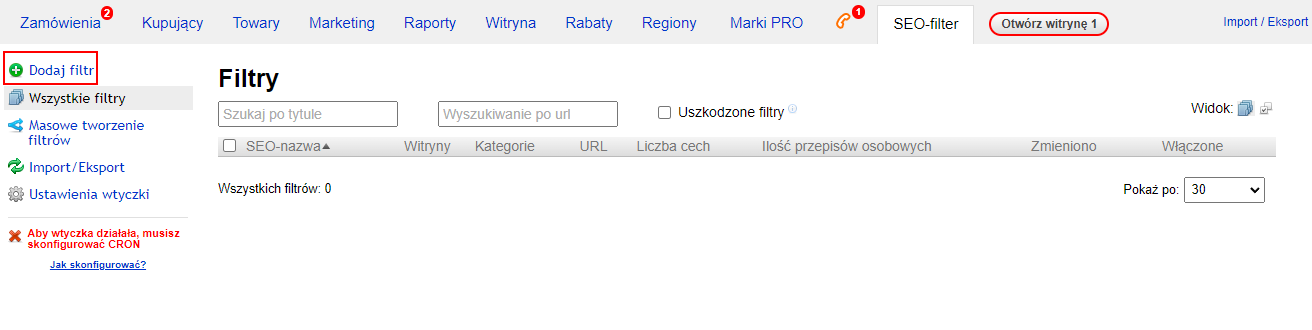
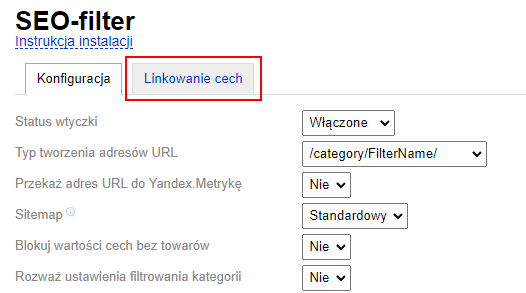
- Shop -> Plugins -> SEO-filter (general settings and templates are located here)
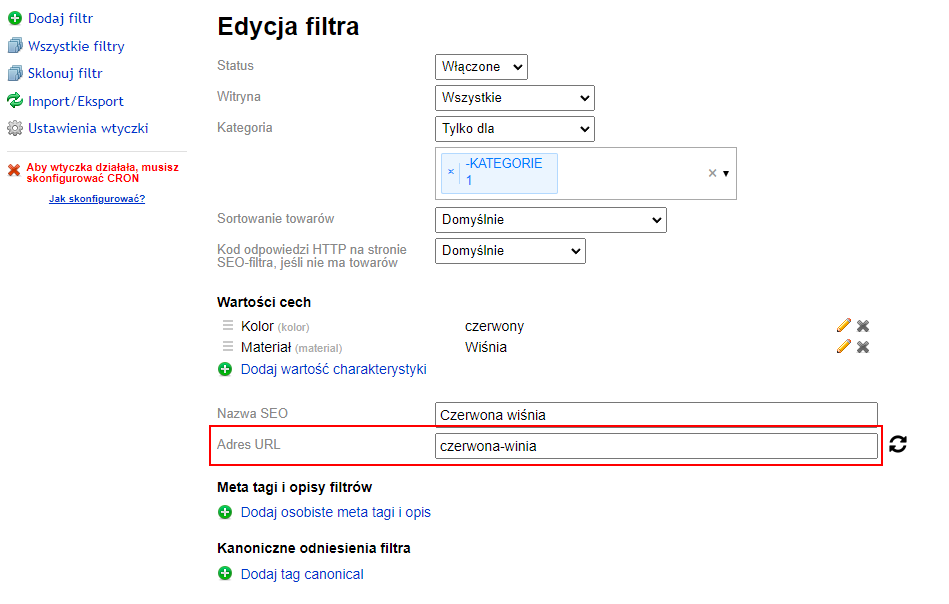
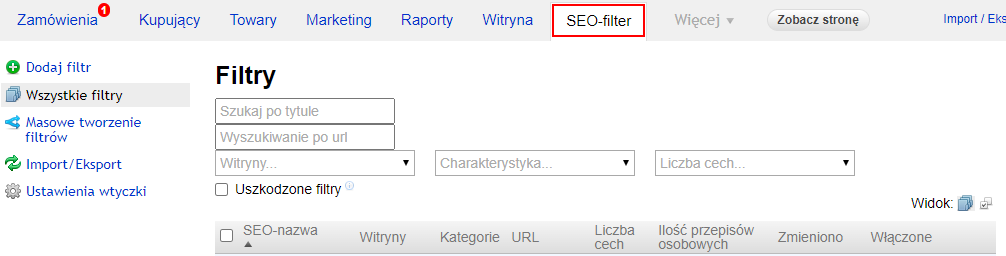
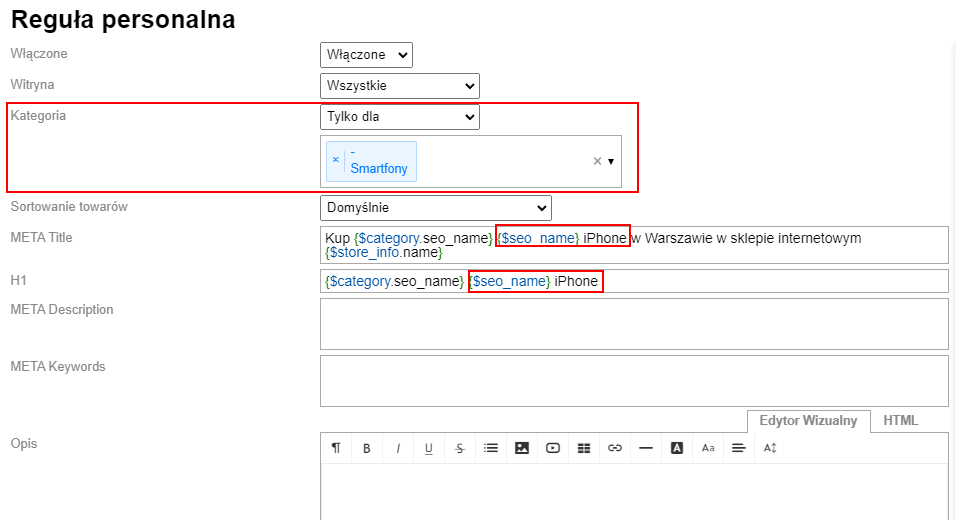
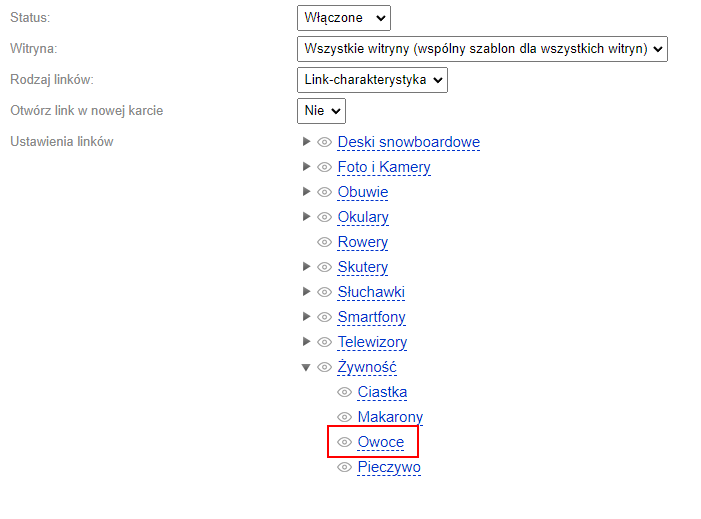
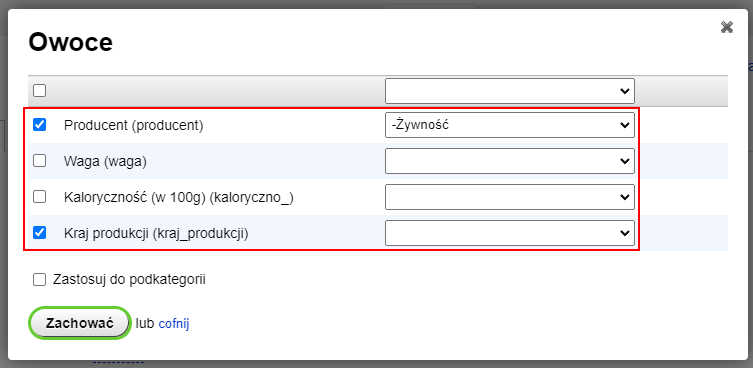
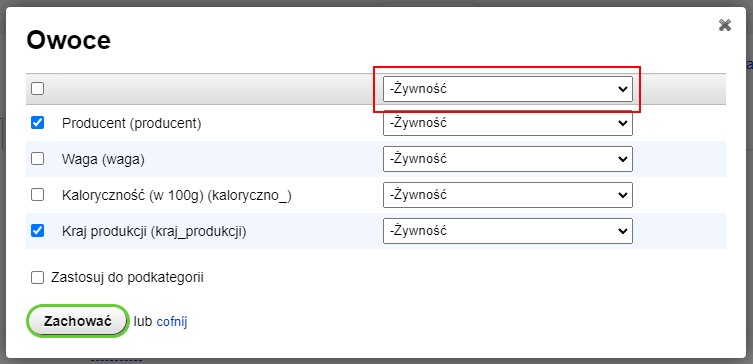
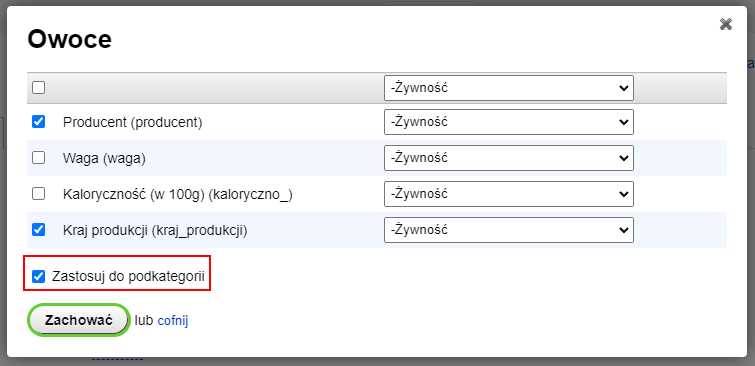
- Shop -> "SEO-filter" tab (settings for specific features)
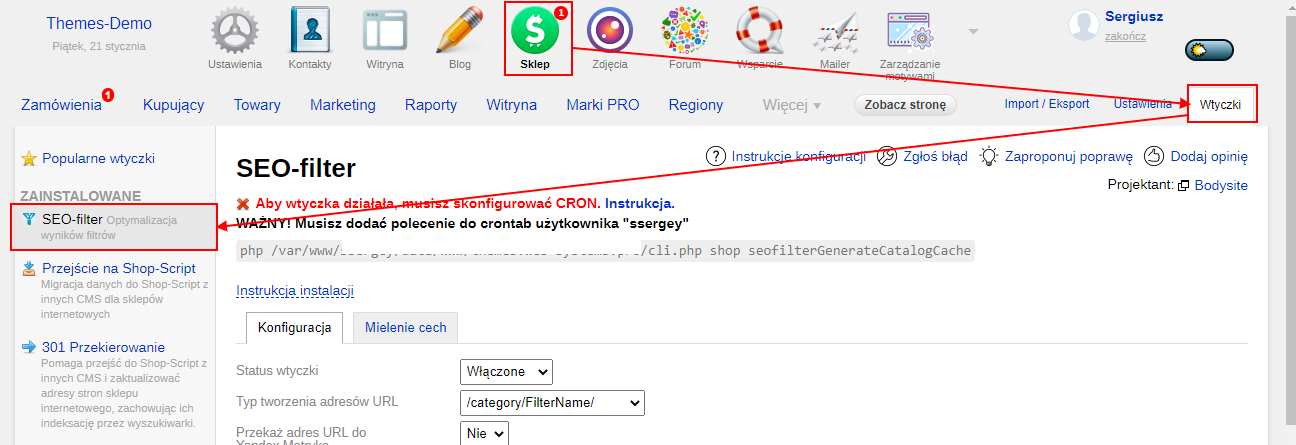

1.1. General settings of plugins
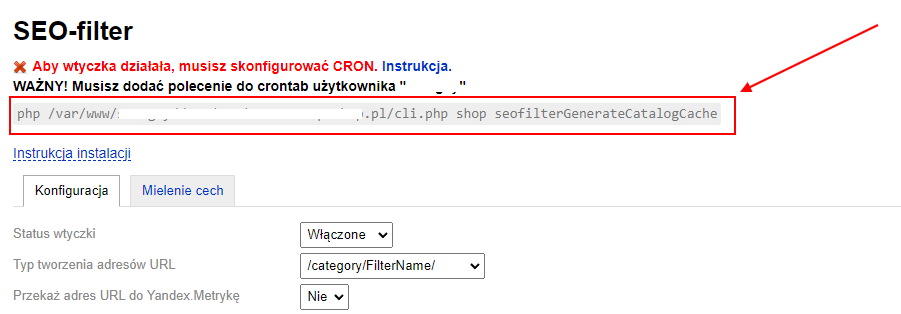
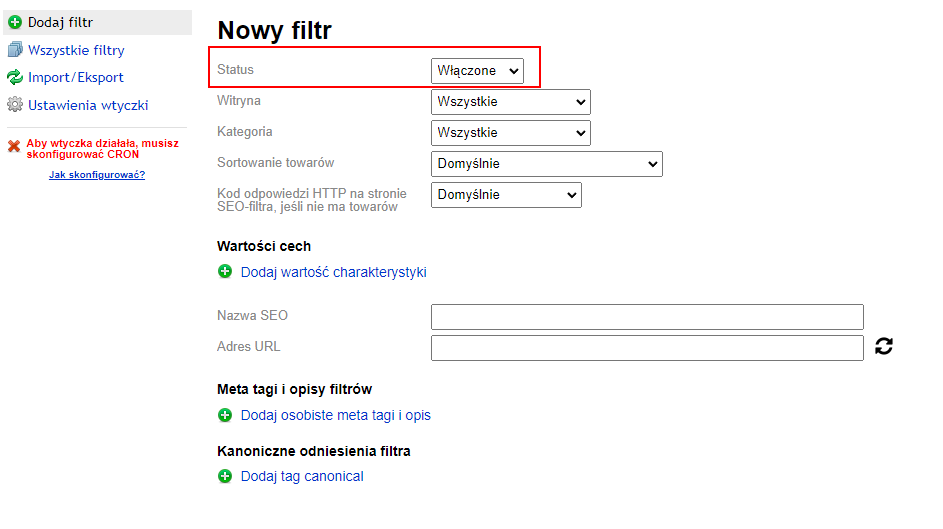
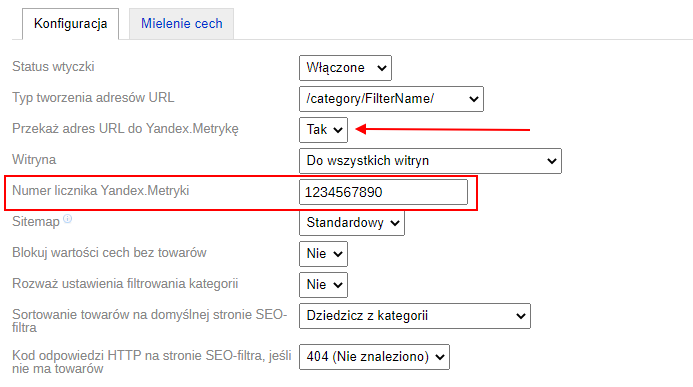
plugins status – plugin is enabled or disabled. To enable, select the appropriate status and save changes.
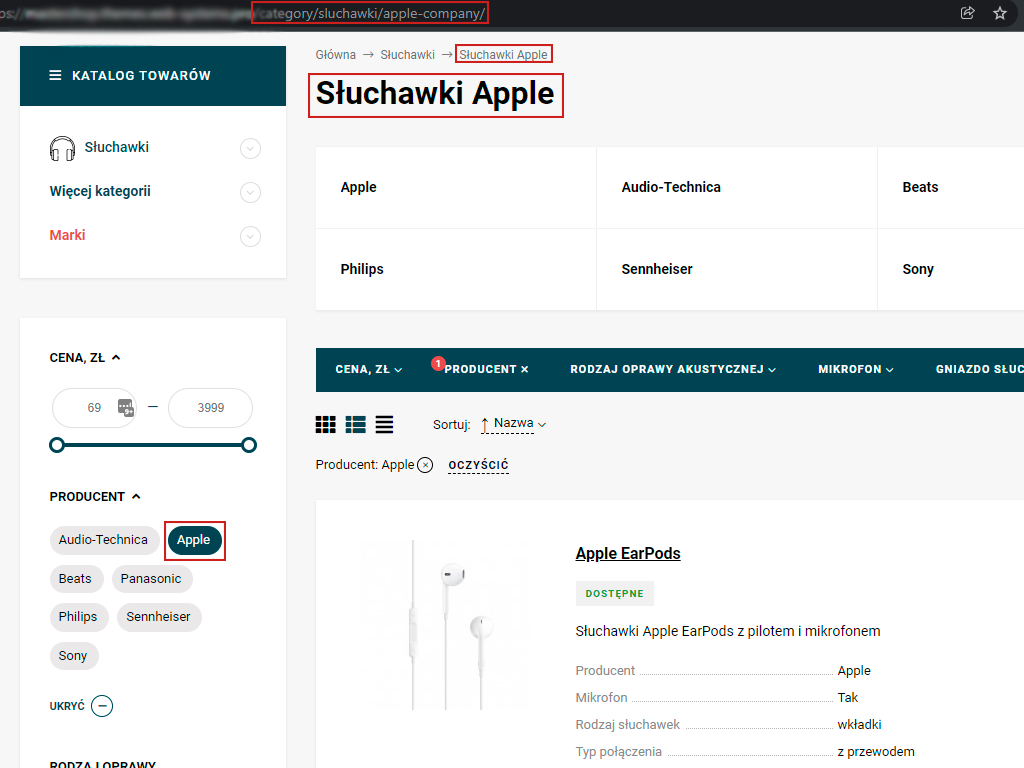
URL address generation type – select the type of URL for filter pages. Two options are available: short and simple. Short - the URL is generated based on feature names, with no additional elements added. Simple - the URL is generated based on the feature name, with the prefix "filter" added before the feature name.
Examples:
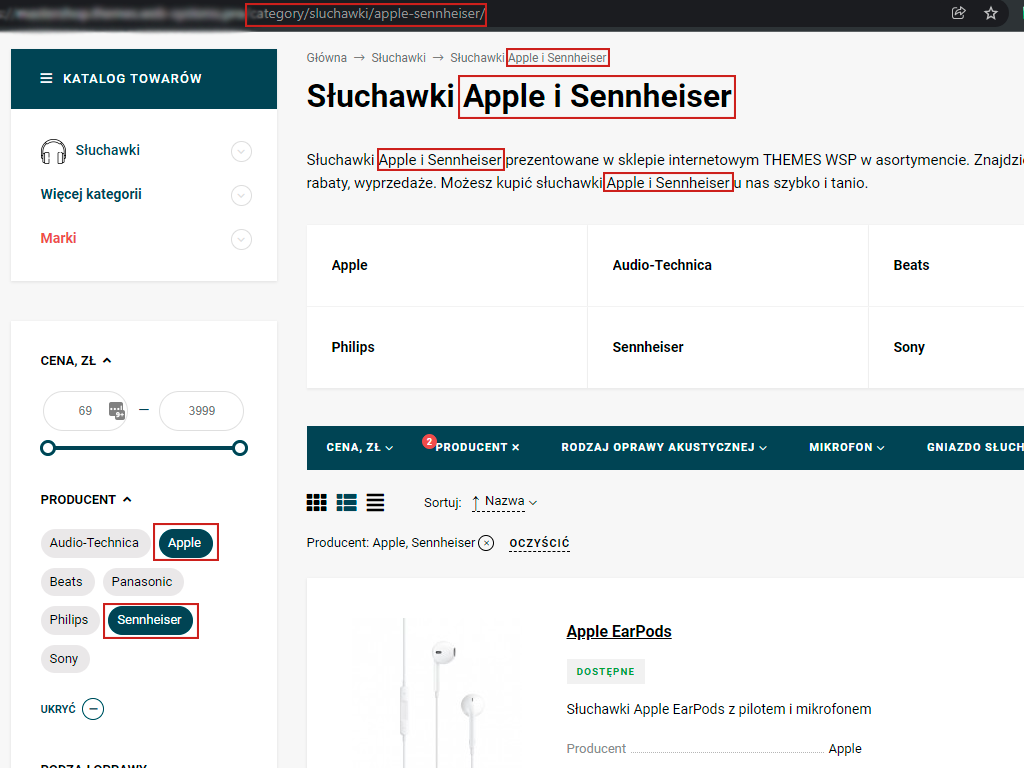
- Short URL https://site.com/category/shiny/simmetrichnyy/
- Simple URL https://site.com/category/shiny/filter/simmetrichnyy/
Pass URL to Yandex.Metrica – plugin enables Yandex.Metrica tracking for pages created by SEO-filter. If you want to send data about filter pages, select "Yes" from the list. A field "Yandex.Metrica counter number" will appear. You must enter the metric counter number here; otherwise, data will not be sent. You can add a counter number for all Sites or for each Site separately (if different Sites have different counters).
Sitemap – option to add links to the site map for robots.
2 options:
- Standard (links to filter pages are added to the standard sitemap.xml generated by the engine);
- Separate (links to filter pages are added to a separate sitemap located at /filter-sitemap.xml).
Block feature values without products – if there are no products, plugin makes these features inactive.
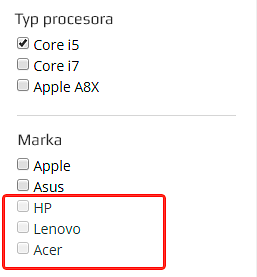
Consider category filtering settings - If "Yes" is selected, category filtering settings are taken into account. This means filters will only be available for features displayed on the front end. Remaining filters will be hidden on the page.
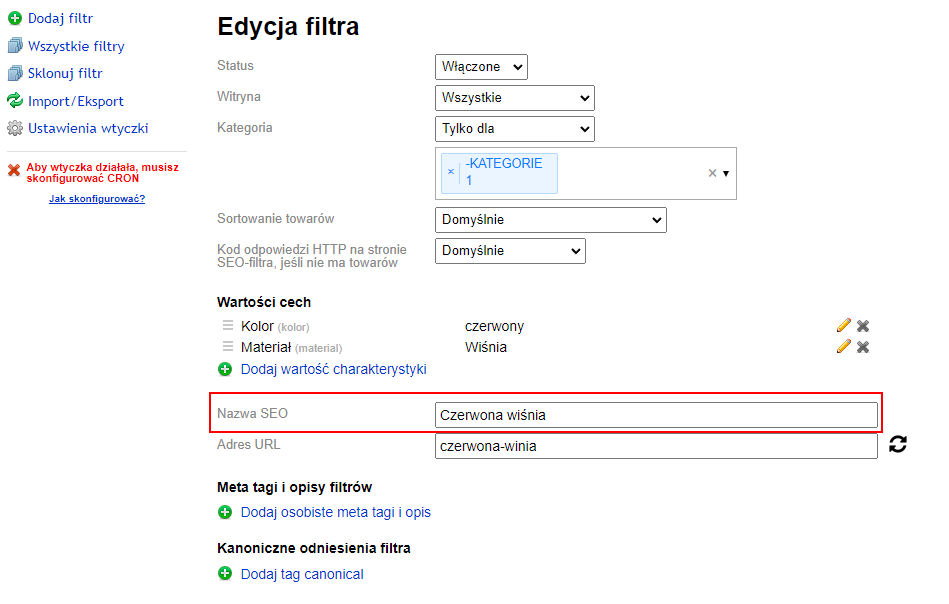
Product sorting on the default SEO-filter page - defines the product sorting that will be displayed when the filter page loads. It can be inherited from the category or set individually.
HTTP response code on the SEO-filter page if there are no products - select the response in the HTTP headers of the page. This code is primarily useful for proper indexing of pages by search engine robots.
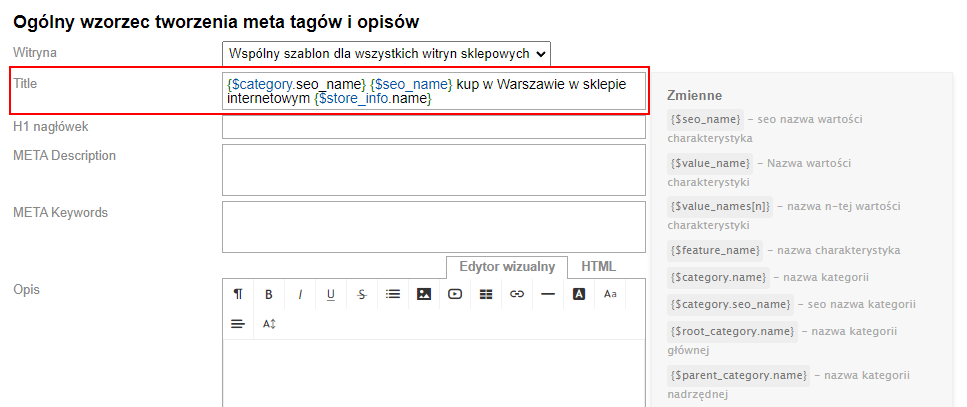
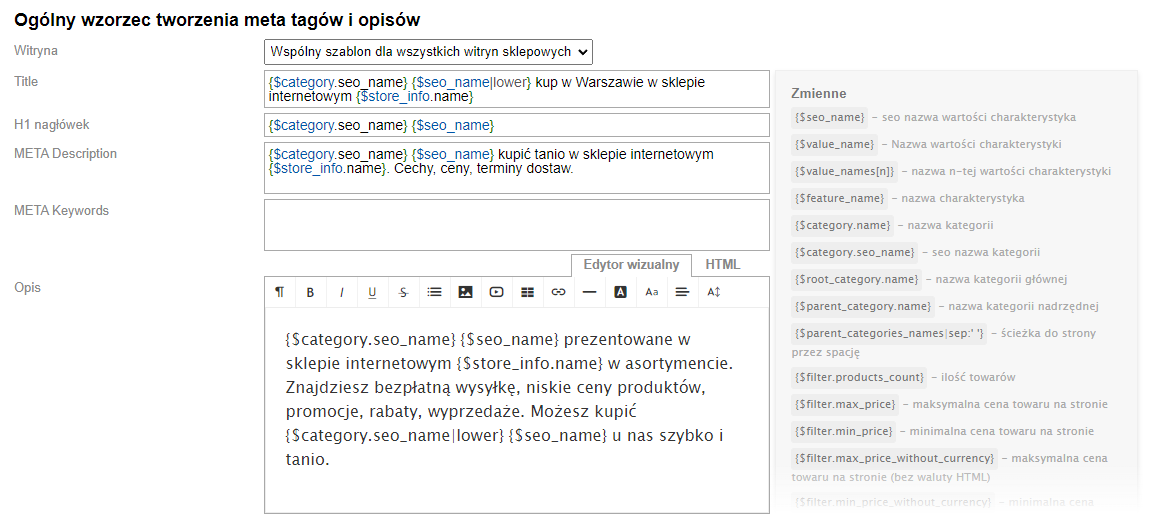
1.2. Common template for meta tags and descriptions
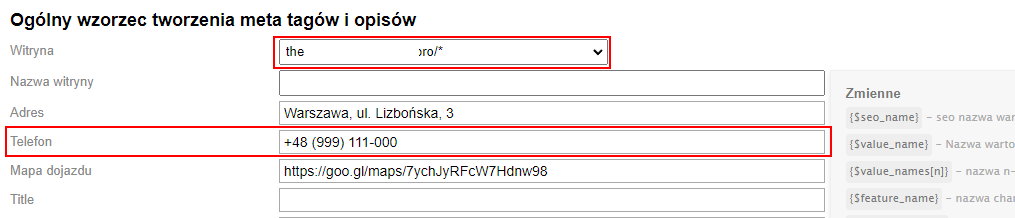
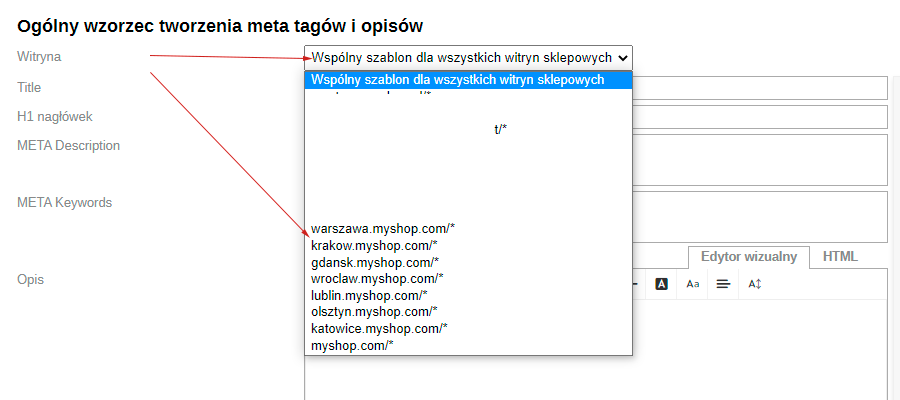
— Site – select the store site for which you want to save rules.
You can set templates for all store sites or for each one individually. If any store site has specific templates, they will override the settings of "Common template for all store sites".
Site with specified individual templates is highlighted in red.
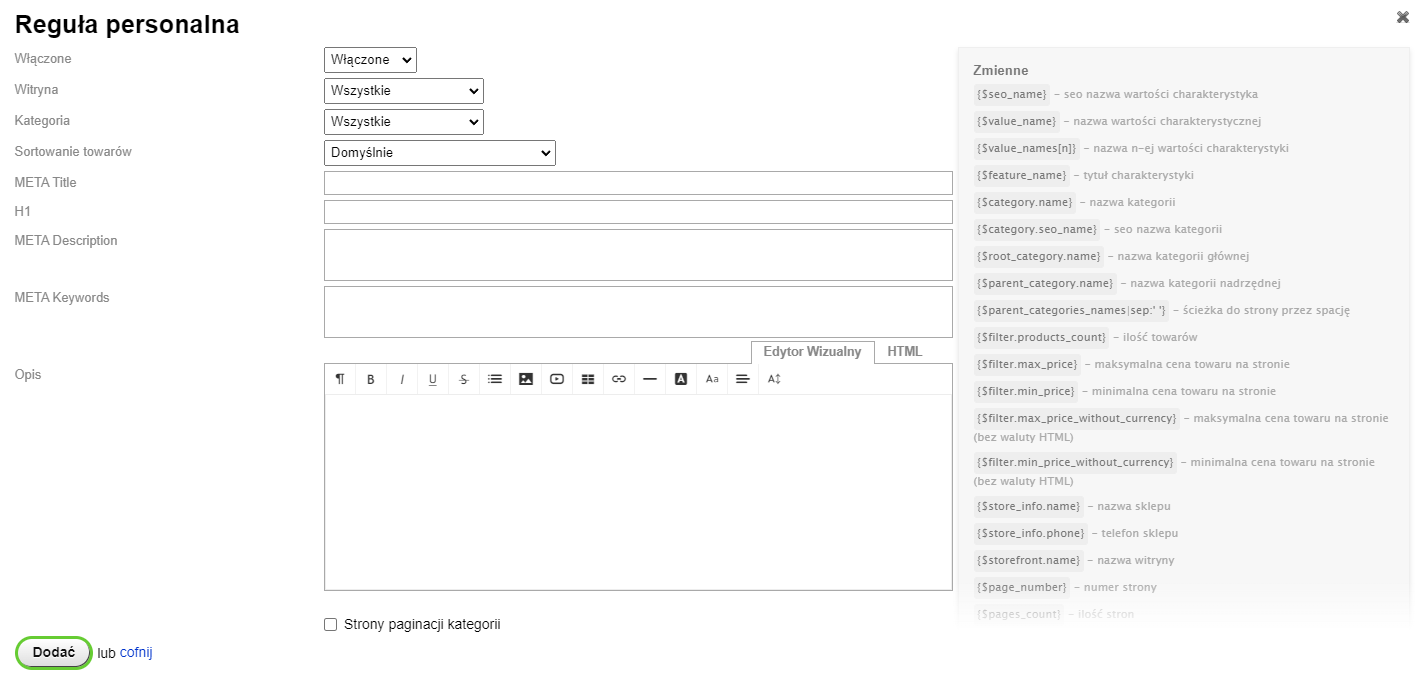
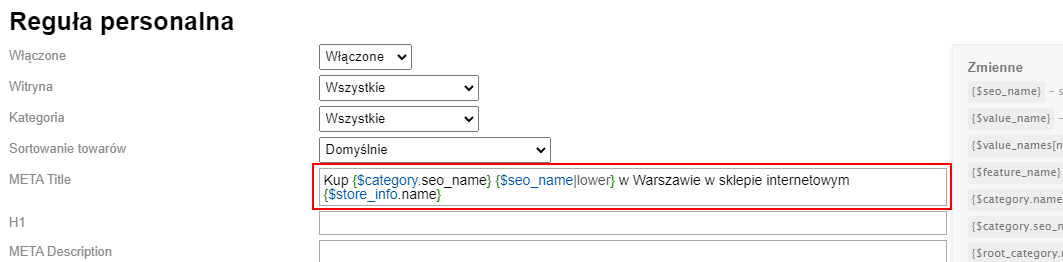
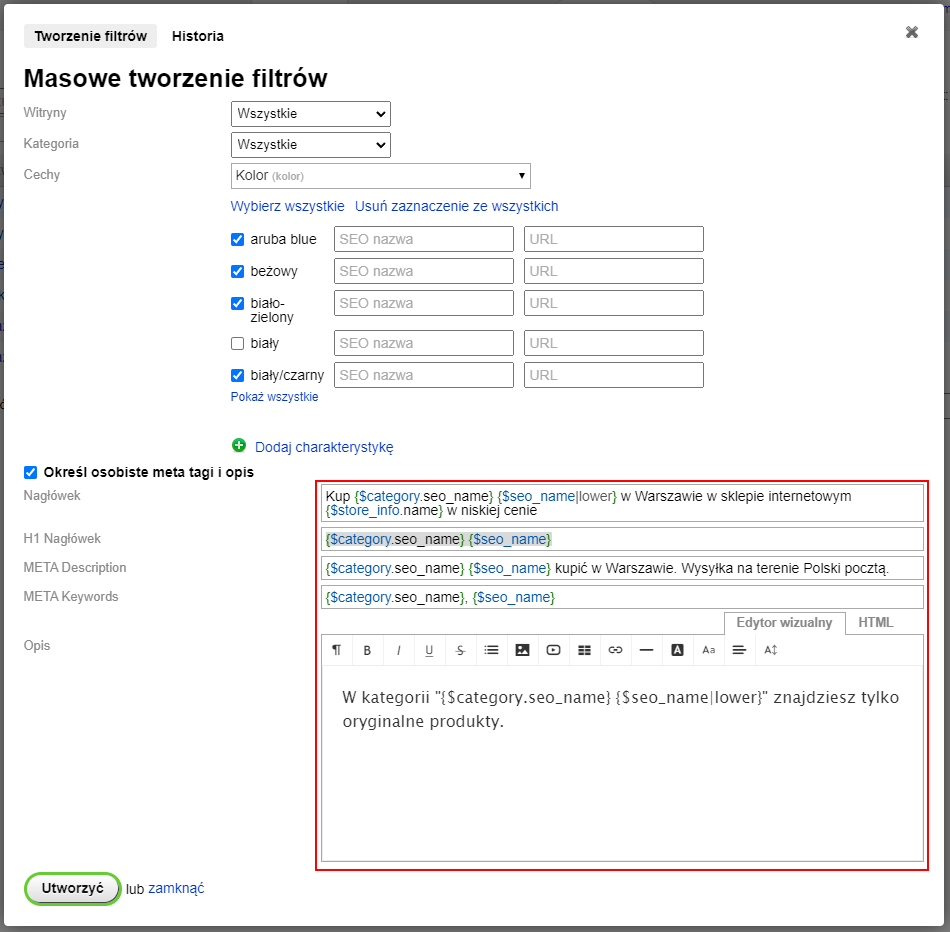
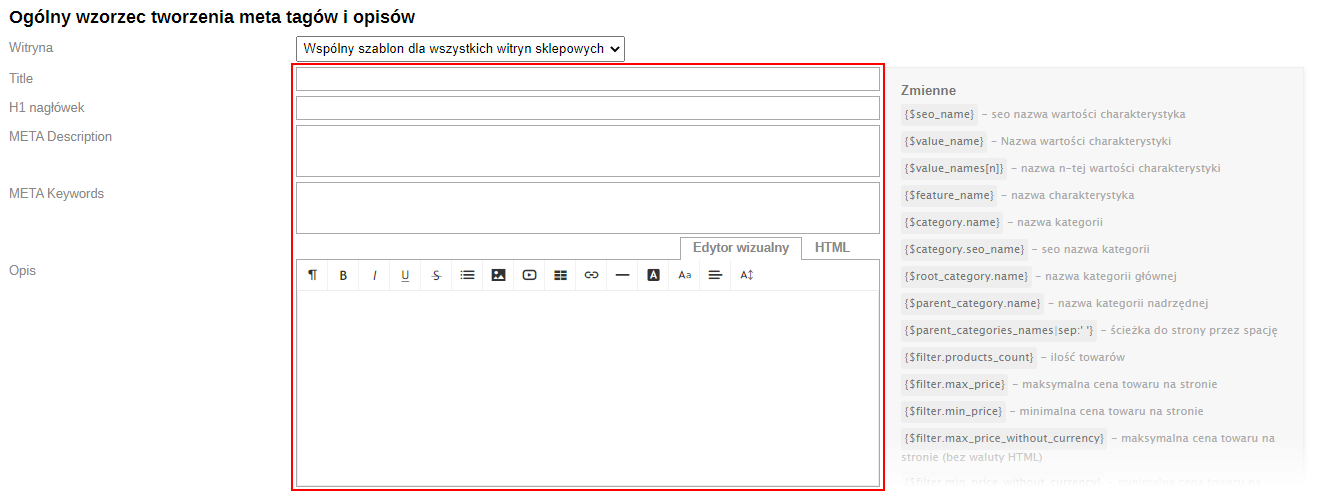
— Title – field for creating a template for the <title> tag.
— META Description – field for creating a template for the meta description tag.
— META Keywords – field for creating a template for the meta keywords tag.
— H1 header – field for creating a template for the <h1> header.
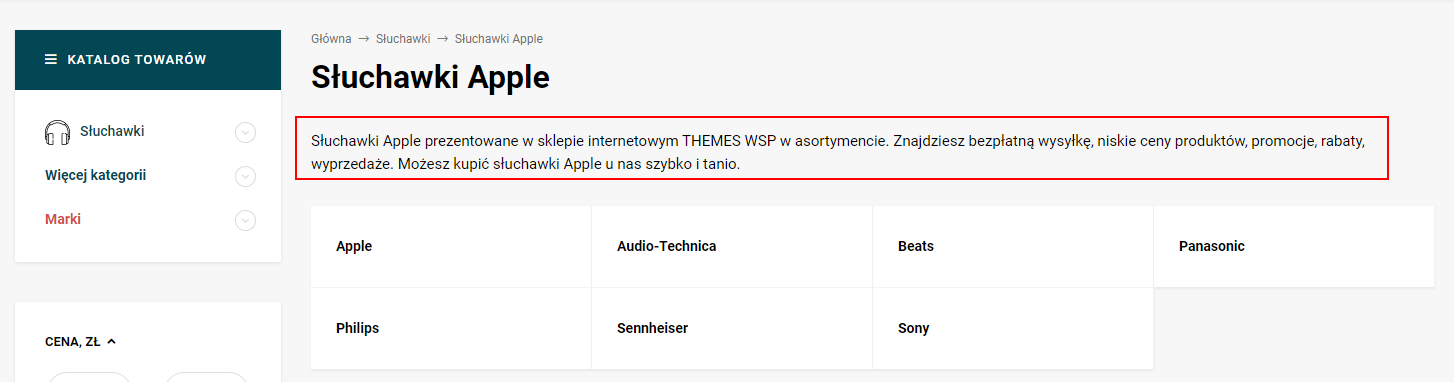
— Description – field for creating a template for the description.
1.3. Additional fields for store sites
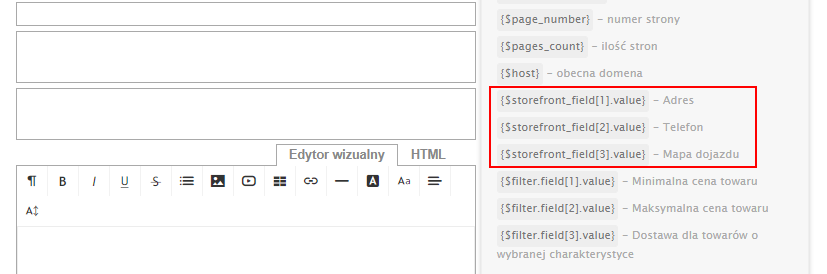
In this settings section, you can create additional fields for store sites. This is necessary when multiple store sites are used and there are not enough variables for creating templates. The field appears when switching between store sites in the plugins settings.

1.4. Additional fields of filters
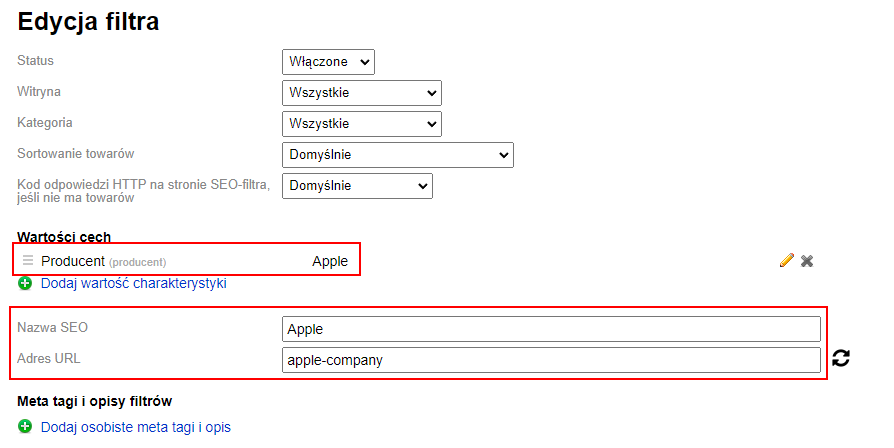
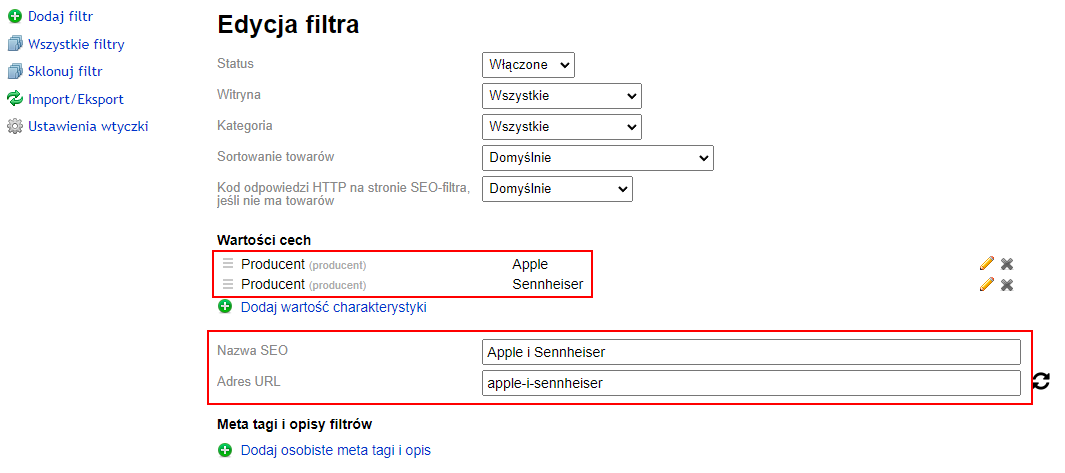
In this settings section, you can create additional filter fields. This is necessary if variables other than the SEO-name need to be used.