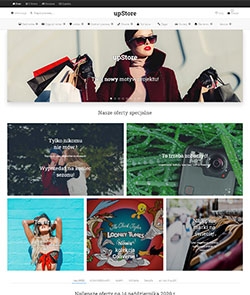
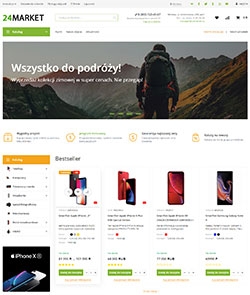
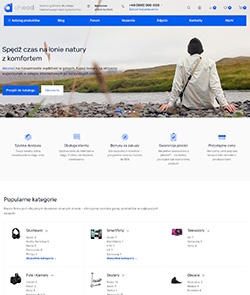
Euroshop - ready theme
Adaptive design theme

Euroshop

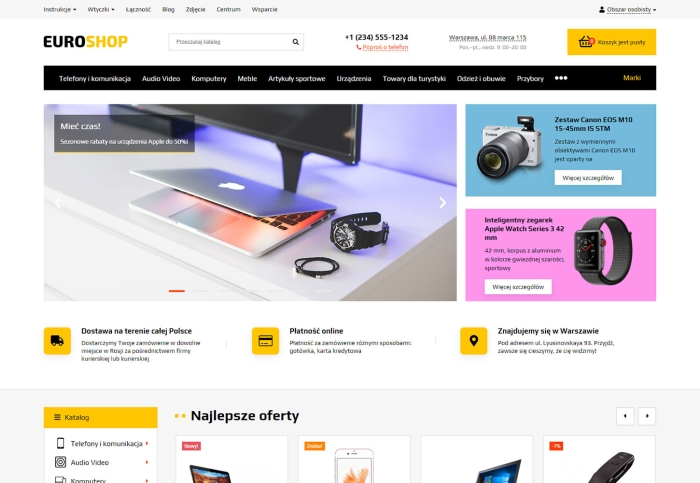


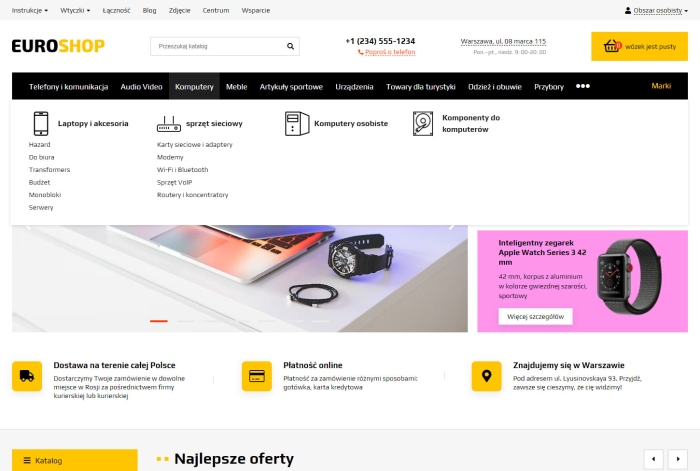


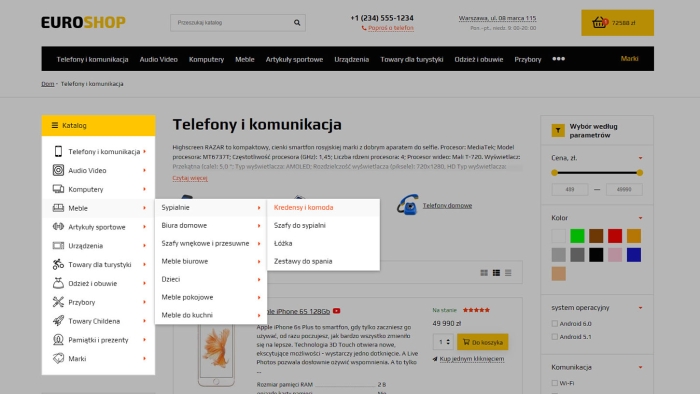
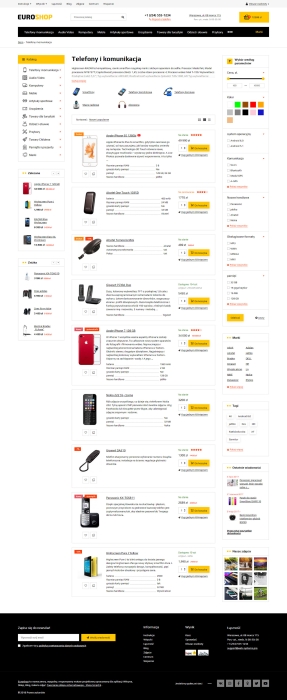
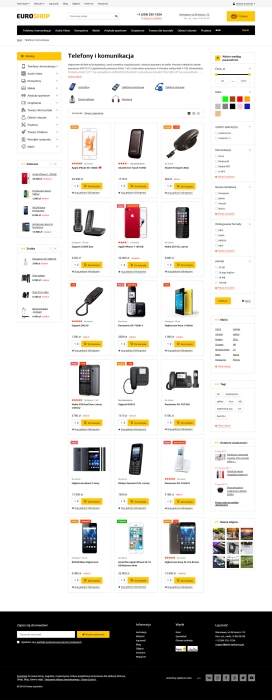


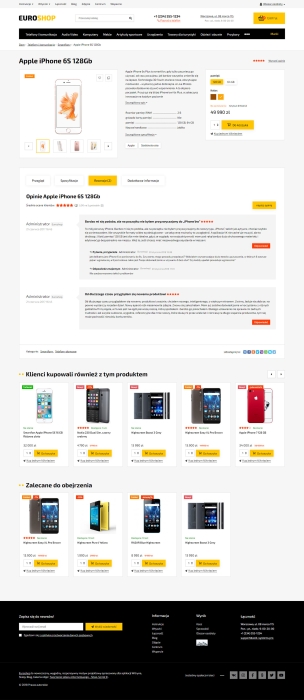

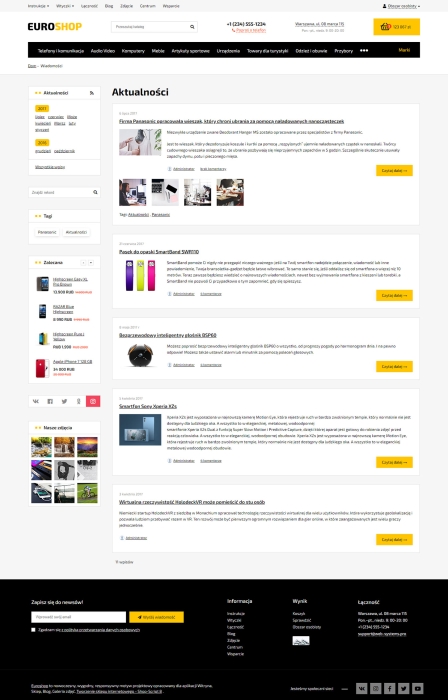


"Euroshop" is a responsive, convenient, and functional theme for designing Shop app, Site, Blog, Photos, Mailing, Helpdesk, and Hub applications. It contains over 20 updates developed for previous design themes.
The design theme includes a large number of client plugins that do not need to be purchased separately (expandable cart, smart search, Tile Gallery, viewed and Featured products, quick editing, and many others).
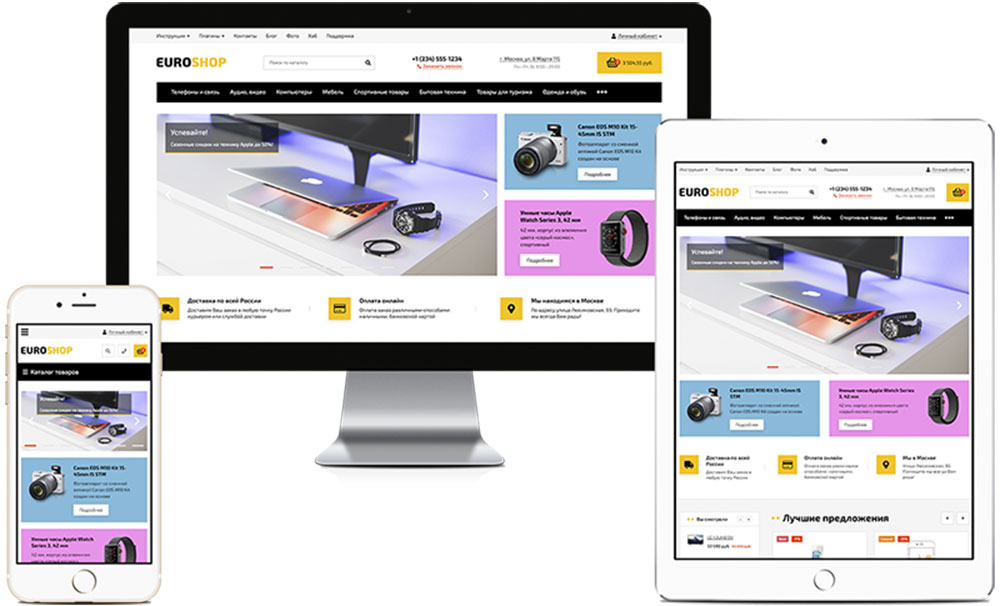
1. Optimization
- Mobile device optimization:
- Layout without errors, warnings, or recommendations from w3.org (since all recommendations are met).
- Microdata for products, breadcrumbs, and company (30 entities to choose from for personalizing the company).
- Optimized performance speed according to external service recommendations.
2. Design
- 13 color schemes selected for the theme:
- Ability to choose any colors, as well as separately customize the colors of the main catalog:
- Ability to choose the main font from a family of popular fonts:
Open Sans, Roboto, Exo 2, Ubuntu, Arial, Fira Sans, Montserrat, Helvetica, PT Sans, Play. - The theme uses a licensed font (allowed for use in themes) of Fontawesome Pro fifth version icons, which minimizes server requests.
3. Functionality
- Many display options for horizontal catalog subcategories (can be customized individually for each category):
- Dropdown lists;
- Business card;
- Table with columns;
- Table with cells. - Two options for displaying the catalog in the sidebar (with expandable categories and expandable categories). For expandable subcategories, you can choose the display (as cards, list, table with cells, and table with columns).
- An icon or tag can be added to a category.
- Brand output can be added to catalogs (using plugins that implement brands).
- A separate menu type is available for the mobile version.
- Quick search (no need to go to the search page).
- Expandable cart.
- Tile Gallery (All product photos directly on the product list)
- Two options for displaying a responsive, fixed panel with custom product lists, cart, language switching, currency, and any information (e.g., phone number).
- Link to switch from mobile to full version.
- Informational message in the page header for all users, with the ability to set text color, background color, and icon.
- Built-in plugins "Viewed" and "Favorites". Various widgets for them (horizontal list in content and vertical in sidebar).
- Expandable subcategories in breadcrumbs (for categories and product pages).
- Fixed icon for quick navigation to editing categories, products, news, etc. directly from the frontend page (for site administrators and managers).
- Ability to display any popup window for all users (with a promotion) and the ability to link the popup window to any link (with any content).
- Ability to customize sticker colors and display discount stickers (with the option to limit by minimum percentage).
- Ability to display the price as a range (for products with multiple SKUs and different prices) and replace a zero price with any phrase.
- "Back to Top" button.
- Flexible customization of sidebars individually for each interface (Home page, category, product page, search, personal account, cart, etc.) with the ability to define the displayed blocks and sort them relative to one another.
- More than 10 sidebar widgets: product lists (carousels), latest news, recommended products, products for comparison, recently viewed products, information blocks, tags, latest photos from an app or album (as a list and slider), social media widgets (with switching), brand list, multilevel menu, etc.
4. Home page
- Image slider (can be configured using a promotional card or via the Photos app).
- Product slider (with the option to display a specific list created manually or using a filter).
- Information blocks with flexible configuration (you can set an icon from the Font Awesome font or any image).
- Promocards that adapt to screen sizes (up to 6 promotional cards can be configured).
- Responsive product lists (carousels) with the option to randomize and loop lists.
- Tile category list.
- Category list with second-level subcategories.
- Brand list in the form of a carousel with the option to shuffle and loop.
- Block with the latest reviews with the option to shuffle and loop.
5. Catalog
- 3 options for displaying the subcategory list:
- Business card
- With icons
- Without images - 3 options for displaying the product list:
- List
- Business card
- Table - Product preview
- Ajax filter (filtering without reloading the page). The theme settings allow you to specify the number of displayed features and options. Multiple-choice features can be displayed as checkboxes or buttons.
- Active filters above the product list.
- Option to add product feature output to the preview displayed in card and list views (a specified number of first features or customized output of specific features using codes).
- "Read more" button for the category description.
- Product availability video icon, with the option to display it in a modal window without opening the product card.
- Option to customize narrow product cards in the product list on mobile devices (2 per row).
6. Product card
- Responsive product card with an image carousel.
- Short description and brief characteristics, as well as the latest withdrawal in the central block with links to the detailed description, specifications, and reviews.
- Article selection using stylized buttons or dropdown lists.
- Product description, features, reviews, and subpage tabs (navigation without reloading) with two operating modes (switching tabs or smooth navigation to a tab with tabs initially open).
- Viewing and adding reviews without navigating away from or reloading the page.
- Three visually distinct libraries for viewing full-size images (Swipebox, Magnific Popup, and PhotoSwipe in the mobile version with the option to enlarge images by swiping).
- VK and Facebook comment widgets for use in various interfaces (Question and Answer, comments, opinions, reviews, etc.).
- Option to display up to three additional tabs with any content in all product cards.
| Technical specifications | |
Theme type | Online stores |
Developed for | Blog, Hub, Mailer, Shopy-Script, Site, Helpdesk, Photos |
Localization settings | Russian |
Frontend localization | English |
Business category | Car, Business and services, Jewelry, Construction and repair, Electronics and household appliances, Furniture and interiors, Clothing and footwear, Gifts and flowers, Children's products, Sport and tourism, Universal, Health and beauty |
Settings colors | multicolored, white, beige, brown, black, red, purple, blue, orange, pink, gray, green, yellow |
Unit fractions | No |
Desktop theme | Yes |
Mobile theme | Yes |
Software type | Website theme |
Free | No |
| Developer and version theme | |
Designer (programmer) | Skilbe |
License | Web Systems Pro |
Version | 1.5.0 |
Update | 09/09/2019 |
Loading...
Loading...
Loading...
Loading...