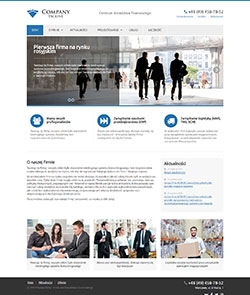
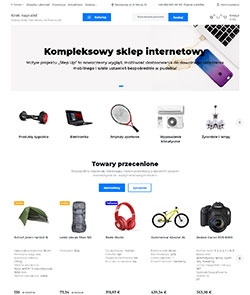
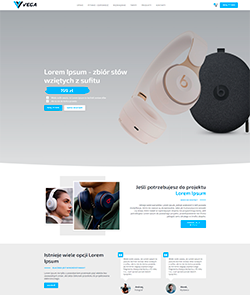
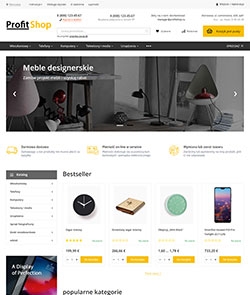
Smart - ready theme

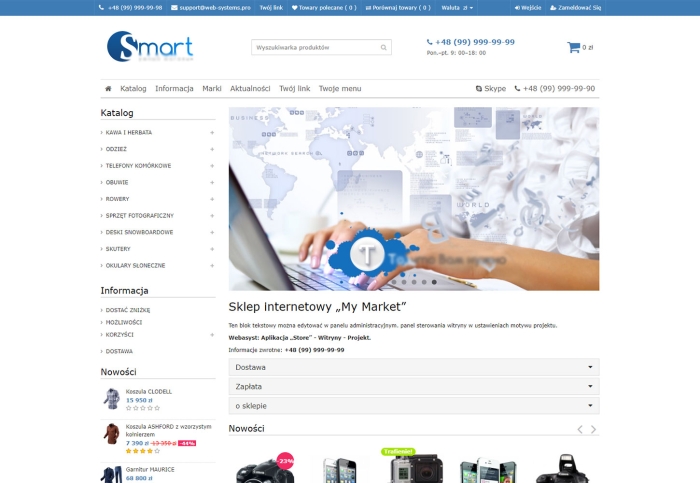


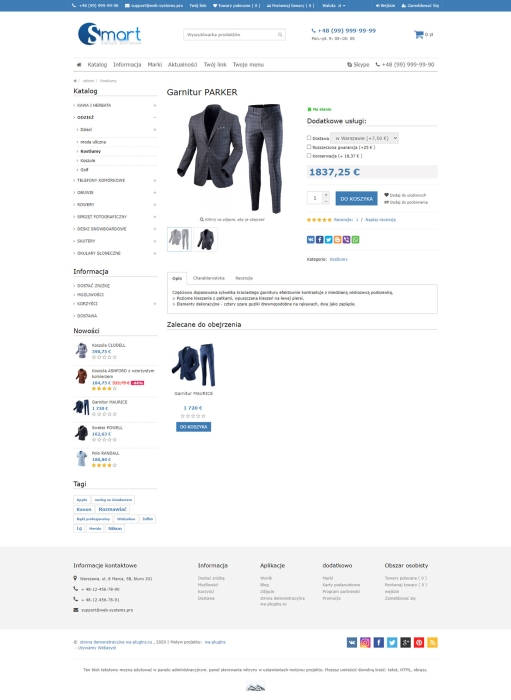


Smart is a universal family of design themes for the core Web Systems Pro applications: Site, Blog, Photos, Shop.
★ The SMART design theme is:
- Modern design - ergonomic construction and stylish color solutions.
- Maximum capabilities - a huge number of settings.
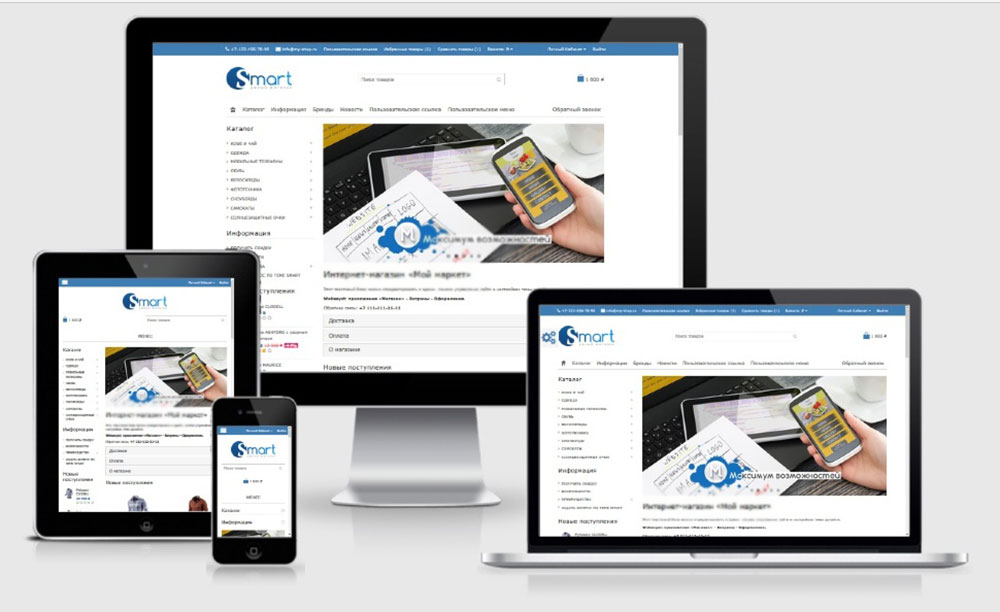
- Adaptation to all types of devices - the design looks equally attractive in all resolutions: from 320px of old mobile phone screens to 1980px of a modern panoramic monitor. The cross-browser layout ensures correct display in all modern browsers, as well as on mobile devices with iOS and Android.
- Record page loading speed - the theme rationally implements the requirements of Google Developers service.
- Just what you need!
AT YOUR DISPOSAL:
★ Flexible settings
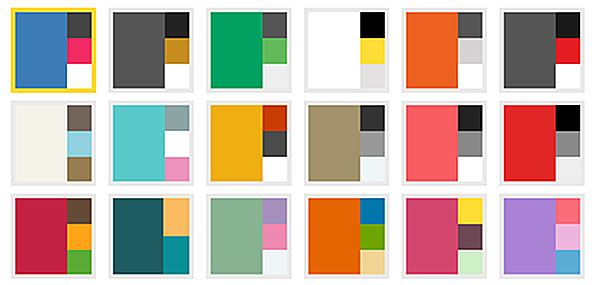
- 19 competent color schemes allow you to use the design for absolutely any trade direction! In addition to neutral color combinations (for multi-category stores), the theme presents combinations that clearly characterize the industry. You can also create your own unique color.
- Innovative slider - 3 possible widths (full page width, limited by site width, combination - slider + 2 banners), 3 types of sliders (photo slider, product slider and promotional slider for 1 product)
- Adjust image size in the category - 3 options are available depending on the number of products in a row ("grid" display): 3, 4 and 5 products. The fewer products in a line, the larger the thumbnail displayed in the category.
- 3 options for displaying the news block (from the "Blog" app): on the main page, in the sidebar, or in the drop-down menu.
- Banners in the sidebar (on the side of the page) - properly placed information about special offers or store advantages.
- 4 types of catalog menu display
- Information tabs on the main page - here you can place quite extensive information without making the page too long.
- Flexible horizontal menu settings - you can display a brand block or news in it, add your own link or any menu (with specified items).
★ High download speed up to 100 out of 100
The Smart theme code allows you to achieve incredibly high scores when testing download speed in the Google service.
Fast page loading of the site is convenient for potential buyers (nobody likes to wait). Also, site speed is an important criterion for search engine ranking algorithms.
In other words, the faster the site - the higher it is in SERP, and the higher it is in SERP - the more potential buyers.
The Smart theme fully meets the requirements of developers.google.com.
** site loading speed is also affected by server settings (compression, caching, power), optimization of images hosted on the site, and the use of plugins/widgets.
★ Adaptation to different devices
The mobile display of the SMART theme is not inferior to the full version on a panoramic monitor.
★ Design optimized for SEO
Support for the Schema.org semantic data markup standard has been implemented.
★ Nice additions**
Convenient search
- "Smart search" (autocomplete, with product thumbnails and prices) will help the buyer find the product of interest as quickly as possible.
- Lazy loading or page navigation - your choice! You can set the number of products per page (for example, 10,20,30,50,100).
- The scroll-to-top button is an essential element, especially when placing a large number of products on a page. Clicking the button scrolls to the top of the page.
- Placement of a category image (logo) (requires purchase of plugins)***
- Integrated design plugins "Brands with photos" (requires purchase of plugins)***
Reasonable product selection
- The "Magnifying glass" zoom effect when viewing a product and a pop-up window upon clicking.
Customers will be able to examine the product more closely.
3 image display options are possible:
- Magnifying glass;
- Pop-up window;
- Pop-up window + Magnifying glass.
The mobile version uses only the pop-up window for convenience. - View other product images on the category page (can be disabled)
- "Quick preview" of a product from a category or the main page has gained great popularity among online stores due to its convenience and simplicity. While in a category, the buyer just needs to press the quick view button (eye) to display a pop-up window with the product description and available items. This is a pop-up window that saves time (avoiding unnecessary page transitions).
Convenient feedback
- Callback (requires purchase of plugins)***
- VK and Facebook widgets - results of participants/news.
- Social sharing buttons ("Share") (Yandex buttons and Pluso buttons), which allow sharing product information on social networks (VK, WhatsApp, Viber, Facebook, and others). You need to select the social network portal and button styles.
- RSS button (from XML file generation) - for information resources.
** - The mentioned add-ons are built into the theme (no need to purchase additional plugins)
*** - requires purchasing additional plugins. Not necessary to use.
| Technical specifications | |
Theme type | Online stores |
Developed for | Blog, Shopy-Script, Site, Photos |
Localization settings | Russian |
Frontend localization | English |
Business category | Business and services, Construction and repair, Electronics and household appliances, Furniture and interiors, Clothing and footwear, Children's products, Sport and tourism, Health and beauty |
Settings colors | multicolored, white, beige, burgundy, black, red, purple, blue, orange, pink, gray, turquoise, green, yellow |
Unit fractions | No |
Desktop theme | Yes |
Mobile theme | Yes |
Software type | Website theme |
Free | No |
| Developer and version theme | |
Designer (programmer) | WA-plugins |
License | Web Systems Pro |
Version | 1.3.3 |
Update | 02/07/2019 |