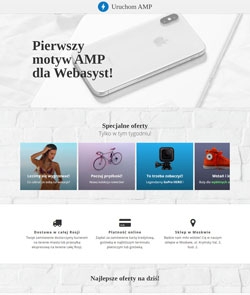
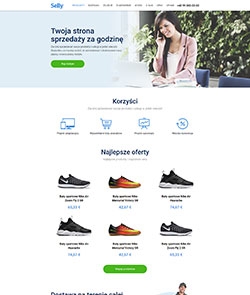
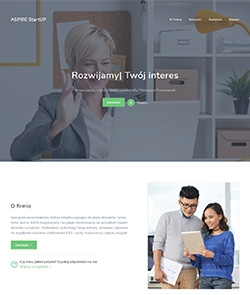
Mastershop - graphical theme of the online store
Adaptive, functional, and modern online store theme.
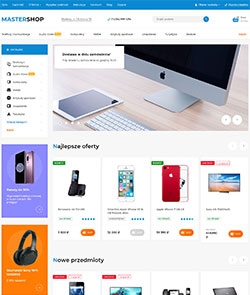
Mastershop

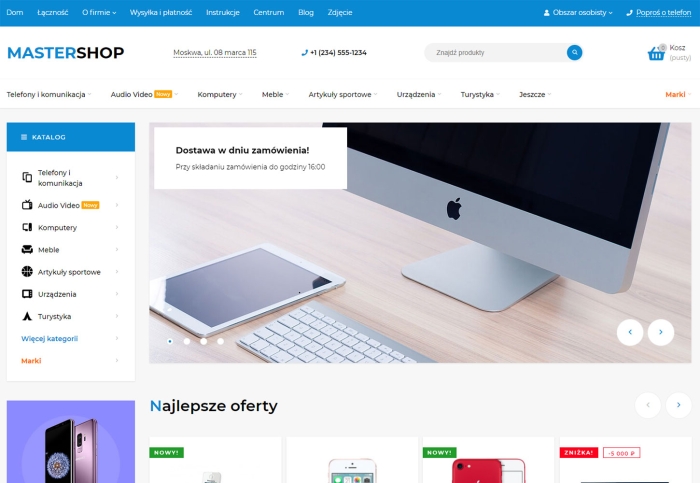
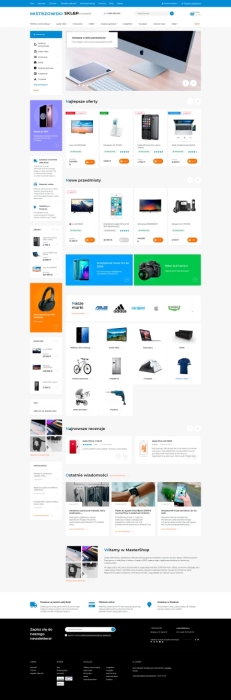
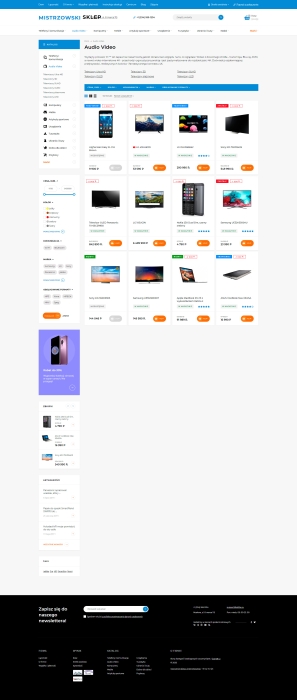
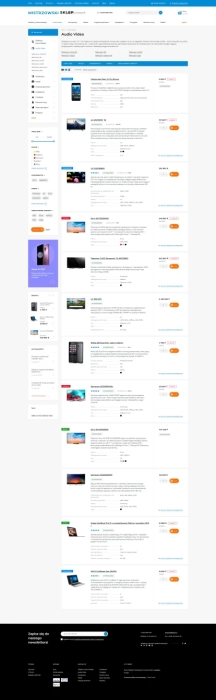
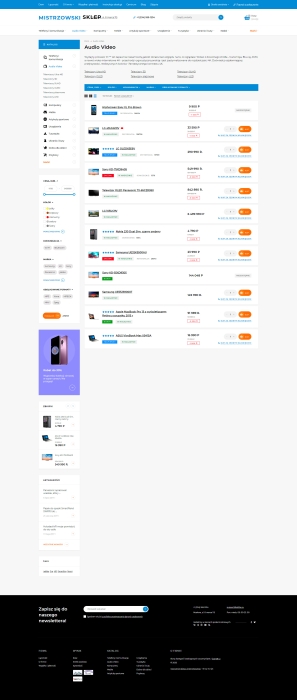
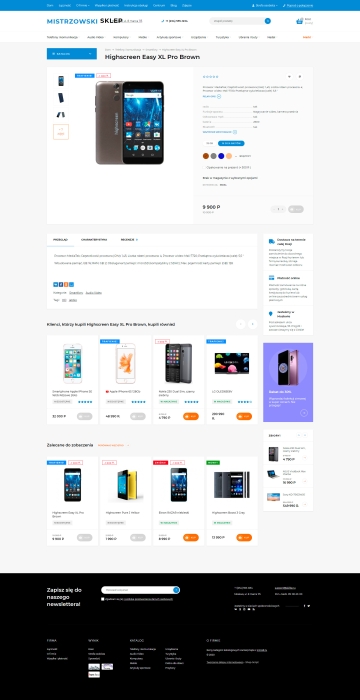
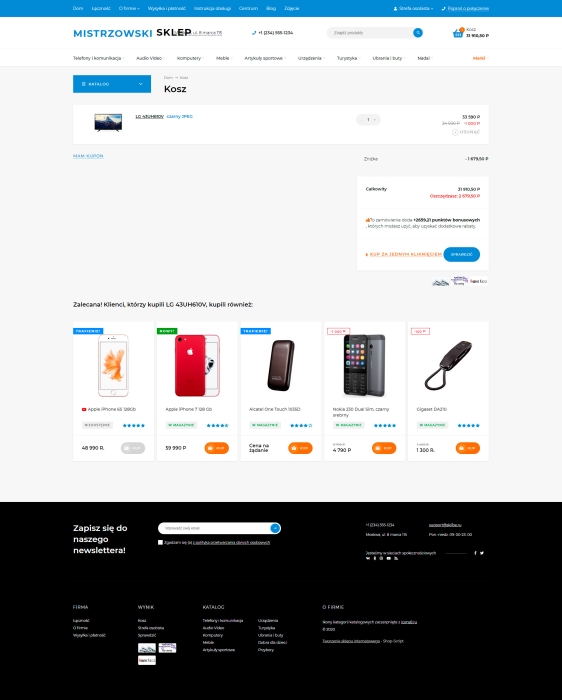
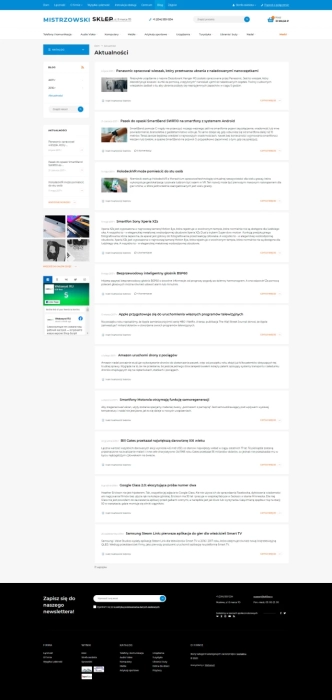
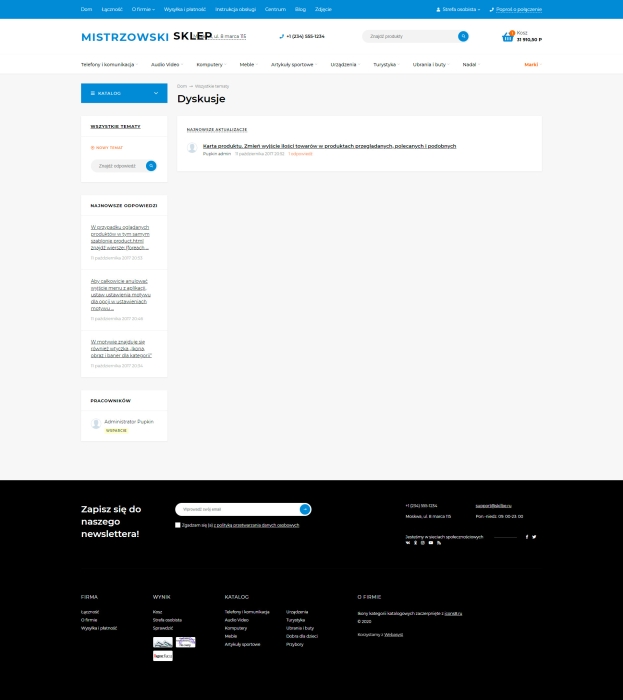


All Features of theme Mastershop
Mastershop is an adaptive, functional, modern design theme developed for the applications "Site", Shopy-Script, "Blog", "Photos", "Helpdesk" and "Hub". The design theme includes over 400 settings and a large number of client-side plugins that do not need to be purchased separately (expandable cart, quick search, viewed and selected products, quick editing and many others).
1. Optimization
- Mobile device adaptation.
- Layout without errors, warnings or recommendations from w3.org.
- Micro-tagging of products, navigation menu and company (30 entities to choose from to personalize your company).
- Optimized performance speed according to recommendations from external services.
2. Appearance
- 20 ready-made color themes:
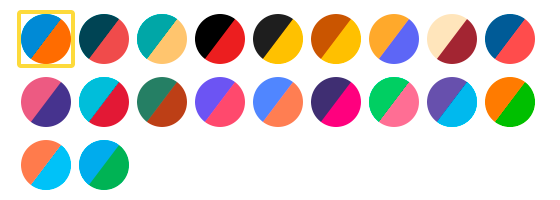
- Flexible color settings:
+ Color options for the menu, footer, horizontal filter.
- Ability to customize button styling, shapes, icons: rounded, slightly rounded or without rounding:

- The theme uses a licensed font (allowed for use in themes) of FontAwesome Pro icons version 5, which helps minimize server requests.
3. Functionality
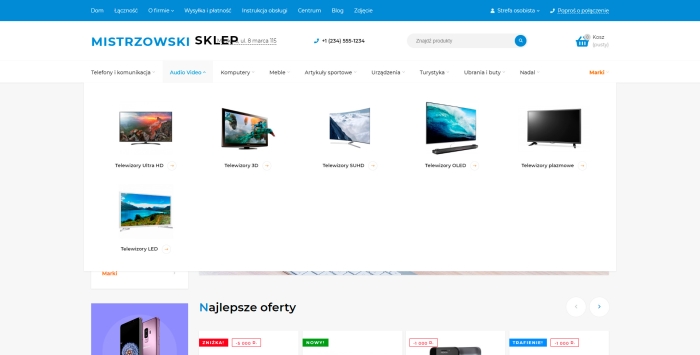
- 4 types of main menu with individual settings.
1) Horizontal, with multiple dropdown options:
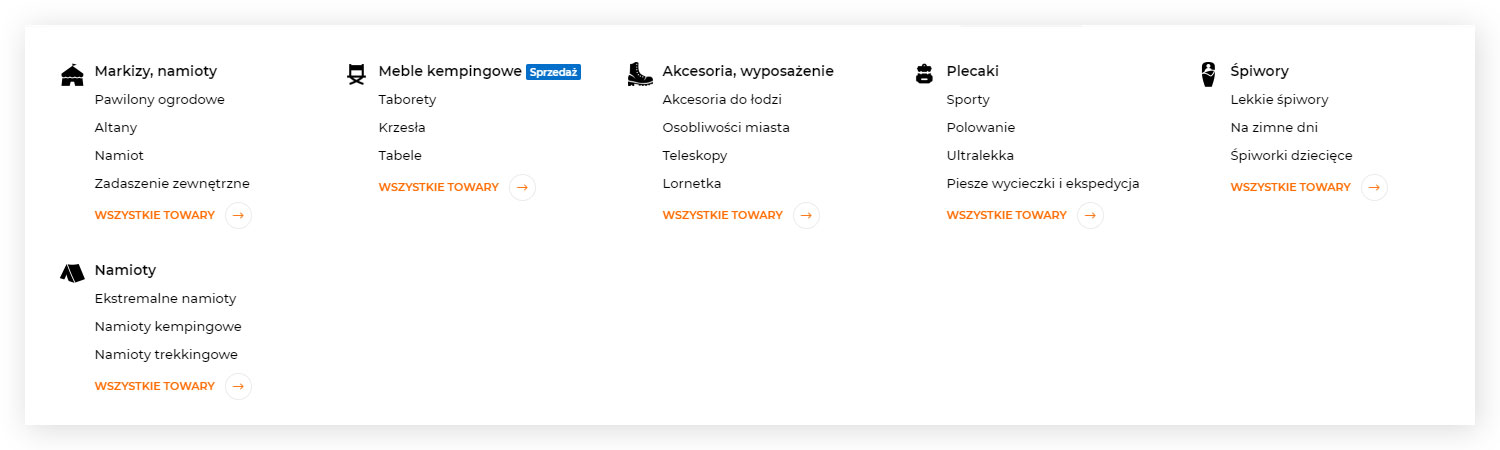

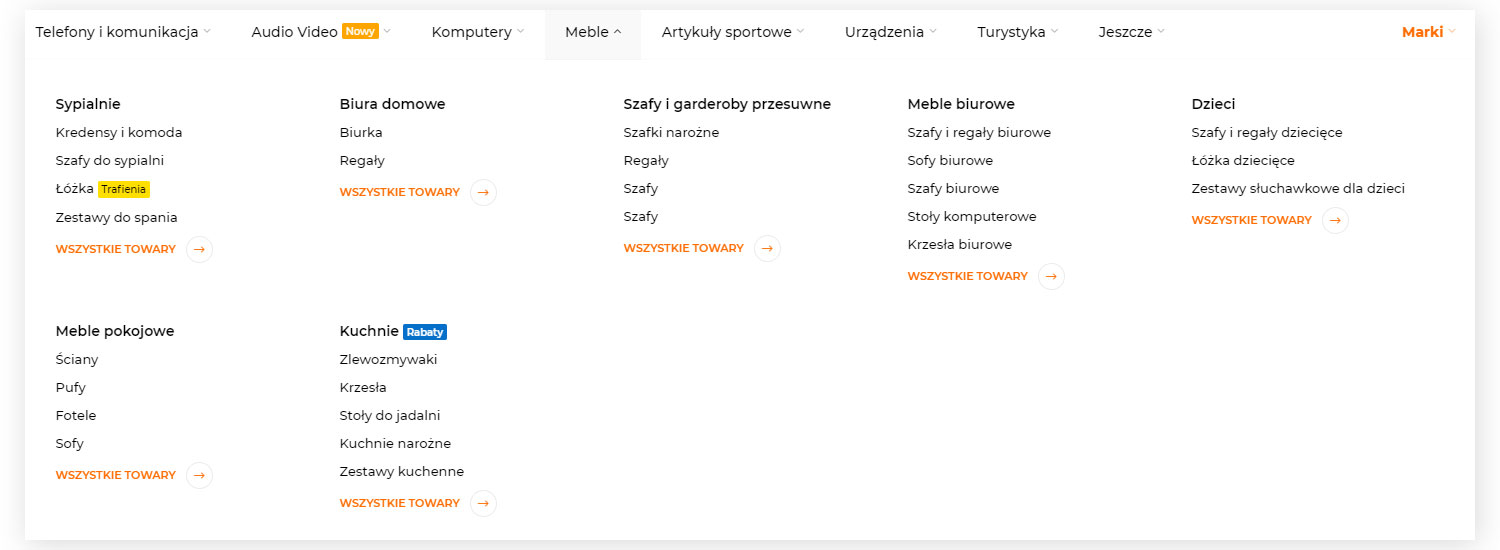
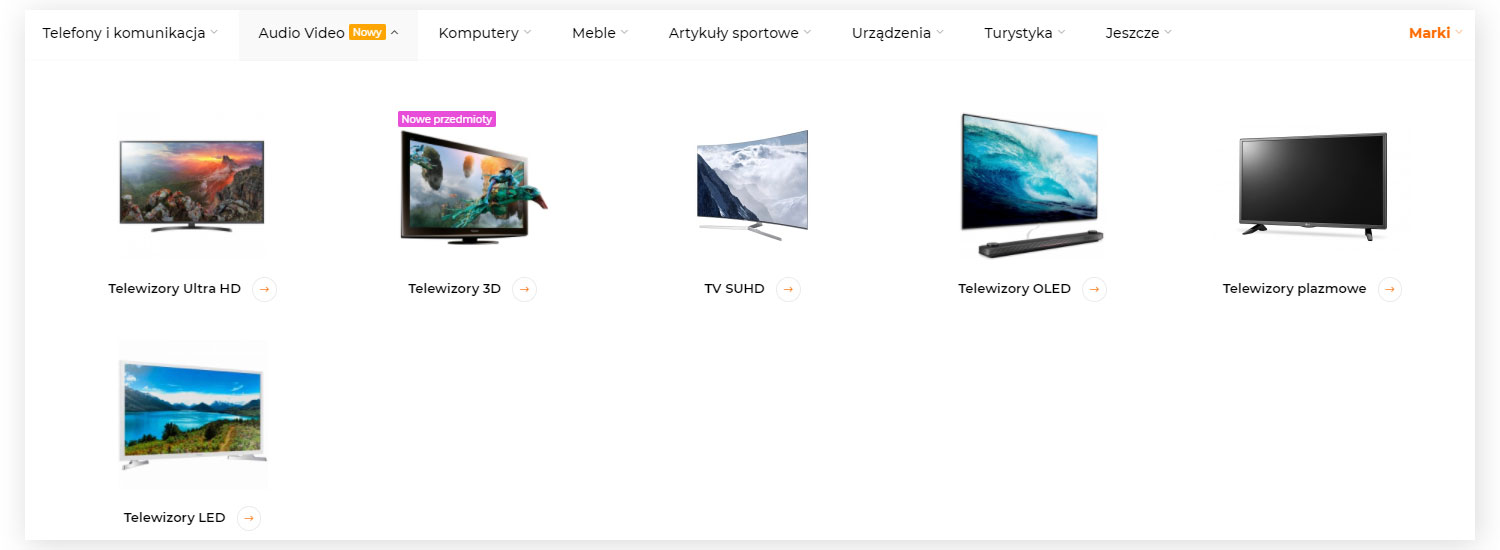
2) Vertical, with multiple dropdown options:


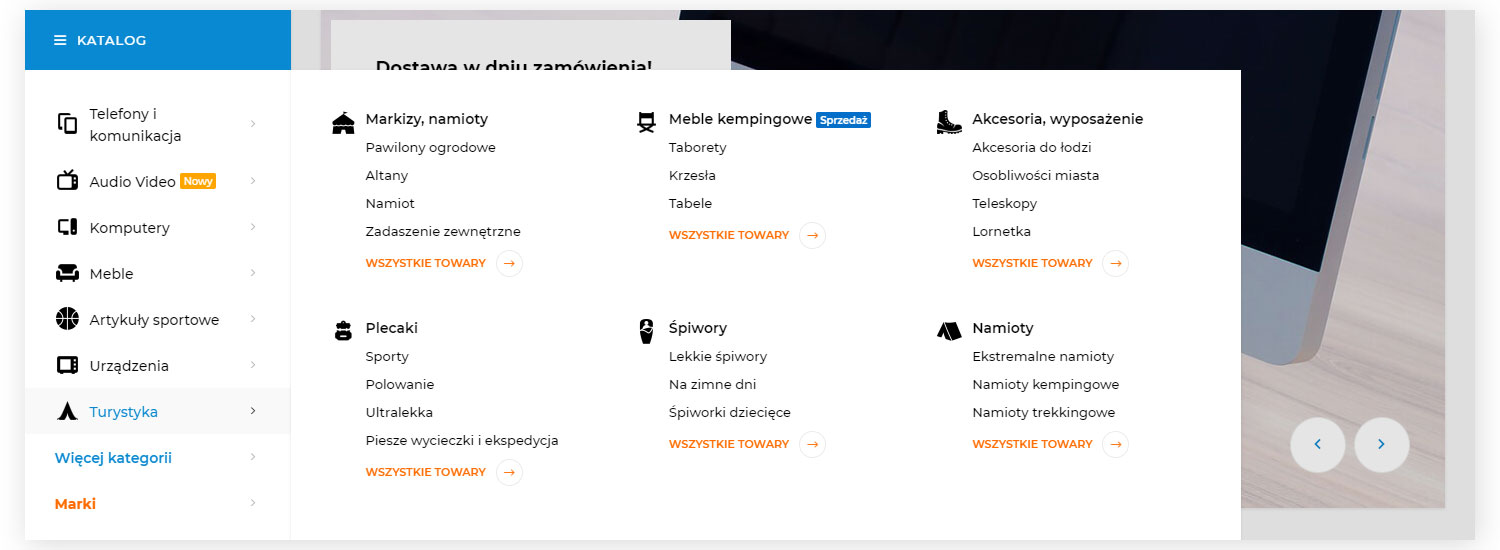
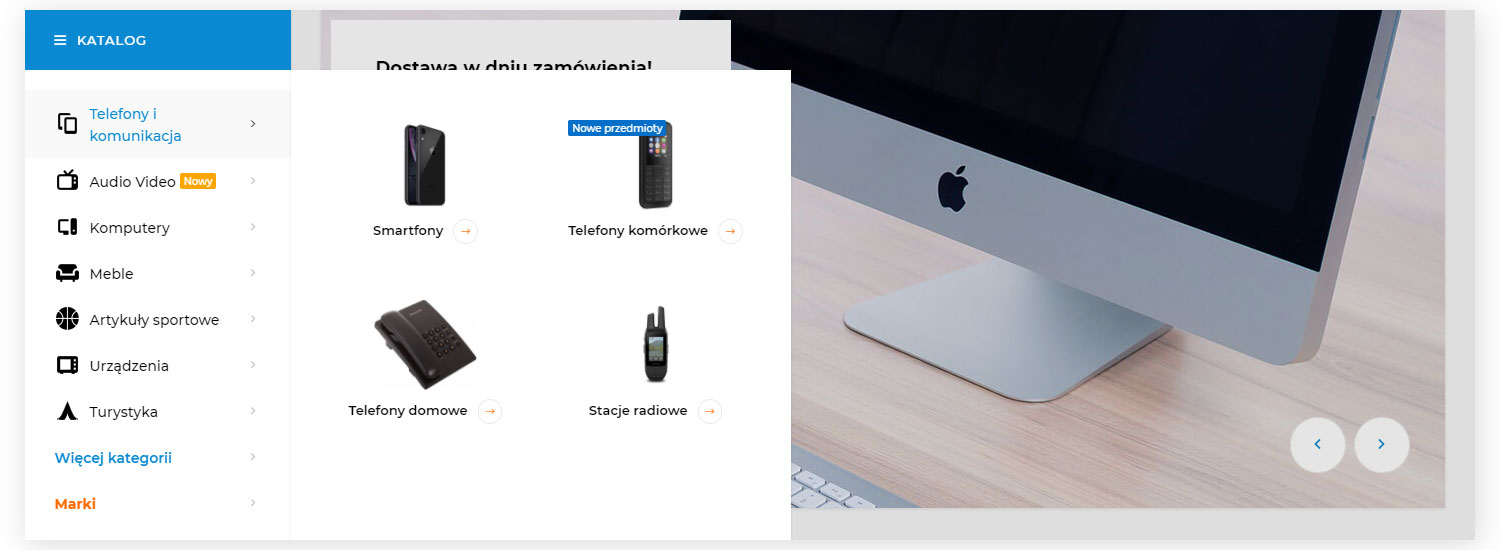
3) Vertical dropdown:
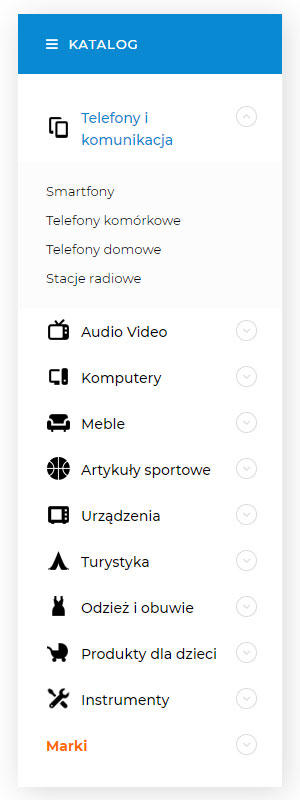
4) Mobile:
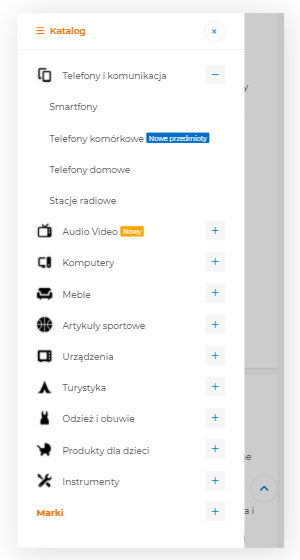
- Quick search:

- Cart pop-up:
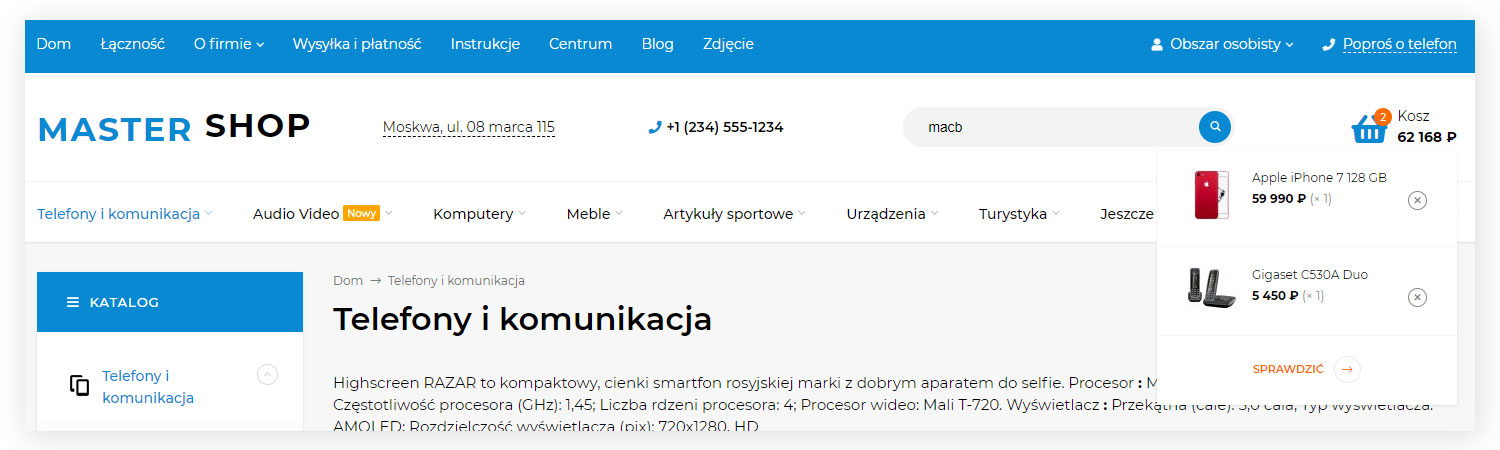
- Map popup in the page header:
- Fixed panel with quick access to links to cart pages, comparisons and favorite products. Location options: bottom and right of the screen.
- Fixed icon for quick access to editing categories, articles, news etc. directly from the frontend page.
- "Back to Top" button
- Flexible sidebar configuration for different interfaces (Home page, category, product page, personal account, cart, information pages), with the ability to define output blocks and sort them relative to one another.
- Built-in plugins "You viewed" and "Favorites".
- Various sidebar widgets: product lists (carousel), latest news, recently viewed products, tags, latest photos from an app or album, social media widgets (with switching), brand list, multilevel menu, etc.
4. Home page
- Image slider (can be configured using a promotional card or via the Photos app):
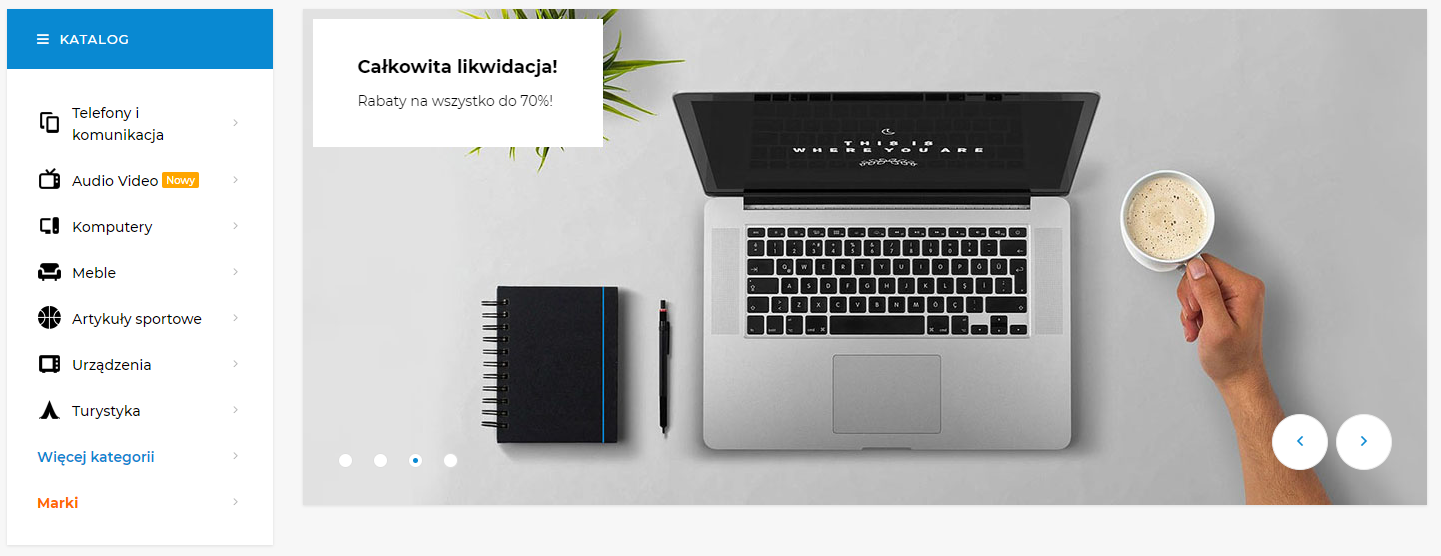
- Product slider (with the option to display a specific list created manually or using a filter):
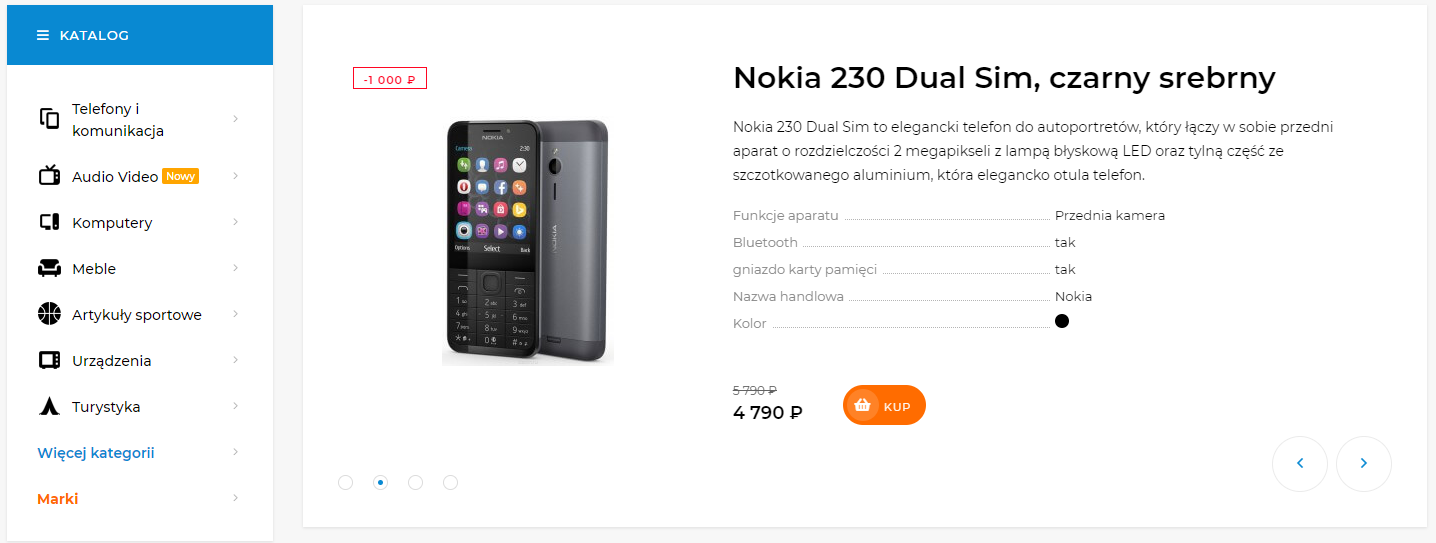
- Flexible product lists (carousels) with the option to mix them:

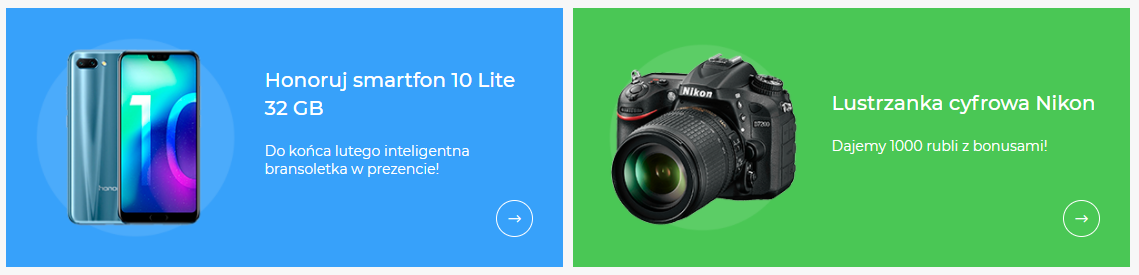
- Promocards:
- 2 types of category lists. Tiles:

- With subcategories:
- Brand list in carousel format:
- Slider with the latest product reviews:

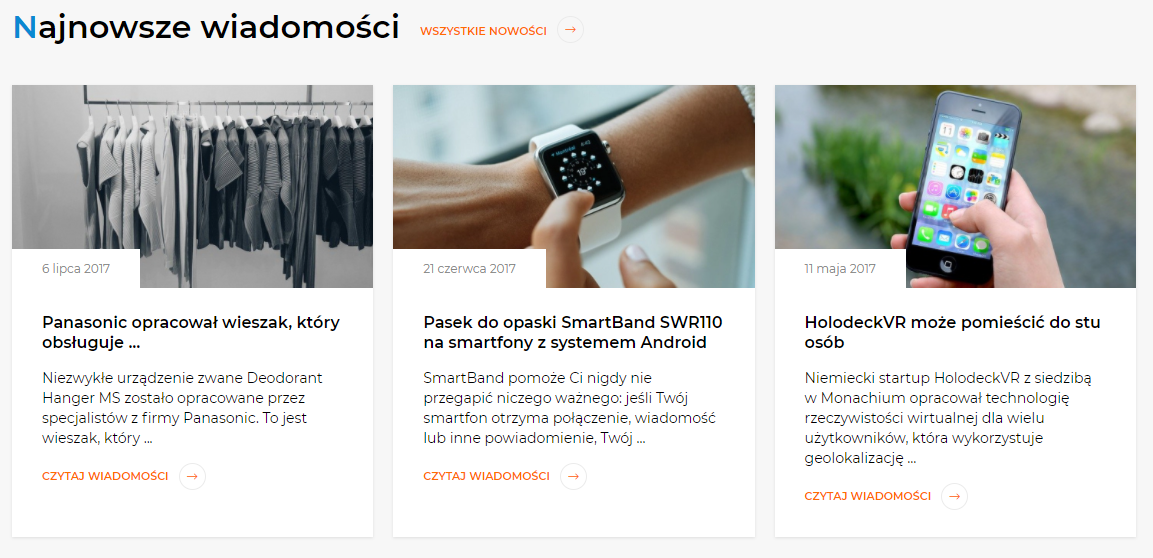
- Slider with the latest blog posts:
5. Catalog
- 3 types of subcategory lists. With images (tiles):
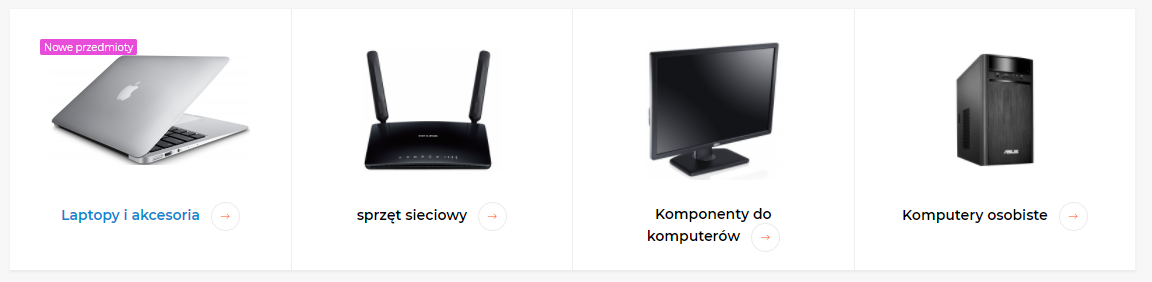
- With icons:

- Without images:

- Filter layout in the sidebar:

- Or above the product list:
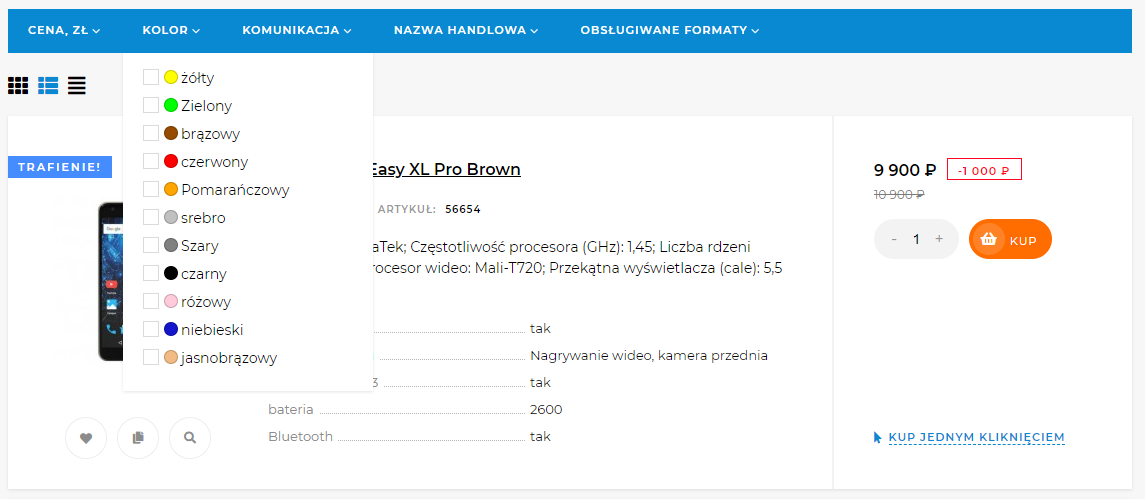
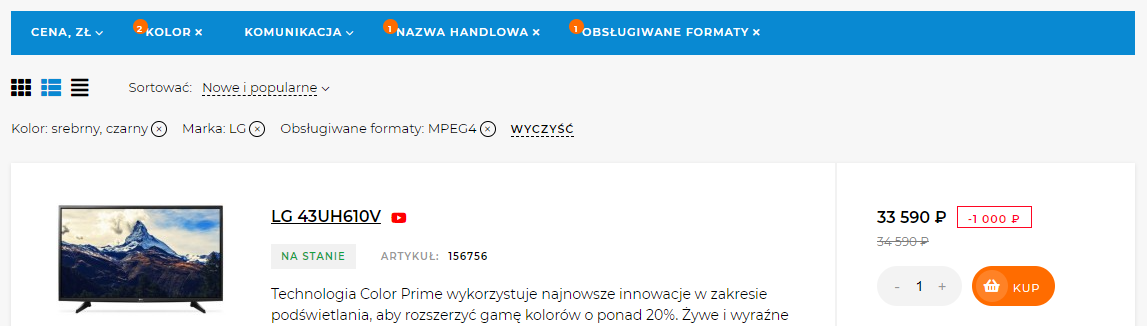
- Displaying active filters:
- 3 types of product lists, with the option to switch between them. Tile:
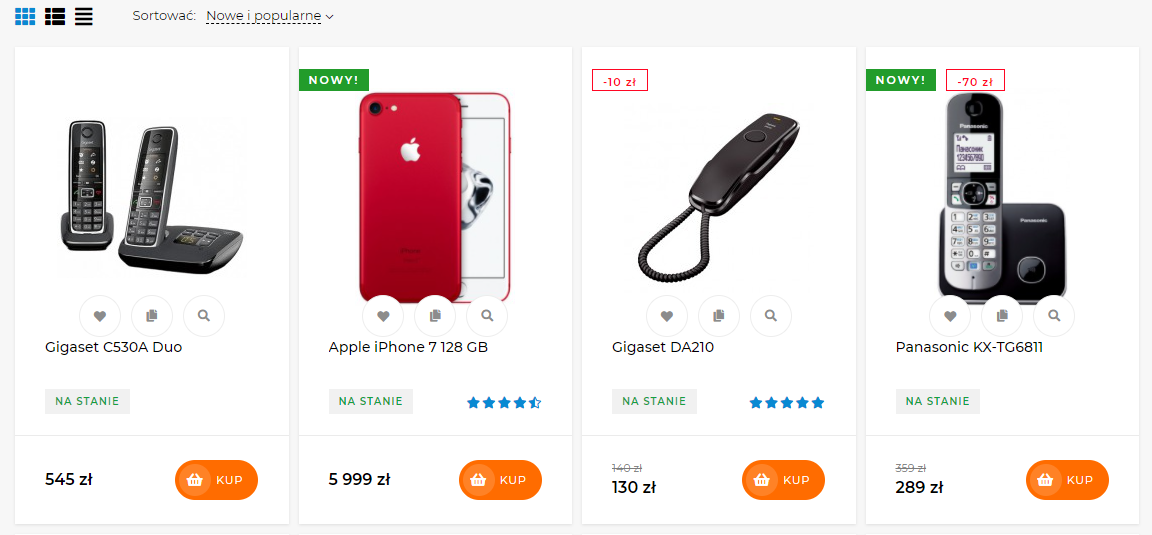
- List:
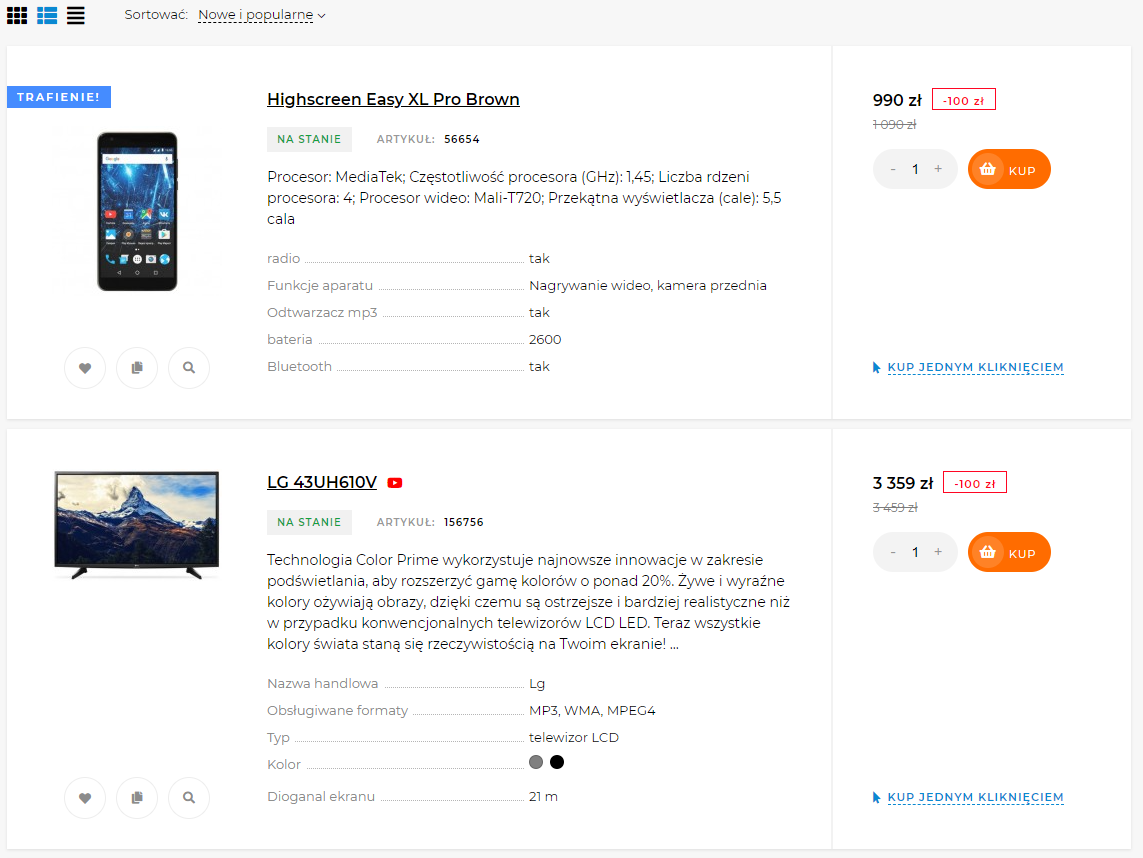
- Table:

- Product preview:
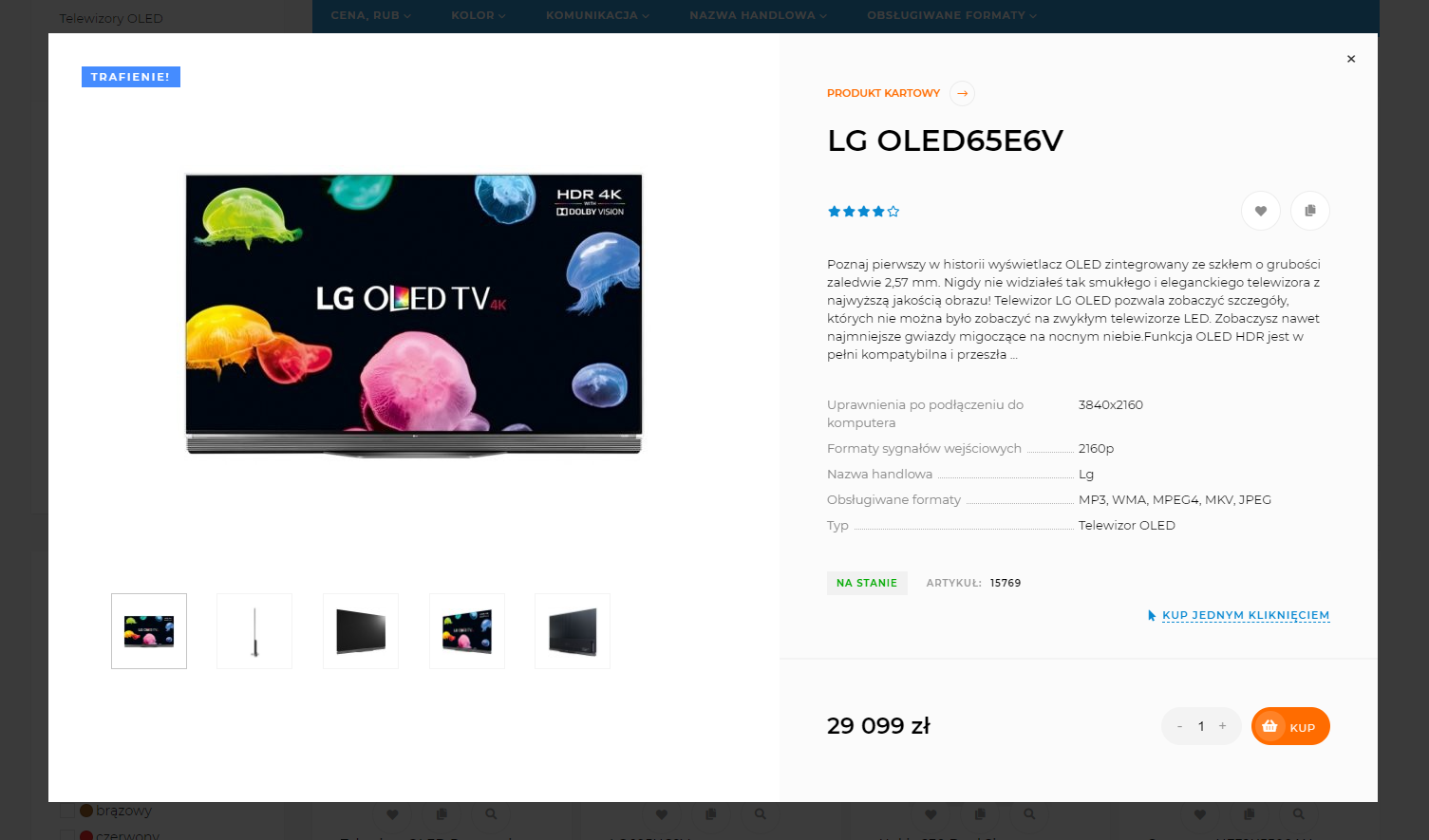
- And much more.
| Technical specifications | |
Theme type | Online stores |
Developed for | Blog, Hub, Mailer, Shopy-Script, Site, Helpdesk, Photos |
Localization settings | English, Polish, Russian |
Frontend localization | English, French, Spanish, German, Polish, Russian, Italian |
Business category | Car, Electronics and household appliances, Furniture and interiors, Clothing and footwear, Children's products, Sport and tourism, Universal |
Settings colors | multicolored, white, brown, black, red, purple, blue, orange, gray, green, yellow |
Unit fractions | Yes |
Desktop theme | Yes |
Mobile theme | Yes |
Software type | Website theme |
Free | No |
| Developer and version theme | |
Designer (programmer) | Skilbe |
License | Web Systems Pro |
Version | 3.5.0.1.wsp |
Update | 12/22/2024 |
Loading...
Loading...
Loading...
Loading...
Loading...