Callback - plugin for Shopy-Script applications




Plugin "Call-back" for Shopy-Script application
Features
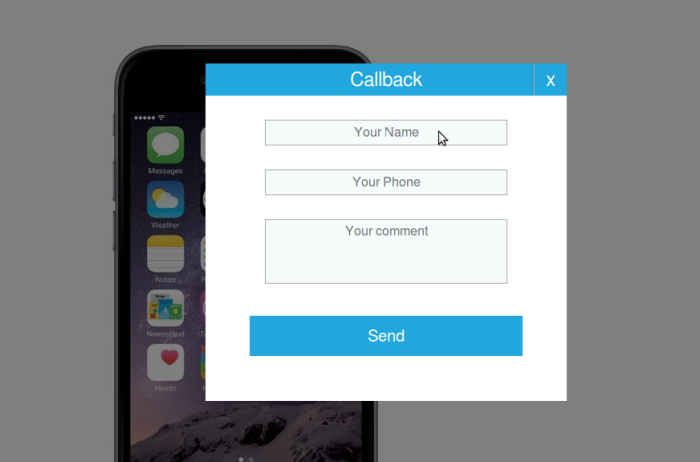
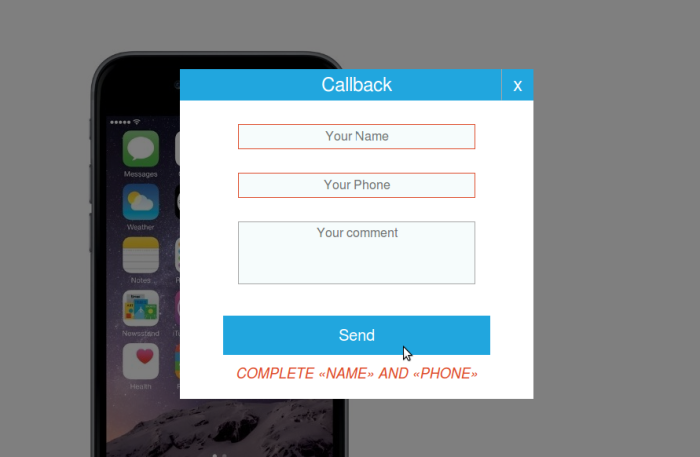
Store customers can leave call-back requests by providing their first and last name and phone number. They may also add a comment.
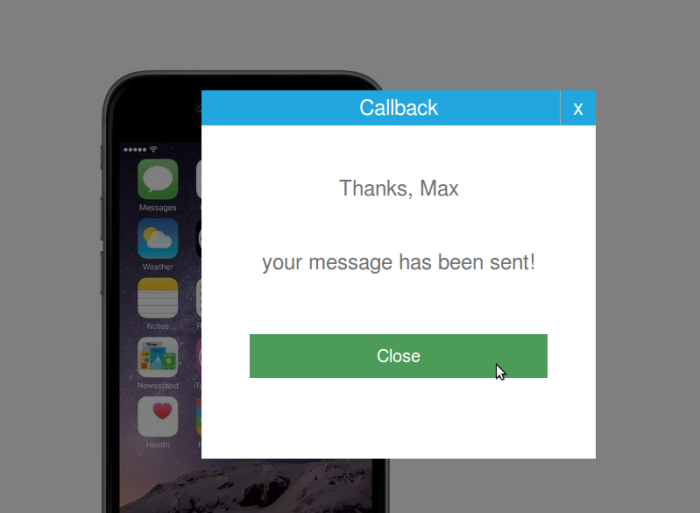
The request is sent to the administrator's email address specified in the plugins settings. If no email address is provided in the settings, the store's main email address will be used.
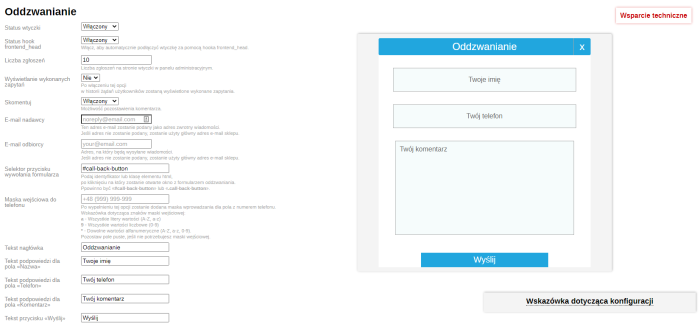
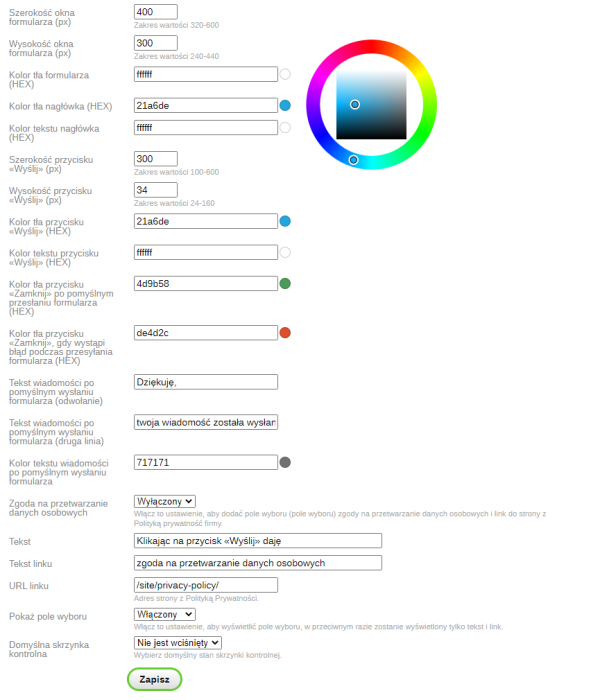
The administrator can view application data in a separate tab in the admin panel, as well as edit the form appearance: size, text, color. All changes are displayed dynamically in the form preview in live mode. There is a phone input mask that allows defining a specific number format.
It is possible to enable a checkbox in the plugin, clicking which confirms the user's consent to personal data processing.
Configuration
1. To use the plugins in the Shop application, enable the plugins setting "Status frontend_head hook", and the scripts will automatically load in your theme.
2. To use the plugins in other apps, disable the plugins setting "Status frontend_head hook" and insert the following code at the end of the <head> tag in the application template:
{if $wa->shop}{shopCallbPlugin::display()}{/if}
3. To link the form to an element in the template, you must either create a new element or use an existing one.
For example, you have the following element in your template:
<a href="#" id="call-back-button">Call-back</a>.
In the plugins setting "Form call button selector", enter - #call-back-button - then clicking this element will open the call-back form.
You can specify the sender's email address (it will be used as the reply-to address for news) and the recipient's email address (where news will be sent).
Features
When the "Status frontend_head hook" setting is enabled, the frontend_head hook must be included in the current project theme template for the plugin to work properly.
Please note:
Configuring and integrating the plugins requires making changes to the project theme code.
Technical support includes:
- Advice and answers to questions regarding the purchase and use of the plugins;
- Consultations on the functionality and features of the plugins.
Technical support does not include:
- Configuration of the plugins and integration with the project theme;
- Consultations regarding individual requirements;
- Resolving conflicts or integration with other plugins or apps;
- Advice on other matters unrelated to this plugin.
| Technical specifications | |
Developed for | Shopy-Script |
Localization settings | English, Polish, Russian |
UI backend support | 1.3 |
Software type | Plugin |
Free | No |
| Developer and version plugins | |
Designer (programmer) | mSeverin |
License | Web Systems Pro |
Version | 1.4.0.1.wsp |
Update | 11/02/2021 |