WebDAV server - plugin for the "Files" app


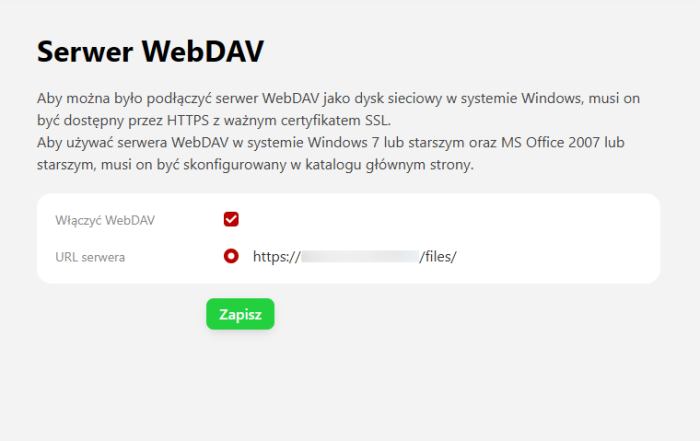
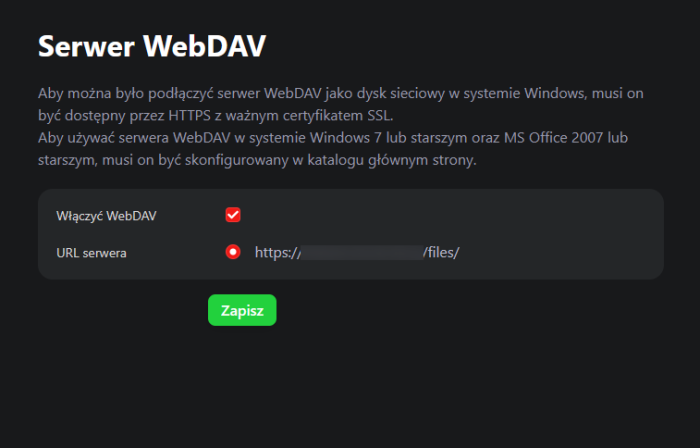
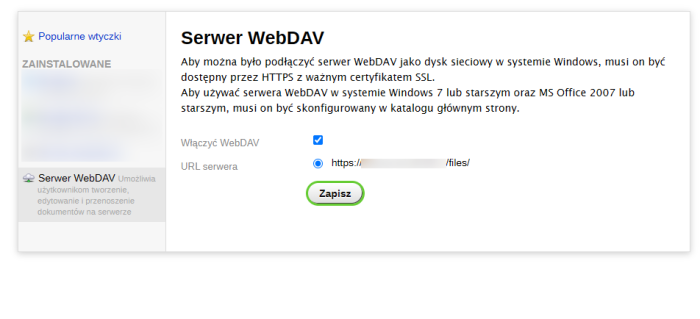


Connect to the "Files" app via a network folder and work with it on your computer just like with normal local files. You don't even need to log in to the Web Systems Pro backend for this.
Benefits of using WebDAV.
1. Ease of access to files.
With WebDAV, you can manage your files from your file explorer, just as if they were on your computer. You don't need to use a web browser or log in to the admin panel.
2. Real-time synchronization.
Any change made to files on your computer is automatically saved to the WebDAV server. This means you always have access to the latest version of documents, regardless of the device you use.
3. Helpdesk for various operating systems.
WebDAV is compatible with many operating systems, such as Windows, macOS, and Linux, making it a universal solution for users with different needs.
4. Group work and file sharing.
With WebDAV, many people can work on the same files in real time. This facilitates teamwork and eliminates the need to manually transfer documents.
5. Increased security.
WebDAV enables encrypted connections and access control, ensuring the security of stored data. You can assign different permission levels to individual users.
Summary.
WebDAV server is an excellent solution for users who want to conveniently manage files in the "Files" app. Thanks to the simple integration process and support for various operating systems, WebDAV enables fast and secure access to files from any device.
Detailed instructions for configuring the connection: https://web-systems.pro/plugins/praca-zespolowa/serwer-webdav/aktualizacje/
| Technical specifications | |
Developed for | Files |
Localization settings | English, Polish, Russian |
UI backend support | 1.3, 2.0 |
Software type | Plugin |
Free | Yes |
| Developer and version plugins | |
Designer (programmer) | WA |
License | LGPL |
Version | 1.1.0.22.1.wsp |
Update | 03/31/2025 |