WhatsApp Business - plugin for the "CRM" application




Basic purpose of the "WhatsApp Business" module.
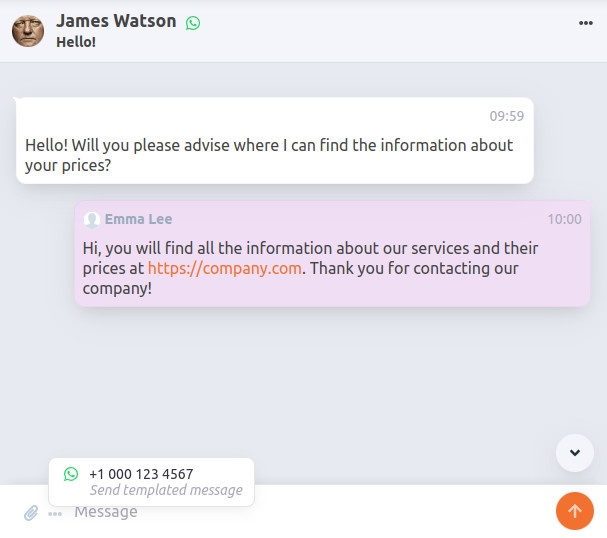
Plugin adds the ability to receive and send messages to customers in the CRM via the WhatsApp Business Platform.
Incoming news appear in the "News" section. When you reply to a customer in the CRM, your response is visible to them in the messenger.
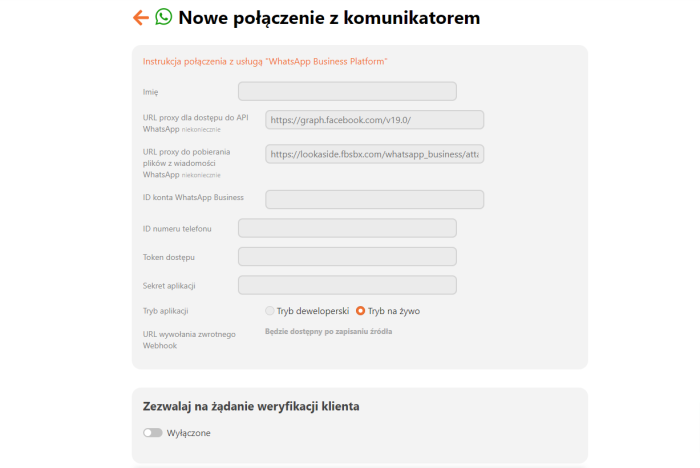
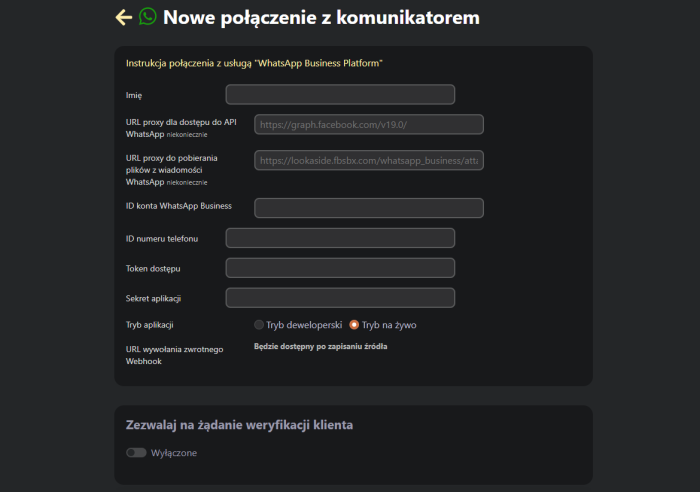
To communicate with WhatsApp users, you need to configure the connection source to this platform in the "CRM → Settings → Messengers" section. Configuration instructions.
WhatsApp Business — CRM integration for efficient customer communication.
WhatsApp Business — plugin for CRM applications allows businesses to effectively manage communication with customers. The WhatsApp Business Platform integration module enables receiving and sending news directly in the CRM, which is an ideal solution for companies looking to increase productivity and improve customer service.
Benefits of integrating WhatsApp Business with CRM
WhatsApp Business and CRM can work together, offering businesses key benefits:
- Ability to centralize communication with customers
- Quick responses to customer inquiries without the need to switch between apps
- Improved customer relationships through better service and personalized communication
Process automation and customer notifications
The WhatsApp Business integration module with CRM also allows for the automation of key processes:
- Notifications about visit or meeting dates: the system automatically reminds customers of upcoming dates, which helps increase their attendance.
- Reminders about visits or meetings: the system automatically sends reminders, which increases attendance.
- Promotional news: the ability to send personalized offers that attract attention and increase customer loyalty.
Communication history — the key to better understanding customers.
Integrating WhatsApp Business with CRM enables tracking the full history of communication with the customer, which allows analyzing user needs and preferences. Thanks to this, the company can better tailor its offers and personalize its approach, which positively impacts customer satisfaction and engagement.
How to configure the WhatsApp module in CRM?
Configuring the WhatsApp Business integration with CRM is quick and simple:
- Go to the CRM → Settings → Messengers section.
- Select the connection option with the WhatsApp Business Platform.
- After configuration, employees will be able to use WhatsApp to respond to customers immediately.
Why is integrating WhatsApp Business with CRM important?
Integrating WhatsApp Business with CRM not only increases response speed and improves customer convenience, but also strengthens brand trust. Using a popular channel like WhatsApp increases the likelihood that the customer will be satisfied with the service and will return for future purchases.
| Technical specifications | |
Developed for | CRM |
Localization settings | English, Polish, Russian |
UI backend support | 1.3, 2.0 |
Software type | Plugin |
Free | Yes |
| Developer and version plugins | |
Designer (programmer) | WA |
License | LGPL |
Version | 1.1.0.31.1.wsp |
Update | 01/09/2025 |