Prices PRO - plugin for Shopy-Script application


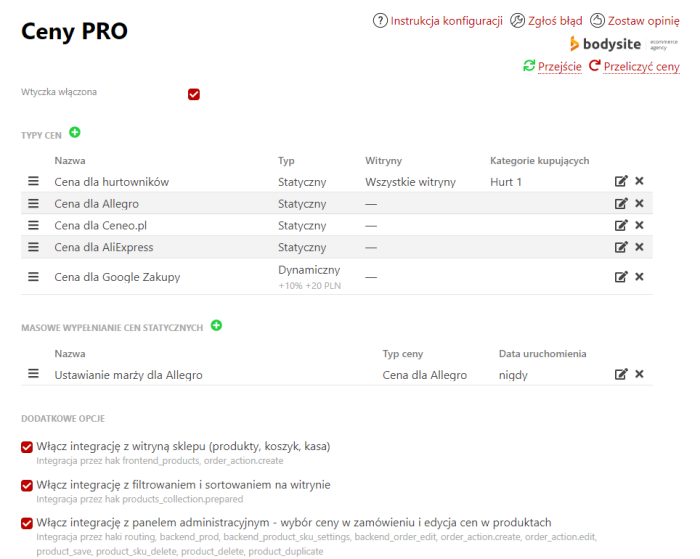
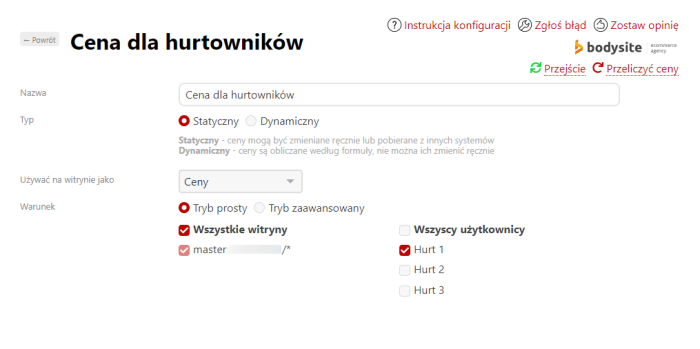
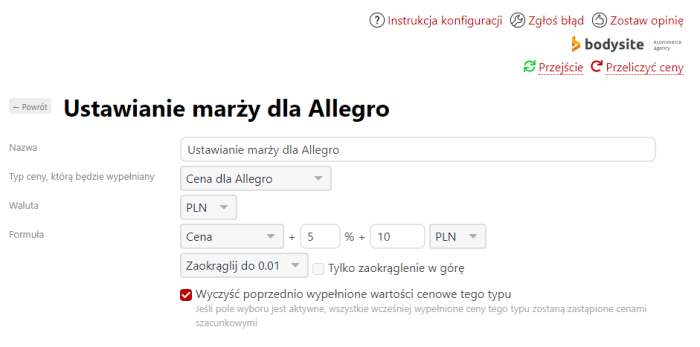
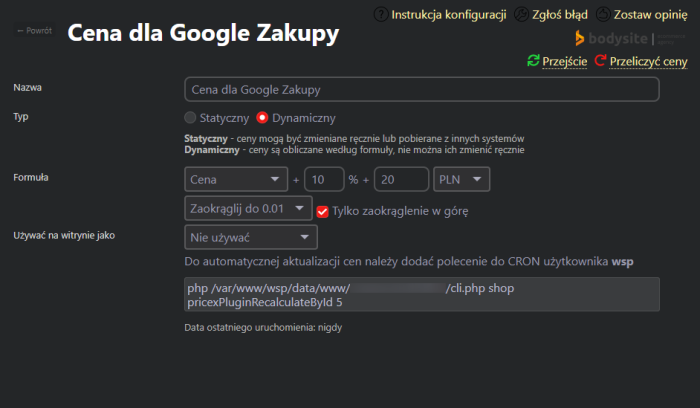
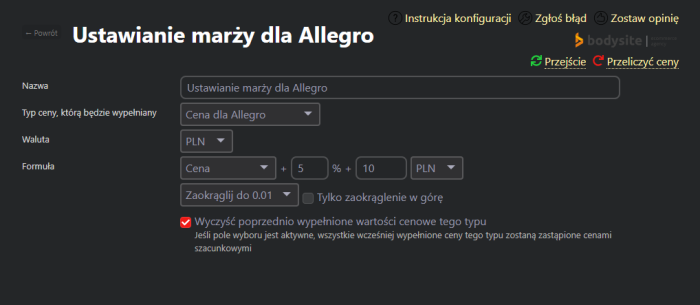


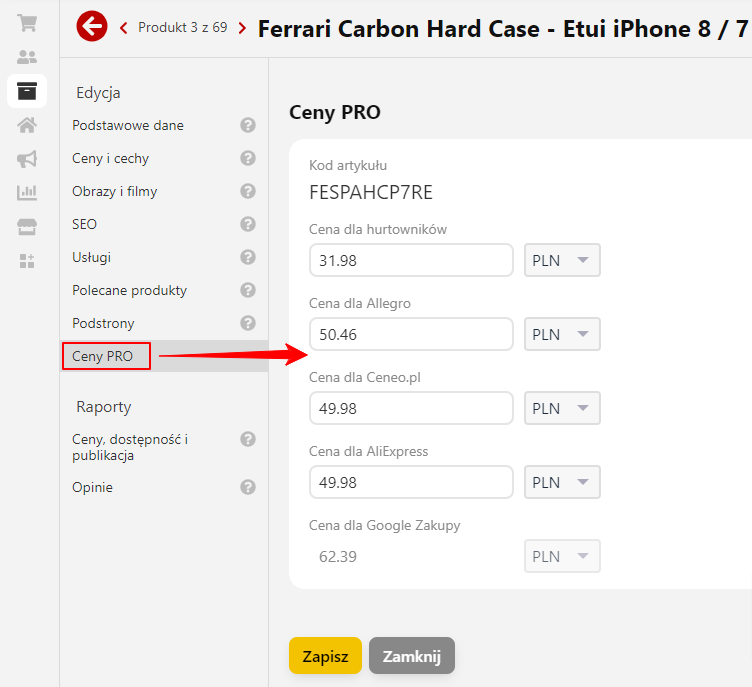
With the "Prices PRO" plugin you can create additional prices for different conditions. Different prices can be used in different storefronts, displayed to different user groups, or transferred to marketplaces.
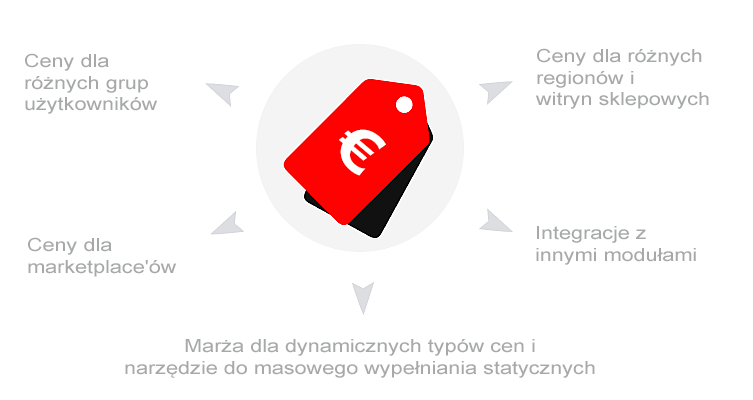
The module extends functionality for more flexible pricing:
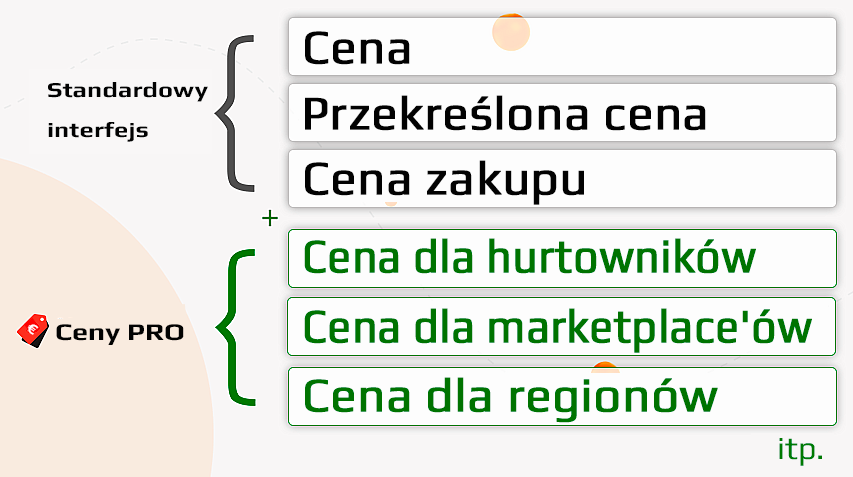
What are additional prices used for?
Example 1
Task: displaying lower prices on the site for wholesale customers.
Solution: create a new price in the "Prices PRO" plugin, fill it in or calculate it using a formula. Select the display condition for wholesalers: it could be a separate wholesale storefront or customers who are members of a specific group. Under these conditions, they will be shown different prices and will be able to fully place an order at the new prices. Storefronts and groups can be combined.
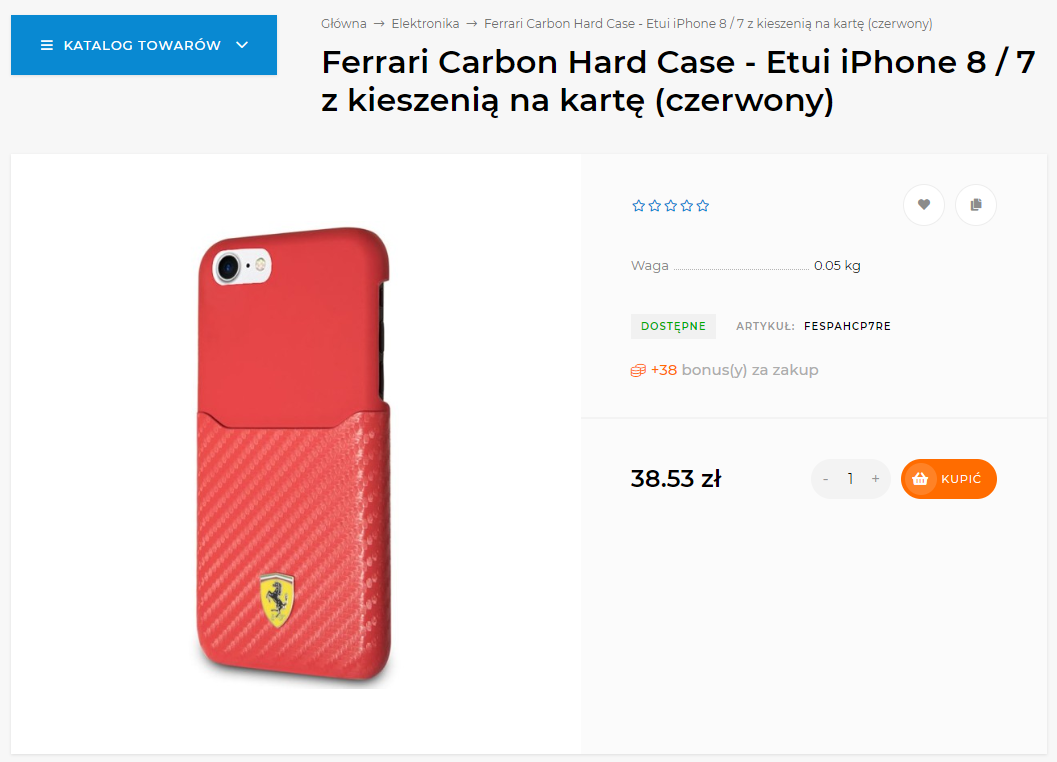
Price for everyone:
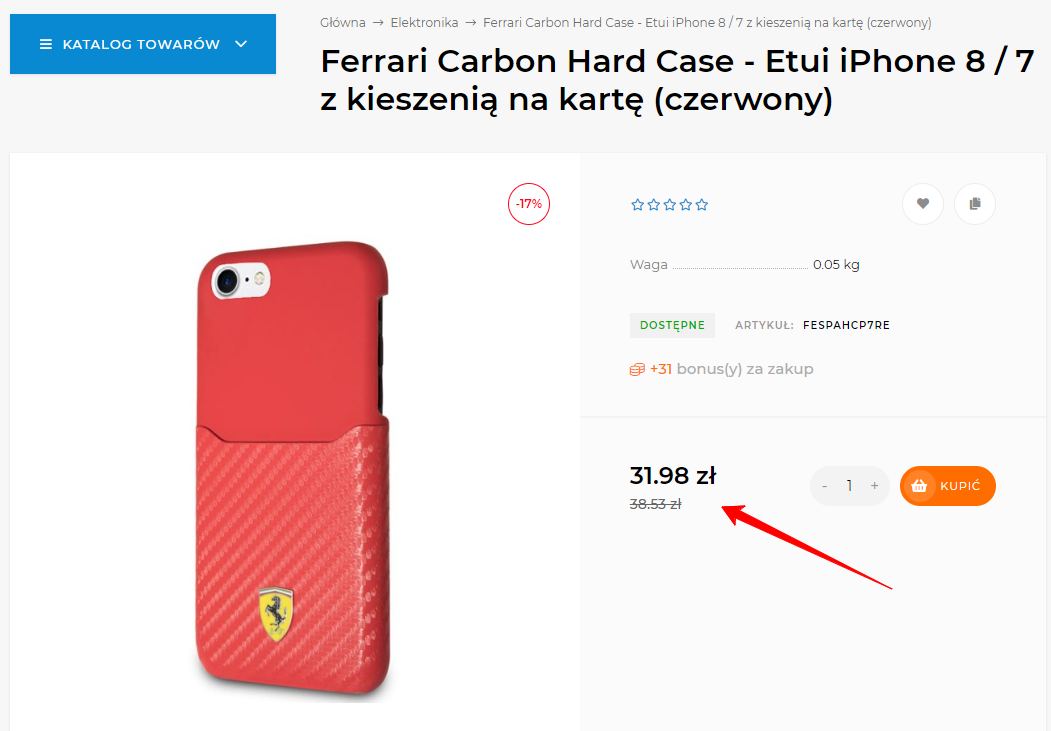
Price for the Wholesale group:
Example 2
Task: applying a markup to products sold on a Marketplace (for example, on Aliexpress).
Solution: create a new price in the "Prices PRO" plugin, specify the markup using a formula or fill in new fixed costs. Select this price in the Marketplace integration plugin as the main price.
Advantages of the plugins "Prices PRO".
1. Creating new prices in unlimited quantities.
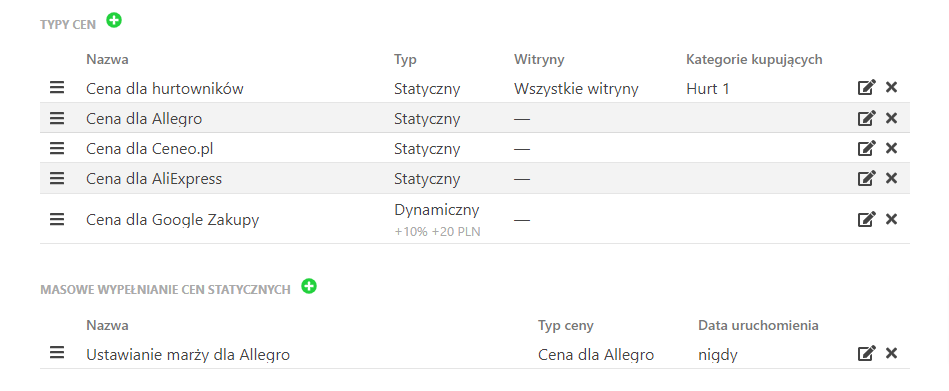
2. Prices can be of two types: static (editable) and dynamic (calculated by formula).

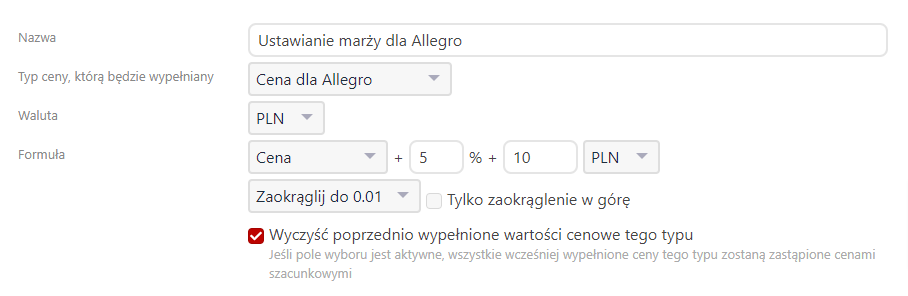
Static prices can be filled manually, uploaded from CSV, or batch-filled once using a formula. Dynamic prices are automatically recalculated according to a specified formula when saving products or via a CRON task.
3. Display on the site as a price or purchase price.

The price on the website is fully replaced by the selected price, and the customer can place an order with that price.
4. Output conditions: by website / buyer group (can be combined).

A flexible "advanced" mode is available, which takes into account all possible combinations of groups and websites.
5. Ability to select a price at checkout in the backend.
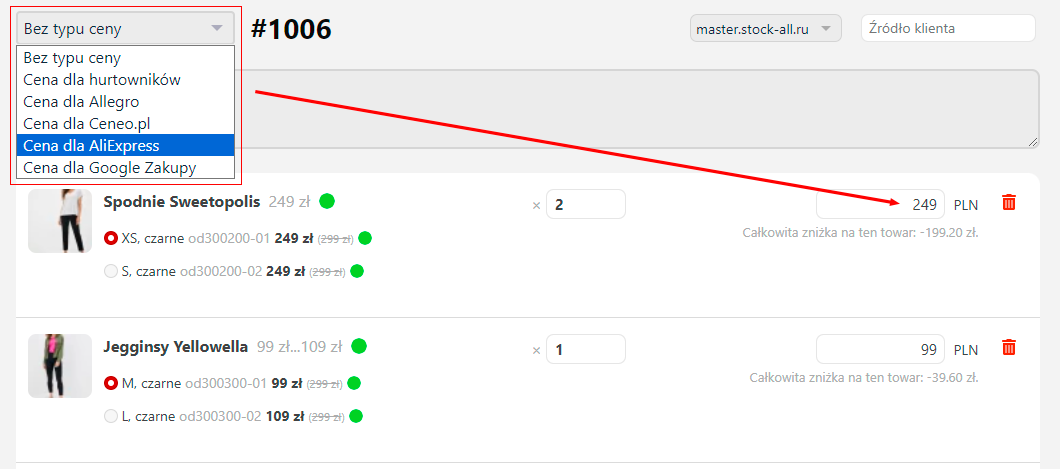
Store managers can select a different price when placing an order in the admin panel if needed.
6. Import/export of prices to a CSV file.
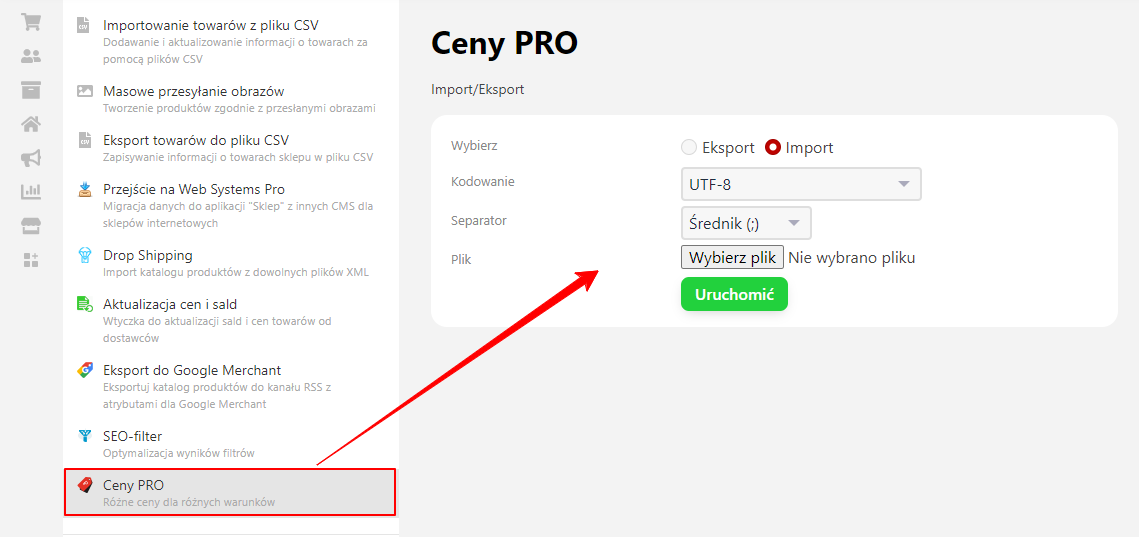
7. Bulk filling of static prices according to a formula.
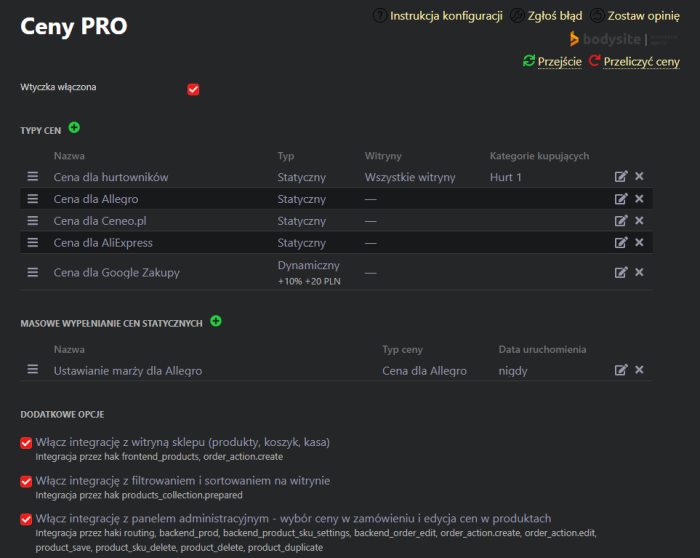
8. UI 2.0 interface support
| Technical specifications | |
Developed for | Shopy-Script |
Localization settings | English, Polish, Russian |
UI backend support | 1.3, 2.0 |
Software type | Plugin |
Free | No |
| Developer and version plugins | |
Designer (programmer) | Bodysite |
License | Web Systems Pro |
Version | 1.1.4.1.wsp |
Update | 03/07/2025 |
With this product also buy