Accounting documents in PDF - module for Shopy-Script app

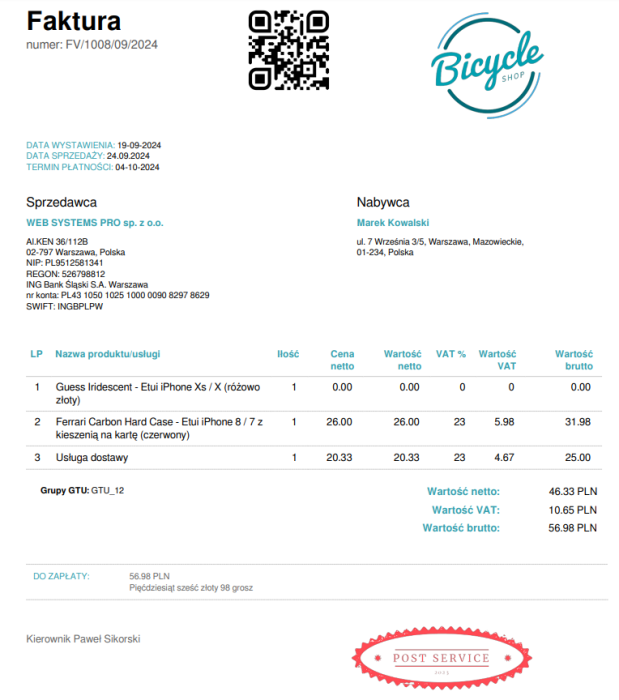



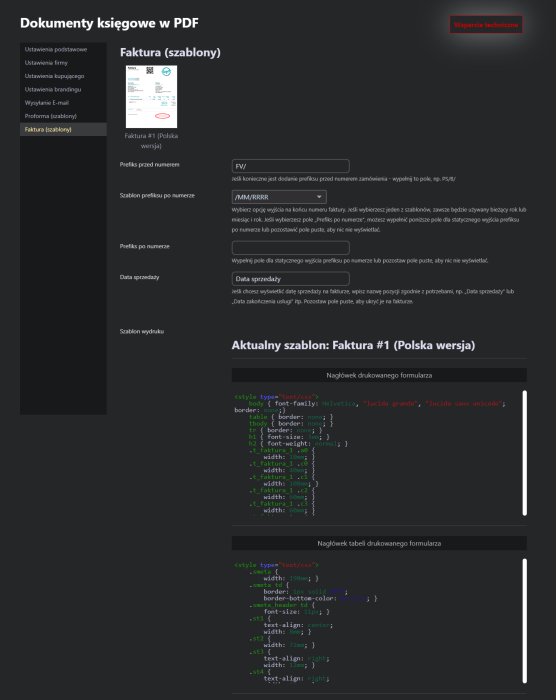
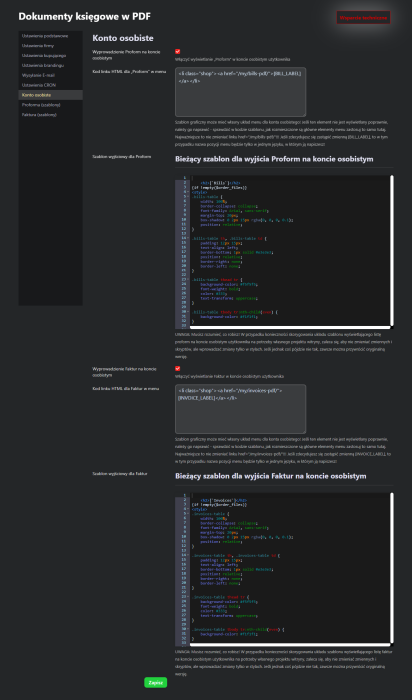

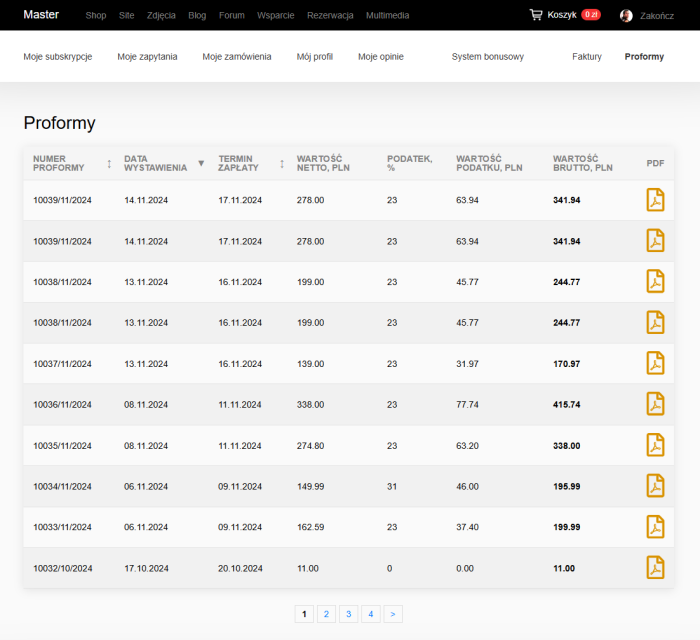


The „Accounting documents in PDF” module is designed for mass generation of printable forms in PDF format and sending documents to customers by email.
Main functions of the „Accounting documents in PDF” module.
Plugin „Accounting documents in PDF” can generate the following printable forms:
- Bill (Polish version)
- Invoice (Polish version)
In the near future we will add:
- Bill (English version)
- Bill (English-Polish version)
- Invoice (English version)
- Invoice (English-Polish version)
- Agreement
- Warranty letter
and we will gradually add forms in other European languages.
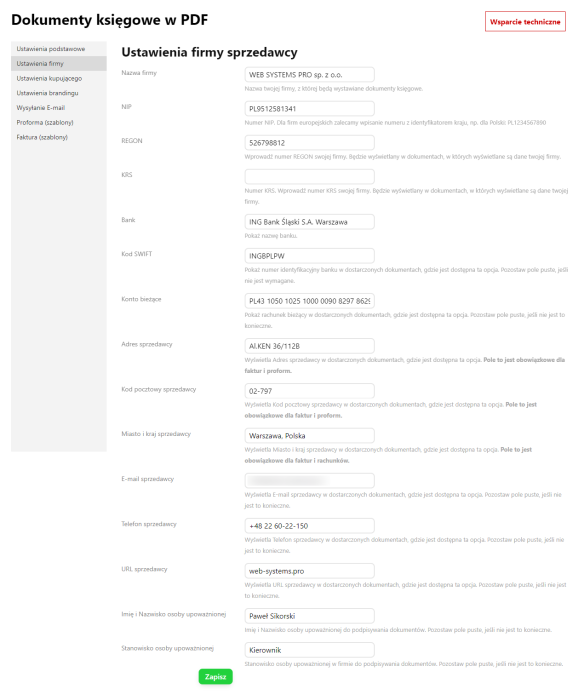
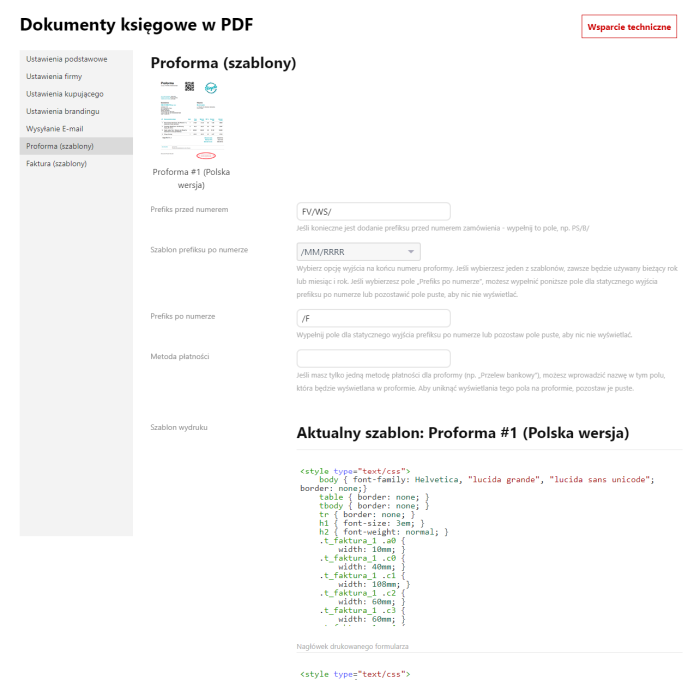
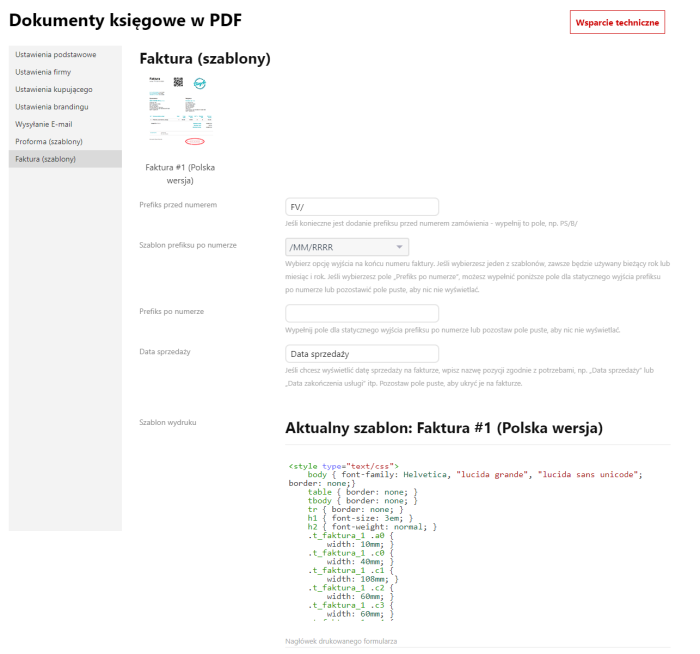
The developer does not provide support for the layout of print forms. For this purpose, a code editor is available in the plugins settings. Any layout designer can handle this task.
Document generation process of the „Accounting documents in PDF” module.
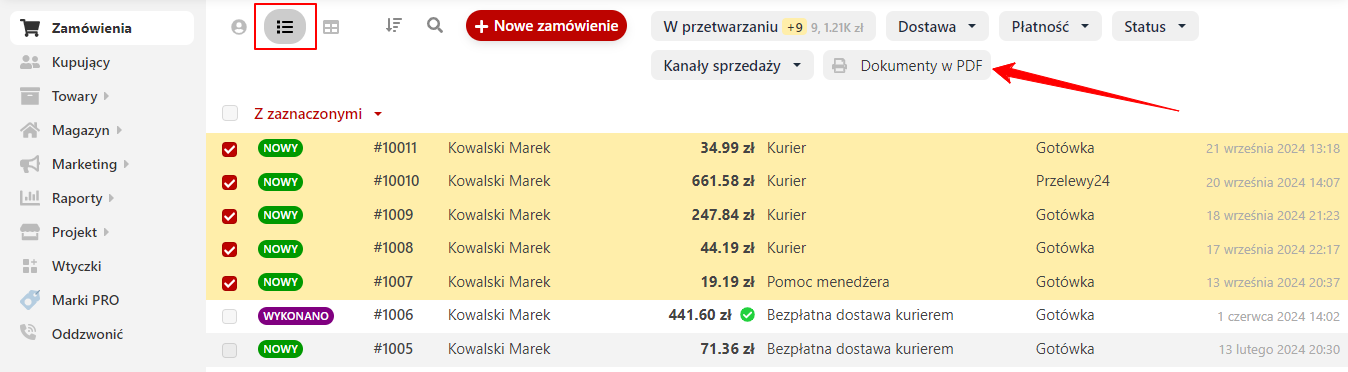
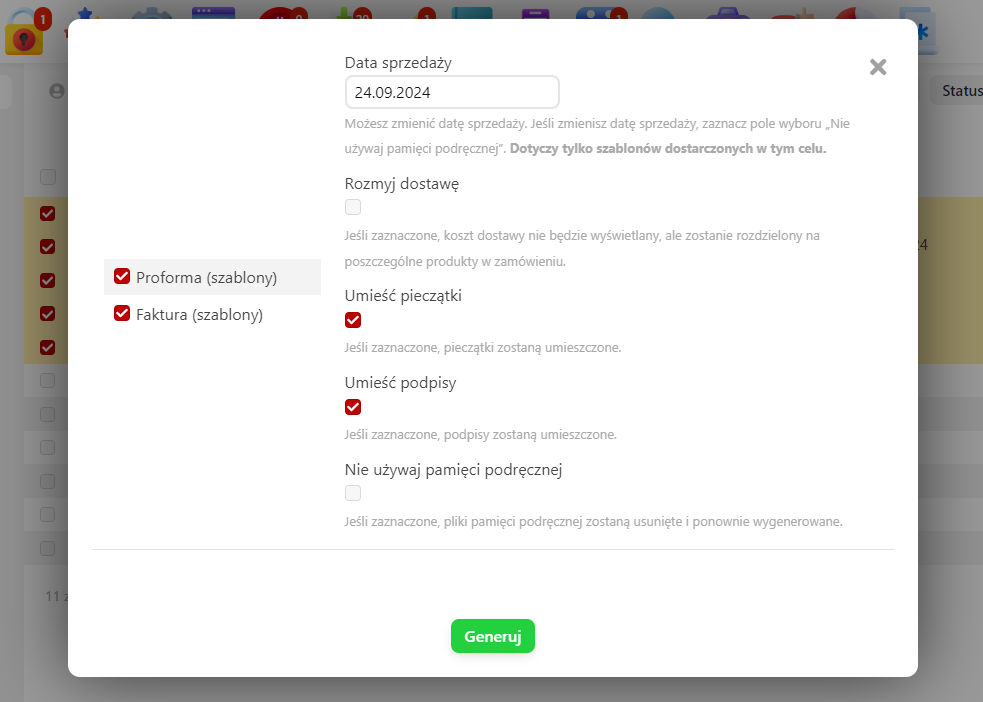
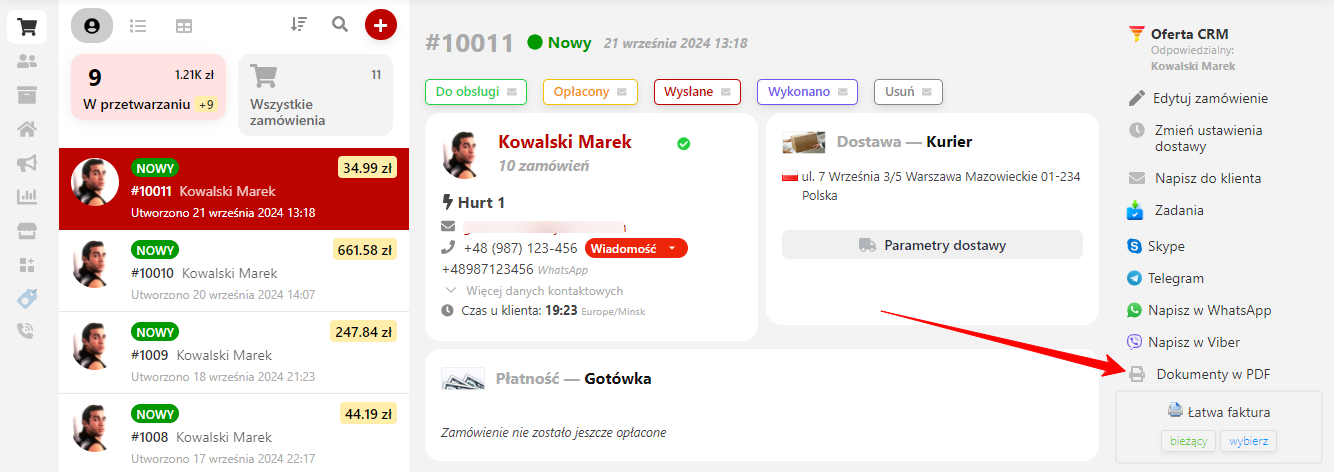
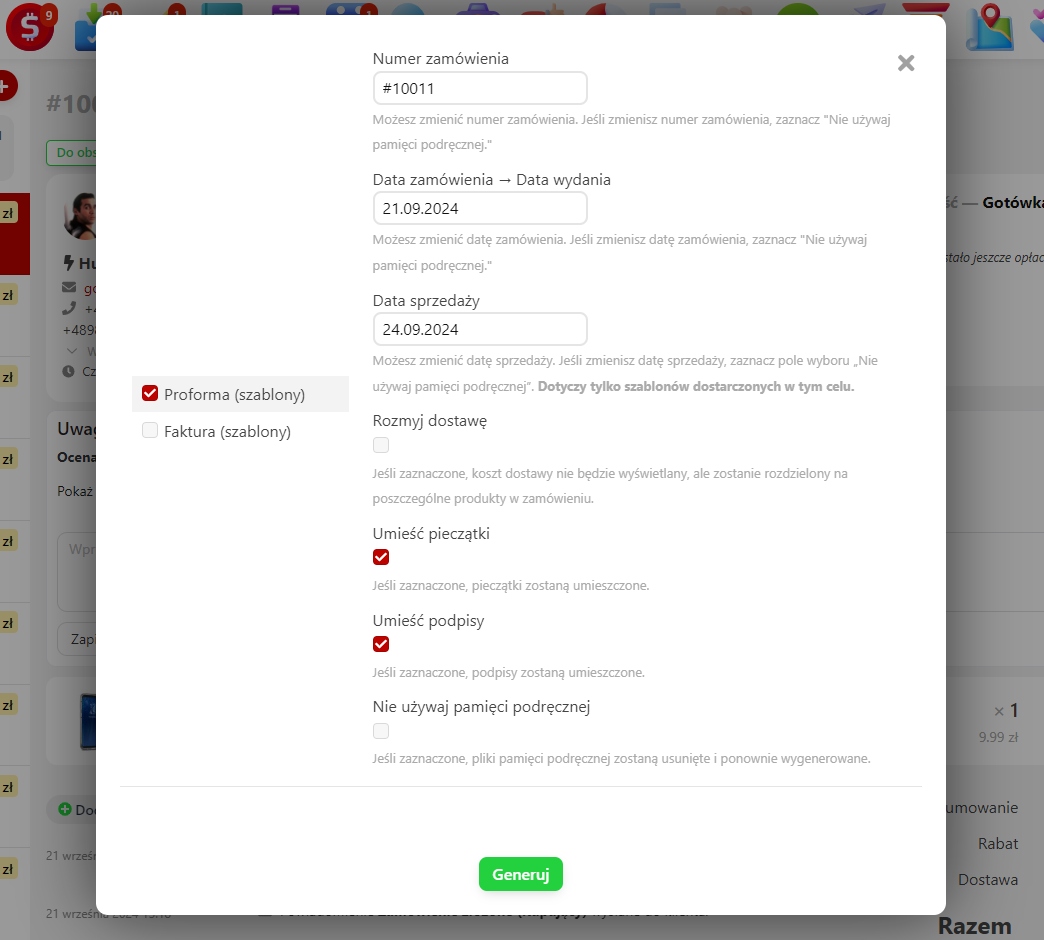
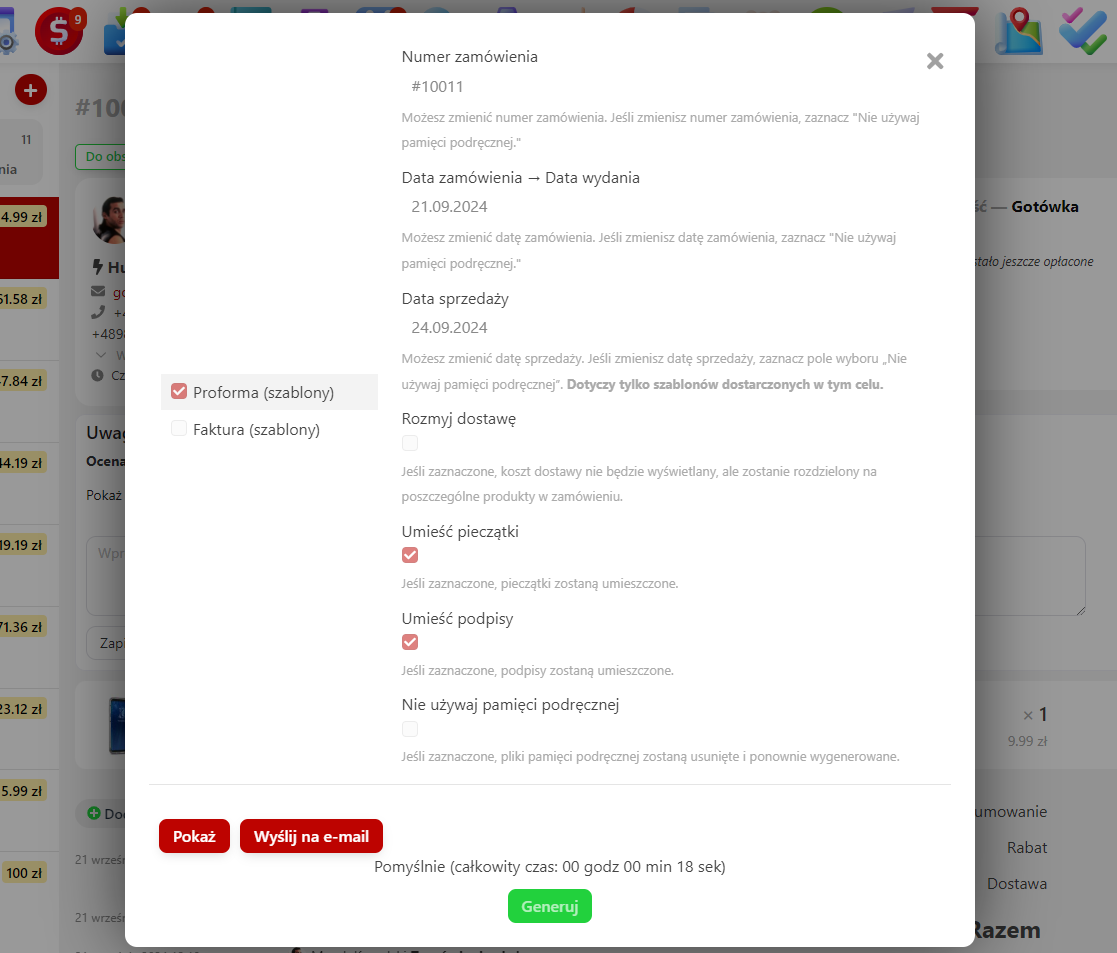
Previously created documents are cached. The second generation of documents is faster. It is also possible to remove stamps from documents if, for example, original signatures and stamps are used for printing. For example, you can send documents with signatures and stamps to an email address and generate documents without them for yourself.
If you have changed some parameters in the document and want to reprocess it, click the "Do not use cache" checkbox before generating the document.
Example of generated documents for two orders: printforms.pdf
When using shipping to customers, orders are not combined, and a separate document package is generated for each order.
After clicking the "Send to email" button, documents are sent automatically. If everything is fine, the button will turn green.
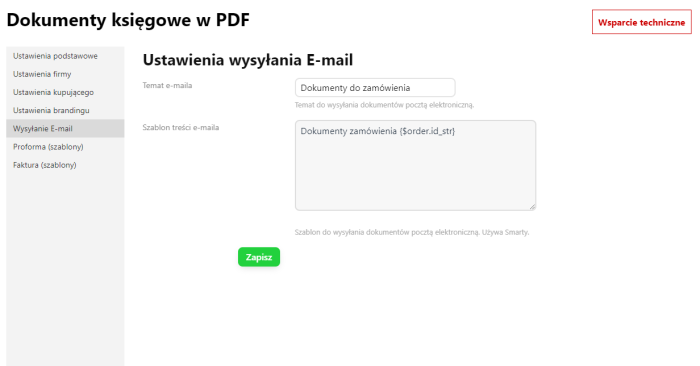
The text and subject of the news email can be edited in the plugins settings.
Automatic generation of Proformas and PDF invoices.
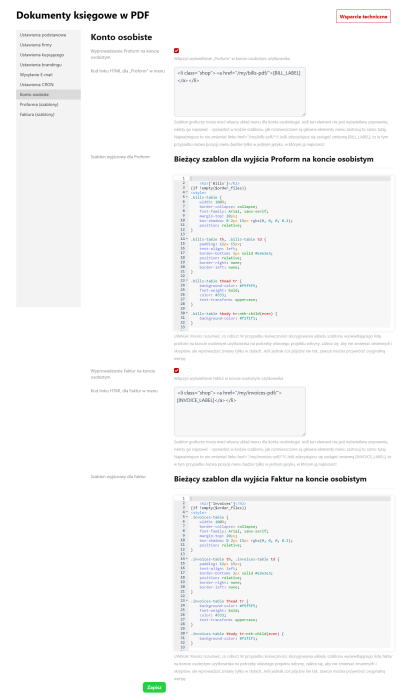
The schedule script can send the necessary documents to the customer's personal account, where they can download them themselves. You just need to configure the order status once to create invoice generation and connect the CRON command. If necessary, you can automatically enable generation and bill:
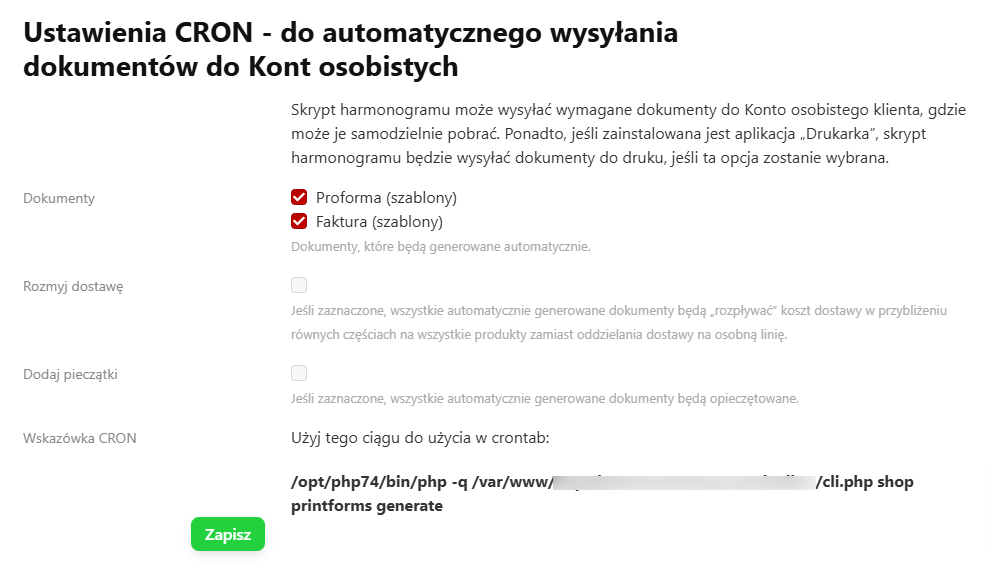
We recommend setting up CRON to run once a day until 23:55 so that the correct issue date is created when generating documents.
At the same time, if you still connect the output of Invoices and Proformas to your personal account, you will get a fully automated invoicing process, and if necessary, Proformas. After that, you no longer have to worry that someone forgot to issue accounting documents.
Warning! Plugin supports only the new UI 2.0 backend interface
| Technical specifications | |
Developed for | Shopy-Script |
Localization settings | English, Polish, Russian |
UI backend support | 2.0 |
Software type | Plugin |
Free | No |
| Developer and version plugins | |
Designer (programmer) | WSPro |
License | Web Systems Pro |
Version | 2.0.0.wsp |
Update | 11/25/2024 |
With this product also buy