CheckPay - plugin for Shopy-Script applications
Checking product availability before making payment for the order.

CheckPay

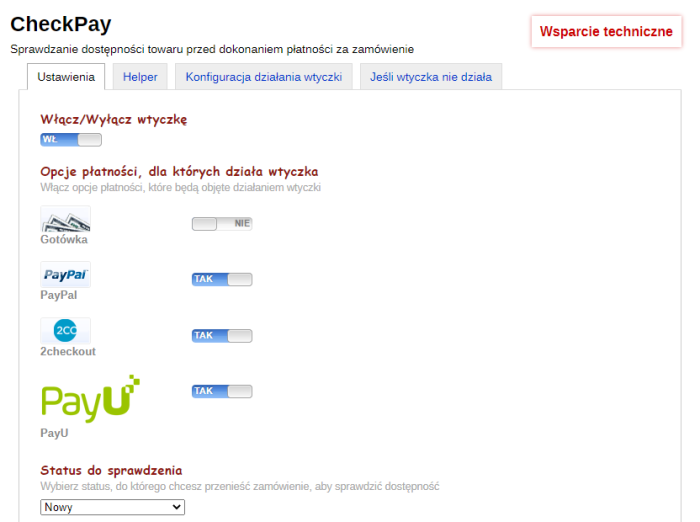


Operating algorithm of plugins:
- The customer places an order and selects one of the payment methods specified in the plugins settings
- After placing the order, on the order acceptance confirmation page, plugin removes the automatic redirect to the payment system (or the Pay button) and instead inserts the text specified in the plugins settings.
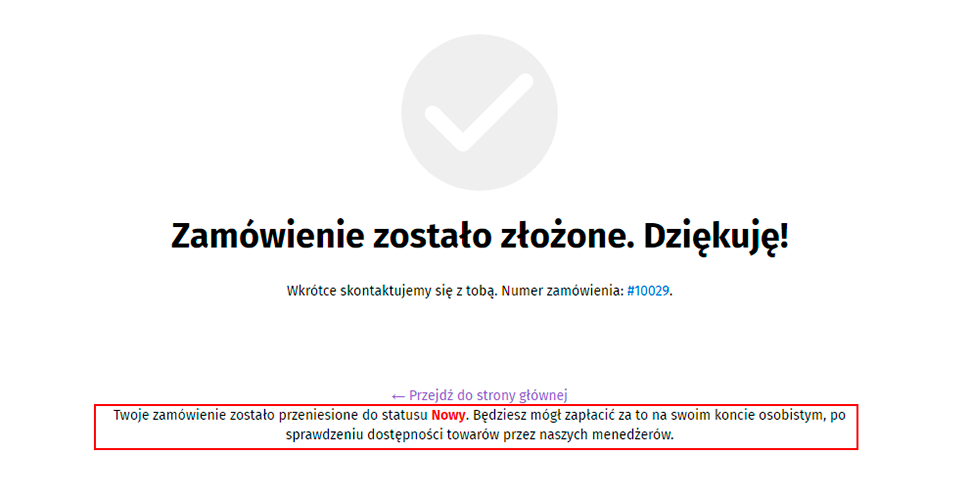
- The order is moved to the "Check availability" status (the status can be set in the plugins settings). The customer receives a notification that their order is in stock (this notification can be configured using the standard store notifications). The customer cannot pay for the order, even through their personal account:
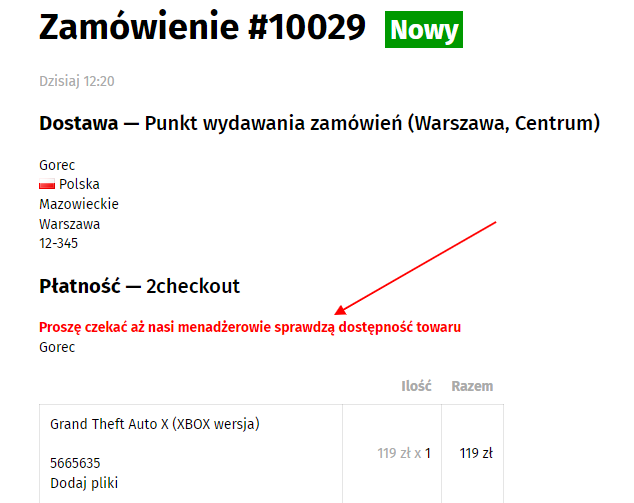
- Managers check product availability, agree on any replacements, and move the order to the "Payment due" status (this status may be any other status).
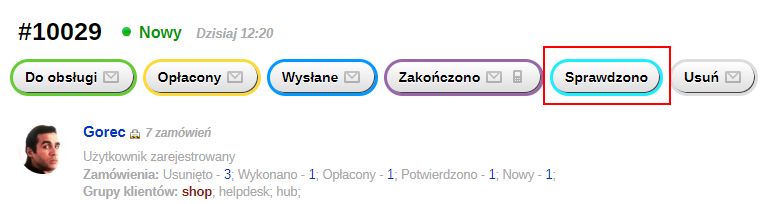
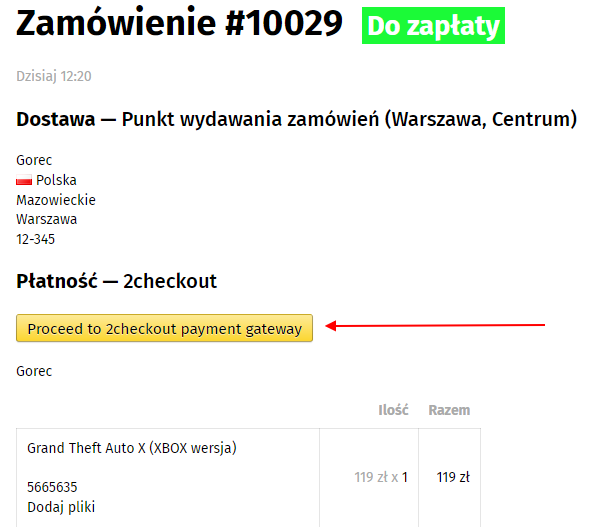
- A "Notification" is sent to the customer informing them that their order has been checked and they can pay for it. The "Notification" contains a link to the order in the personal account and a PIN code for logging in. A button for making a payment using the selected method will appear in the personal account:
Read the configuration instructions carefully!!!
ATTENTION!!!
Plugin uses the frontend_checkout hook and the new personal account structure (using the my.nav.html theme instead of my.html), which currently do not support all project themes.
Before purchasing and installing plugins, make sure that your theme meets the specified requirements.
Categories:
| Technical specifications | |
Developed for | Shopy-Script |
Localization settings | English, Polish, Russian |
UI backend support | 1.3 |
Software type | Plugin |
Free | No |
| Developer and version plugins | |
Designer (programmer) | BNP |
License | Web Systems Pro |
Version | 3.2.1.1.wsp |
Update | 06/16/2022 |
Loading...
Loading...
Loading...