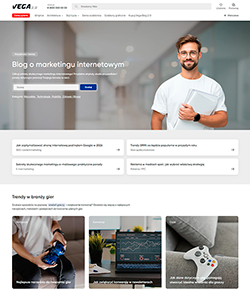
ProLanding - ready theme
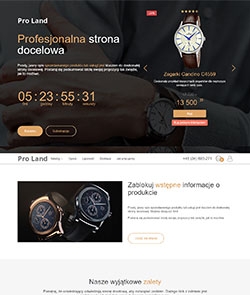







Professional landing - theme customization.
We present professional landing pages with a special, professional theme for creating landing pages both using a web application and app Shopy-Script.
For the first time, A/B testing and UTM label support right out of the box, extensive configuration options allow you to squeeze the maximum from every customer (without programming).
Make full use of the Shopy-Script application.
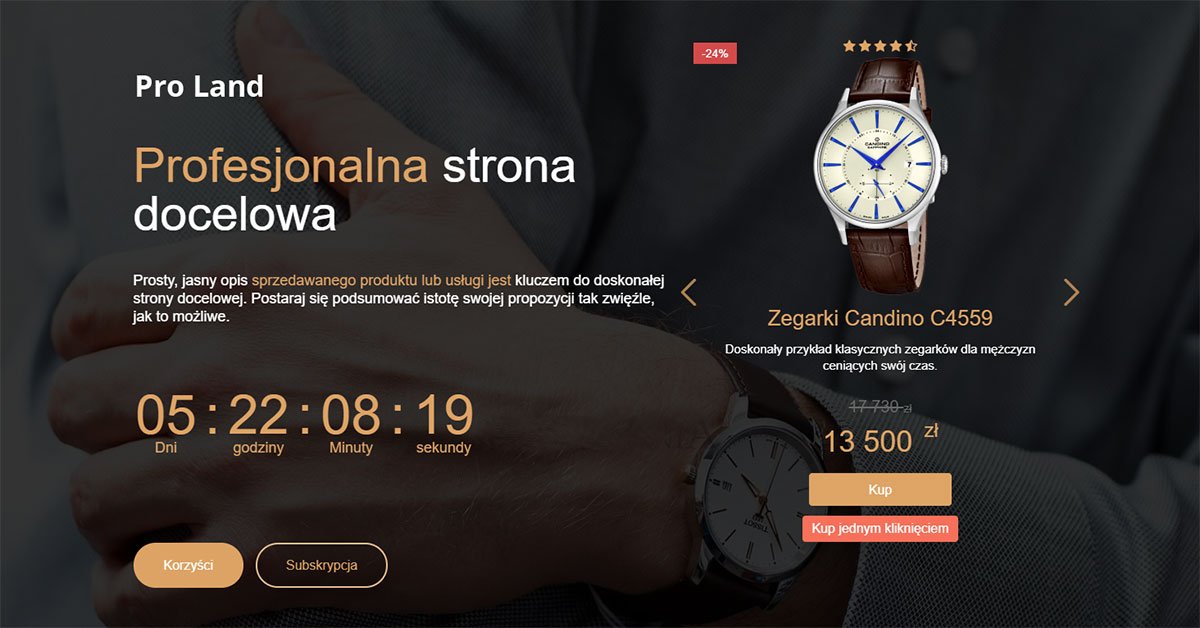
Offer
One of the most important blocks on a landing page is the offer. This is what visitors see when they arrive on the page, so it's especially important to provide them with the expected information and spark interest in making a purchase or taking specific actions.
"Menu" Block
The menu, as a branding element, allows displaying links to important sections, as well as to cart and personal account. The menu can be fixed or static.

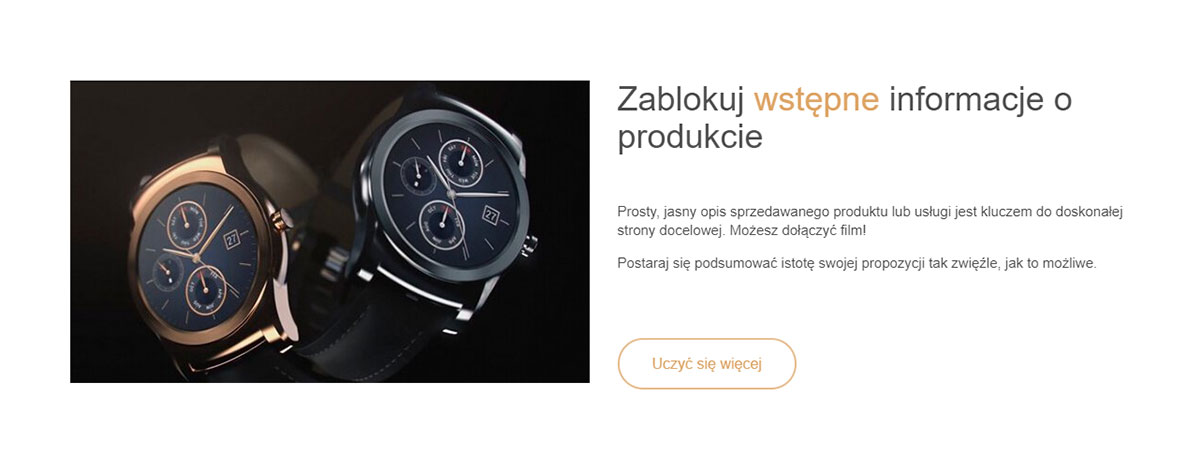
Introduction Block
The introduction block aims to provide a concise description of your offer. Besides the product offer text, this block allows displaying both video and images.
"Benefits" Block
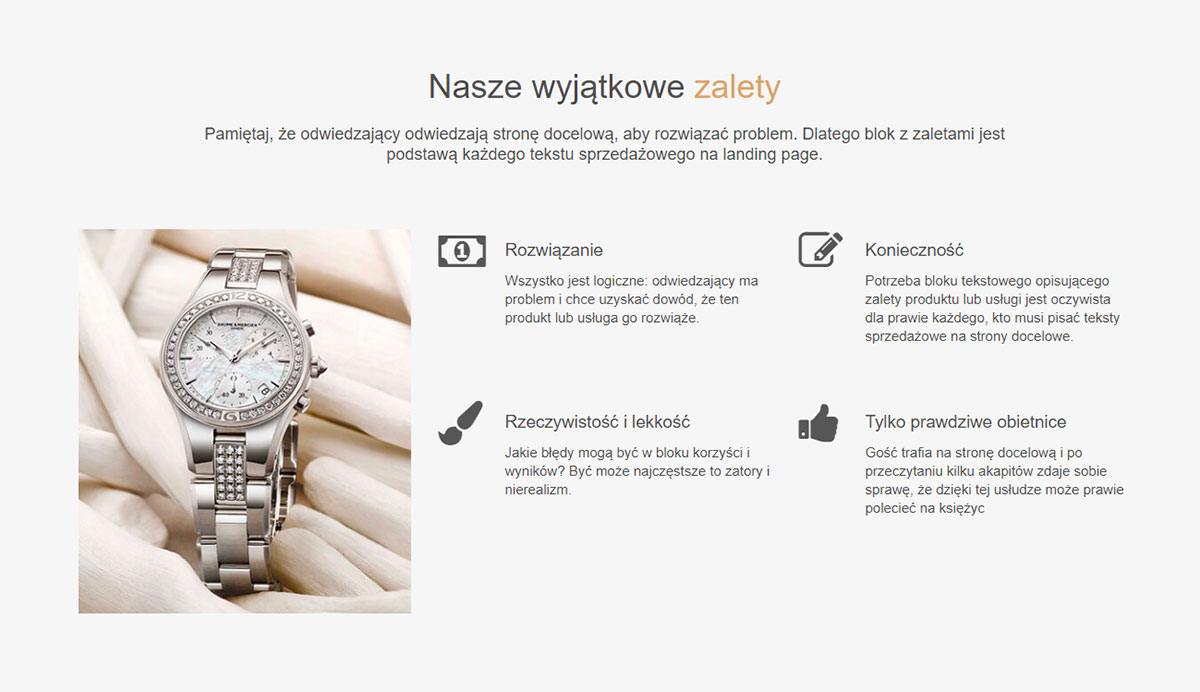
Since visitors come to a landing page to solve a specific problem, the benefits block is one of the key elements of the page.
The block features an image on the left and a set of up to six benefit descriptions (it's not recommended to exceed this number; ideally, about four concise benefits).
"Catalog" Block
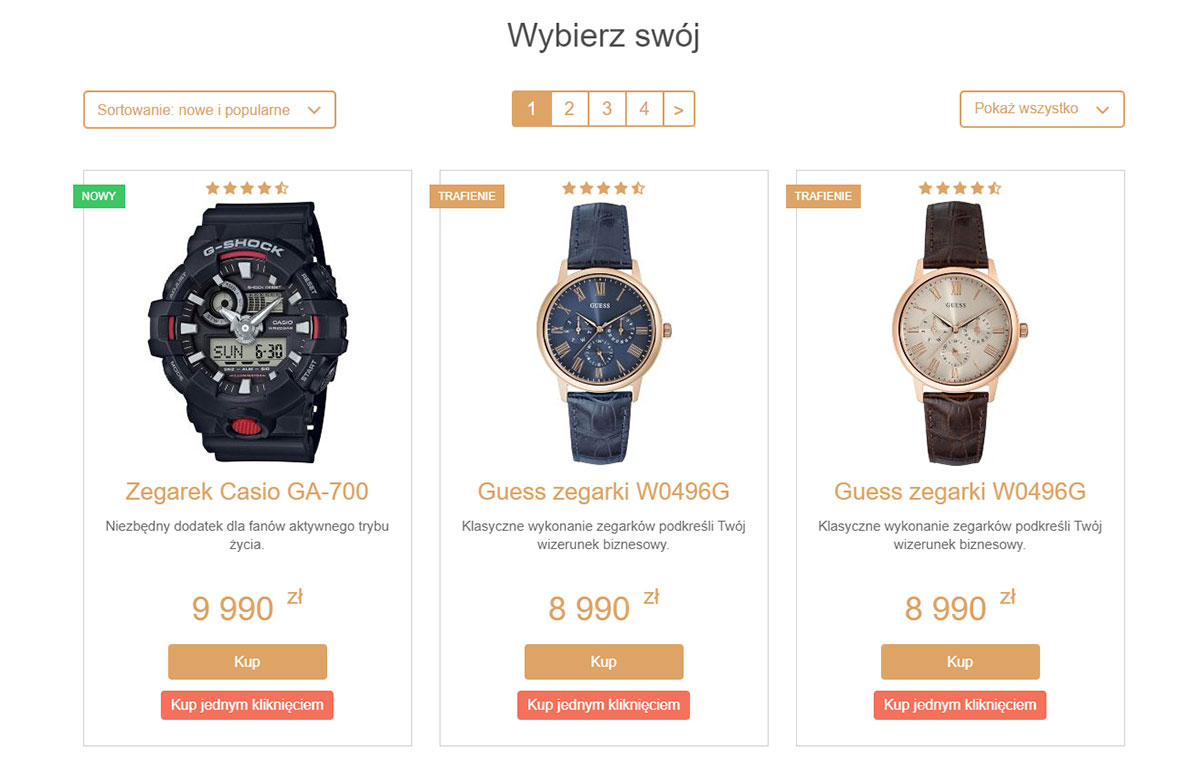
One of the main landing page blocks is the catalog block. It enables displaying a product list and offers multiple appearance settings (three catalog options) and product filtering.
The most functional product display options are based on categories, allowing sorting and displaying products from subcategories.
"Subscription" Block
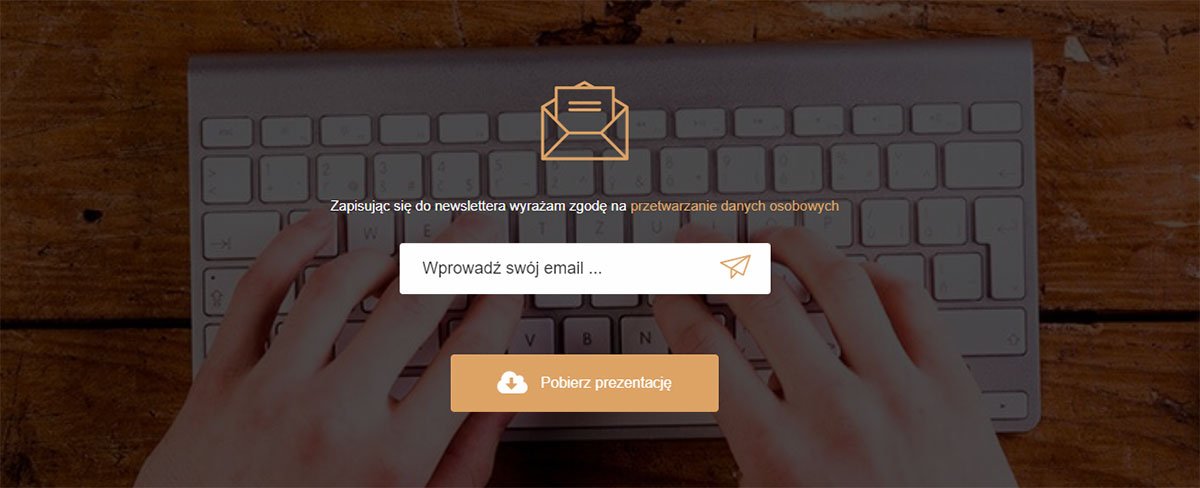
The subscription block is used for collecting customer e-mail addresses.
The block supports both a simple subscription form (the list is sent to the mail manager) and integration with the "Mailer" application and other external services.
In addition to its main functionality, the block has a secondary button that can be displayed only after subscription. This way, you can implement functionality such as: "Subscribe to the newsletter and get a price list / catalog / brochure".
"Product Description" Block
This block displays complete information about a specific single product and is used when your landing page is intended for:
- selling one single product;
- selling one product with accessories (in this case, the catalog block functions as an accessories catalog).

"Still have questions?" Block
This block encourages active engagement by allowing buyers to ask questions. By default, it redirects the landing page to a contact form, but it can also be used with plugin to collect feedback such as "Call me back" etc.

"Question-Answer" Block
This block addresses buyer objections. It's designed to publish frequently asked questions along with their answers.

"We are chosen" Block
This block displays customer or partner logos. Featuring well-known clients or partners positively impacts landing page conversion.

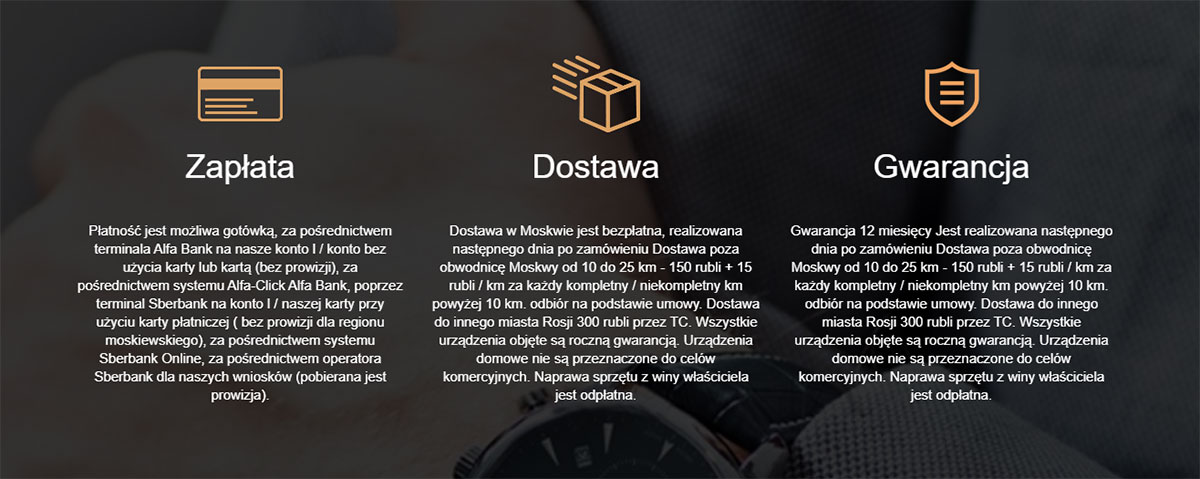
"Payment, Delivery, Guarantee" Block
This informational block enables displaying details about payment, shipping, guarantee, and more.
"Reviews" Block
This block is used to publish customer reviews and allows displaying up to six testimonials with buyer photos in a large slider format.
"Text" Block
The text block allows you to add any necessary textual information, such as warranty terms, etc.

"Footer" Block
Designed to display social media icons and include any legal information.

Image Block
The device is designed for visual display of images and works with the free "Photo" app. Two types of image display are available.

Gallery block
The device is designed for visual display of images and works with the free "Photo" app. Two types of image display are available.

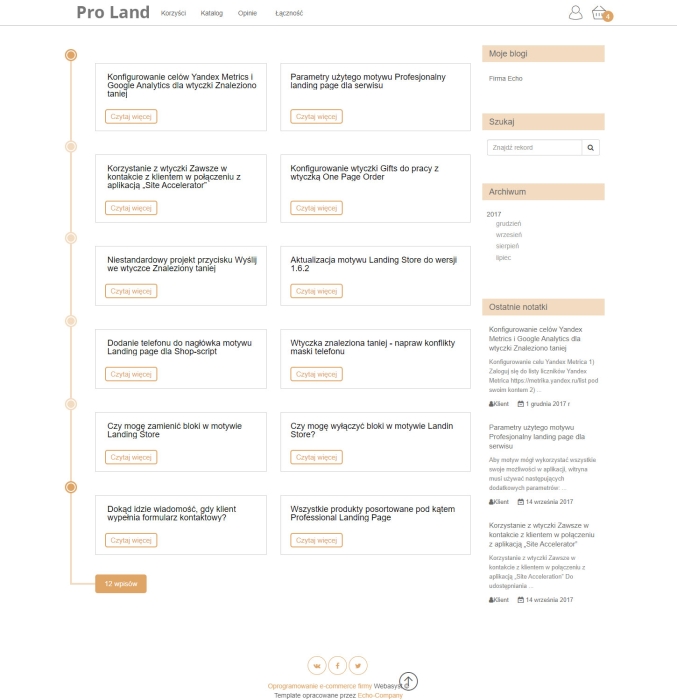
"Blog" block
This device is used to display a feed from the free "Blog" app.
Features block
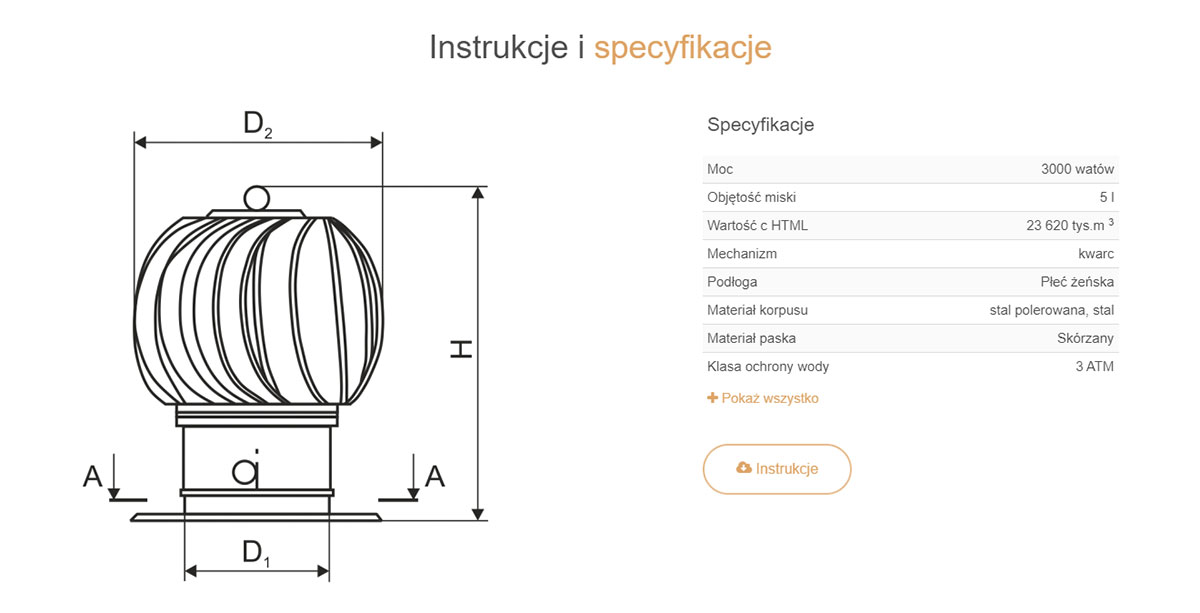
The features unit can be used on landing pages for selling one or a group of products, to display characteristics of the item being sold.
In addition to feature text, the block allows you to attach an instruction (or any document) for download.
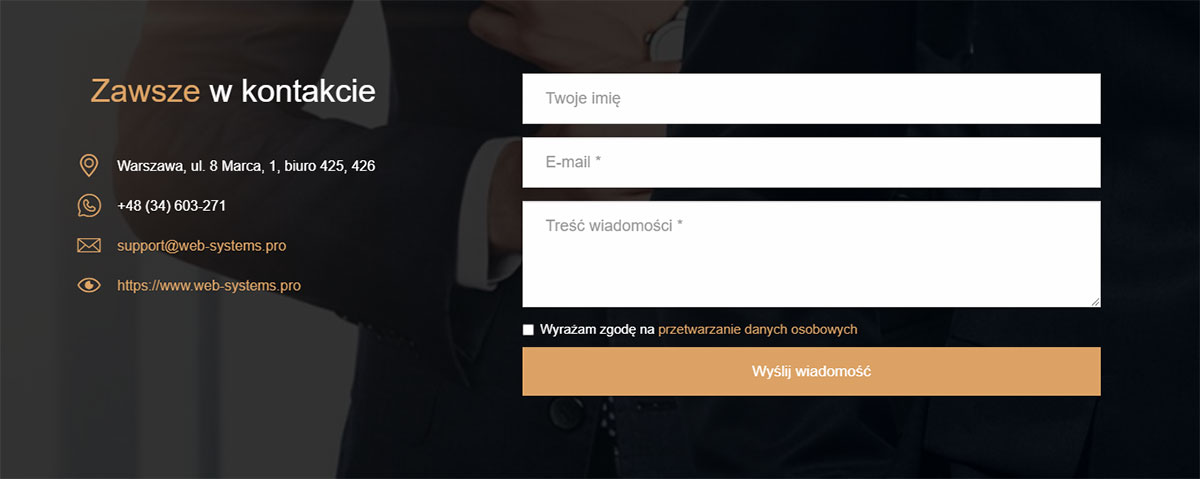
Block "Contacts"
A block enabling customers to contact the store. The block contains contact details and a contact form.
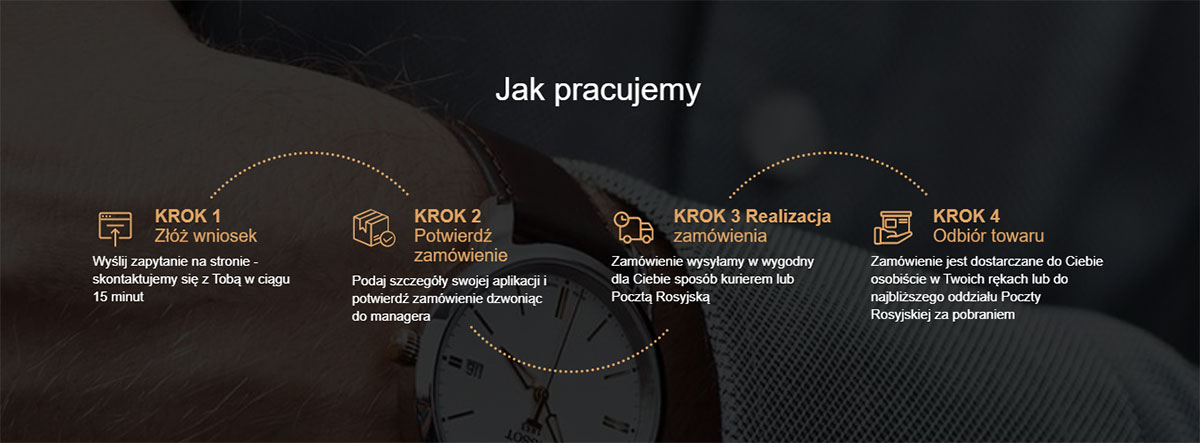
"How we work" block
The "How we work" block can be used to inform about the ease and transparency of working with your store. The block has two layouts and two color schemes (light and dark). Animated icons are implemented in the block.
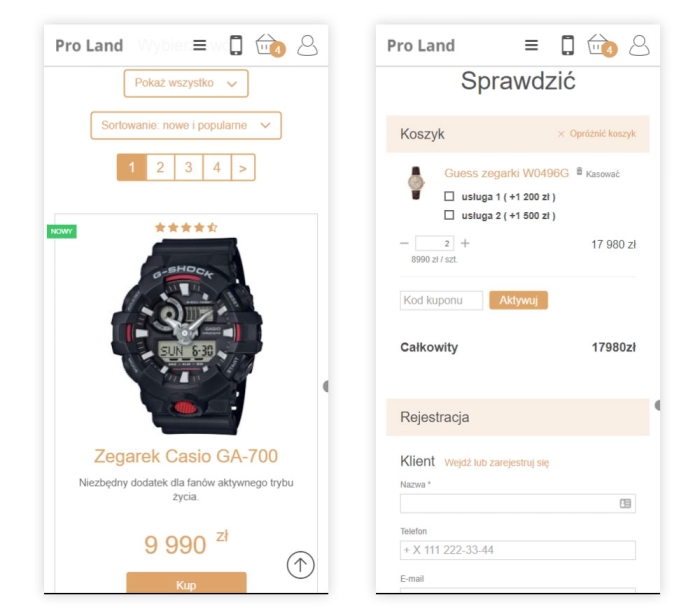
Product card
Settings of the product page or popup window with product information (depending on the setting to open catalog in popup window of the block).

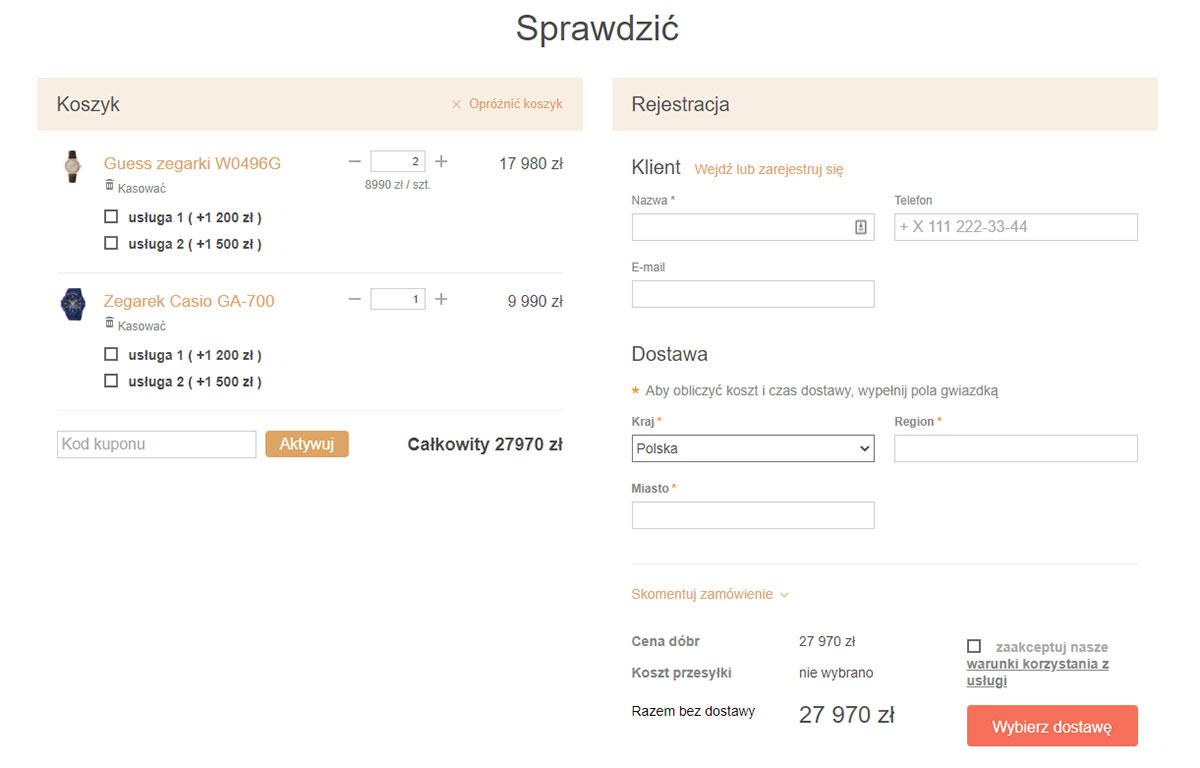
Cart
In this block you can configure cross-selling output in cart, as well as completely disable it.
| Technical specifications | |
Theme type | Online stores, Websites and landing pages |
Developed for | Blog, Shopy-Script, Site, Photos |
Localization settings | Russian |
Frontend localization | English |
Business category | Car, Business and services, Jewelry, Electronics and household appliances, Furniture and interiors, Clothing and footwear, Gifts and flowers, Sport and tourism |
Settings colors | turquoise |
Unit fractions | No |
Desktop theme | Yes |
Mobile theme | Yes |
Software type | Website theme |
Free | No |
| Developer and version theme | |
Designer (programmer) | Echo |
License | Web Systems Pro |
Version | 1.12.6 |
Update | 08/20/2020 |