Images of blog posts - plugin for the "Blog" application
Add and display images without limits.

Images of blog posts

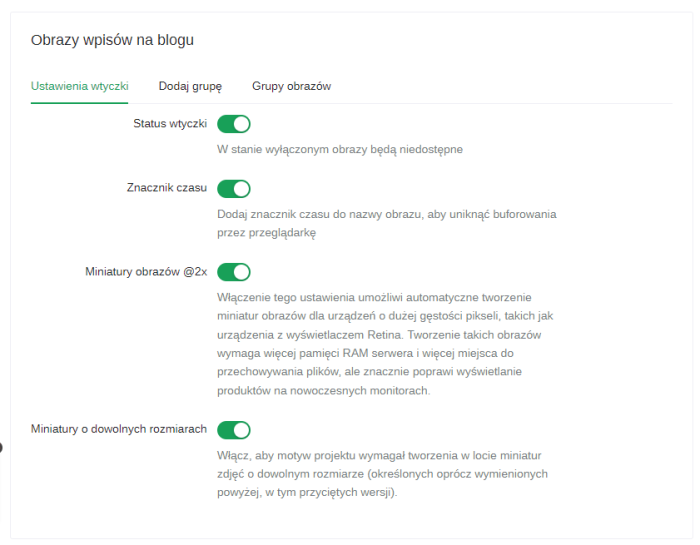
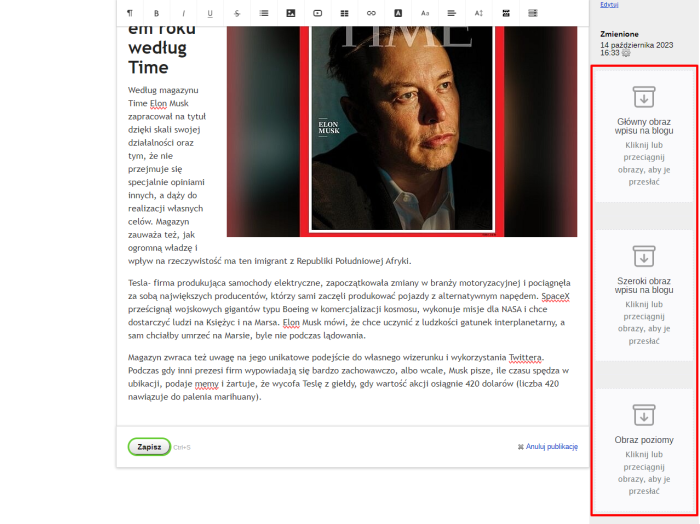
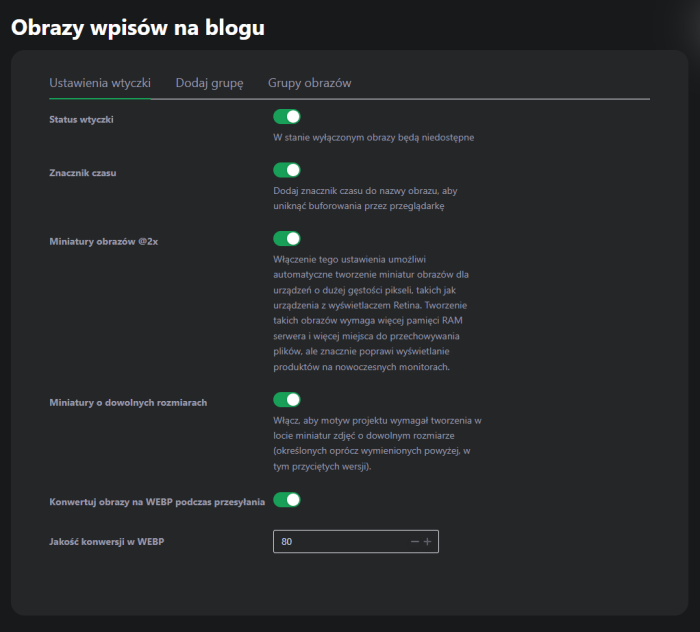
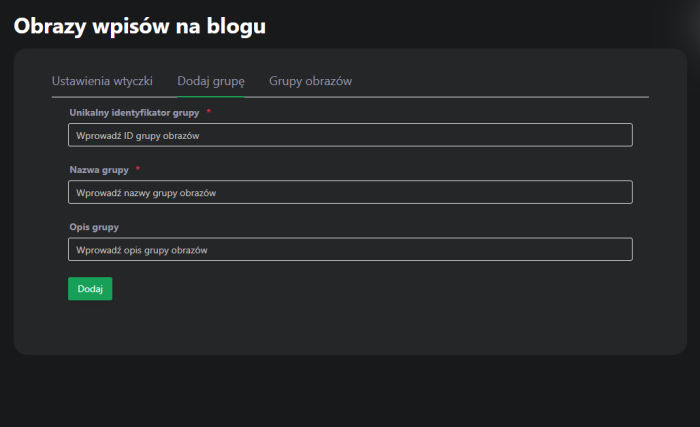
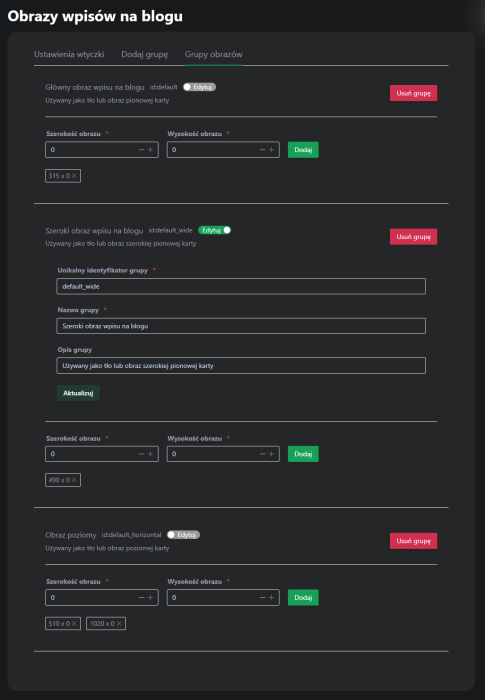
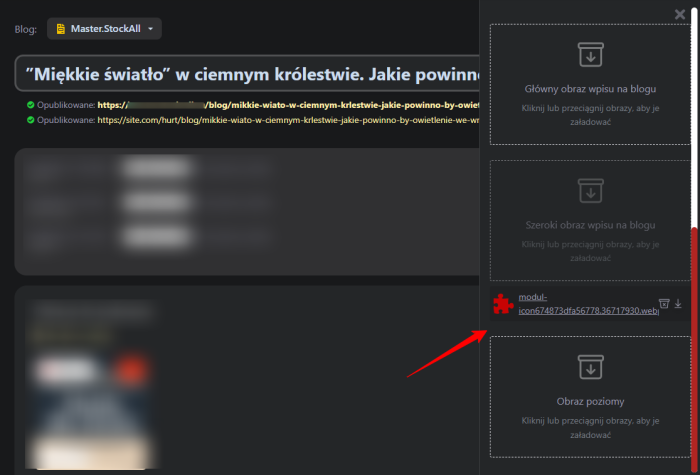


Add images to blog posts without limits
Plugin allows you to add images to blog posts and display them in a chosen location of the theme. Supports WEBP and SVG formats!
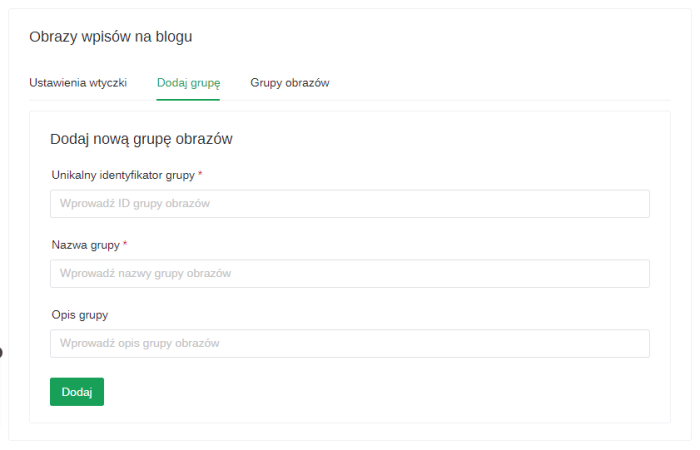
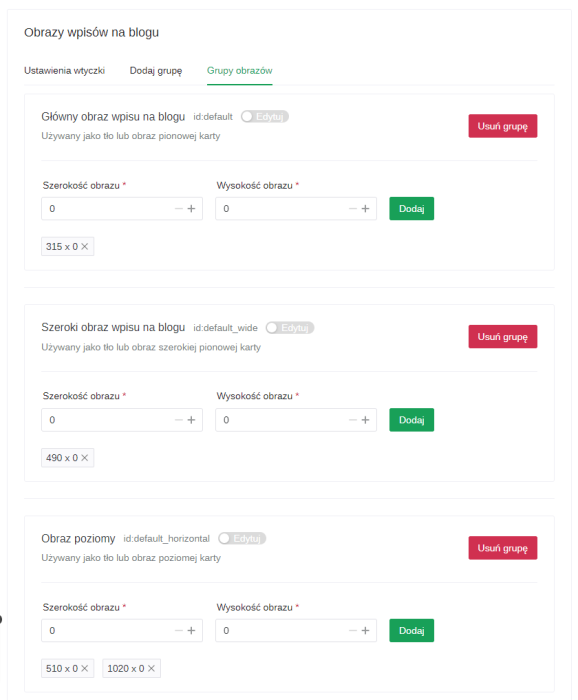
Image groups
You can create an unlimited number of image groups to add to blog posts.
Thumbnails
Add appropriate thumbnail sizes to groups, and when adding an image to a blog post, they will be automatically created.
On-demand thumbnail generation
In the image request, you can specify any size, and the thumbnail will be created automatically, even if it is not defined in the group.
2x images
They are automatically created for high pixel density screens.
Plugin supports drag and drop for adding images.
Displaying an image
To display a category image, add the helper in the appropriate place in the theme. The helper request passes a link to the image.
{blogEwblogpimgHelper::getImage($post_id = int, $group = string, $size = string, $retina = boolean)}
Examples:
  {$_image = blogEwblogpimgHelper::getImage($post.id, "default", "64x64")} - this way you can display an image in the loop of blog posts
  {$_image_2x = blogEwblogpimgHelper::getImage(3, "somegroup", "200x0", true)} - this way you can display an @2x image of a blog post with id = 3 from the image group "somegroup"
Integration with the project theme is not included in the price of plugins!
More o wtyczce "Images of blog posts": Updates
Categories:
| Technical specifications | |
Developed for | Blog |
Localization settings | English, Polish, Russian |
UI backend support | 1.3, 2.0 |
Software type | Plugin |
Free | No |
| Developer and version plugins | |
Designer (programmer) | Easyweb |
License | Web Systems Pro |
Version | 2024.1.1.1.wsp |
Update | 11/28/2024 |
Loading...
Loading...