Products priority - plugin for Shopy-Script applications
Sorting products by priority and more.

Products priority

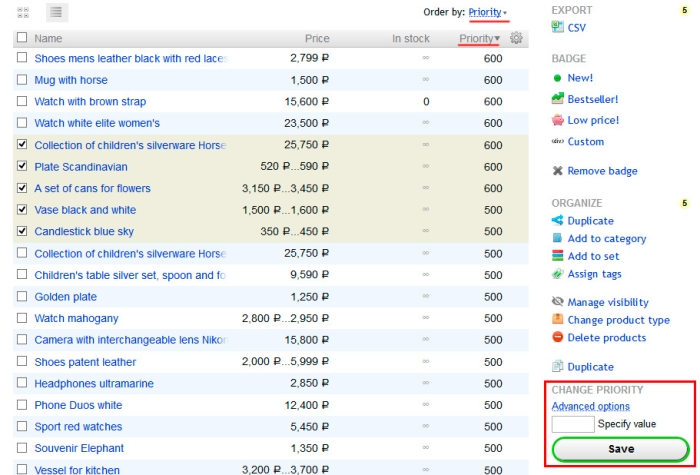
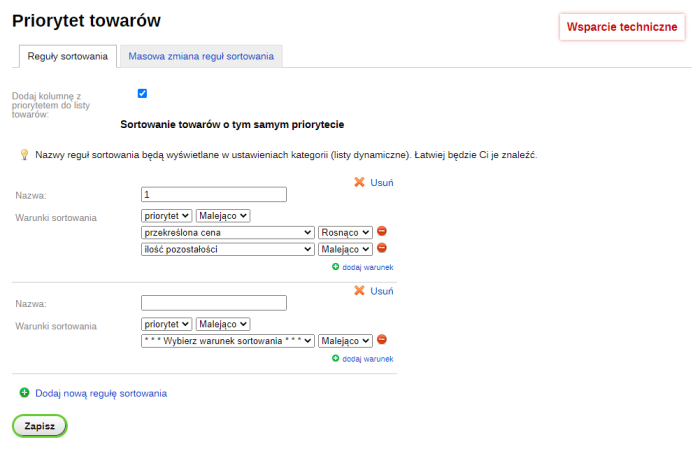
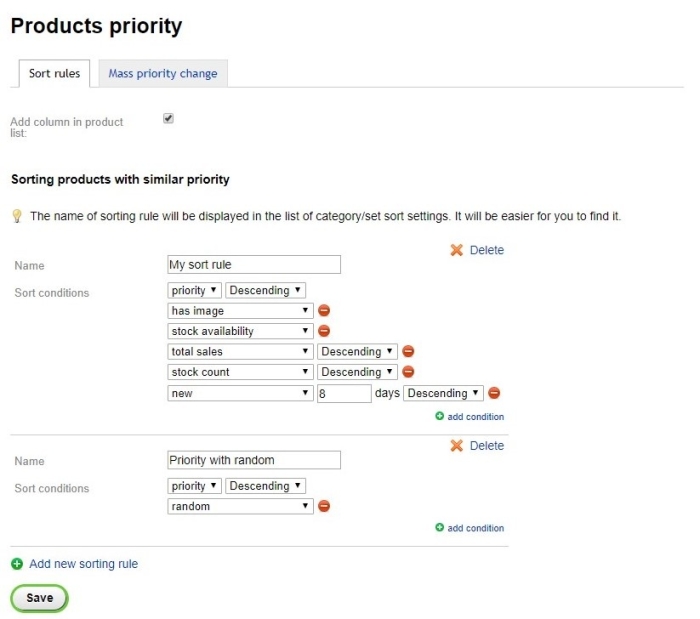
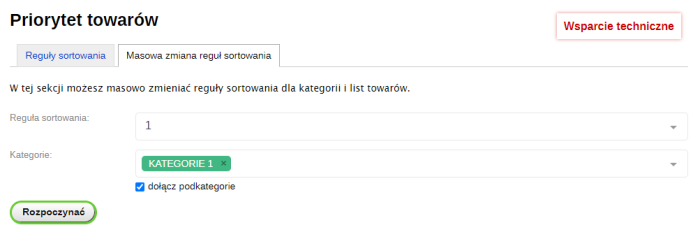
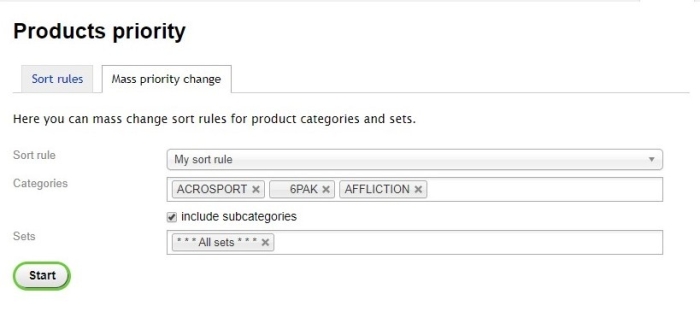
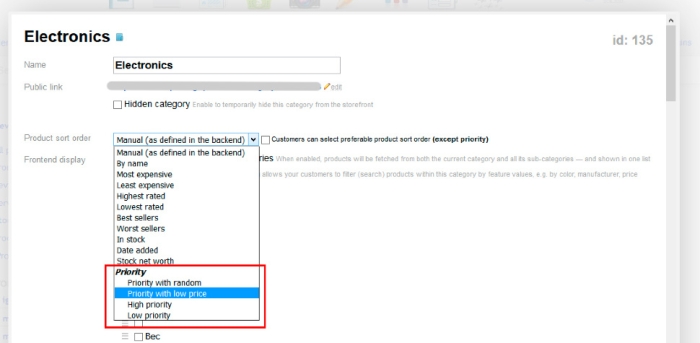
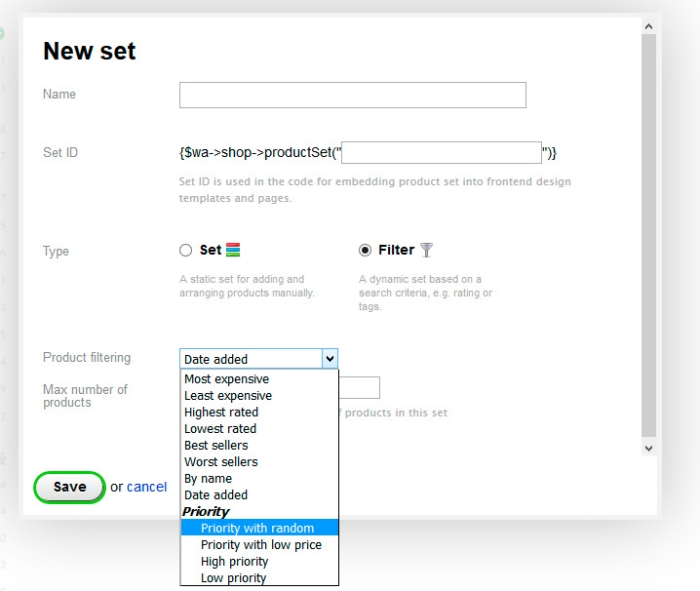


Set priorities and sort them according to your own judgment.
Plugin allows you to set priorities and sorting rules from the store backend. Customers will see the already sorted products, but they will not be able to choose the rules you have created.
What features does plugin offer?
- Place a group of products at the beginning of the list.
- Set product priority.
- Sort products with the same priority using one of 16 methods:
- priority;
- name;
- cost;
- crossed-out price;
- stock availability;
- remaining quantity;
- short description;
- has full description;
- creation date;
- modification date;
- product type;
- available image;
- rating;
- number of reviews;
- number of sales;
- random;
- newness n-days; - Bulk change of sorting rules for categories and product lists.
- Batch priority change for products: via import or in the product list.
- Create many different sorting rules taking into account priorities.
- Sort products in categories and dynamic lists.
- Display a priority column in the product list.
Usage examples
- Your store has many products that generate steady or higher income than the rest. You want buyers to pay attention to them first. With plugins, you can place these products at the very beginning of the category (or product list). And if you set random sorting for these products, then with each new page load, the products will mix among themselves while remaining at the top.
- Another situation: you want to postpone products. Everything is exactly the opposite!
- If you set the same priority for products, you can create your own sorting rule for them. By combining 15 sorting methods, you can manipulate products however you like.
- Change the sorting order of products in multiple categories at once.
| Technical specifications | |
Developed for | Shopy-Script |
Localization settings | English, Polish, Russian |
UI backend support | 1.3 |
Software type | Plugin |
Free | No |
| Developer and version plugins | |
Designer (programmer) | iGaponov |
License | Web Systems Pro |
Version | 1.6.4.2.wsp |
Update | 12/27/2022 |
Loading...
Loading...