Link to payment - plugin for Shopy-Script applications




Plugin "Link to payment" - what is it and what is it for?
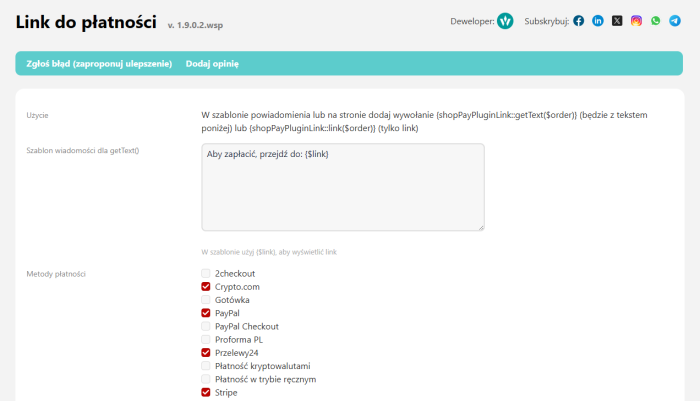
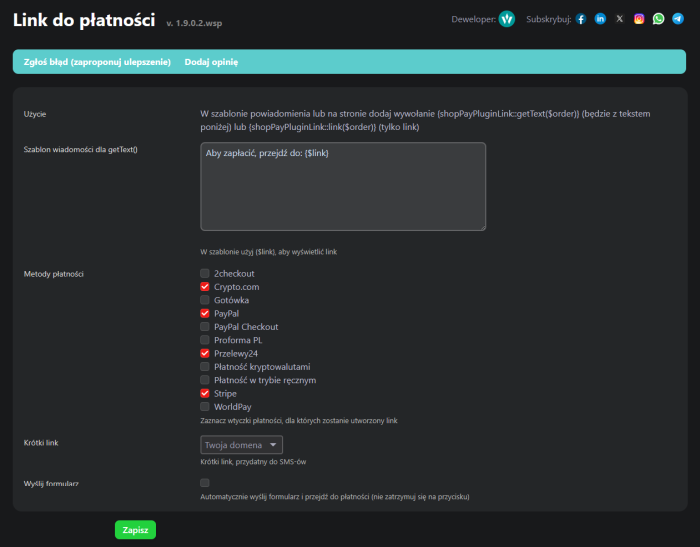
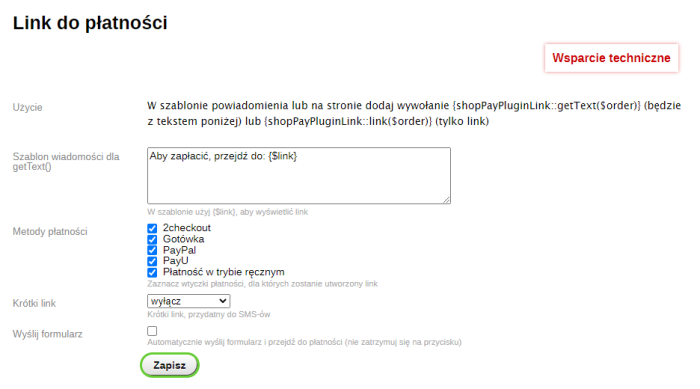
Plugin "Link to payment" creates a direct payment link for an order. It will work in every case, even from a different device, and will not require logging into the customer account or entering a PIN code.
How does the direct payment link work?
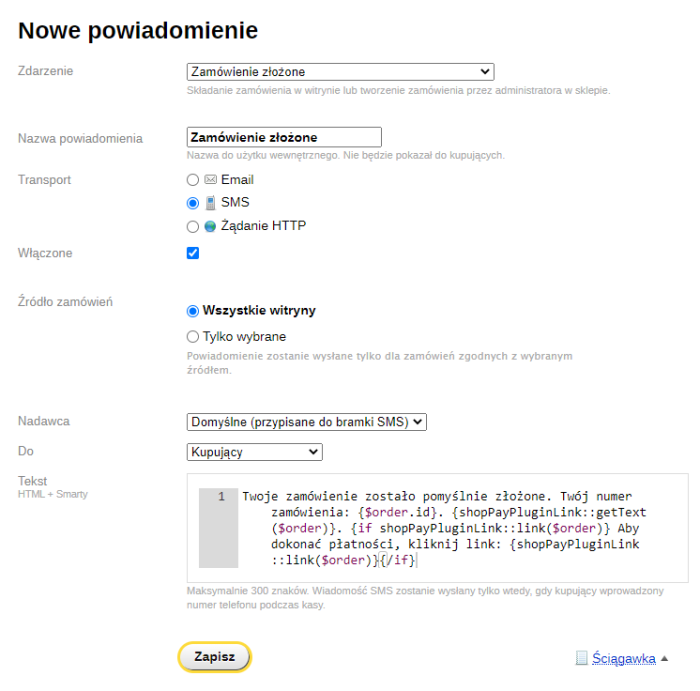
In the SMS template, use the following view construction:
<i>{if shopPayPluginLink::link($order)} To make a payment, click the link: {shopPayPluginLink::link($order)}{/if}</i>
Or simply without "if", the template from the settings will be used:
<i>Your order has been successfully processed. Your order number: {$order.id}. {shopPayPluginLink::getText($order)}</i>
In email templates it will look roughly like this:
<i>{if shopPayPluginLink::link($order)}<a href="{shopPayPluginLink::link($order)}" target="_blank">Pay for order;/a>{/if}</i>
Requirements and recommendations for proper operation.
Make sure that the payment method you are using actually requires redirecting to payment (it makes no sense to use it for cash), and that the payment is available for the current order status.
Operation has been tested on major plugin payment gateways, but if correct redirection does not work, send us the link, and we will integrate all options.
Fast and secure payments with the "Link to payment" plugin.
By using the plugins "Link to payment", you gain a convenient and secure tool for sending customers a direct link to pay for their order-without the need to log in or enter additional data. Module is compatible with the most popular payment gateways and allows you to automate the payment process in e-commerce, increasing order fulfillment efficiency.
| Technical specifications | |
Developed for | Shopy-Script |
Localization settings | English, Polish, Russian |
UI backend support | 1.3, 2.0 |
Software type | Plugin |
Free | No |
| Developer and version plugins | |
Designer (programmer) | Welldi |
License | Web Systems Pro |
Version | 1.9.0.2.wsp |
Update | 07/14/2025 |