PWA - automatic generation of a mobile application.


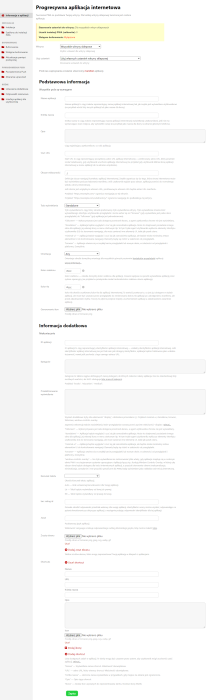






Application "PWA" automatically generates applications mobile and desktop applications based on your website using Progressive Web App technology (PWA — Progressive Web app).
Applications created using this technology are installed on users' devices and run on them, downloaded directly from the browser or from app stores, such as Google Play and the App Store.
Applications PWA can be both a supplement to native applications (APK) and a full-fledged alternative. It all depends on your goals and business assumptions.
PWAs are very similar to native applications (APK), but have both advantages and disadvantages over them.
3 ways to use the "PWA" application:
- Generating a mobile application for a website.
- Sending PUSH notifications. Through the application, you can send push notifications not only to mobile apps but also to the user's browser.
- Accelerating website performance. Application uses Service Worker technology, which enables caching of: pages, images, video, audio, fonts, JS, CSS. Creating a static-dynamic page architecture (part of the page loads instantly, another part loads from the server).
All methods can be used both together and separately.
Advantages of PWA compared to a native application (APK):
- Price. Developing an APK costs significantly more than a PWA.
- Helpdesk. PWA works on all platforms and is built based on an existing website, which means you only need to maintain the website. APKs are created separately for each platform (Android, iOS, Windows) and also require separate support.
- Management. PWA does not require a separate control panel. Application updates automatically.
- Installation flexibility. In addition to downloading from app stores, a PWA can be installed with one click directly from the browser. This allows you to avoid the restrictions and commissions of app stores.
- Promotion. PWAs do not require additional promotion; they are indexed just like regular websites.
- Space occupied on the device. A PWA takes up about 1 MB on average, an APK takes up 300 MB.
Disadvantages of PWA compared to APK:
- Limited access to the user's device. PWA does not have access to contacts, calendar, Bluetooth, NFC, Siri, Face ID, and Touch ID.
- Performance. The performance of native applications is better than that of PWAs.
Features and benefits of PWA:
- Installing an icon on the user's device. This is additional advertising for your brand, increasing its awareness and image.
- Communication with audiences. Through web push notifications, you can communicate with your customers, notify them about order status, news, promotions, etc.
- Higher loading speed. PWA caches HTML, CSS styles, JS files, images, fonts, video, and audio. This improves page loading time to about 1 second.
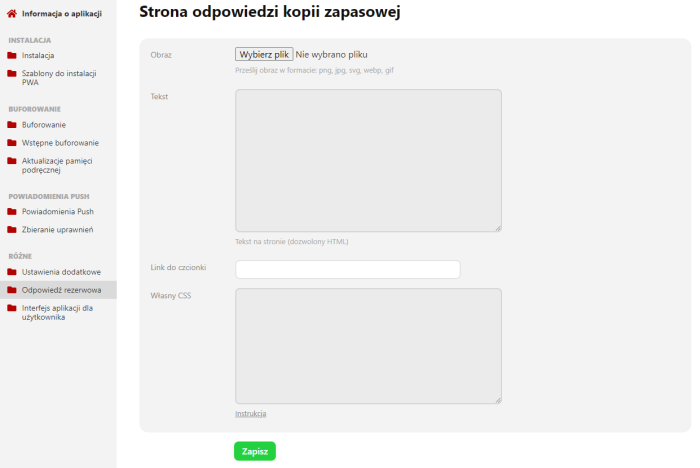
- Offline operation. PWA can work without a network. You can also configure a fallback response page where you can inform the user how to contact you when the site is unavailable.
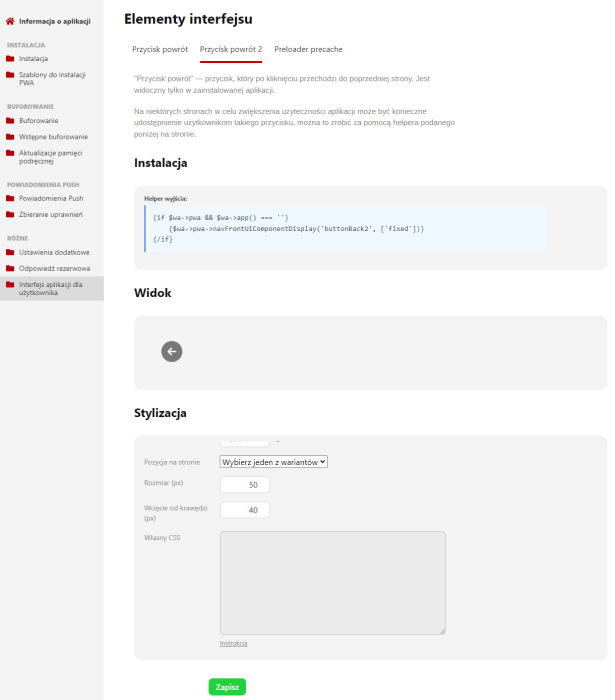
- UI/UX. In PWA, you can implement user interface elements just like in a native application. This increases usability compared to the mobile version of the site.
All of the above elements will have a positive impact on website conversion, usability, customer acquisition cost, customer retention, number of orders, and engagement.
Success stories in PWA implementation:
- Tinder reduced loading time from 11.91 seconds to 4.69 seconds thanks to PWA. Application is 90% smaller than the compiled app for Android. User engagement in PWA increased across all areas (source).
- Petlove implemented PWA, resulting in a 2.8-fold increase in conversions and a 2.8-fold increase in time spent on the site. (source).
- Trivago increased by 150% the number of people who added PWA to their home screen. The increase in engagement led to a 97% increase in hours of waiting for hotel offers (source).
- AliExpress increased conversion rates for new users by 104%, 2x more pages visited, and 74% more time spent per session (source).
- Alibaba increased mobile traffic conversions by 76% (source).
Features of the "PWA" app:
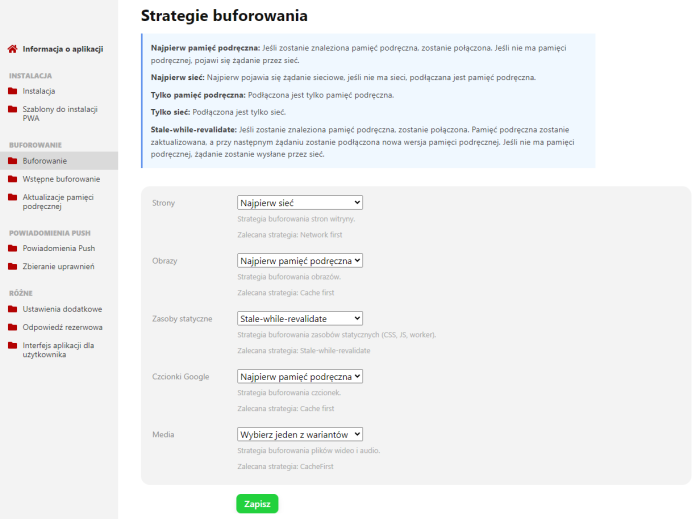
- 5 caching strategies that can be configured separately for each caching object.
- Having pre-caching, with which you can create a full offline application and create a static-dynamic (island) site architecture, can significantly speed up the operation of the site and application, including PageSpeed Insights metrics.
- Multi-site. Create a separate PWA application for each storefront site.
IOS does not currently support browser prompts to install the app; installation on iOS is possible via the button in the "Share" menu → "Add to Home Screen" or through the App Store:
Available PWA features and functions:
- PUSH notifications.
- Caching.
- Pre-caching.
- Offline mode.
- Publishing to app stores: Microsoft Store, Google Play, iOS and Meta. Read more...
- Installation from the browser.
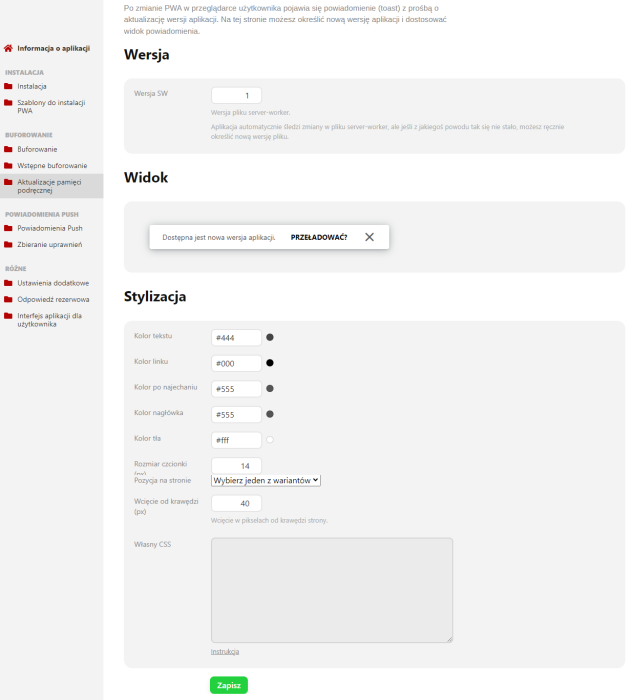
- Background app updates.
- Google Analytics in offline mode. (Under development).
PUSH notifications:
You can create any number of push notifications and customize their content to suit your needs.
Push notifications can be sent both to the app and to the user's browser, but only to users who have consented to receive push notifications on their device.
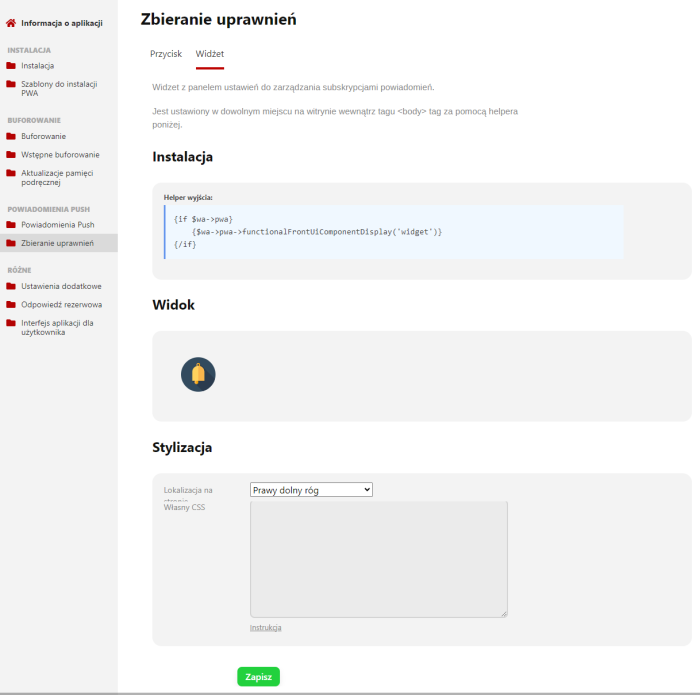
There are special tools for collecting permissions in the app that you can easily place on your website.
*To send push notifications, the GMP (GNU Multiple Precision) library is required, which is installed on most servers, but may be commented out in the php.ini file, so it may be necessary to access php.ini to uncomment the library. If it is not on the server, it needs to be installed.
Requirements for operation:
- Adaptive design.
- HTTPS protocol.
- PWA does not work in old browsers (IE) and browsers with Service Worker support disabled.
- Does not require Service Worker from other manufacturers. Service Worker must be disabled in the graphic theme or pluginch.
| Technical specifications | |
Localization settings | English, Polish, Russian |
Installed in the cloud | No |
UI backend support | 1.3, 2.0 |
Software type | Application |
Free | No |
| Developer and application version | |
Designer (programmer) | StartWebSite |
License | Web Systems Pro |
Version | 1.2.5.3.wsp |
Update | 07/29/2024 |