Callback (lite) - plugin for Shopy-Script applications


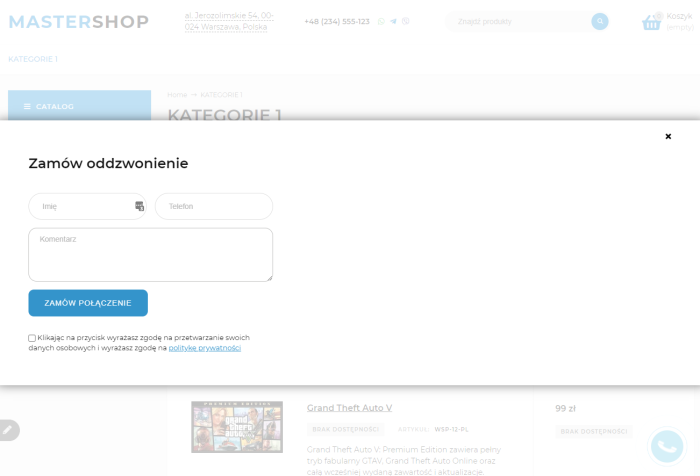
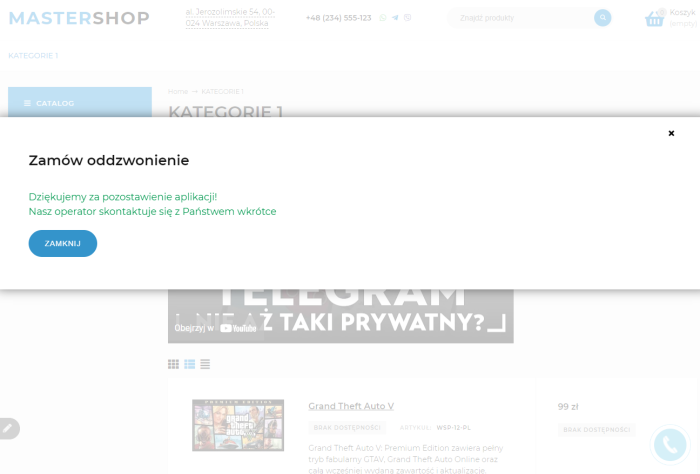




Callback (lite) - plugin for visitors to request a callback.
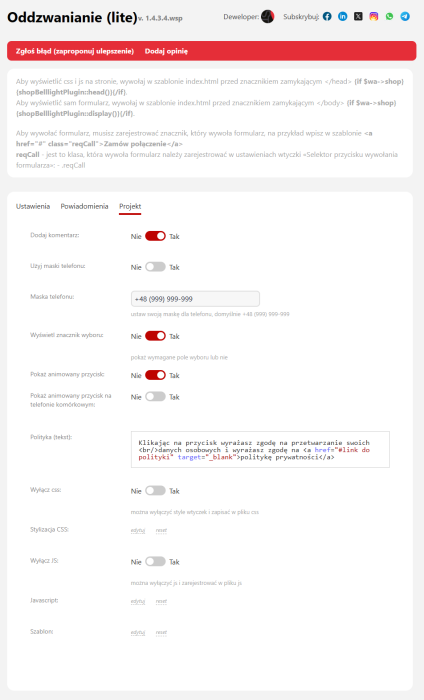
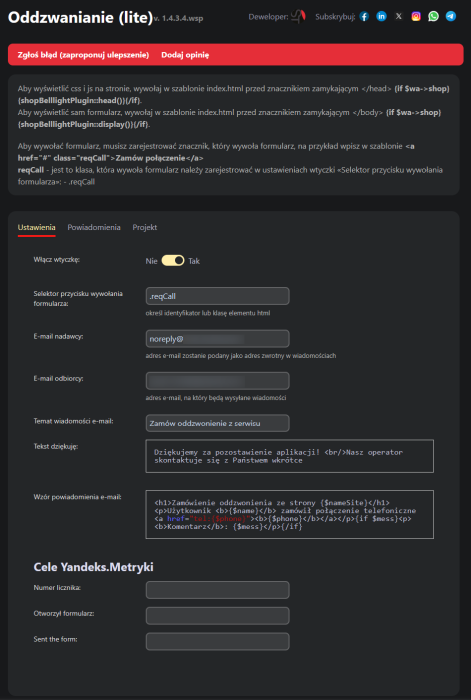
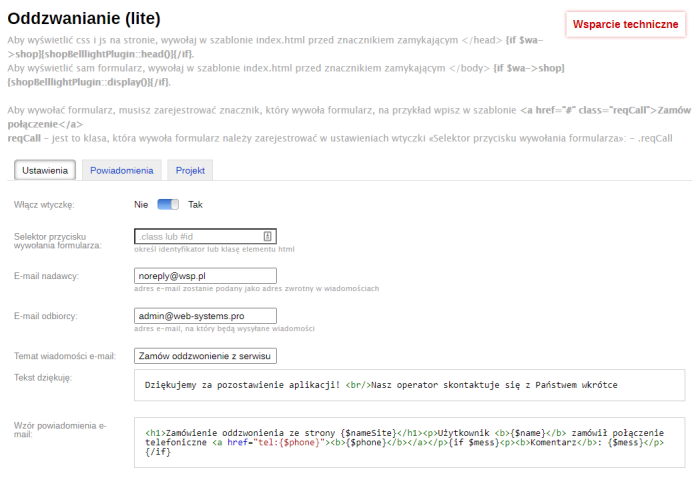
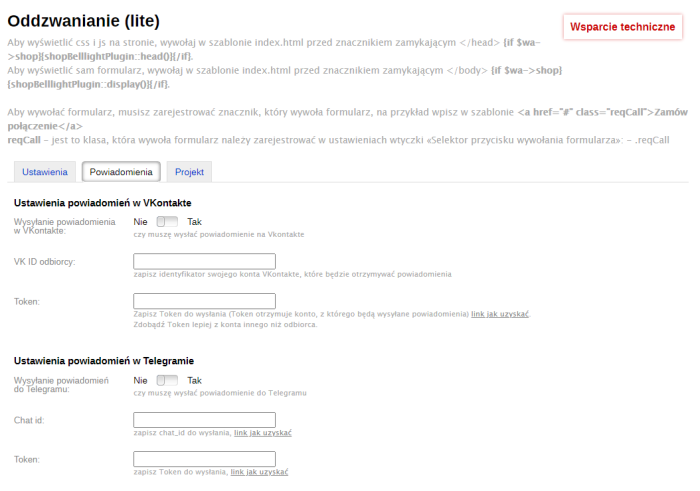
To display CSS and JS on your page, include index.html before closing the </head> tag in your theme {if $wa->shop}{shopBelllightPlugin::head()}{/if}, required for the plugin to work in other apps; if CSS and JS are disabled, it will not function.
To display the form itself, place the call in your theme before the closing </body> tag {if $wa->shop}{shopBelllightPlugin::display()}{/if}.
To trigger the form, you need to write a tag that will call the form, for example, write <a href="#" class="reqCall">Call</a> in the theme.
reqCall - the class that will trigger the form must be entered in the plugins settings as .reqCall
Features of the plugins "Callback (lite)".
- Responsive design out of the box.
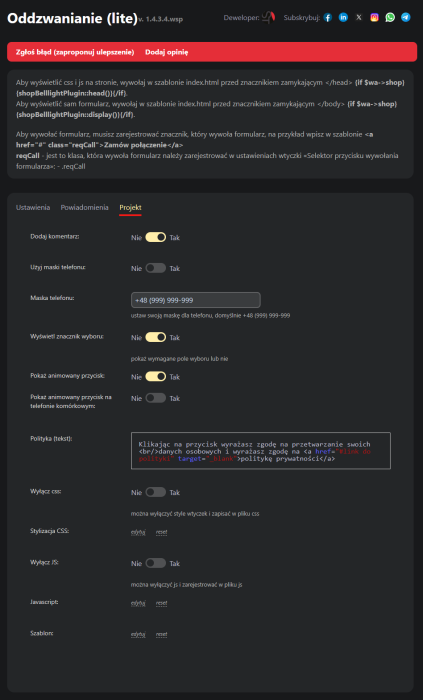
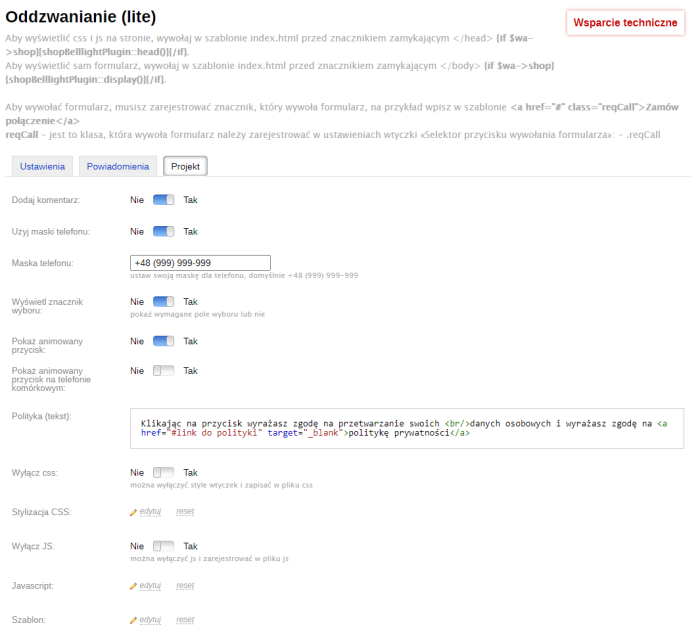
- Animated button.
- Ability to edit and disable JS and CSS.
- Ability to edit the theme.
- Set selector to trigger the form.
- Set sender and recipient email addresses.
- Phone number mask.
- Antispam enabled.
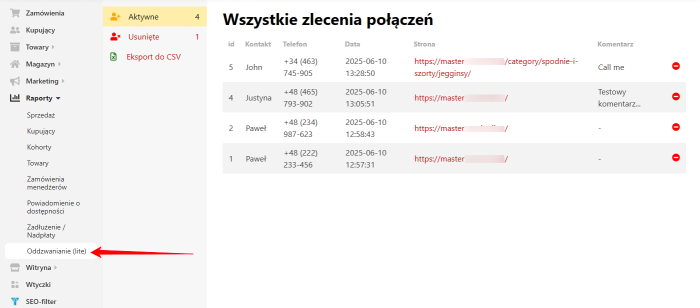
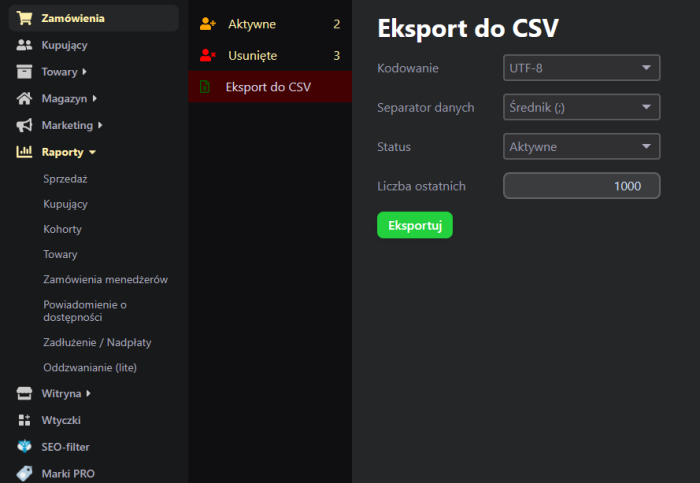
- Requests are displayed in the admin panel.
- Ability to add a comment.
- Export to CSV.
Important!
- Only two fields are used, name and phone number, as this is the lite version.
- For the plugin to work correctly, the sender's email address must be properly configured in the "Settings" app, and the correctly configured email address must be entered in the plugins settings "Callback (lite)" in the field "Sender email".
Warning! This plugin does not work correctly with all design themes - test thoroughly after installation!
| Technical specifications | |
Developed for | Shopy-Script |
Localization settings | English, Polish, Russian |
UI backend support | 1.3, 2.0 |
Software type | Plugin |
Free | Yes |
| Developer and version plugins | |
Designer (programmer) | Steemy |
License | LGPL |
Version | 1.4.3.4.wsp |
Update | 06/10/2025 |